
Product Overview
The CHWARES Digital Coffee Scale CH0028XS is a high-precision rechargeable scale designed for coffee enthusiasts. It features a 3kg capacity with 0.1g increments, multiple unit options, and integrated manual and automatic timing functions. Its compact design and easy-to-clean features make it suitable for various brewing methods, including pour-over and espresso.
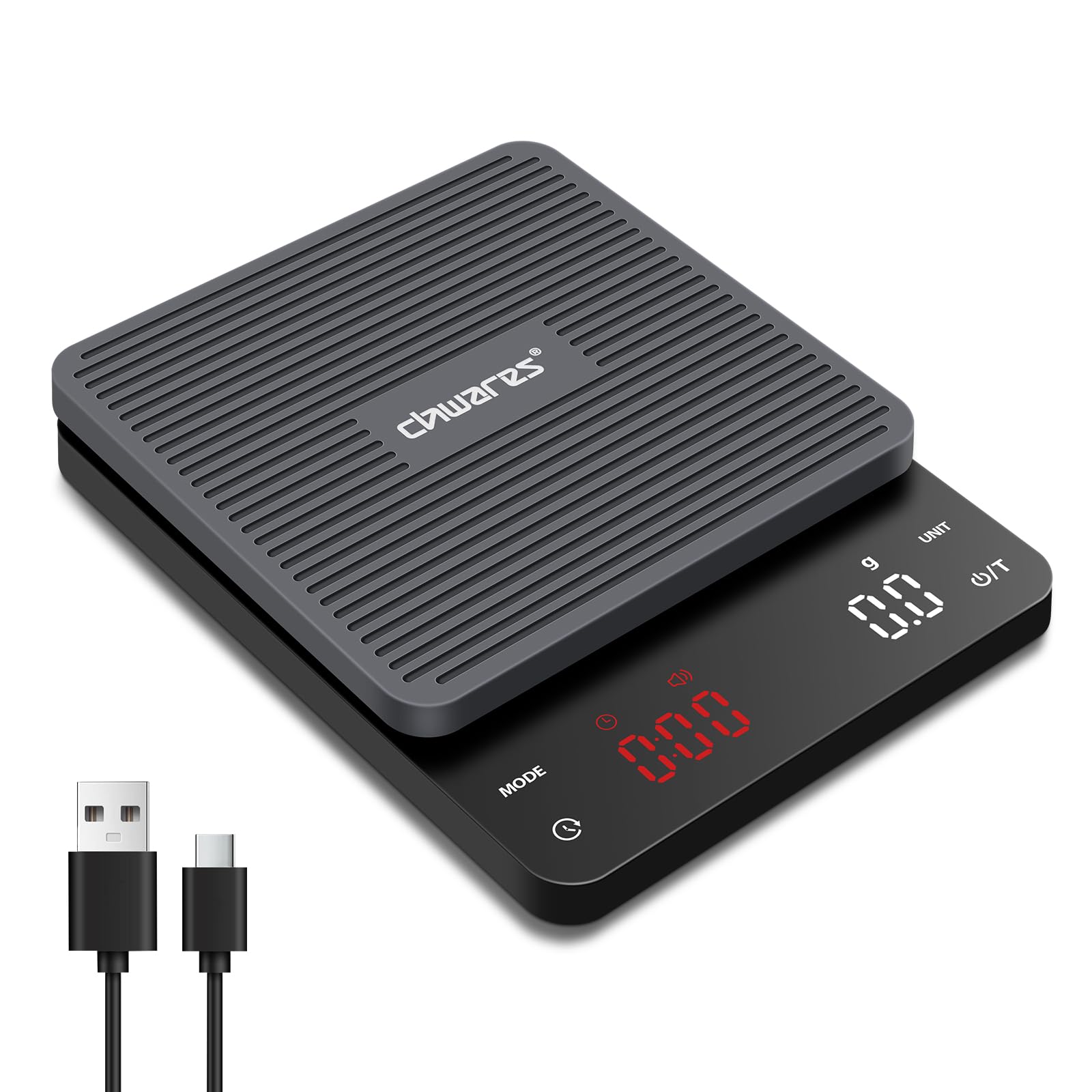
Image: The CHWARES Digital Coffee Scale, showcasing its sleek design and LED display.
Setup
Charging the Scale
Before first use, fully charge the scale using the provided Type-C charging cable. The charging indicator lights will illuminate during charging and turn off when fully charged. Ensure you use the original charging cable for optimal performance and battery longevity.

Image: The coffee scale connected to its Type-C charging cable, illustrating the charging process.
Initial Placement
Place the scale on a flat, stable surface to ensure accurate readings. Avoid placing it near strong electromagnetic fields or vibrating equipment.
Operating Instructions
Power On/Off
- To power on, press the Power/Tare (U/T) button briefly.
- To power off, press and hold the Power/Tare (U/T) button for a few seconds.
Unit Conversion
Press the UNIT button to cycle through the available measurement units: grams (g), milliliters (ml), ounces (oz), pounds (lb), pounds:ounces (lb:oz), and fluid ounces (fl'oz).

Image: The scale displaying weight in grams, highlighting its precise measurement and multi-unit capability.
Tare Function
The tare function allows you to subtract the weight of a container or previously added ingredients. Place the empty container on the scale, then briefly press the Power/Tare (U/T) button. The display will reset to zero, allowing you to measure ingredients accurately.

Image: A step-by-step illustration of using the tare function to zero out the weight of a container before adding coffee beans.
Timing Modes (Manual/Automatic)
The scale offers both manual and automatic timing modes for brewing.
- Manual Timing Mode: Press the MODE button to select manual timing. Press the Timer button (clock icon) to start or stop the timer.
- Automatic Timing Mode: Press the MODE button to select automatic timing. The timer will automatically start when water is poured onto the scale and stop when the brewing device is removed.

Image: The scale displaying both manual and automatic timing modes during espresso preparation and pour-over brewing.
Sound Switch (Mute Mode)
To toggle the sound (e.g., button presses, timer alerts) on or off, press and hold the MODE button for approximately 3 seconds.


