
Introduction
Thank you for choosing Grundig Wireless Bluetooth In-Ear Earbuds. This manual provides essential information for the safe and efficient use of your new earbuds. Please read it carefully before use and keep it for future reference.
Package Contents
- Grundig Wireless Bluetooth Earbuds (Left and Right)
- Charging Case (400mAh)
- USB-C Charging Cable
- User Manual (this document)
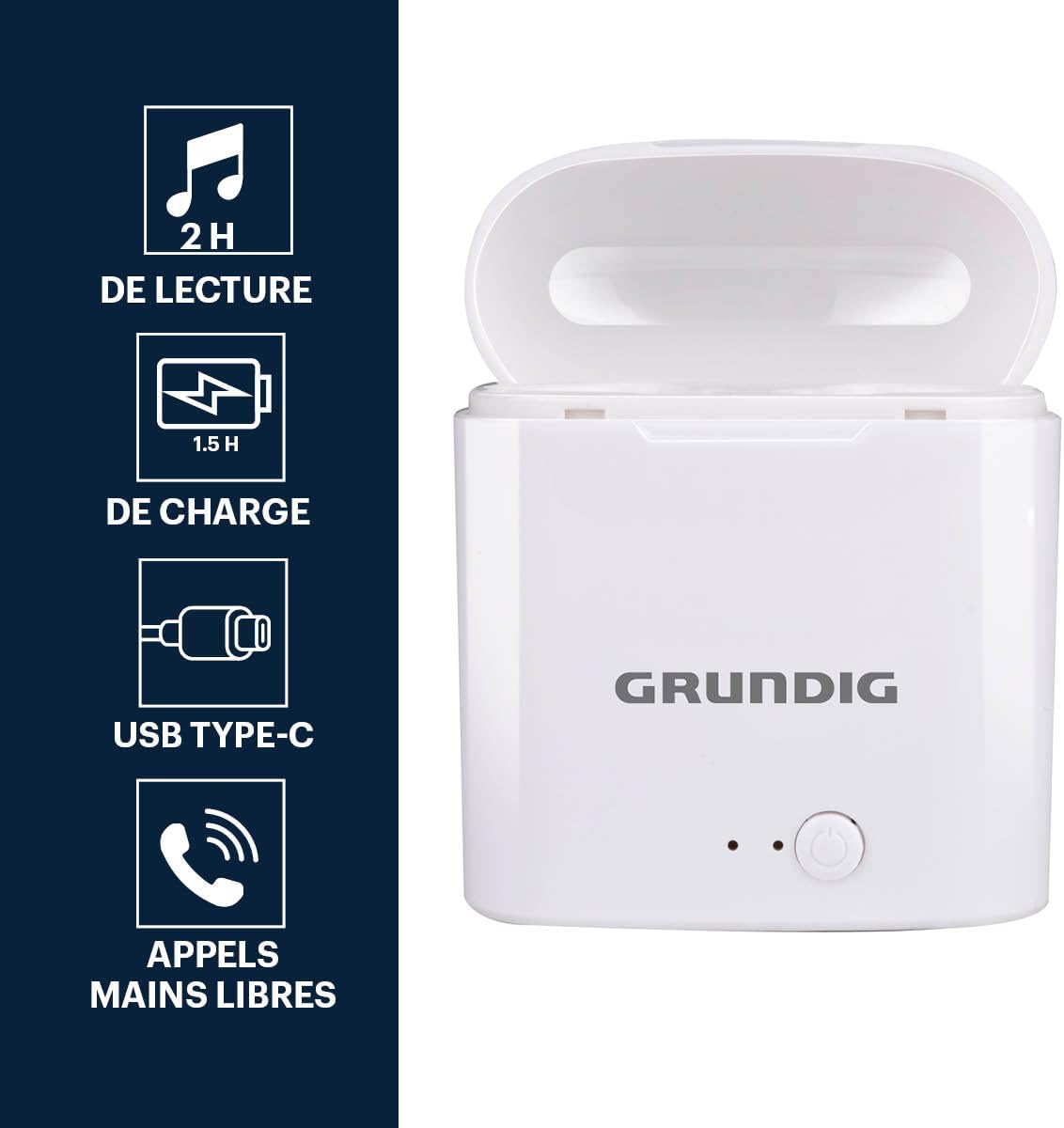
Image: The Grundig wireless earbuds inside their charging case, highlighting features like 2 hours playback, 1.5 hours charge time, USB Type-C charging, and hands-free calling capability.
Setup
1. Charging the Earbuds and Case
- Place the earbuds into the charging case. Ensure they are correctly seated.
- Connect the USB-C charging cable to the charging port on the case and the other end to a compatible USB power source (e.g., wall adapter, computer USB port).
- The indicator light on the charging case will illuminate to show charging status.
- A full charge for the earbuds takes approximately 1.5 hours within the case. The charging case itself also takes about 1.5 hours to fully charge.
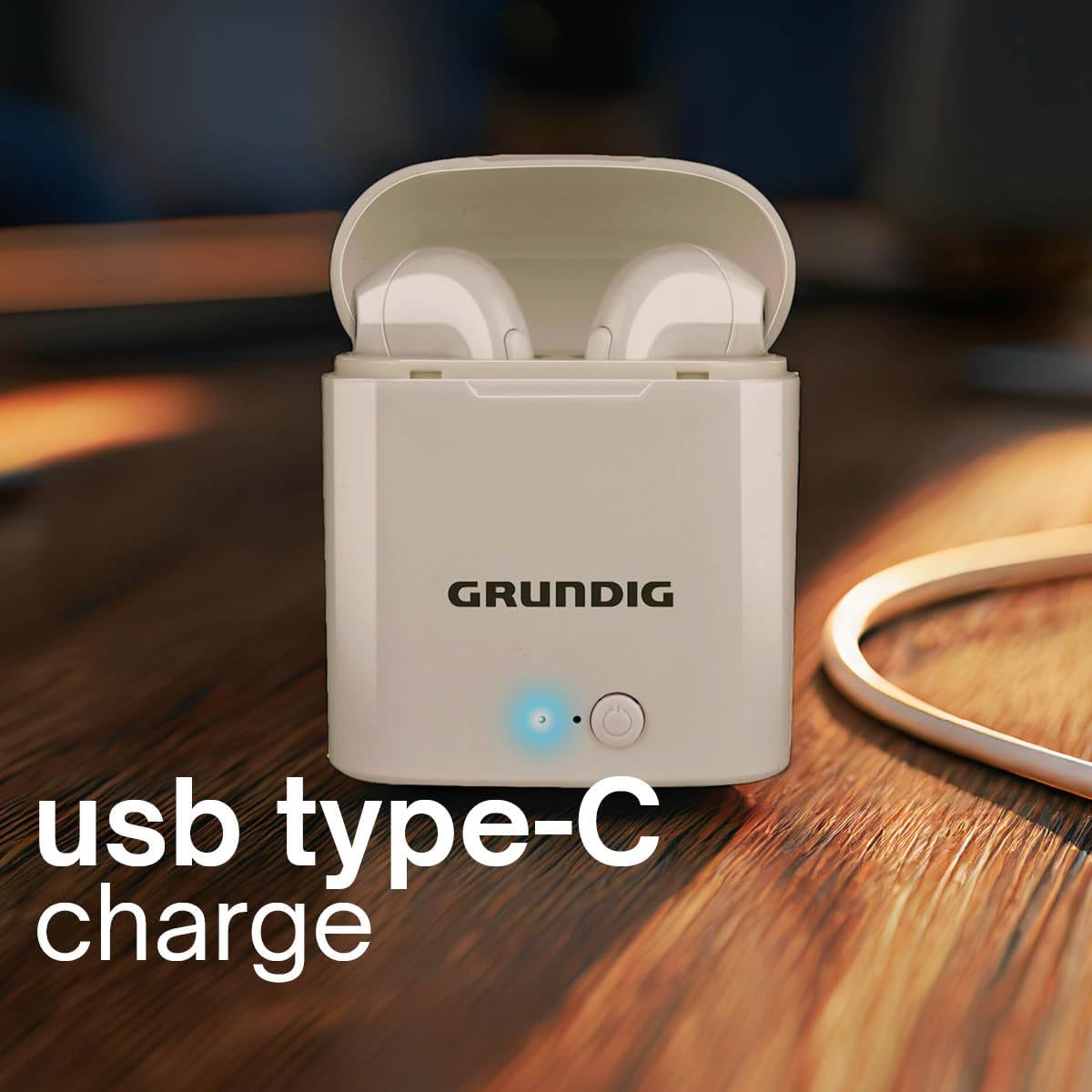
Image: The Grundig charging case connected to a USB Type-C cable, indicating the charging method.
2. Pairing with a Bluetooth Device
- Ensure the earbuds are charged.
- Open the charging case. The earbuds will automatically enter pairing mode, indicated by a flashing light (specific color/pattern not provided, assume standard).
- On your device (smartphone, tablet, laptop), enable Bluetooth.
- Search for available Bluetooth devices.
- Select "Grundig Earbuds" (or similar name) from the list.
- Once connected, the earbuds will indicate successful pairing (e.g., a steady light or audio prompt).
- The earbuds will automatically reconnect to the last paired device when taken out of the case, if Bluetooth is enabled on the device.

Image: The Grundig earbuds in their open charging case, with text indicating "Wireless Connection".
Operating Instructions
Power On/Off
- Power On: Open the charging case, and the earbuds will power on automatically.
- Power Off: Place the earbuds back into the charging case and close the lid. They will power off and begin charging.
Music Playback
The earbuds feature intuitive touch controls for music playback:
- Play/Pause: Tap either earbud once.
- Next Track: Double-tap the right earbud.
- Previous Track: Double-tap the left earbud.
Call Management

Image: A woman wearing the Grundig earbuds, demonstrating their use for hands-free calls.
- Answer/End Call: Tap either earbud once during an incoming call or to end an active call.
- Reject Call: Press and hold either earbud for 2 seconds during an incoming call.
- Hands-Free Calling: The built-in microphone allows for clear hands-free communication.
Wearing the Earbuds
- Gently insert the earbuds into your ear canal.
- Adjust them for a comfortable and secure fit. The in-ear design helps with sound isolation.

Image: A woman engaged in outdoor activity, wearing the Grundig earbuds, illustrating their secure fit during movement and 2 hours of autonomy.
Maintenance
- Cleaning: Regularly clean the earbuds and charging case with a soft, dry cloth. Do not use abrasive cleaners or immerse in water.
- Storage: When not in use, store the earbuds in their charging case to protect them and keep them charged. Store in a cool, dry place away from direct sunlight and extreme temperatures.
- Water Resistance: The earbuds are water-resistant, but not fully waterproof. Avoid prolonged exposure to water or submersion.
Troubleshooting
| Problem | Solution |
|---|---|
| Earbuds not pairing |
|
| No sound from one earbud |
|
| Charging case not charging |
|
| Poor sound quality |
|
Specifications
| Feature | Detail |
|---|---|
| Brand | GRUNDIG |
| Model Name | Earbuds TWS 400mAh BT charg PL |
| Model Number | 8711252291413 |
| Color | White |
| Ear Placement | In-ear |
| Form Factor | In-Ear |
| Noise Control | Sound Isolation |
| Connectivity Technology | Wireless |
| Wireless Communication Technology | Bluetooth |
| Bluetooth Version | 5.3 |
| Bluetooth Frequency Range | 2402-2480 MHz |
| Max. RF Output Power | -6.8 dBm |
| Bluetooth Range | 10 meters (without obstacles) |
| Earbud Battery Capacity | 40 mAh |
| Charging Case Battery Capacity | 400 mAh |
| Usage Time | Approx. 120 minutes (2 hours, depending on volume) |
| Standby Time | 70 hours |
| Charge Time | 1.5 hours (earbuds in case) |
| Compatible Devices | Laptop, Tablet, Phone |
| Water Resistance Level | Water-resistant |
| Case Material | Rigid Plastic |
| Country of Origin | China |
Warranty and Support
Warranty: This Grundig product comes with a 2-year warranty from the date of purchase. Please retain your proof of purchase for warranty claims. The warranty covers manufacturing defects but does not cover damage caused by misuse, accidents, or unauthorized modifications.
Support: For technical assistance, troubleshooting, or warranty inquiries, please contact Grundig customer support through their official website or the retailer where the product was purchased.
You can visit the official Grundig store for more information: Grundig Store on Amazon.