
Introduction
Thank you for choosing the Nakamichi TW2XS Wireless TWS Earbuds. This manual provides essential information for setting up, operating, and maintaining your earbuds to ensure optimal performance and longevity. Please read this manual thoroughly before use.
Package Contents
- Nakamichi TW2XS Earbuds
- Wireless Charging Case
- USB Charging Cable
- Ear Tips (various sizes)
- User Manual
Product Overview
The Nakamichi TW2XS earbuds feature 13mm drivers for clear audio, Bluetooth 5.3 for stable connectivity, and CVC/DSP technology for clear calls. They are designed for comfort and ease of use with precision touch controls.
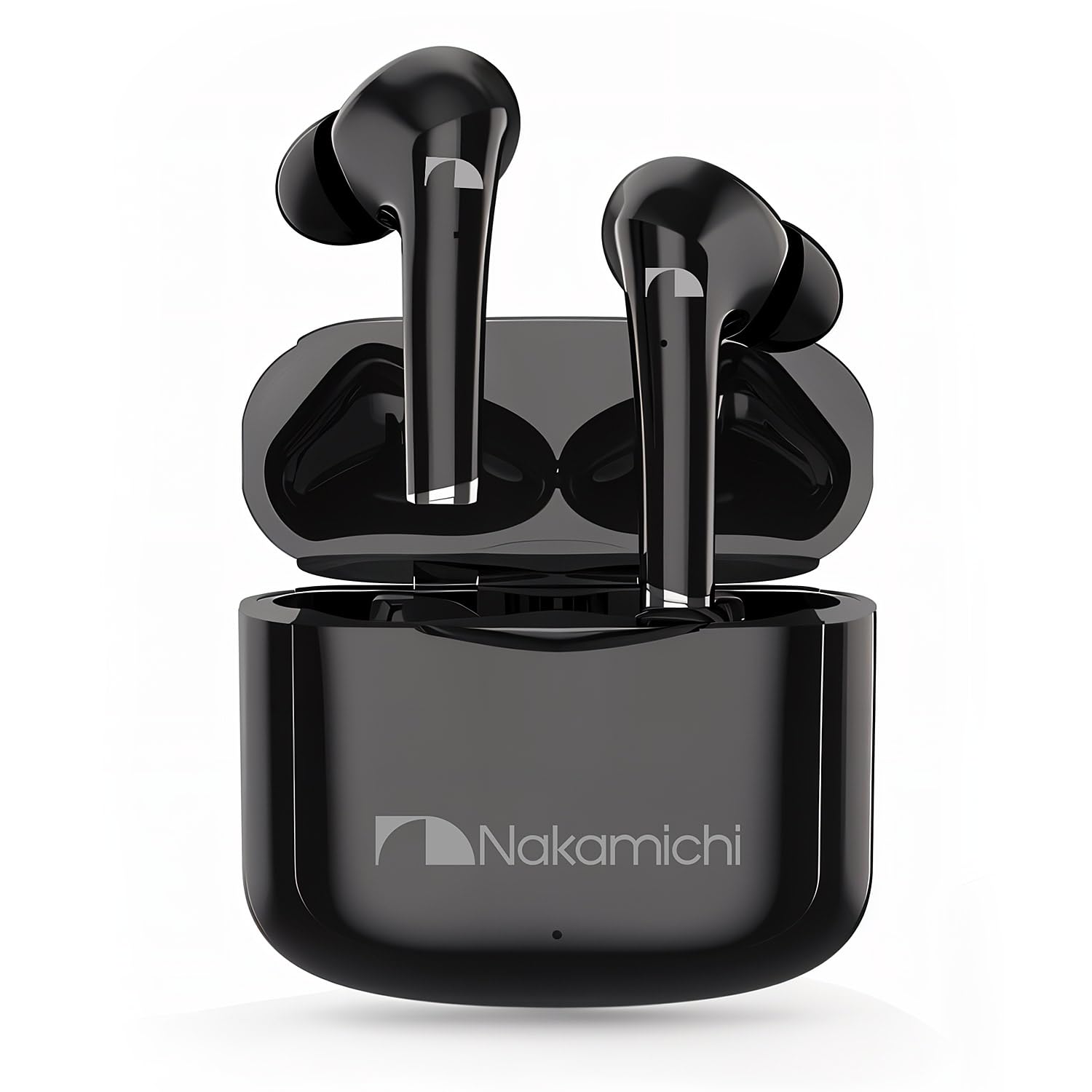
Image: Nakamichi TW2XS Earbuds and their charging case. The earbuds are shown in their sleek black design, ready for use.
Setup
1. Initial Charging
Before first use, fully charge the earbuds and the charging case. Place the earbuds into the charging case. Connect the USB charging cable to the case and a power source. The charging indicator on the case will show the charging status.

Image: Nakamichi TW2XS charging case connected to a power source via USB-C cable, with earbuds inside. This illustrates the charging process.
- Approximately 1 hour for a full charge using the charging case.
- The charging case provides up to 15 hours of additional battery life.
2. Pairing with a Device
- Ensure the earbuds are charged and placed in the charging case.
- Open the charging case. The earbuds will automatically enter pairing mode.
- On your device (smartphone, tablet, etc.), enable Bluetooth.
- Search for "Nakamichi TW2XS" in the list of available Bluetooth devices.
- Select "Nakamichi TW2XS" to connect. Once connected, a voice prompt will confirm successful pairing.
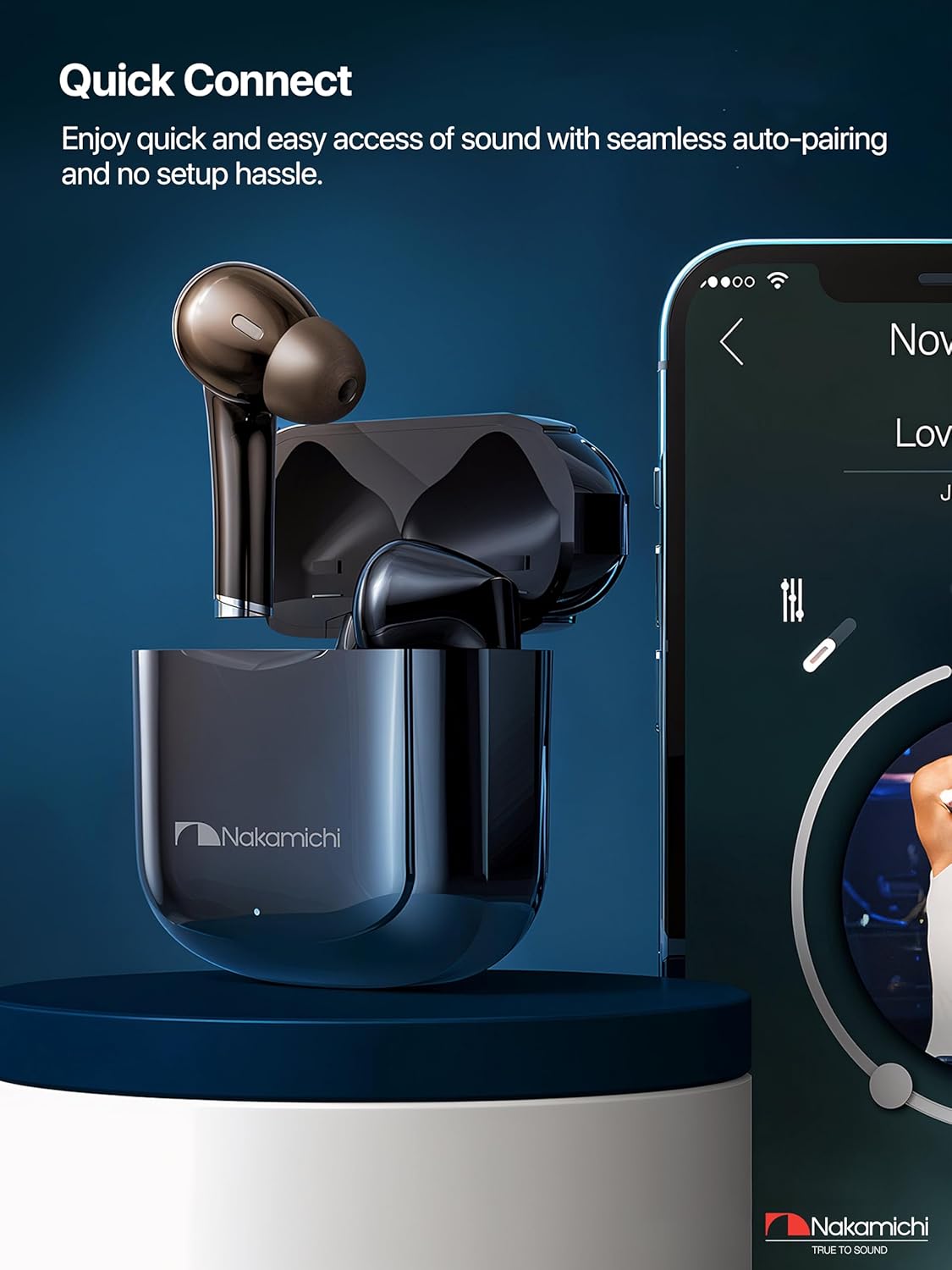
Image: A smartphone screen displaying Bluetooth settings, with the Nakamichi TW2XS earbuds and their open charging case nearby, illustrating the quick connect pairing process.
The earbuds support dynamic master-slave switching, allowing either earbud to function independently after initial pairing.
3. Wearing the Earbuds
Select the ear tips that provide the best fit and seal for optimal sound quality and comfort. Gently insert the earbuds into your ears and rotate them slightly to secure them in place.

Image: A person wearing a Nakamichi TW2XS earbud, demonstrating the ergonomic in-ear design for a comfortable and secure fit.
Operating Instructions
Touch Controls
The Nakamichi TW2XS earbuds feature precision touch controls on each earbud. The innovative technology minimizes false touches by 95%.
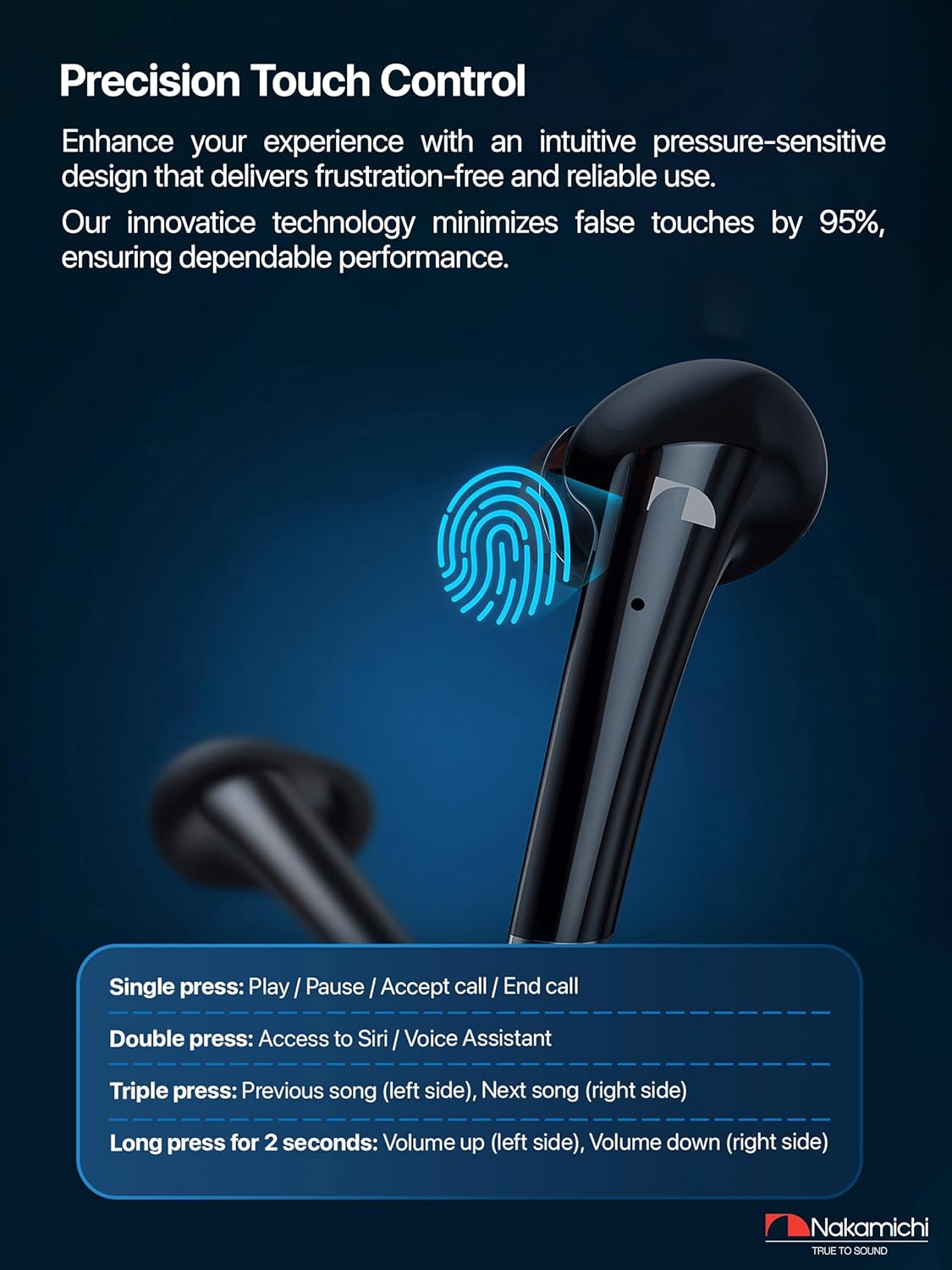
Image: Diagram illustrating the touch control functions on the Nakamichi TW2XS earbuds, showing single, double, triple, and long press actions.
- Single press: Play / Pause music, Accept call / End call.
- Double press: Access Siri / Voice Assistant.
- Triple press: Previous song (left earbud), Next song (right earbud).
- Long press for 2 seconds: Volume up (left earbud), Volume down (right earbud).
Audio Quality and Noise Reduction
Experience crystal clear sound with 13mm drivers and enhanced audio clarity through Clear Voice Capture (CVC) and Digital Signal Processing (DSP) technology. This dual noise reduction ensures high-quality audio and interference-free communication, even in noisy environments.

Image: Two individuals, one in a city environment and one in a car, using Nakamichi TW2XS earbuds for clear audio calls, highlighting the CVC and DSP noise reduction features.
Gaming Audio
The earbuds provide ultimate low-latency gaming audio, ensuring minimal signal delay for a smooth and uninterrupted audiovisual experience. They offer wide compatibility with both Android and Apple devices.

Image: Nakamichi TW2XS earbuds positioned next to a smartphone displaying a game, emphasizing their low-latency audio for an enhanced gaming experience.
Maintenance
- Cleaning: Regularly clean the earbuds and charging case with a soft, dry, lint-free cloth. Do not use harsh chemicals or abrasive materials.
- Ear Tips: Remove ear tips and clean them with water if necessary. Ensure they are completely dry before reattaching.
- Water Resistance: The Nakamichi TW2XS earbuds are not waterproof. Avoid exposure to water, sweat, and moisture to prevent damage.
- Storage: When not in use, store the earbuds in their charging case to protect them and keep them charged. Store in a cool, dry place.
- Battery Care: To prolong battery life, avoid fully discharging the earbuds and charging case frequently. Charge them regularly, even if not in constant use.
Troubleshooting
| Problem | Possible Cause | Solution |
|---|---|---|
| Earbuds not pairing | Earbuds not in pairing mode; Bluetooth off on device; previously paired with another device. |
|
| No sound from earbuds | Low battery; volume too low; not connected. |
|
| Charging case not charging | Faulty cable; power source issue. |
|
| Touch controls unresponsive | Earbuds need a reset; dirty sensor. |
|
Specifications
| Feature | Detail |
|---|---|
| Model Number | TW2XSN |
| Connectivity Technology | Wireless (Bluetooth) |
| Bluetooth Version | 5.3 |
| Bluetooth Range | 10 Meters |
| Audio Driver Size | 13 Millimeters |
| Impedance | 32 Ohms |
| Frequency Response | 20 KHz (Upper limit, typical for 20Hz-20kHz range) |
| Sensitivity | 103 dB |
| Noise Control | Active Noise Cancellation (CVC, DSP) |
| Control Type | Touch Control |
| Earbud Form Factor | In-Ear |
| Charging Case Battery Capacity | 200 mAh |
| Charging Case Average Battery Life | 15 Hours (additional playtime) |
| Earbud Playtime (single charge) | Approx. 4 hours |
| Total Playtime (with charging case) | Approx. 16 hours |
| Standby Time | 240 hours |
| Water Resistance Level | Not Water Resistant |
| Compatible Devices | Cellular Phone (Android, Apple) |
Warranty Information
The Nakamichi TW2XS Wireless TWS Earbuds come with a 1-year limited warranty from the date of purchase. This warranty covers manufacturing defects and workmanship under normal use. It does not cover damage caused by misuse, accidents, unauthorized modifications, or exposure to liquids.
Please retain your proof of purchase for warranty claims.
Support
For further assistance, technical support, or warranty inquiries, please visit the official Nakamichi website or contact their customer service department. Contact information can typically be found on the product packaging or the brand's official website.
You can also visit the Nakamichi Store on Amazon for more product information.