
Introduction
This manual provides detailed instructions for the Nakamichi Clover True Wireless Earbuds, Model NCLVR. It covers product setup, operation, maintenance, and troubleshooting to ensure an optimal user experience. Please read this manual thoroughly before using the product.
What's in the Box
- Nakamichi Clover True Wireless Earbuds
- Charging Case
- USB Type-C Charging Cable
- User Manual
Setup
1. Charging the Earbuds and Case
Before first use, fully charge the earbuds and the charging case. Connect the provided USB Type-C cable to the charging port on the case and to a power source. The indicator lights on the case will show the charging status. A full charge provides over 24 hours of battery life. A 10-minute charge can provide 1 hour of playback.
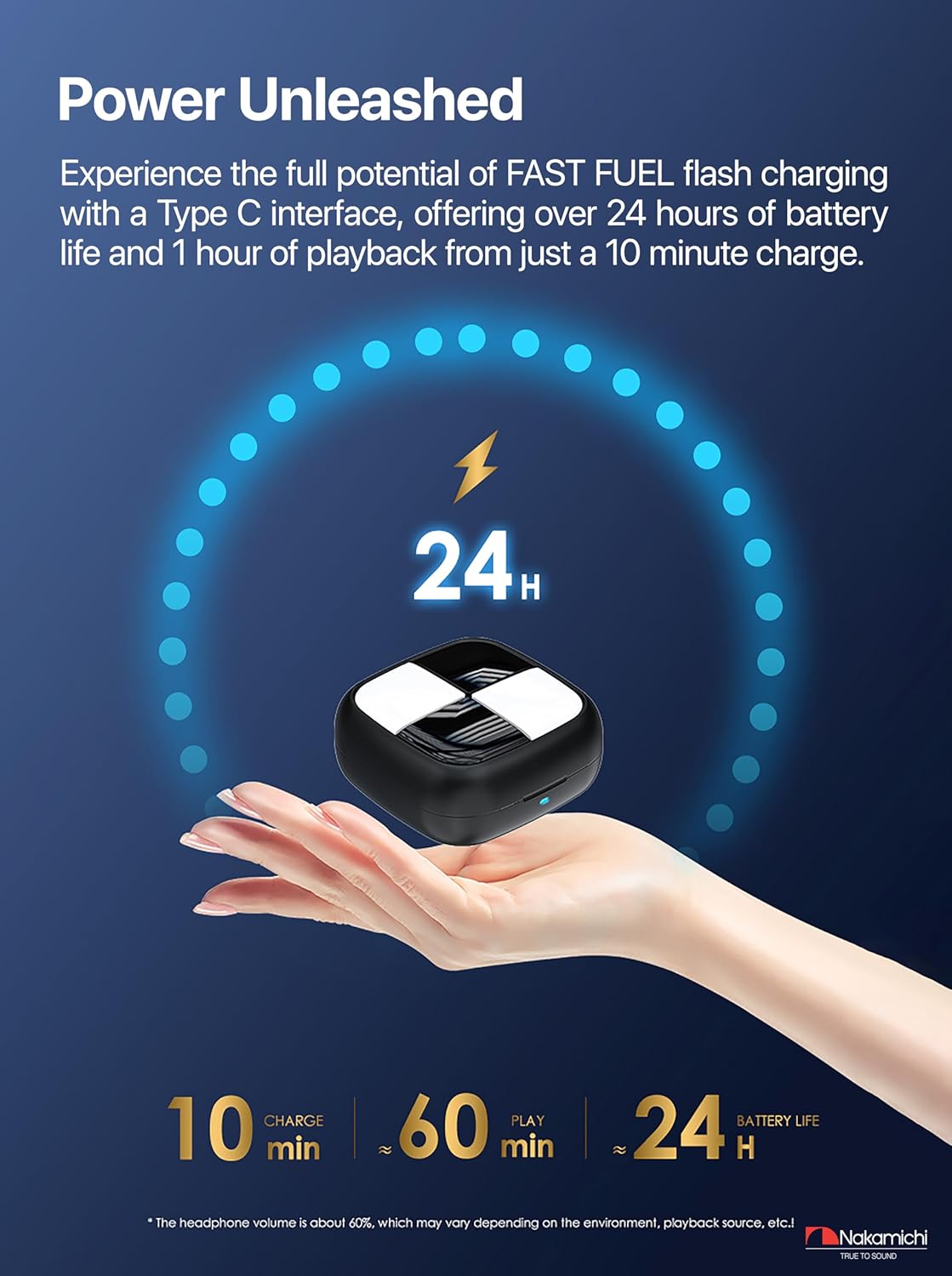
Image: The Nakamichi Clover charging case being charged via a USB-C cable, illustrating the fast charging feature and extended battery life.
2. Bluetooth Pairing
- Open the charging case. The earbuds will automatically enter pairing mode.
- On your device (smartphone, tablet, etc.), enable Bluetooth and search for available devices.
- Select "Nakamichi Clover" from the list of devices.
- Once connected, a confirmation sound will play, and the earbuds will be ready for use.
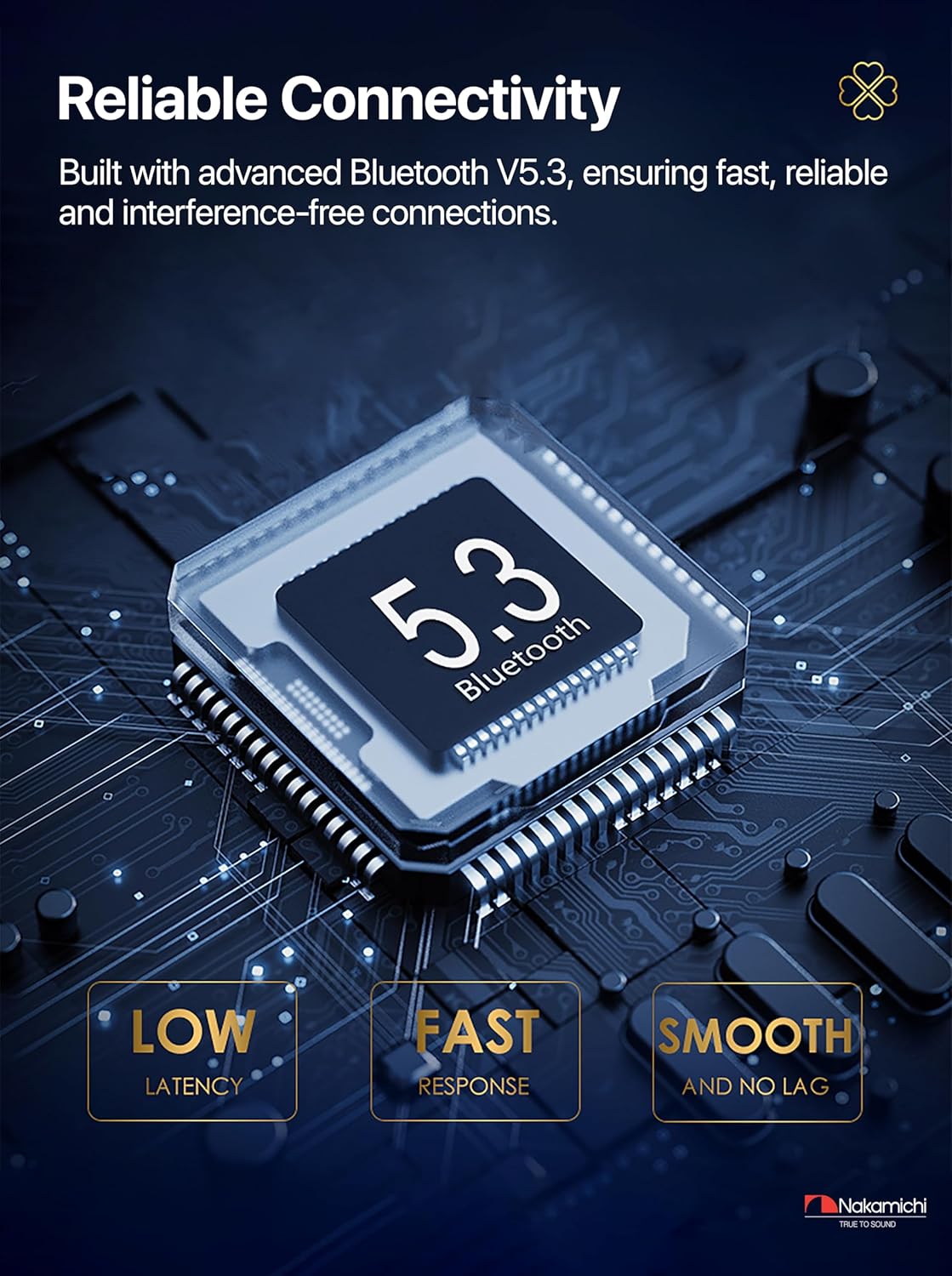
Image: A diagram illustrating the Bluetooth 5.3 chip, emphasizing its features like low latency, fast response, and smooth, lag-free connectivity.
Operating Instructions
Touch Controls
The Nakamichi Clover earbuds feature intuitive touch controls for managing audio playback and calls. The pressure-sensitive design minimizes accidental touches.
- Play/Pause: Double-click either earbud's touch button.
- Answer/Hang up Call: Double-click either earbud's touch button when a call comes in.
- Reject Incoming Call: Press and hold either earbud's touch button for 2 seconds during an incoming call.
- Previous Song: While playing music, press and hold the left earbud's touch button for 2 seconds.
- Next Song: While playing music, press and hold the right earbud's touch button for 2 seconds.
- Mobile Phone Voice Control System: Triple-click either earbud.

Image: An illustration of the Nakamichi Clover earbuds highlighting the touch control areas and detailing the various touch key functions for music and calls.
Single and Dual Ear Modes
The earbuds can be used independently or together. Simply remove one earbud from the case for single-ear use, or both for stereo sound. The system automatically adjusts.

Image: A visual representation of the Nakamichi Clover earbuds demonstrating the seamless switching capability between single and dual-ear listening modes.
Noise Reduction Technology
The earbuds incorporate intelligent noise reduction technology to enhance audio clarity and provide an immersive listening experience by minimizing ambient distractions.

Image: A graphic illustrating the noise reduction feature of the Nakamichi Clover earbuds, showing how external sounds are minimized for improved audio clarity.
Low Latency for Media
Experience perfectly synchronized audio and video with low latency, ensuring an immersive and enjoyable experience for movies, games, and music across Android and Apple systems.

Image: A user engaged in mobile gaming while wearing Nakamichi Clover earbuds, demonstrating the low latency feature for synchronized audio and video.
Maintenance
Cleaning
Regularly clean the earbuds and charging case with a soft, dry, lint-free cloth. Do not use harsh chemicals or abrasive materials. Ensure the charging contacts on both the earbuds and the case are clean and free of debris.
Storage
When not in use, store the earbuds in their charging case to protect them and keep them charged. Avoid exposing the product to extreme temperatures, humidity, or direct sunlight.
Troubleshooting
| Problem | Solution |
|---|---|
| Earbuds not pairing | Ensure earbuds are charged. Place them back in the case, close, then reopen. Check your device's Bluetooth settings and try re-pairing. |
| No sound from one earbud | Ensure both earbuds are charged. Try placing both back in the case, closing it, and then taking them out again. Re-pair if necessary. |
| Charging case not charging | Verify the USB Type-C cable is securely connected to both the case and the power source. Try a different cable or power adapter. |
| Touch controls unresponsive | Ensure earbuds are clean and dry. Restart the earbuds by placing them in the case and taking them out. |
Specifications
- Model Name: Nakamichi Clover True Wireless Earphones
- Model Number: NCLVR
- Connectivity Technology: Wireless (Bluetooth 5.3)
- Control Type: Touch Control
- Driver Size: 13 mm
- Impedance: 32 Ohms
- Frequency Response: 20 Hz - 20 KHz
- Sensitivity: 119 dB
- Noise Isolation: Passive Noise Reduction
- Battery Composition: Lithium-ion
- Battery Life: Over 24 hours (with charging case)
- Charging Interface: USB Type-C (Fast Fuel charging)
- Water Resistance Level: Not waterproof
- Compatible Devices: Mobile phones
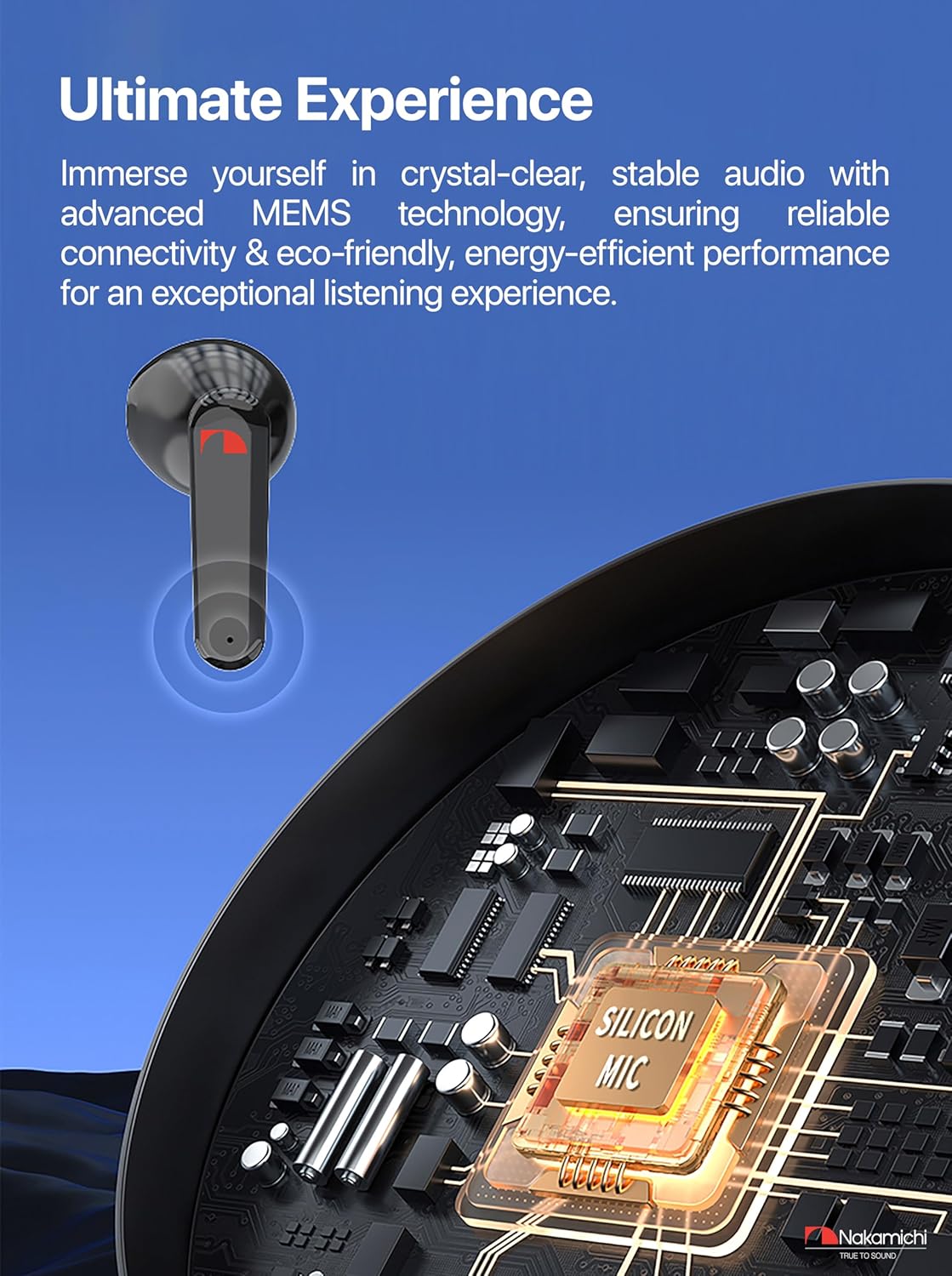
Image: An internal diagram of the Nakamichi Clover earbud, showcasing the advanced MEMS technology responsible for crystal-clear and stable audio performance.

Image: The Nakamichi Clover earbud shown in an ear, illustrating its comfortable, pressure-free semi-in-ear design for extended wear.
Warranty
The Nakamichi Clover True Wireless Earbuds come with a 1-year manufacturer's warranty. Please retain your proof of purchase for warranty claims. The warranty covers defects in materials and workmanship under normal use. It does not cover damage caused by misuse, accidents, unauthorized modifications, or normal wear and tear.
Support
For further assistance or if you encounter issues not covered in this manual, please visit the official Nakamichi website or contact their customer support. Refer to the product packaging or official website for contact details.
Online Resources: Nakamichi Brand Store