
Fessiconys GD98 4K
Fessiconys GD98 4K Drone User Manual
GPS Brushless Motor 4K Drones with Obstacle Avoidance 3-Axis Gimbal Auto Return and Follow Mode Long Flight Time and Control Range FAA RID Compliant
1. Introduction
This manual provides essential information for the safe operation and maintenance of your Fessiconys GD98 4K Drone. Please read it thoroughly before operating the drone to ensure proper usage and to maximize your flying experience. The GD98 4K drone is equipped with advanced features such as GPS precision, a 3-axis gimbal for stable 4K video, obstacle avoidance, and FAA Remote ID compliance.
2. Safety Guidelines
Always prioritize safety when operating your drone. Failure to follow these guidelines may result in injury, damage to property, or legal penalties.
- Pre-Flight Check: Ensure all components are securely attached and in good working order before each flight.
- Weather Conditions: Do not fly in strong winds, rain, snow, or fog. Optimal conditions are clear skies with minimal wind.
- Line of Sight: Always maintain visual line of sight with your drone during flight.
- Restricted Areas: Avoid flying near airports, military bases, power lines, or other restricted airspace. Respect privacy and do not fly over private property without permission.
- Battery Safety: Use only approved batteries and chargers. Do not overcharge or puncture batteries. Store them in a cool, dry place.
- FAA Compliance: The GD98 4K drone is FAA-compliant with integrated Remote ID. Ensure you understand and adhere to all local aviation regulations.
- Obstacle Avoidance: While the drone features obstacle avoidance, it is not foolproof. Always be aware of your surroundings and manually intervene if necessary.
3. Package Contents
Verify that all items are present in your package:
- Fessiconys GD98 4K Drone
- Remote Control
- 3 x Intelligent Flight Batteries (Lithium Ion)
- Spare Propellers
- USB Charging Cable
- User Manual (this document)
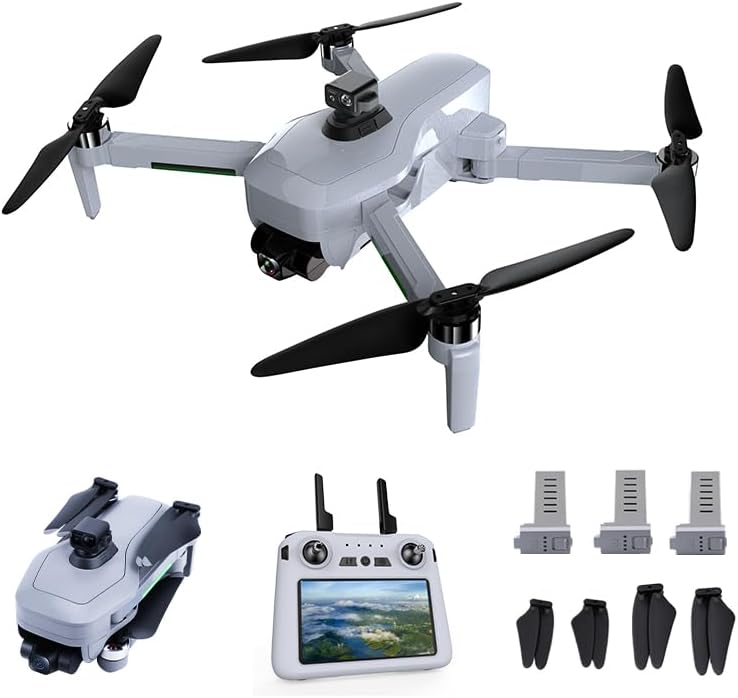
Image: The Fessiconys GD98 4K Drone, its remote control, three intelligent flight batteries, and a set of spare propellers.
4. Product Overview
4.1 Drone Components
The GD98 4K drone features a compact, foldable design with powerful brushless motors for stable flight. It integrates a high-resolution 4K camera mounted on a 3-axis mechanical gimbal for superior image and video stability.

Image: A close-up view of the drone highlighting its 3-axis mechanical gimbal, which provides more stable image capture compared to standard gimbals.
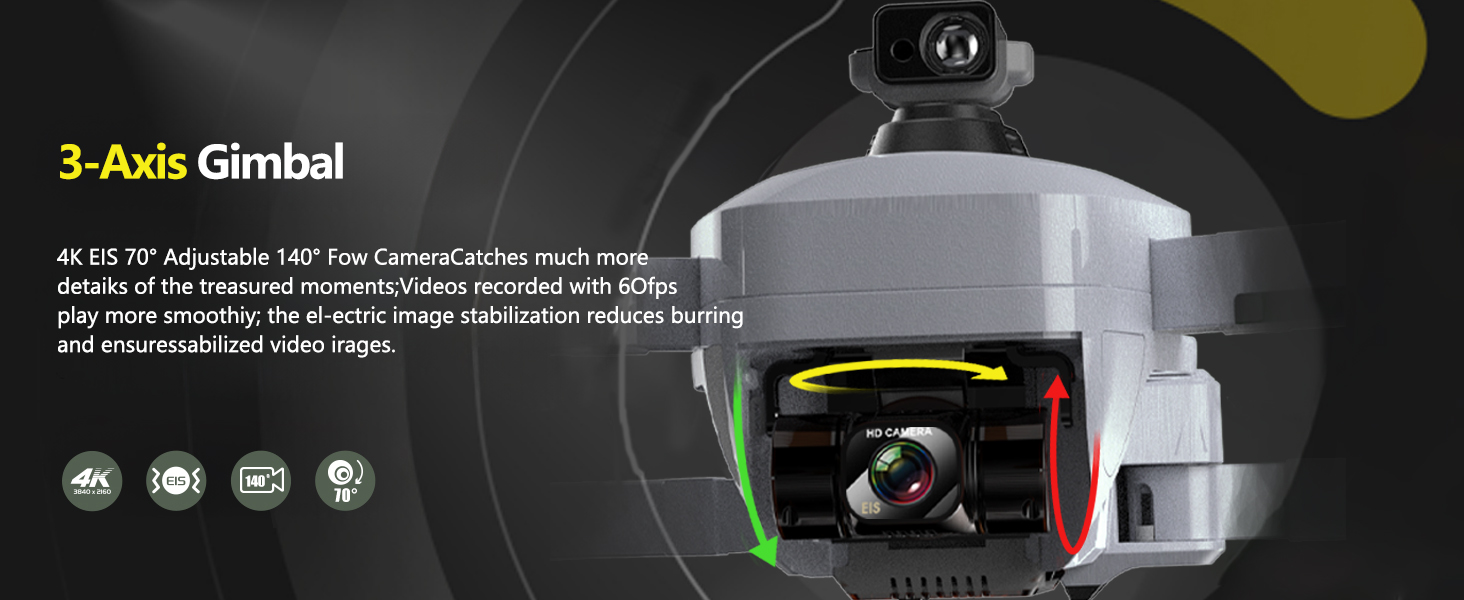
Image: A detailed diagram illustrating the 3-axis gimbal mechanism, showing its adjustable camera angle and electronic image stabilization (EIS) for smooth 4K video recording at 60fps.
4.2 Remote Control
The remote control provides intuitive access to all flight functions and camera controls. It features a built-in display for real-time flight data and video feed.

Image: A diagram of the remote control, labeling its various components such as antennas, accelerator key, return flight button, display, power switch, one-click takeoff/land, obstacle avoidance switch, video recording key, photo button, brightness adjustment, gimbal adjustment, rocker storage space, charging port, SD card slot, and TF card slot.
4.3 Intelligent Flight Batteries
The drone comes with three intelligent 3400mAh Lithium Ion batteries, each providing up to 30 minutes of flight time, totaling 90 minutes of flight with all three batteries.
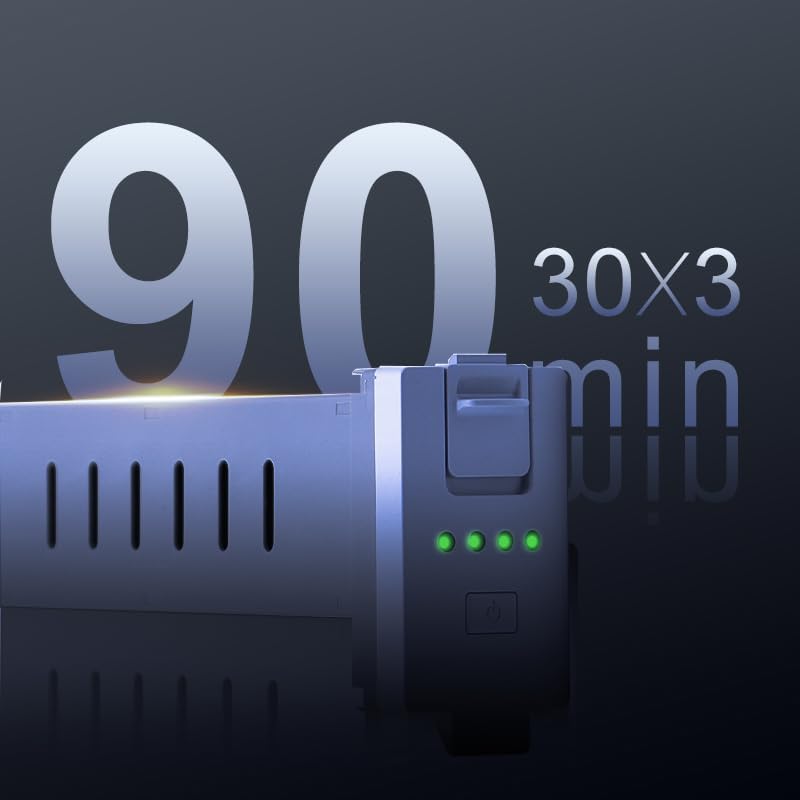
Image: An intelligent flight battery with an indicator showing '90 min' total flight time, representing the combined duration of three batteries.
5. Setup
5.1 Battery Charging and Installation
- Charge all intelligent flight batteries using the provided USB charging cable until fully charged.
- Insert a fully charged battery into the drone's battery compartment until it clicks into place.
- Ensure the remote control is also charged.
5.2 Drone and Remote Control Pairing
Follow these steps to pair your drone with the remote control and perform initial calibrations:
Image: A visual guide detailing the five setup steps: 1. Remote control with drone (power on sequence), 2. Geomagnetic correction (long press key for 3 seconds), 3. Drone gyroscope and gimbal level calibration (drone placed horizontally, long press key for 5 seconds), 4. Flight mode switch, and 5. Drone unlock.
- Remote Control with Drone: Short press and long press the power button on the remote control to turn it on. Repeat for the drone. The drone and remote should automatically connect.
- Geomagnetic Correction: Long press the designated key on the remote for 3 seconds. Follow the on-screen instructions to rotate the drone horizontally and vertically until calibration is complete.
- Drone Gyroscope and Gimbal Level Calibration: Place the drone on a flat, stable surface. Long press the designated key on the remote for 5 seconds. The drone's lights will flash, indicating calibration is in progress. Once the lights turn solid, calibration is successful.
- Flight Mode Switch: Select your desired flight mode (e.g., GPS mode for outdoor flight) using the switch on the remote control.
- Drone Unlock: Push both control sticks outwards and downwards simultaneously to unlock the motors. The propellers will start spinning slowly.
5.3 Operation Tutorial Video
For a visual guide on setup and initial operation, please refer to the official tutorial video:
Image: A QR code and a play button icon indicating an operation tutorial video. The QR code links to the video.
Access the tutorial video here: Fessiconys GD98 4K Drone Operation Tutorial
6. Operating
6.1 Basic Flight Controls
- Takeoff/Landing: Use the one-key takeoff/land button on the remote control for automated ascent and descent.
- Altitude Hold: The drone automatically maintains its altitude, allowing for stable hovering.
- Directional Control: Use the joysticks to control forward, backward, left, and right movement, as well as rotation.
6.2 Advanced Flight Modes and Features
The GD98 4K drone offers several intelligent flight modes for enhanced creativity and ease of use:
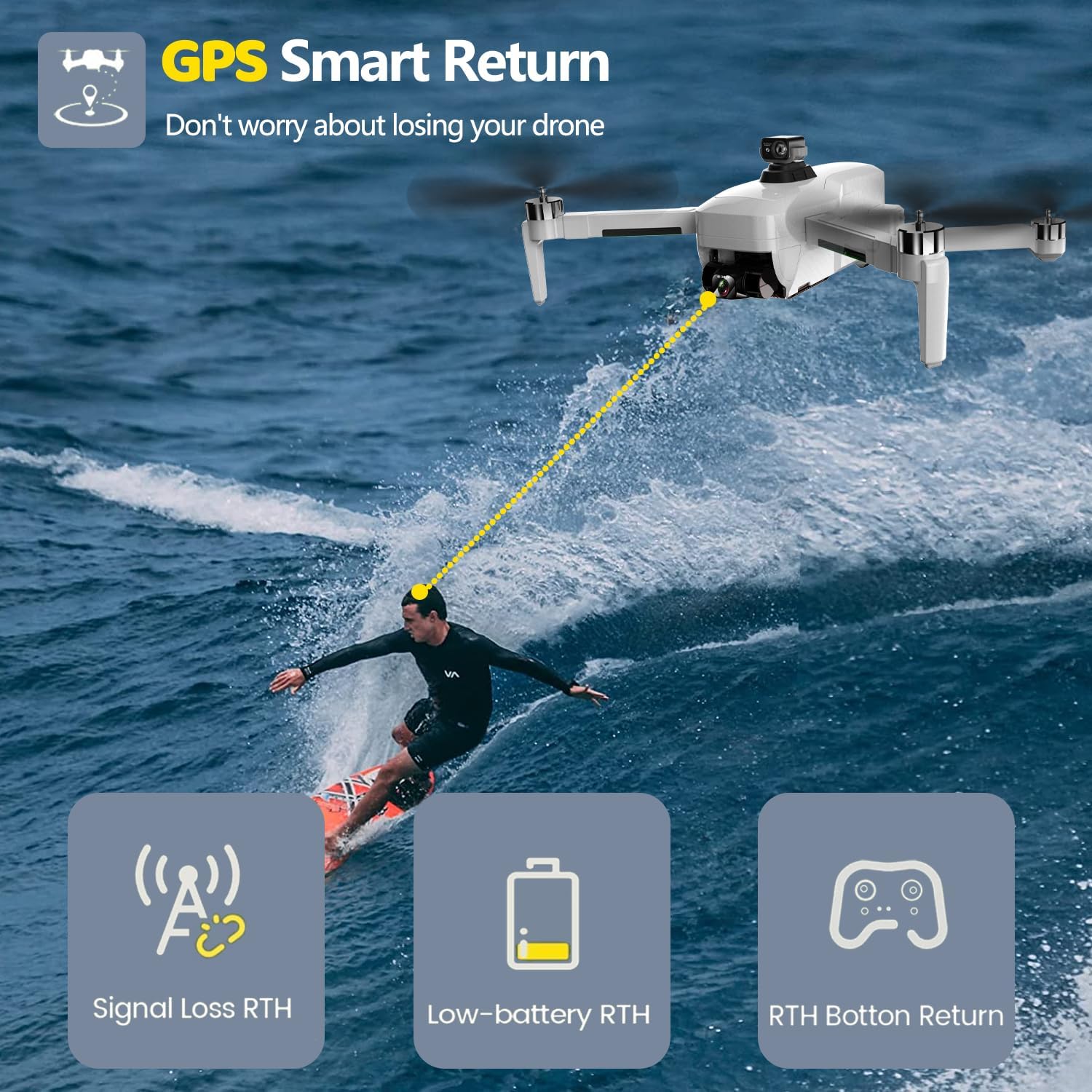
Image: Illustrations of advanced flight modes including GPS Follow, where the drone tracks a moving subject; Waypoints Flight, where the drone follows a pre-set path; and Point of Interest, where the drone orbits a designated object.
- GPS Follow Mode: The drone will automatically follow the remote controller or a designated subject, ideal for capturing dynamic footage.
- Waypoints Flight: Plan a custom flight path by setting multiple waypoints on the map within the app. The drone will then fly along this route autonomously.
- Point of Interest: Select a central point, and the drone will orbit around it at a specified radius and altitude, keeping the subject in the frame.
- Auto Return Home (RTH): With a single button press, or in cases of low battery or signal loss, the drone will automatically return to its take-off point.

Image: A drone flying over water with a yellow line indicating its return path. Icons below represent Signal Loss RTH, Low-battery RTH, and RTH Button Return, emphasizing the drone's smart return capabilities.
6.3 Camera Operation
The integrated 4K camera with a SONY CMOS sensor captures sharp, vivid details. Use the dedicated buttons on the remote control to take photos or record videos.
- Photo Mode: Short press the photo button to capture still images.
- Video Mode: Long press the video recording key to start/stop video recording.
- Gimbal Adjustment: Use the gimbal adjustment wheel on the remote to tilt the camera up or down during flight.
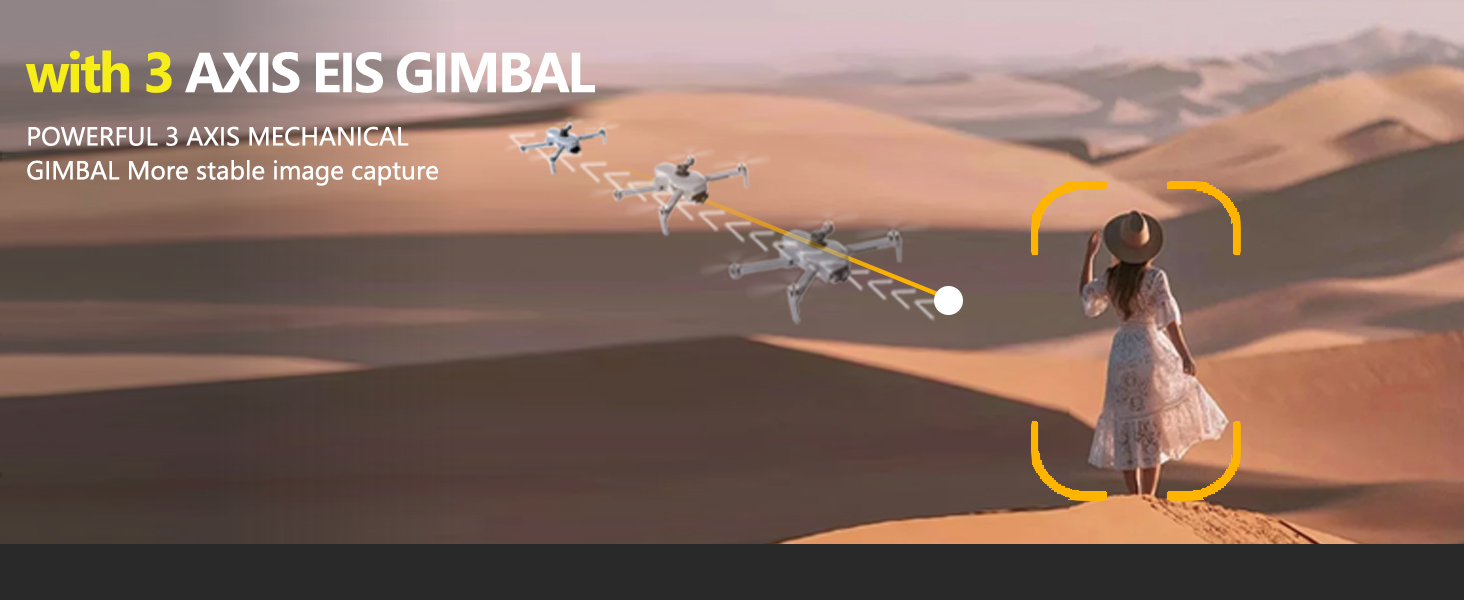
Image: A drone flying against a mountainous backdrop, with an inset showing a sharp, detailed image of mountains, illustrating the clarity provided by the SONY CMOS Sensor.
7. Maintenance
7.1 Battery Care
- Always fully charge batteries before use.
- Do not leave batteries unattended while charging.
- Store batteries in a cool, dry place away from direct sunlight and extreme temperatures.
- If not used for extended periods, charge and discharge batteries periodically to maintain their health.
7.2 Propeller Inspection and Replacement
- Regularly inspect propellers for cracks, bends, or damage.
- Replace damaged propellers immediately using the provided spare parts. Ensure propellers are installed correctly (A to A, B to B).
7.3 Cleaning
- Use a soft, dry cloth to clean the drone body and camera lens.
- Avoid using harsh chemicals or solvents.
8. Troubleshooting
If you encounter issues with your Fessiconys GD98 4K Drone, refer to the following common problems and solutions:
| Problem | Possible Cause | Solution |
|---|---|---|
| Drone does not power on | Low battery; Battery not installed correctly | Charge battery fully; Reinstall battery securely |
| Unstable flight / Drifting | Improper calibration; Strong winds | Perform gyroscope and geomagnetic calibration; Fly in calm conditions |
| No GPS signal | Flying indoors or near interference; GPS mode not activated | Fly outdoors in an open area; Ensure GPS mode is selected |
| Remote control not connecting | Remote control low battery; Pairing failed | Charge remote control; Re-attempt pairing process (Section 5.2) |
| Poor camera image quality | Dirty lens; Gimbal not calibrated | Clean camera lens; Perform gimbal calibration |
9. Specifications
| Feature | Detail |
|---|---|
| Brand | Fessiconys |
| Model Name | GD98 4K |
| Special Features | GPS Precision, Auto Return Home, Cinematic 4K Video, 3-Axis Gimbal, Long Flight Time, FAA-Compliant Remote ID |
| Age Range (Description) | Adult |
| Color | Gray |
| Video Capture Resolution | 4K |
| Connectivity Technology | Bluetooth, Wi-Fi |
| Included Components | Battery, Remote Control |
| Skill Level | Beginner |
| Item Weight | 3.48 Pounds |
| Video Capture Format | MP4 |
| Control Type | Remote Control |
| Media Type | SDXC |
| Battery Cell Composition | Lithium Ion |
| Batteries | 3 Lithium Ion batteries required (included) |
| Product Dimensions | 11.8"L x 4.5"W x 9.5"H |
| Manufacturer | FLY886 |
| Manufacturer Part Number | FLY586 |
10. Warranty and Support
The Fessiconys GD98 4K Drone comes with a standard manufacturer's warranty covering defects in materials and workmanship. Please retain your proof of purchase for warranty claims.
For technical support, troubleshooting assistance, or warranty inquiries, please contact Fessiconys customer service through the retailer where you purchased the product or visit the official Fessiconys website (if available).
Ask a question about this manual
Ask about setup, troubleshooting, compatibility, parts, safety, or missing instructions. Manuals+ will review the question and use this page’s manual context to help answer it.