1. Introduction
Welcome to the user manual for your new Noise Alt Vibe Lite Smartwatch. This guide provides essential information on setting up, operating, maintaining, and troubleshooting your device to ensure optimal performance and a seamless user experience. Please read this manual thoroughly before using your smartwatch.

Image: The Noise Alt Vibe Lite Smartwatch in Beige + Round, displaying time, heart rate, and step count.
2. Setup Guide
2.1. Unboxing and Included Components
Upon opening the package, ensure all the following items are present:
- Noise Alt Vibe Lite Smartwatch
- Magnetic Charger
- User Manual (this document)
- Warranty Card
2.2. Charging the Smartwatch
Before first use, fully charge your smartwatch. Connect the magnetic charger to the charging pins on the back of the smartwatch and plug the USB end into a compatible power adapter (not included) or a computer's USB port.
- A full charge typically takes approximately 2 hours.
- The watch display will indicate charging status.
2.3. Powering On/Off
- To Power On: Press and hold the side button until the Noise logo appears.
- To Power Off: Press and hold the side button, then select 'Power Off' on the screen.
2.4. Pairing with Your Smartphone
To unlock all features, pair your smartwatch with the NoiseFit application on your smartphone.
- Download the 'NoiseFit' app from your smartphone's app store (Google Play Store for Android, Apple App Store for iOS).
- Ensure Bluetooth is enabled on your smartphone.
- Open the NoiseFit app, create an account or log in.
- Follow the in-app instructions to search for and connect to your Alt Vibe Lite Smartwatch.
- Confirm the pairing request on both your smartphone and smartwatch.
3. Operating the Smartwatch
3.1. Basic Navigation
- Touchscreen: Swipe left/right, up/down, and tap to navigate menus and select options.
- Side Button: Press to return to the home screen or wake the display. Long press for power options.
3.2. Display Features
The smartwatch features a 1.28-inch display. You can customize watch faces through the NoiseFit app to suit your style and access information at a glance.

Image: Close-up of the 1.28-inch display on the Noise Alt Vibe Lite Smartwatch, showing health metrics and time.
3.3. Bluetooth Calling
With an in-built microphone and speaker, the Alt Vibe Lite Smartwatch supports Bluetooth calling, allowing you to manage calls directly from your wrist.
- Receive Calls: Answer or reject incoming calls directly on the watch.
- Make Calls: Access recent calls, contacts, or use the dialpad on the watch.
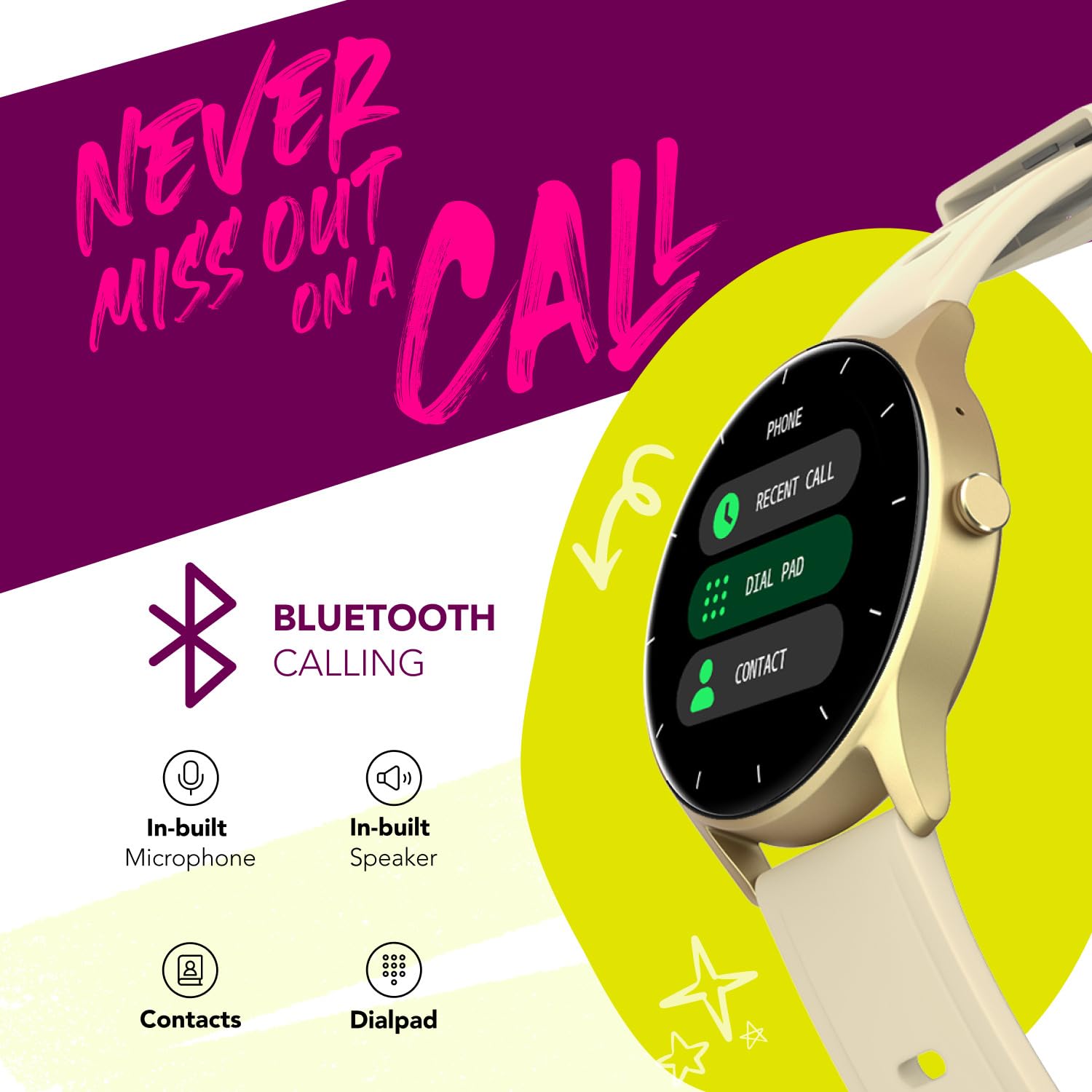
Image: The smartwatch screen displaying the Bluetooth calling interface, including options for recent calls, dialpad, and contacts.
3.4. Sports Modes
The smartwatch offers over 30 sports modes to track various physical activities. Select your desired activity from the sports menu to monitor your performance, including duration, calories burned, and heart rate.
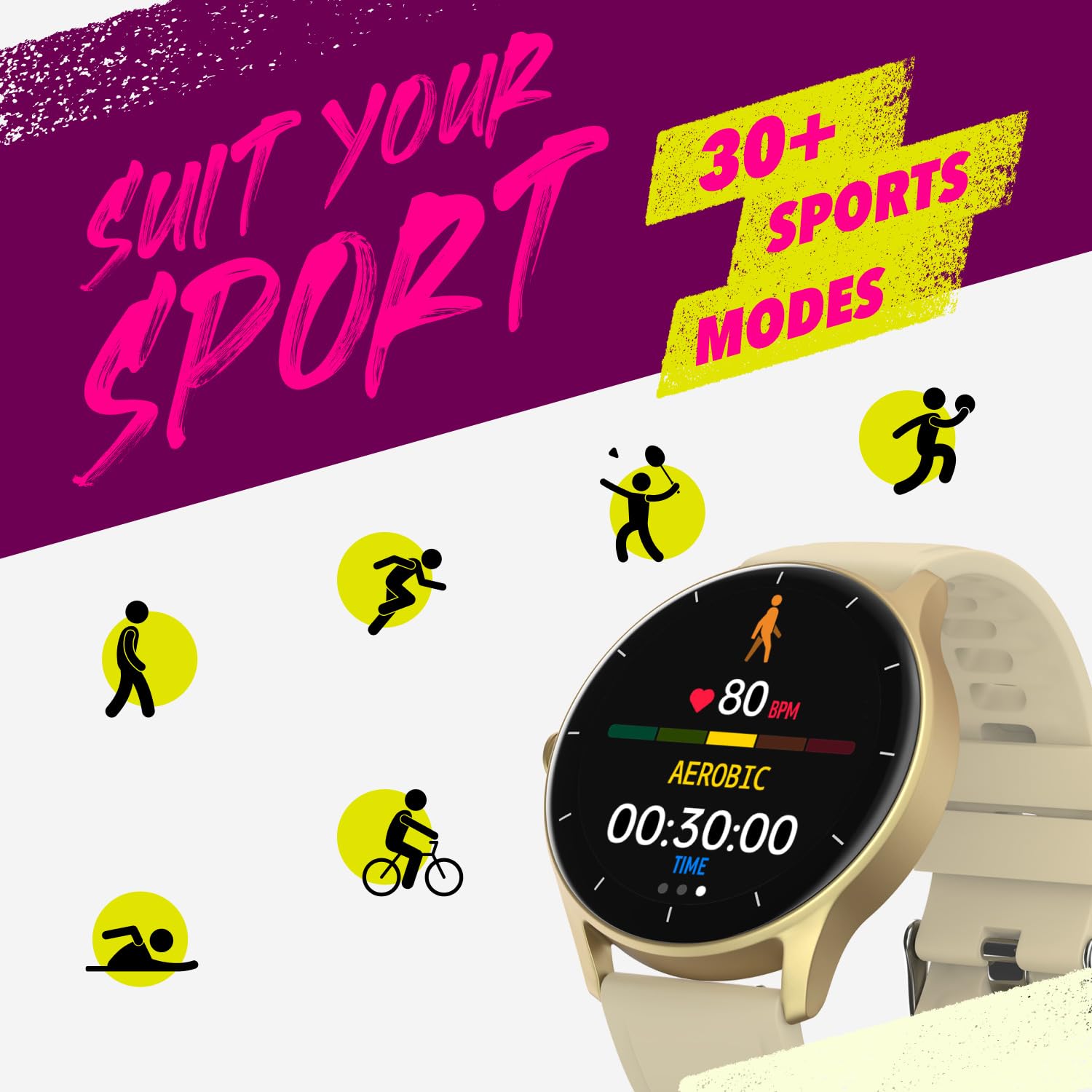
Image: The smartwatch displaying an aerobic workout, surrounded by icons representing over 30 different sports modes.
3.5. Health Monitoring
Monitor your health metrics throughout the day:
- Heart Rate: Continuous heart rate tracking.
- Steps: Daily step count and distance covered.
- Sleep Tracking: Monitor sleep patterns (light, deep, awake times).
3.6. Notifications and Other Features
- Smart Notifications: Receive alerts for calls, messages, and app notifications from your paired smartphone.
- Music Control: Control music playback on your smartphone directly from the watch.
- In-built Games: Enjoy casual games on your wrist.
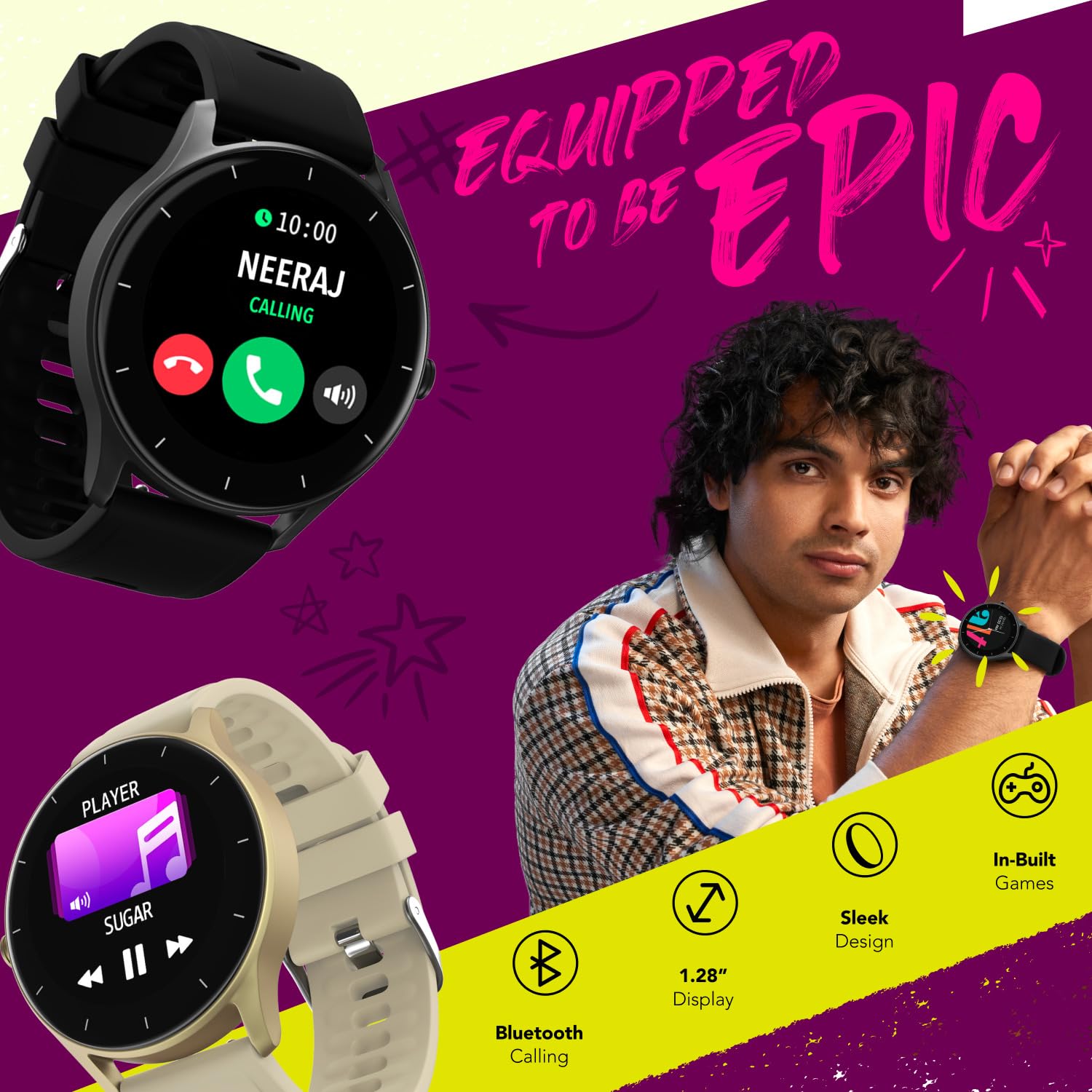
Image: A composite image highlighting key features of the Noise Alt Vibe Lite Smartwatch, such as Bluetooth calling, 1.28-inch display, sleek design, and in-built games.
4. Maintenance
4.1. Cleaning Your Smartwatch
- Wipe the screen and strap regularly with a soft, dry, lint-free cloth.
- For stubborn dirt, slightly dampen the cloth with water. Avoid using harsh chemicals or abrasive materials.
- Ensure the charging pins are clean and dry before charging.
4.2. Charging Best Practices
- Use only the provided magnetic charger.
- Avoid overcharging; disconnect once fully charged.
- Do not charge in wet conditions.
4.3. Water Resistance
The Noise Alt Vibe Lite Smartwatch is designed with a certain level of water resistance. Refer to the product specifications for details on its IP rating. Avoid prolonged submersion or exposure to hot water, steam, or high-velocity water.
4.4. Software Updates
Periodically check the NoiseFit app for available software updates. Updates can improve performance, add new features, and fix bugs. Ensure your watch is sufficiently charged before initiating an update.
5. Troubleshooting
5.1. Common Issues and Solutions
- Watch not powering on: Ensure the watch is fully charged. Connect to the charger and try powering on again.
- Not pairing with phone: Ensure Bluetooth is on, the NoiseFit app is open, and the watch is within range. Try restarting both the watch and phone.
- Inaccurate health data: Ensure the watch is worn snugly on your wrist, not too tight or too loose. Clean the sensor on the back of the watch.
- Charging issues: Check if the magnetic charger is properly aligned with the pins. Ensure the charger and watch pins are clean and dry. Try a different USB power source.
- Notifications not appearing: Check notification permissions in the NoiseFit app and your phone's settings. Ensure the watch is connected via Bluetooth.
5.2. Factory Reset
If you encounter persistent issues, a factory reset may resolve them. This will erase all data on your smartwatch and restore it to its original settings. Navigate to 'Settings' on your watch, then find the 'Reset' or 'Factory Reset' option and confirm.
6. Specifications
| Feature | Specification |
|---|---|
| Brand | Noise |
| Model Name | Alt Vibe Lite |
| Item Model Number | wrb-sw_alt-vibelite-std-bge_bge |
| Display Size | 1.28 Inches |
| Connectivity Type | Bluetooth |
| Operating System | Android (compatible) |
| Item Weight | 45 g |
| Special Features | Lightweight, Multisport Tracker, Notifications, Time Display, Touchscreen |
| Included Components | Smartwatch, Magnetic Charger, User Manual, Warranty Card |
7. Warranty and Support
7.1. Warranty Information
Your Noise Alt Vibe Lite Smartwatch comes with a 1-year assured warranty from Alt. This warranty covers manufacturing defects and ensures your product functions as intended under normal use. Please retain your purchase receipt and warranty card for any claims.
For detailed terms and conditions, refer to the warranty card included in your package.
7.2. Customer Support
If you require assistance, have questions, or encounter issues not covered in this manual, please contact Noise customer support. Refer to the contact information provided on your warranty card or the official Noise website for the most up-to-date support channels.


