
1. Safety Instructions
Please read and understand all instructions before assembling and using this product. Retain this manual for future reference.
- Weight Capacity: Do not exceed the maximum weight capacity of 350 LBS for the upper bunk.
- Guardrails: Ensure all guardrails are securely installed and maintained to prevent falls.
- Mattress Thickness: Use a mattress with a maximum thickness of 6 inches to ensure proper guardrail height.
- Assembly: Assembly must be performed by adults. Ensure all hardware is tightened securely before use. Periodically check and re-tighten all connections.
- Ventilation: Ensure adequate ventilation around the bed, especially near electronic components.
- Children: This loft bed is designed for kids, teens, and adults. Supervise young children to prevent misuse of the bed or its components.
- No Jumping: Do not jump on the bed.
- Flammable Materials: Keep flammable materials away from the LED light strip and USB charging ports.
2. Product Overview
The HZSMHDZKJ Full Size Metal Loft Bed offers a versatile solution for sleeping, working, and storage. It features a full-size upper bunk, an L-shaped desk, a built-in wardrobe, and storage stairs. Integrated USB charging ports and an LED light strip enhance functionality.
Key Features:
- Full-size sleeping area on the upper bunk.
- Integrated L-shaped desk for work or study.
- Built-in wardrobe with hanging rod and adjustable divider.
- Storage stairs, reversible for left or right side installation.
- USB charging ports for electronic devices.
- LED light strip for ambient lighting.
- Durable metal construction.
Components:
The package includes the bed frame components, necessary hardware, and this instruction manual.
Product Dimensions:

Image: Detailed dimensions of the loft bed, including length, width, height, and individual component measurements in inches.
- Overall Product Dimension: 93.5''L x 57.5''W x 69.13''H
- Overall Product Weight: 173.06 LBS
- Weight Capacity (Upper Bunk): 350 LBS
- Recommended Mattress Thickness: 6''

Image: The HZSMHDZKJ Full Size Metal Loft Bed in a modern room, showcasing the L-shaped desk with a computer setup, the upper bed, and the integrated storage stairs and wardrobe.
3. Setup (Assembly)
Assembly is required for this product. It is recommended that two adults assemble the bed. Please follow these general steps and refer to the detailed instructions included in your package for specific part identification and assembly sequence.
Preparation:
- Unpack all components and hardware from the boxes.
- Verify that all parts listed in the included parts list are present and undamaged.
- Clear a spacious area for assembly, preferably near the final placement of the bed.
- Keep children and pets away from the assembly area to prevent accidents.
Assembly Steps:
- Begin by assembling the main bed frame structure according to the numbered steps in your specific manual.
- Attach the L-shaped desk components to the main frame.
- Assemble the wardrobe section and integrate it with the bed frame.
- Construct the storage stairs. Note that the stairs can be installed on either the left or right side as per your preference.
- Install the USB charging ports and LED light strip, ensuring all connections are secure.
- Securely attach all guardrails to the upper bunk.
- Once fully assembled, double-check all bolts and screws to ensure they are tightly fastened.
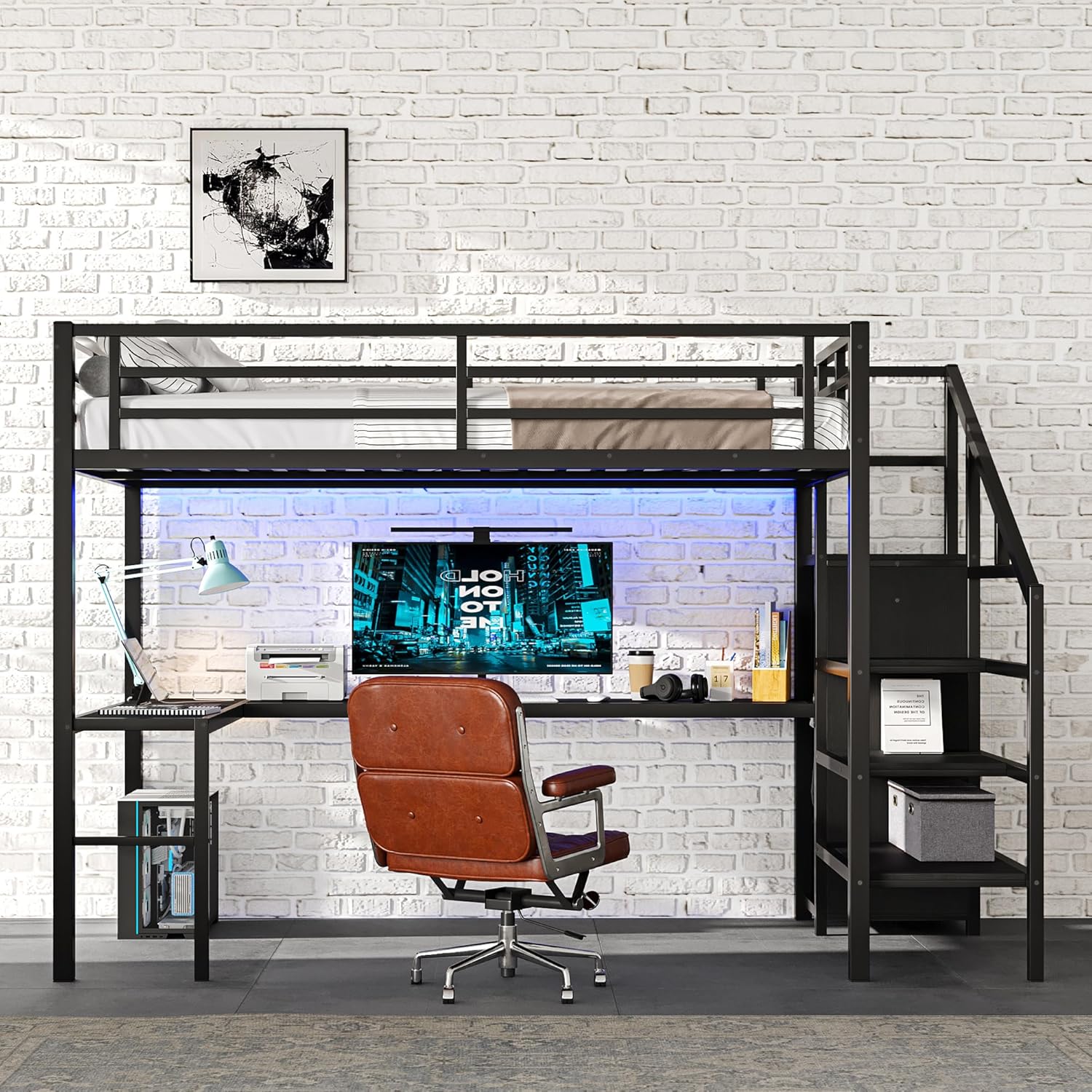
Image: An empty HZSMHDZKJ Full Size Metal Loft Bed, highlighting the metal frame, L-shaped desk, wardrobe, and storage stairs without any bedding or accessories.
4. Operating Instructions
Using the Bed:
- Access the upper bunk using the integrated storage stairs.
- Ensure the mattress is properly placed within the guardrails.
Using the L-Shaped Desk:
The spacious L-shaped desk provides an area for studying, working, or creative activities. Position your computer, books, and other essentials as needed.

Image: A close-up view of the L-shaped desk, featuring a computer monitor, desk lamp, and visible USB charging ports and an LED light strip installed beneath the upper bunk.
Using the Wardrobe and Storage Stairs:
- The wardrobe includes a hanging rod for clothes and an adjustable divider at the bottom for folded items, storage boxes, or shoes.
- Each step of the staircase also functions as a storage compartment. Open the step covers to access the storage space.
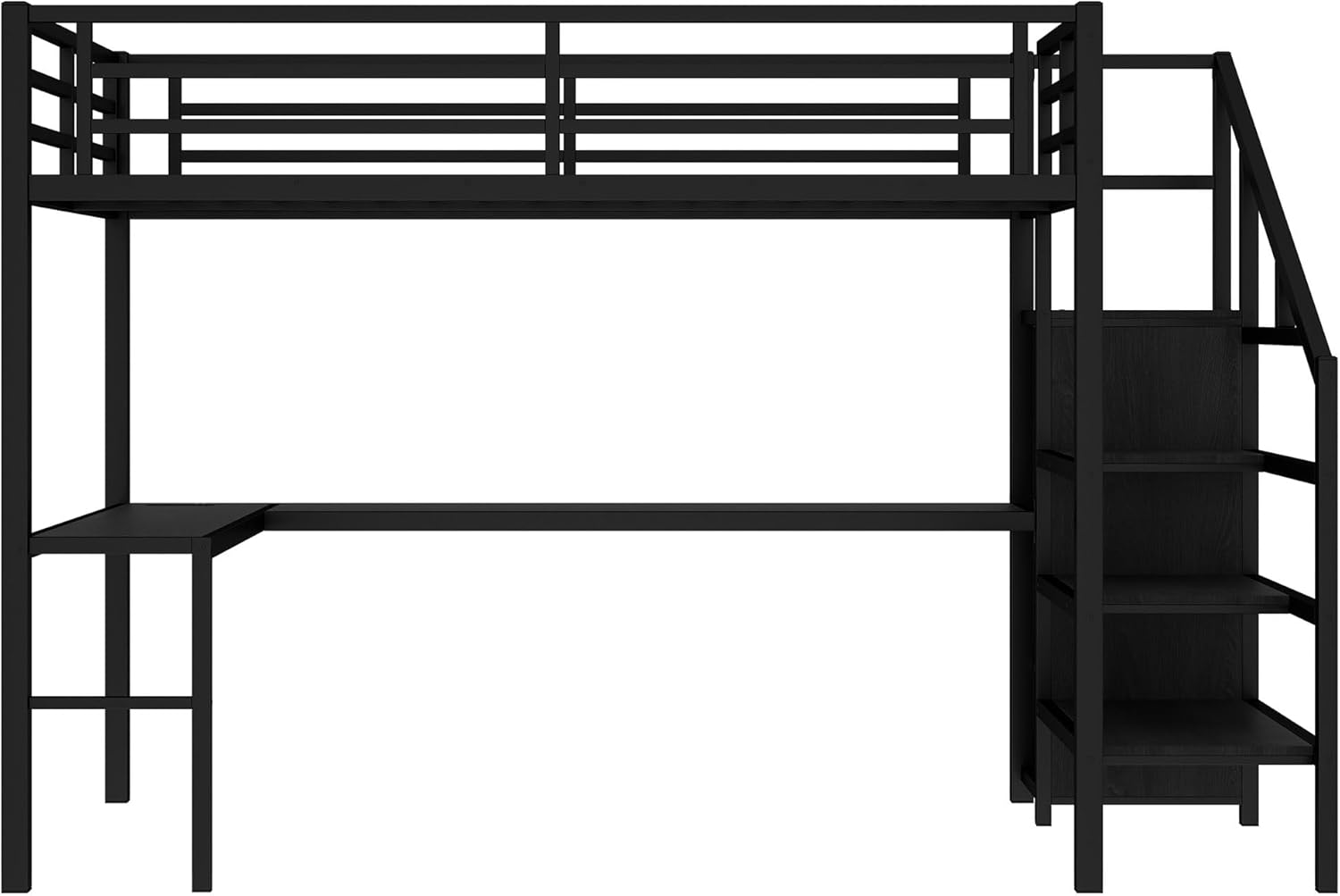
Image: A detailed view of the storage stairs and the adjacent wardrobe section, showing the individual steps and the wardrobe door.
USB Charging Ports:
Connect your electronic devices (e.g., smartphones, tablets) to the integrated USB ports for convenient charging. Ensure the bed is connected to a power source for the USB ports to function.
LED Light Strip:
The LED light strip provides ambient lighting. Locate the control switch (if applicable) to turn the lights on/off or adjust settings. Ensure the bed is connected to a power source for the LED lights to function.
5. Maintenance
Cleaning:
- Wipe the metal frame and wooden surfaces with a dry cloth.
- Avoid using harsh chemicals or abrasive cleaners, as these may damage the finish.
- For spills, wipe immediately with a damp cloth and dry thoroughly.
Regular Checks:
- Periodically inspect all bolts, screws, and connections to ensure they remain tight. Re-tighten as necessary.
- Check the integrity of the bed frame, guardrails, and stairs for any signs of wear or damage.
- Ensure the USB ports and LED light strip are functioning correctly and that their wiring is intact.
6. Troubleshooting
Common Issues:
- Bed feels wobbly: Check all assembly bolts and screws. Re-tighten any loose connections. Ensure the bed is on a level surface.
- USB ports not charging: Verify that the bed's power cord (if applicable) is securely plugged into a working electrical outlet. Check the USB cable and device.
- LED light strip not working: Ensure the bed's power cord is connected. Check the light strip's connection and any inline switches.
- Missing parts during assembly: Carefully re-check all packaging. If parts are still missing, contact customer support immediately.
If you encounter any issues not listed here or require further assistance, please refer to the 'Warranty & Support' section for contact information.
7. Specifications
| Feature | Specification |
|---|---|
| Product Type | Metal Loft Bed |
| Material | Metal |
| Size | Full |
| Color | Black |
| Overall Product Dimension | 93.5''L x 57.5''W x 69.13''H |
| Overall Product Weight | 173.1 LBS |
| Weight Capacity (Upper Bunk) | 350 LBS |
| Recommended Mattress Thickness | 6'' |
| Assembly Required | Yes |
| Special Feature | USB Port, LED Light Strip, L-Shaped Desk, Wardrobe, Storage Stairs |
| Finish Type | Powder Coated |
| Product Care Instructions | Wipe with Dry Cloth |
| Manufacturer | DaXiao |
| ASIN | B0DFCH7QJF |
| Date First Available | August 27, 2024 |
8. Warranty & Support
For any questions, concerns, or issues regarding your HZSMHDZKJ Full Size Metal Loft Bed, please contact the seller or manufacturer directly. Please have your purchase information and product model number (Loft Bed) ready when contacting support.
While specific warranty details are not provided in this manual, most products come with a limited manufacturer's warranty covering defects in materials and workmanship. Please refer to your purchase documentation or contact the seller for detailed warranty information.
For assistance with assembly or troubleshooting, please reach out to the seller or manufacturer. They are committed to resolving any problems you may encounter as quickly as possible.