
1. Product Overview
The ZonQoonz ZQ01632 Rechargeable Mini Par Lights are versatile, battery-powered stage lights designed for various events and settings. These wireless RGB lights offer multiple lighting effects and control options, providing dynamic illumination without the need for extensive cabling.
Key features include a built-in 2200mAh rechargeable battery for extended use, high-quality 1.5W LED RGB lamp beads for bright and vibrant colors, and various lighting modes such as jump, fade, strobe, sound activation, and automatic modes. The lights are designed for easy installation and portability, featuring a 360° adjustable bracket for flexible placement.

Image 1.1: ZonQoonz Mini Par Lights illuminating a party scene with a DJ.
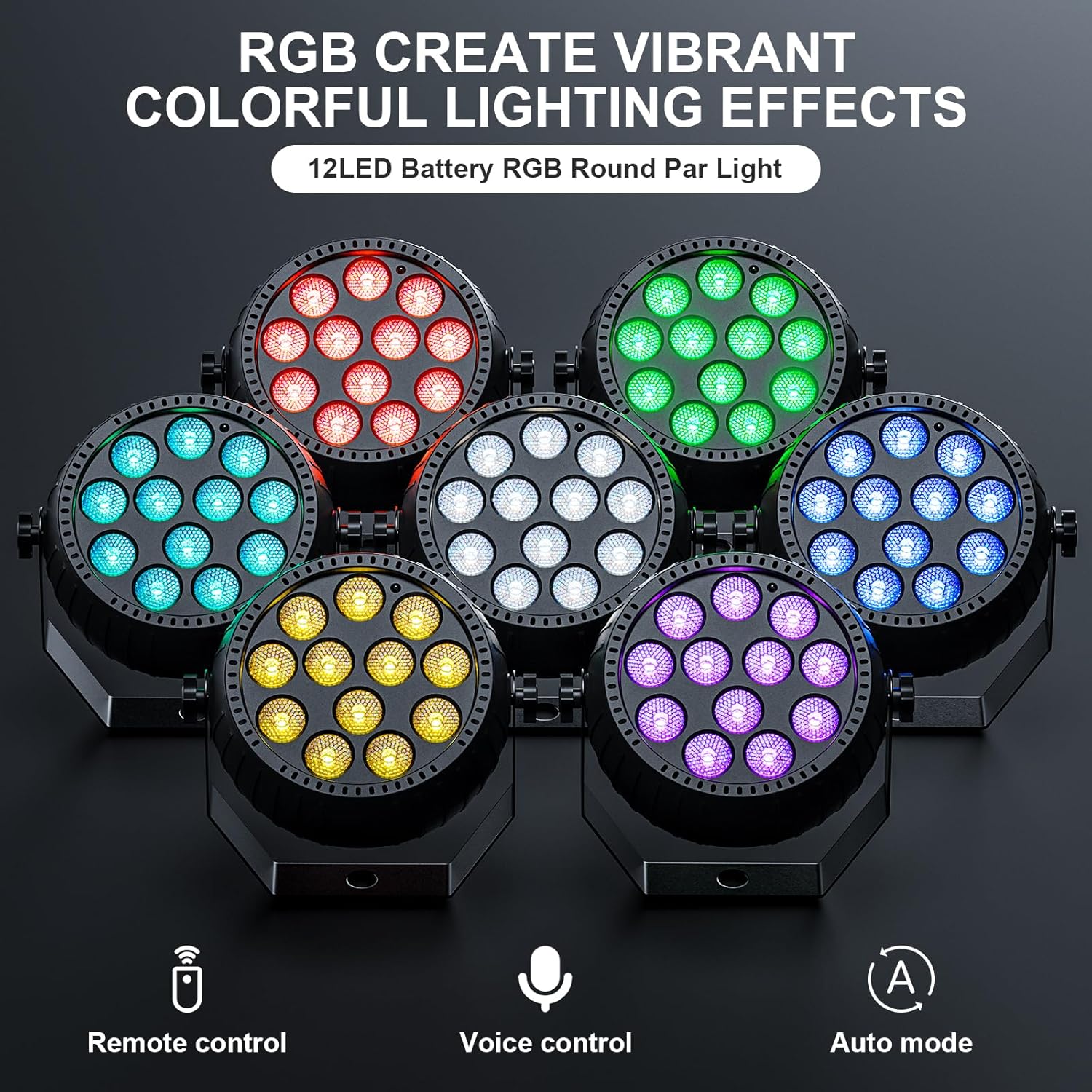
Image 1.2: A display of multiple ZonQoonz Mini Par Lights showcasing their vibrant RGB color capabilities.
2. Important Safety Instructions
- Read all instructions carefully before using the product.
- Keep this manual for future reference.
- Do not expose the device to rain or moisture to prevent fire or electric shock.
- Ensure the power adapter is compatible with your local power supply.
- Avoid direct eye exposure to the light source, as it can cause eye strain.
- Do not attempt to disassemble or modify the unit. Refer all servicing to qualified personnel.
- Keep the device away from heat sources, direct sunlight, and flammable materials.
- Charge the battery only with the provided or a certified compatible charger.
- Operate the device within the specified temperature range.
3. Package Contents
Verify that all items are present in your package:
- Par Lights (12 units)
- Remote Control
- USB Charging Cable
- User Manual

Image 3.1: The package includes the mini par light, remote control, USB charging cable, and user manual.
4. Setup and Installation
4.1 Charging the Lights
Before initial use, fully charge the par lights. Connect the provided USB charging cable to the charging port on the light and to a standard USB power adapter (not included). A full charge typically takes 2-4 hours and provides approximately 6 hours of continuous use, depending on the mode and brightness settings.

Image 4.1: The mini par light being charged via its USB port.
4.2 Mounting Options
Each par light features a versatile 360° adjustable bracket, allowing for various installation methods:
- Floor Mount: Place the light directly on a flat surface.
- Wall Mount: Secure the bracket to a wall using appropriate hardware (not included).
- Hanging: Attach the light to a truss or ceiling using clamps (not included) through the bracket's mounting hole.
Adjust the angle of the light by loosening the knobs on the side of the bracket, positioning the light as desired, and then tightening the knobs to secure it.
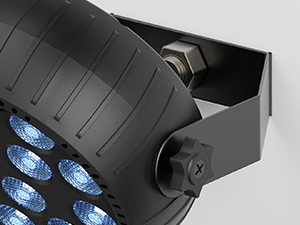
Image 4.2: Detail of the adjustable mounting bracket.
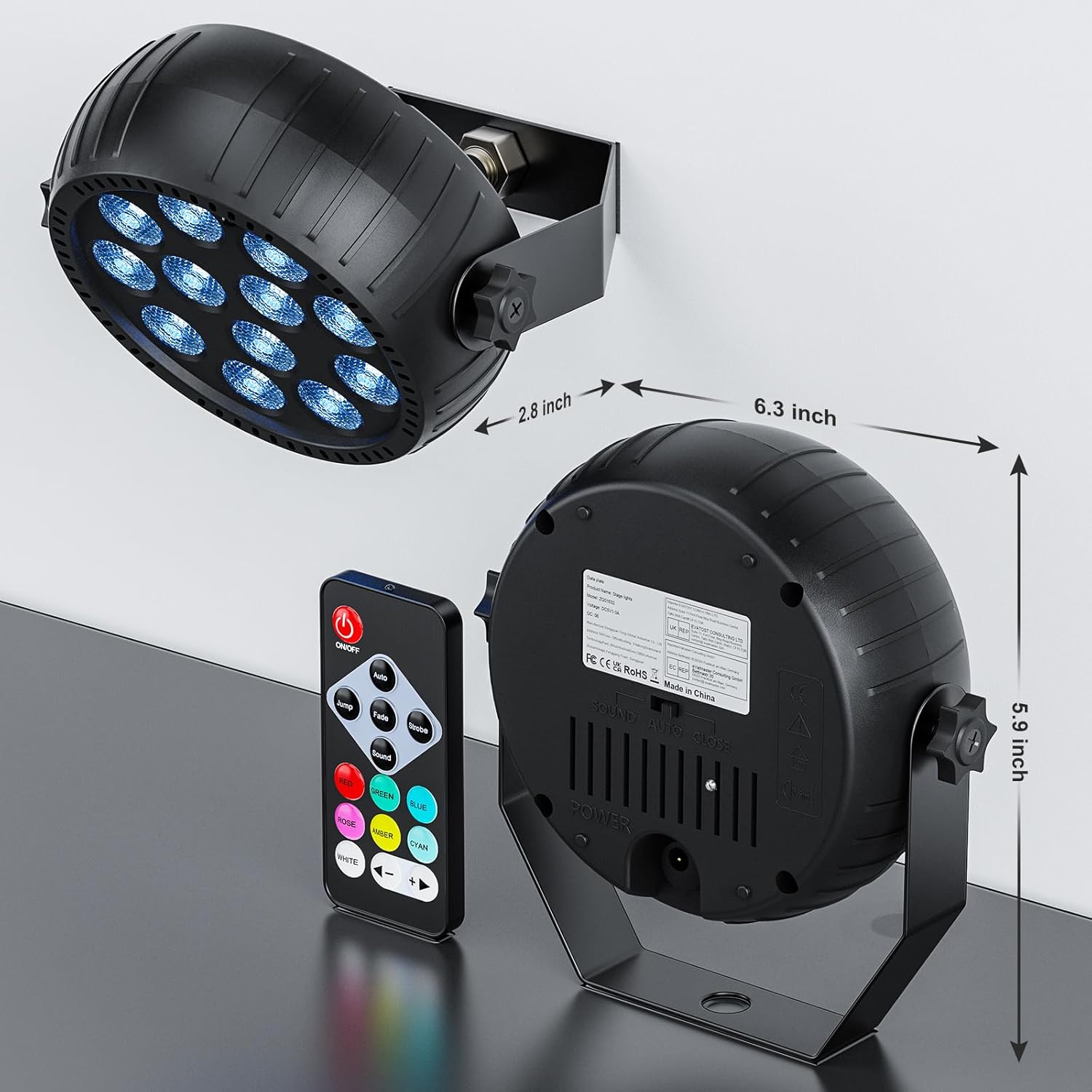
Image 4.3: Rear view and dimensions of the mini par light, showing its compact size and bracket.
5. Operation Guide
5.1 Remote Control Functions
The included wireless remote control allows for easy operation of the par lights. Point the remote directly at the light's sensor for optimal response.
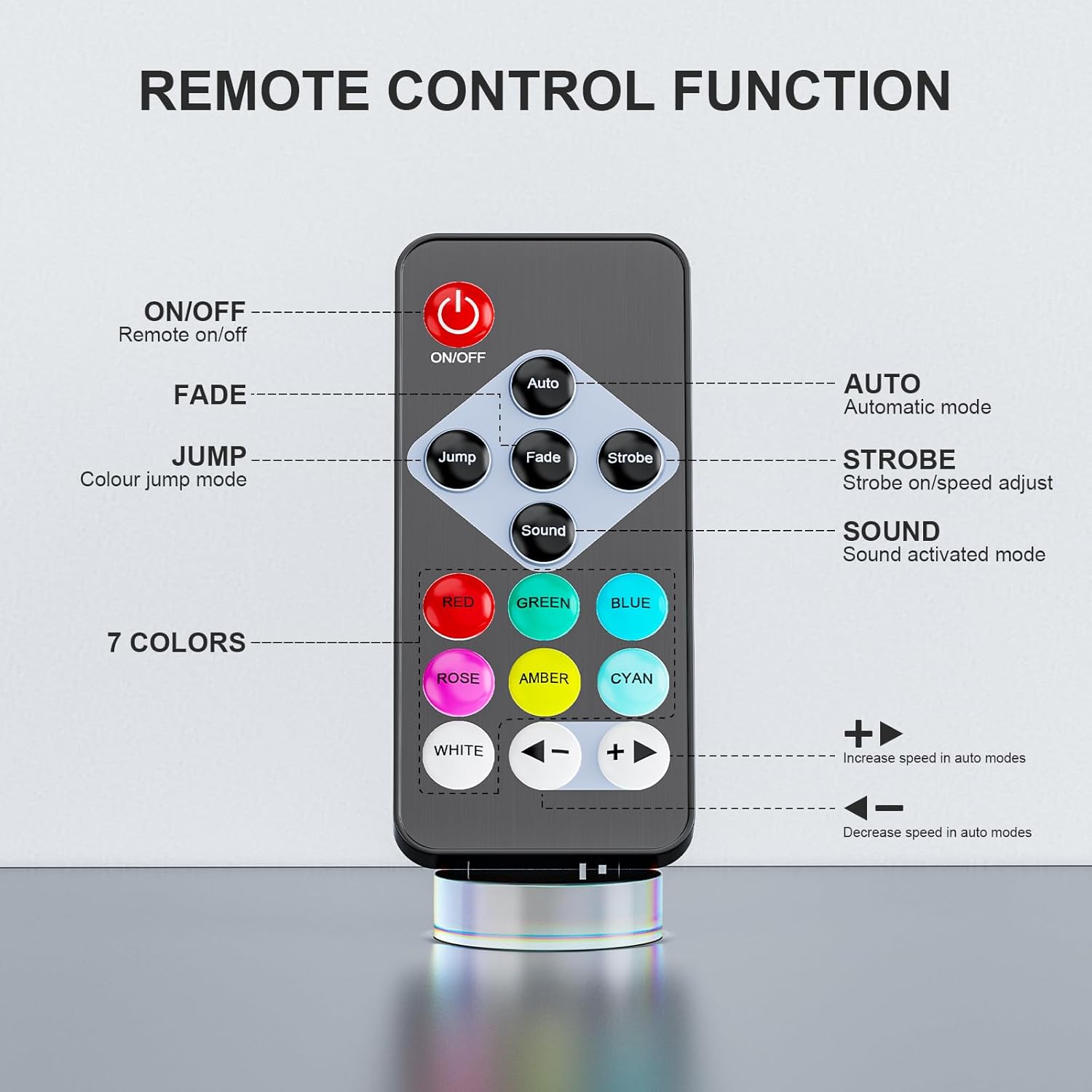
Image 5.1: Layout and functions of the remote control.
- ON/OFF: Powers the light on or off.
- AUTO: Activates automatic mode, cycling through various effects.
- JUMP: Initiates color jump mode, where colors change abruptly.
- FADE: Activates color fade mode, where colors transition smoothly.
- STROBE: Engages strobe mode, producing a rapid flashing effect.
- SOUND: Activates sound-activated mode, where lights react to music or ambient sound.
- RED, GREEN, BLUE, ROSE, AMBER, CYAN, WHITE: Direct color selection buttons.
- +/- (Speed): Increases or decreases the speed of effects in Auto, Jump, Fade, and Strobe modes.
5.2 Lighting Modes
The lights offer several dynamic modes to suit different atmospheres:
- Auto Mode: The light automatically cycles through pre-programmed color changes and effects.
- Jump Mode: Colors change instantly from one to another.
- Fade Mode: Colors smoothly blend into each other.
- Strobe Mode: Creates a flashing effect with adjustable speed.
- Sound Activated Mode: The lights respond to the rhythm and beat of music or sound, changing colors and patterns dynamically.
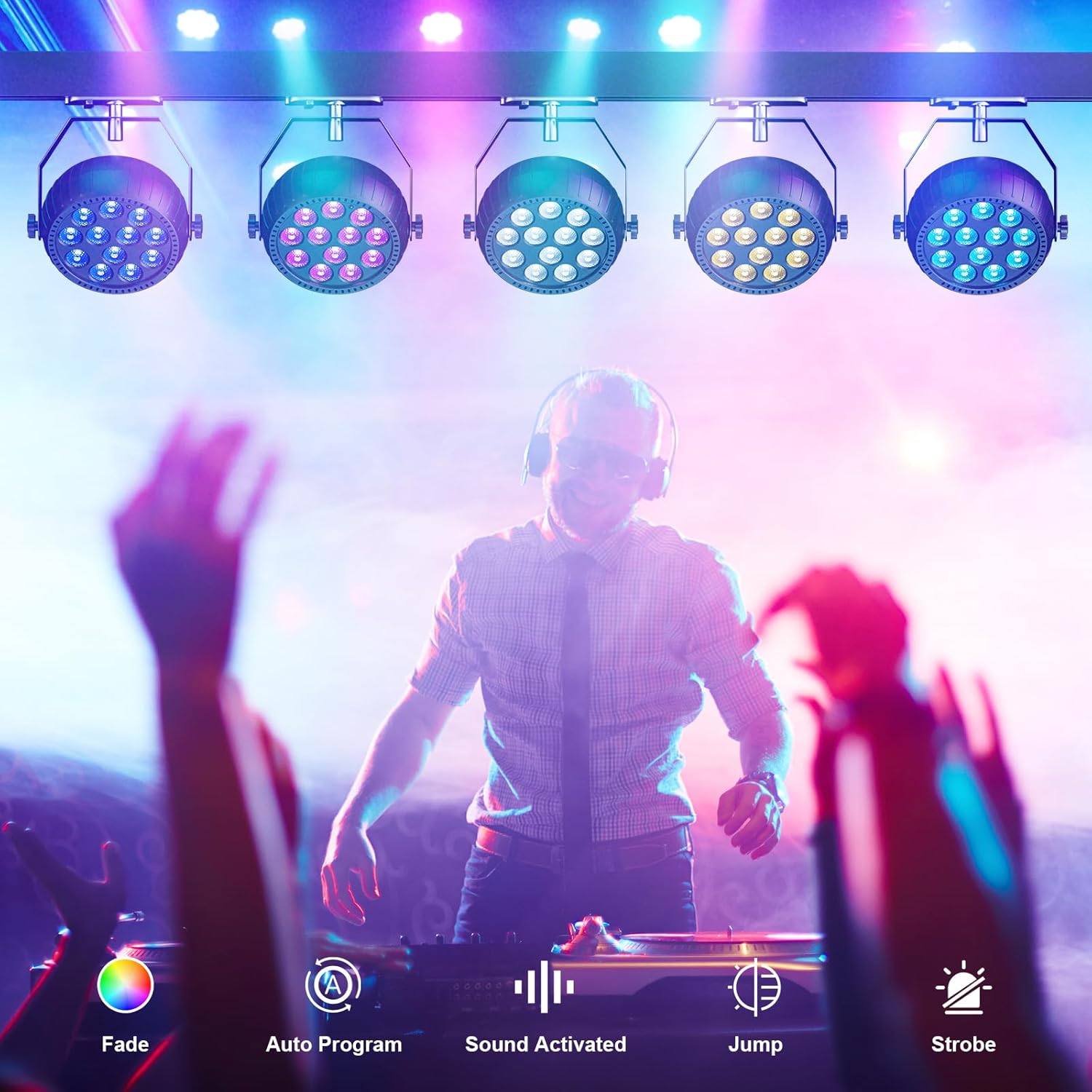
Image 5.2: Visual representation of Fade, Auto Program, Sound Activated, Jump, and Strobe modes.
5.3 Color Selection
You can select individual colors directly using the dedicated color buttons on the remote control (Red, Green, Blue, Rose, Amber, Cyan, White). The lights are equipped with RGB LEDs, allowing for a wide spectrum of colors.
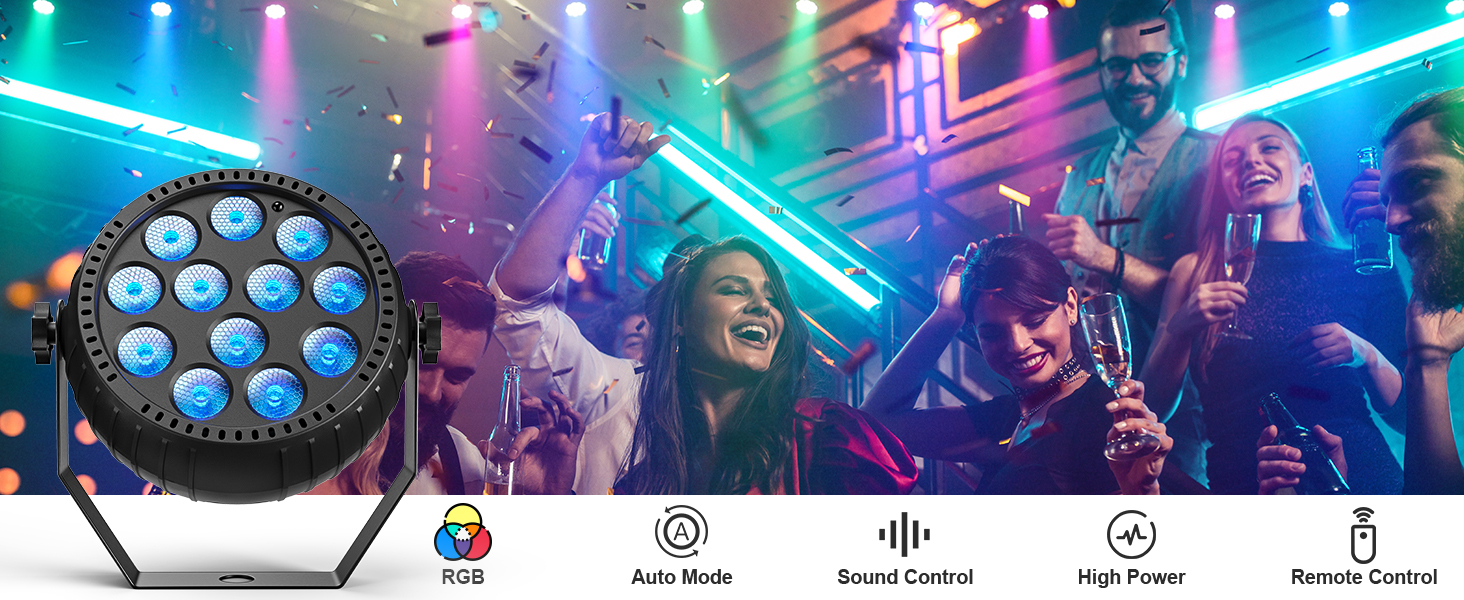
Image 5.3: A single RGB par light showcasing its color output.
6. Care and Maintenance
- Cleaning: Use a soft, dry cloth to clean the exterior of the lights. Do not use abrasive cleaners or solvents.
- Storage: When not in use, store the lights in a cool, dry place away from direct sunlight and extreme temperatures.
- Battery Care: To prolong battery life, avoid fully discharging the battery frequently. Recharge the lights regularly, even if not in active use, to maintain battery health.
- Inspection: Periodically check the charging cable and the light's housing for any signs of damage. Do not use if damaged.
7. Troubleshooting Guide
| Problem | Possible Cause | Solution |
|---|---|---|
| Light does not turn on. | Battery is depleted. Power switch is off. | Charge the light fully. Ensure the power switch on the unit is in the ON position. |
| Remote control is not working. | Remote battery is low or dead. Obstruction between remote and light. Remote not pointed at sensor. | Replace the remote control battery. Ensure a clear line of sight to the light's sensor. Point the remote directly at the light. |
| Light effects are not changing. | Stuck in a single mode. | Press a different mode button (e.g., AUTO, JUMP, FADE) on the remote. |
| Sound activated mode is not responsive. | Low sound volume. Microphone obstructed. | Increase music volume or place the light closer to the sound source. Ensure the microphone opening on the light is not covered. |
| Short battery life. | Battery not fully charged. High brightness/intensive mode usage. Aging battery. | Ensure the light is fully charged (2-4 hours). Reduce brightness or use less intensive modes. Battery capacity may decrease over time; consider replacement if significantly degraded. |
8. Product Specifications
| Feature | Specification |
|---|---|
| Model Number | ZQ01632 |
| Color | RGB-12LEDs |
| Light Source Type | Light Emitting Diode (LED) |
| Number of Light Sources | 12 |
| Light Source Wattage | 1.5 Watts per LED |
| Power Source | Battery Powered (2200mAh built-in) |
| Charging Time | 2-4 hours |
| Operating Time | Up to 6 hours (continuous use) |
| Light Source Special Features | Dimmable |
| Mounting Type | Floor Mount (with 360° adjustable bracket) |
| Material | Polyester (housing) |
| Item Dimensions (L x W x H) | Approximately 12"L x 12"W x 12"H (for the 12-pack, individual light dimensions are smaller, approx. 6.3" diameter, 2.8" depth, 5.9" height with bracket) |
| Amperage | 1 Amps |
9. Warranty and Customer Support
9.1 Manufacturer's Warranty
The ZonQoonz ZQ01632 Rechargeable Mini Par Lights come with a 1-year manufacturer's warranty from the date of purchase. This warranty covers defects in materials and workmanship under normal use. It does not cover damage caused by misuse, accidents, unauthorized modifications, or improper installation.
9.2 Customer Support
For technical assistance, warranty claims, or any questions regarding your ZonQoonz product, please contact our customer support team. You can typically find contact information on the product packaging or through the retailer where you purchased the item. Our team is dedicated to providing support and assistance for your product needs.
Manufacturer: Shenzhen Zhuoqiong Technology Co., Ltd.