
Bumpboxx Thump
Bumpboxx Thump Bluetooth Speaker User Manual
Model: Thump
Introduction
Welcome to the Bumpboxx Thump user manual. This guide provides comprehensive instructions for setting up, operating, maintaining, and troubleshooting your new Bumpboxx Thump portable Bluetooth speaker. The Bumpboxx Thump is designed to deliver powerful audio with exceptional bass, featuring an IPX6 water-resistant rating, dynamic RGB LED lighting, and up to 32 hours of battery life. Its lightweight and portable design makes it ideal for both indoor and outdoor use.
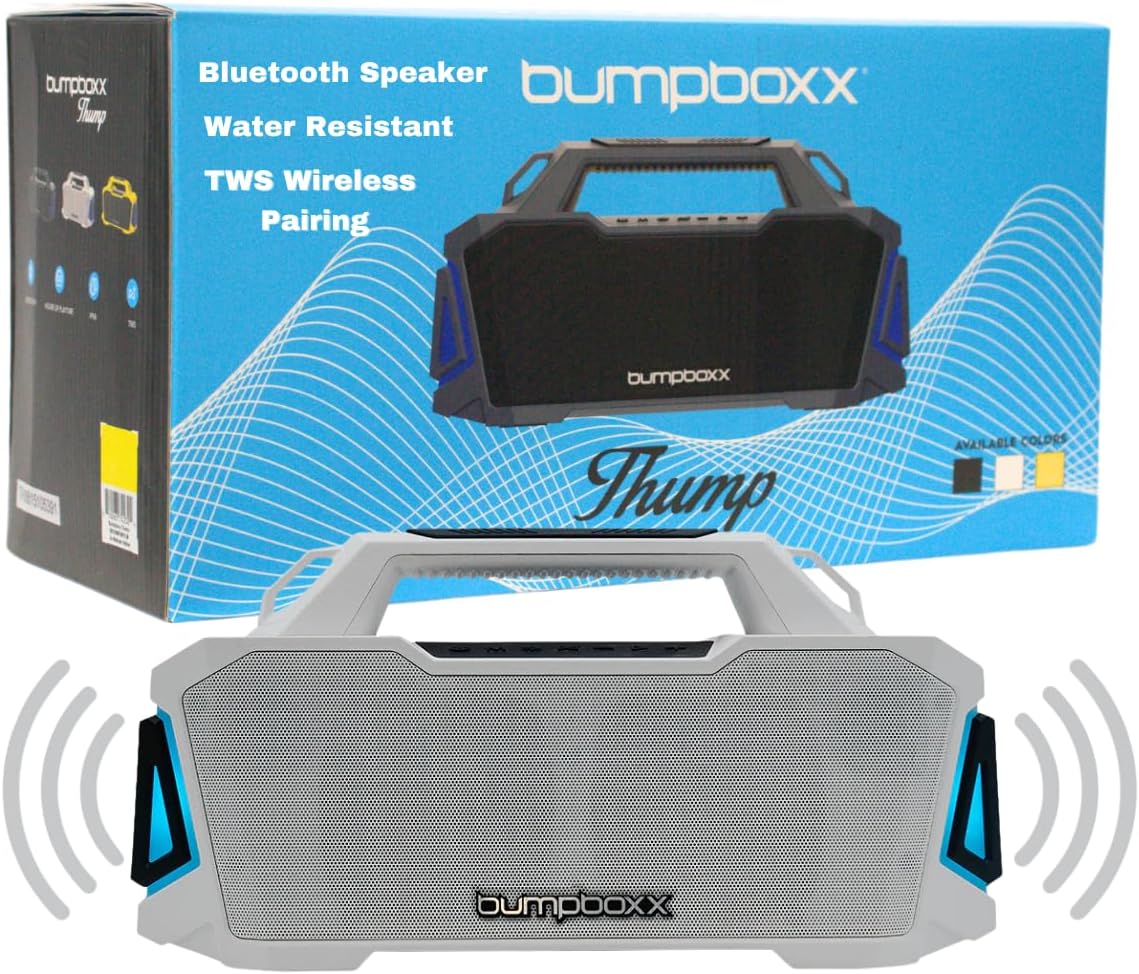
Image: The Bumpboxx Thump speaker shown with its retail packaging, highlighting its sleek design and key features like Bluetooth connectivity, water resistance, and TWS wireless pairing.
Safety Information
- Do not expose the speaker to extreme temperatures or direct sunlight for extended periods.
- Ensure all ports are securely closed when using the speaker near water to maintain its IPX6 water resistance.
- Do not attempt to disassemble or modify the speaker. This will void the warranty and may cause damage.
- Use only the provided charging cable or a certified equivalent.
- Keep the speaker away from strong magnetic fields.
- Clean the speaker with a soft, damp cloth. Avoid using harsh chemicals or abrasive materials.
What's in the Box
Upon opening your Bumpboxx Thump package, please verify that all the following items are included:
- Bumpboxx Thump Bluetooth Speaker
- Charging Cable (USB)
- Shoulder Strap
- User Manual (this document)

Image: A close-up view of the durable strap attachment point on the Bumpboxx Thump, illustrating how the included shoulder strap connects for easy portability.
Setup
Charging the Speaker
Before first use, fully charge your Bumpboxx Thump. A full charge provides up to 32 hours of playback time.
- Locate the charging port on the speaker.
- Connect the provided USB charging cable to the speaker's charging port.
- Connect the other end of the USB cable to a compatible USB power adapter (not included) or a computer's USB port.
- The LED indicator will show charging status (refer to speaker's LED guide for specific indications).
- Once fully charged, disconnect the charging cable.
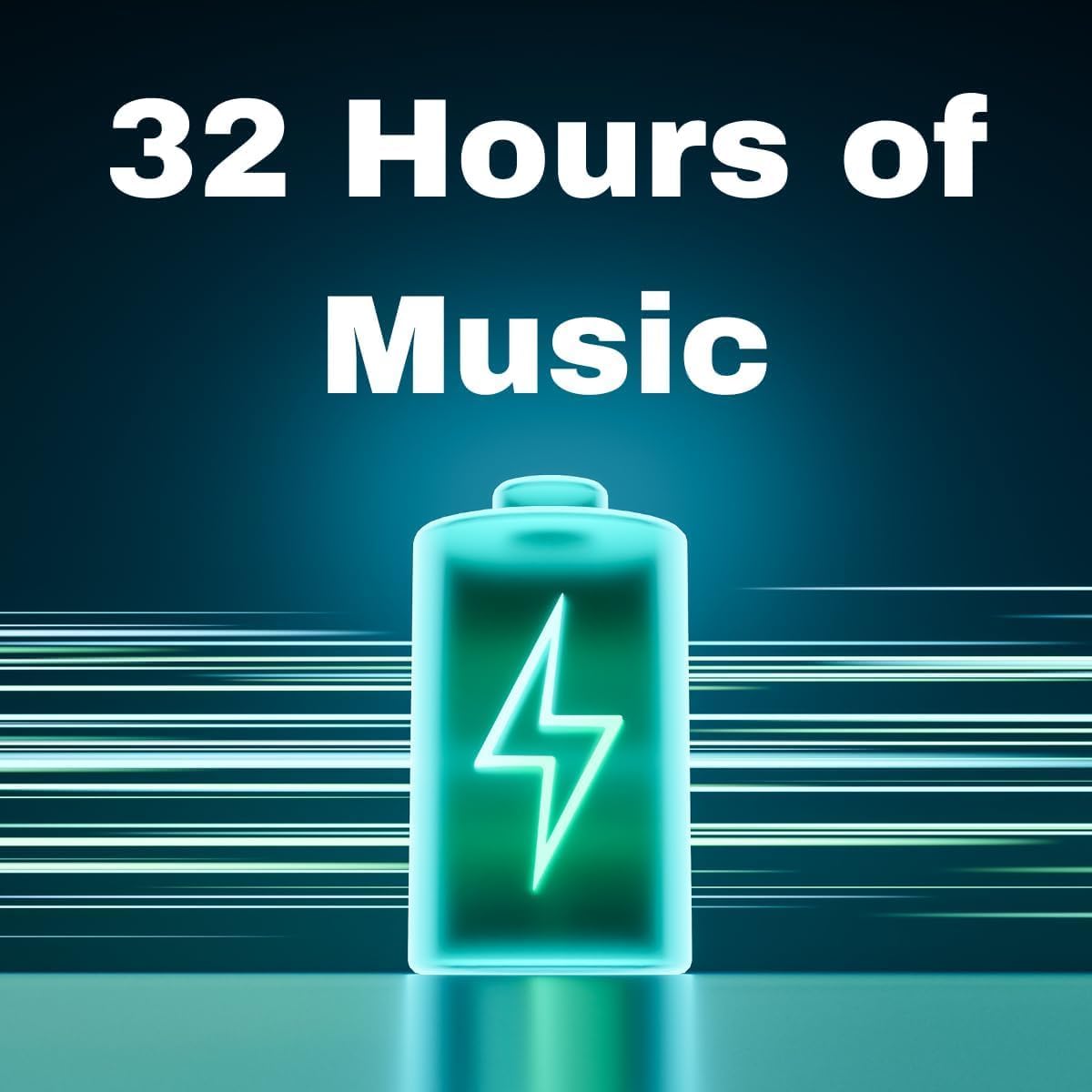
Image: A visual representation emphasizing the Bumpboxx Thump's impressive 32-hour battery life, depicted by a glowing battery icon.
Operating Instructions
Powering On/Off
- To power on: Press and hold the Power button until the speaker activates.
- To power off: Press and hold the Power button until the speaker deactivates.
Bluetooth Pairing
Connect your Bumpboxx Thump to a Bluetooth-enabled device.
- Ensure the speaker is powered on and in Bluetooth pairing mode (indicated by a flashing LED).
- On your device (smartphone, tablet, computer), enable Bluetooth and search for available devices.
- Select "Bumpboxx Thump" from the list of devices.
- Once paired, the LED indicator will become solid, and you will hear an audible confirmation.
True Wireless Stereo (TWS) Pairing
Pair two Bumpboxx Thump speakers for a stereo sound experience.
- Ensure both Bumpboxx Thump speakers are powered on and not connected to any other Bluetooth device.
- On one speaker, press and hold the TWS button (refer to speaker's button layout for exact location).
- The speaker will enter TWS pairing mode. Repeat this step on the second speaker.
- The speakers will automatically connect to each other. Once connected, one speaker will act as the master (left channel) and the other as the slave (right channel).
- Now, connect your Bluetooth device to the master speaker as described in the "Bluetooth Pairing" section.
Using Auxiliary Input (AUX)
Connect devices without Bluetooth using the 3.5mm AUX input.
- Connect a 3.5mm audio cable (not included) from your audio source to the AUX input port on the speaker.
- The speaker will automatically switch to AUX mode.
USB Playback
Play audio files directly from a USB drive.
- Insert a USB flash drive containing audio files into the USB port on the speaker.
- The speaker will automatically detect the USB drive and begin playback.
LED Light Settings
The Bumpboxx Thump features 5 dynamic RGB LED light settings.
- Press the Light button (refer to speaker's button layout) to cycle through the different light modes.
- Press and hold the Light button to turn the lights off.

Image: A person joyfully holding a yellow Bumpboxx Thump speaker above their head, demonstrating its lightweight and portable nature for outdoor activities.
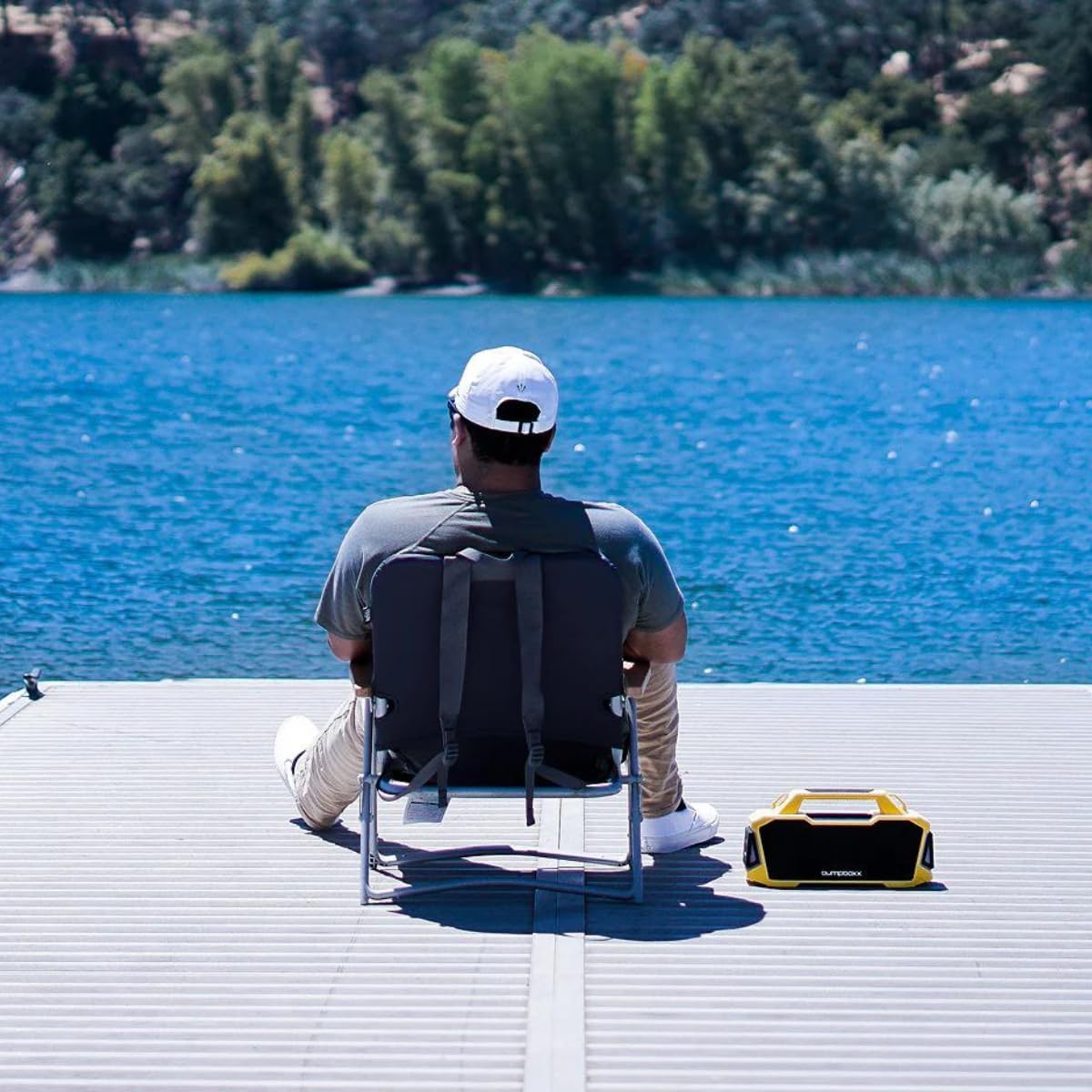
Image: A person relaxing by a lake with the Bumpboxx Thump speaker placed next to them, illustrating its suitability for outdoor environments.
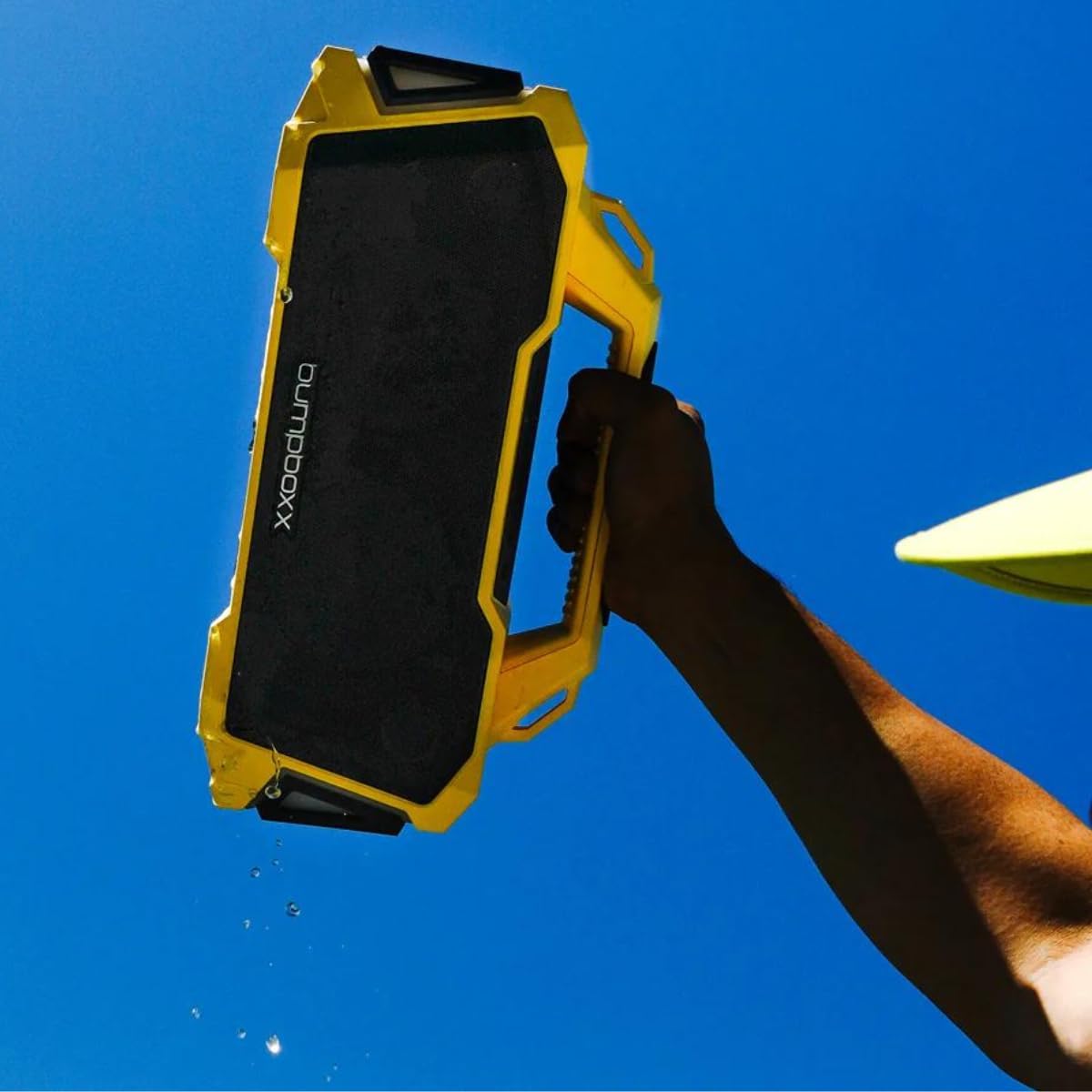
Image: A hand holding the yellow Bumpboxx Thump speaker with water visibly dripping from it, showcasing its IPX6 water-resistant capability.
Maintenance
Cleaning
To keep your Bumpboxx Thump in optimal condition:
- Wipe the exterior with a soft, slightly damp cloth.
- Do not use abrasive cleaners, alcohol, benzene, or other harsh chemicals, as these may damage the surface or internal components.
- Ensure all port covers are closed before cleaning with a damp cloth.
Storage
When not in use for extended periods:
- Store the speaker in a cool, dry place, away from direct sunlight and extreme temperatures.
- Charge the battery at least once every three months to maintain battery health.
Troubleshooting
| Problem | Possible Cause | Solution |
|---|---|---|
| Speaker does not power on. | Battery is depleted. | Charge the speaker fully. |
| Cannot pair via Bluetooth. | Speaker is not in pairing mode or already connected. Device Bluetooth is off. | Ensure speaker is in pairing mode. Turn off and on Bluetooth on your device. Forget "Bumpboxx Thump" on your device and re-pair. |
| No sound or low volume. | Volume too low on speaker or device. Incorrect input mode. | Increase volume on both speaker and connected device. Ensure correct input mode (Bluetooth, AUX, USB) is selected. |
| TWS pairing fails. | Speakers are too far apart or already connected to other devices. | Ensure both speakers are within range and not connected to other devices. Restart both speakers and try TWS pairing again. |
| Lights are not working. | Lights are turned off or battery is very low. | Press the Light button to cycle modes. Charge the speaker. |
Specifications
| Feature | Detail |
|---|---|
| Model Name | Thump |
| Brand | Bumpboxx |
| Connectivity Technology | Bluetooth |
| Wireless Communication Technology | Bluetooth |
| Speaker Maximum Output Power | 120 Watts |
| Battery Life | Up to 32 Hours |
| Water Resistance Rating | IPX6 |
| Product Dimensions (L x W x H) | 14.25" x 5.37" x 7.25" |
| Item Weight | 7 lbs (approx. 3.17 kg) |
| Audio Output Mode | Stereo |
| Control Method | Touch |
| Included Components | Strap |
| UPC | 810063742317 |

Image: A clear diagram illustrating the length, width, and height of the Bumpboxx Thump speaker, providing precise product dimensions.
Warranty and Support
Warranty Information
The Bumpboxx Thump comes with an extended warranty. Please refer to the warranty card included in your packaging or visit the official Bumpboxx website for detailed terms and conditions regarding warranty coverage, duration, and claims process.
Customer Support
For technical assistance, troubleshooting beyond this manual, or warranty inquiries, please contact Bumpboxx customer support:
- Website: Visit the official Bumpboxx website for FAQs, support resources, and contact forms.
- Email: Refer to the contact section on the Bumpboxx website for support email addresses.
- Phone: Check the Bumpboxx website for available phone support numbers and hours of operation.
When contacting support, please have your product model (Thump) and purchase information ready.
Ask a question about this manual
Ask about setup, troubleshooting, compatibility, parts, safety, or missing instructions. Manuals+ will review the question and use this page’s manual context to help answer it.