
1. Introduction
This manual provides detailed instructions for the safe and efficient operation, maintenance, and troubleshooting of your Generic Commercial Soda Can Sealer, Model RY-FGJ-100D. Please read this manual thoroughly before using the machine to ensure proper function and to prevent damage or injury.
2. Safety Information
- Always ensure the machine is placed on a stable, level surface.
- Keep hands and loose clothing away from moving parts during operation.
- Do not operate the machine with wet hands or in wet conditions.
- Unplug the machine from the power source before cleaning or performing any maintenance.
- Use only the specified voltage (110V 60Hz) for operation.
- Do not attempt to modify or disassemble the machine. Contact qualified personnel for repairs.
3. Product Overview
The Generic Commercial Soda Can Sealer is an automatic machine designed for sealing both aluminum and plastic cans. It features a height-adjustable mechanism and an intelligent digital control panel for ease of use and efficiency.
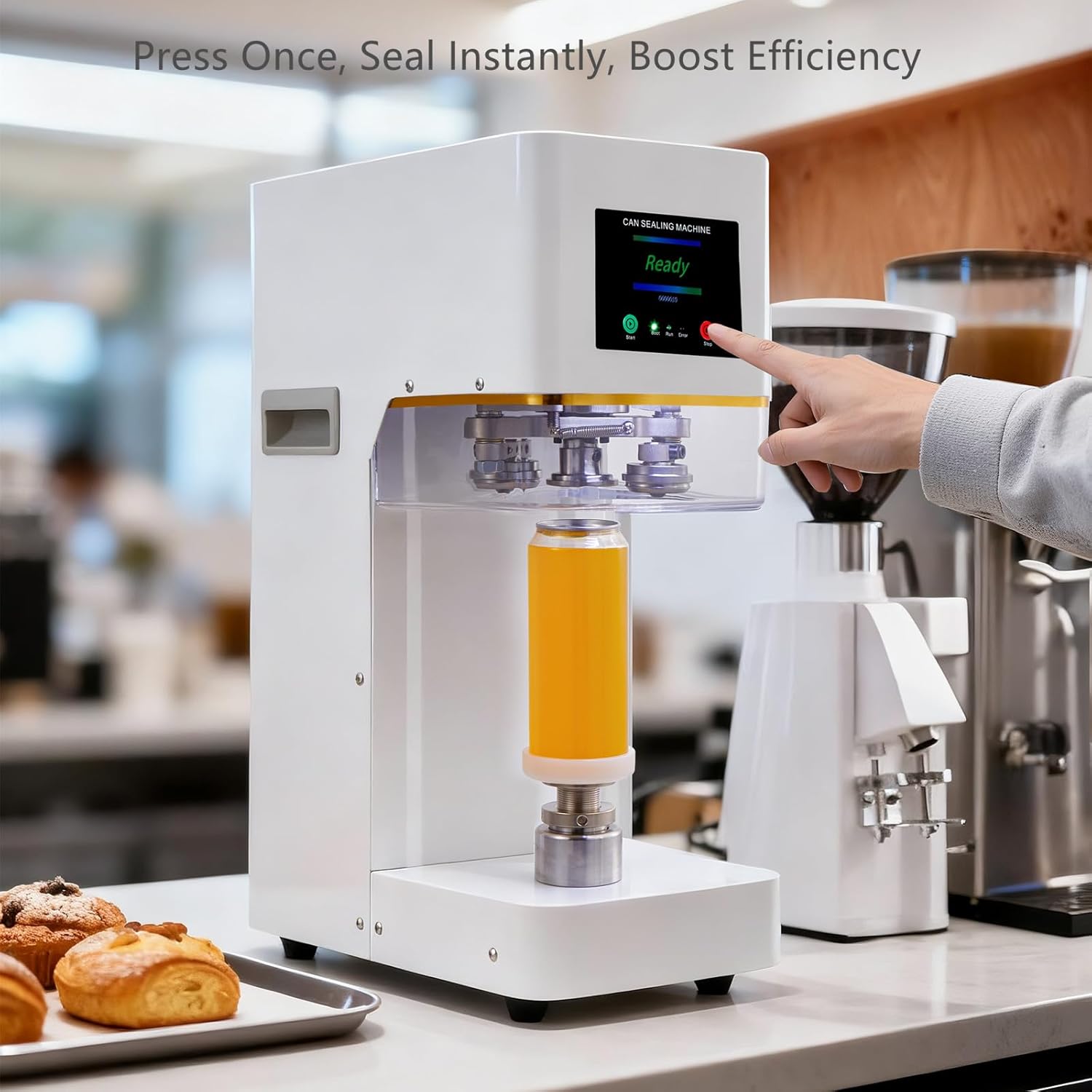
Figure 3.1: Product dimensions (7.9x15.7x23.6 inches).
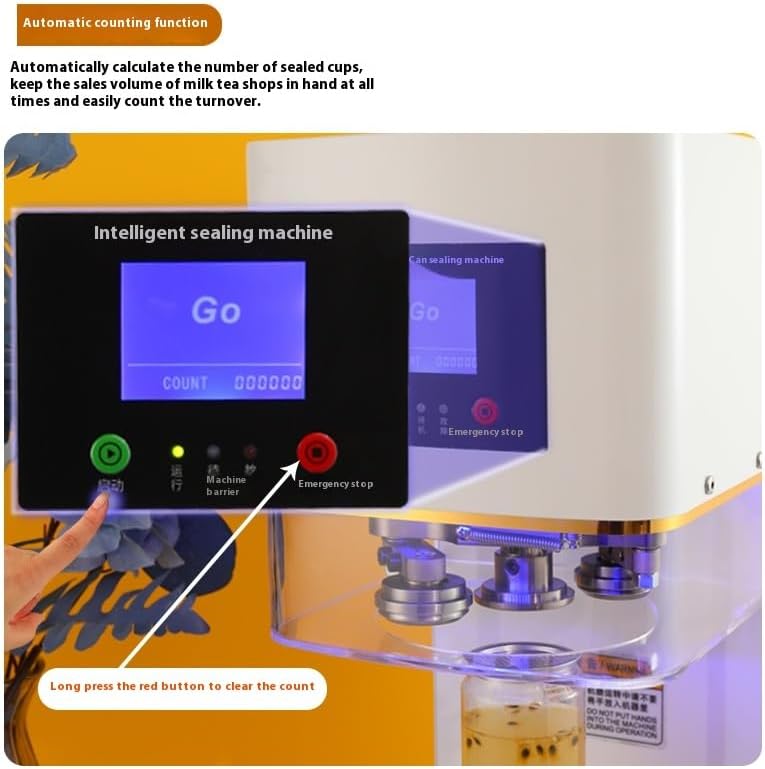
Figure 3.2: The machine includes 5 interchangeable cup holders to accommodate various can sizes (8.5oz, 11oz, 11oz Slim, 12oz, and 16.9oz).
4. Setup
- Unpacking: Carefully remove the can sealer from its packaging. Inspect for any damage during transit.
- Placement: Place the machine on a sturdy, flat, and dry surface. Ensure there is adequate space around the machine for ventilation and operation.
- Power Connection: Connect the power cord to the machine and then to a grounded 110V 60Hz electrical outlet.
- Cup Holder Installation: Select the appropriate cup holder for the can size you intend to seal. Place it onto the base of the machine. The machine comes with cup holders for 8.5oz, 11oz, 11oz Slim, 12oz, and 16.9oz cans.
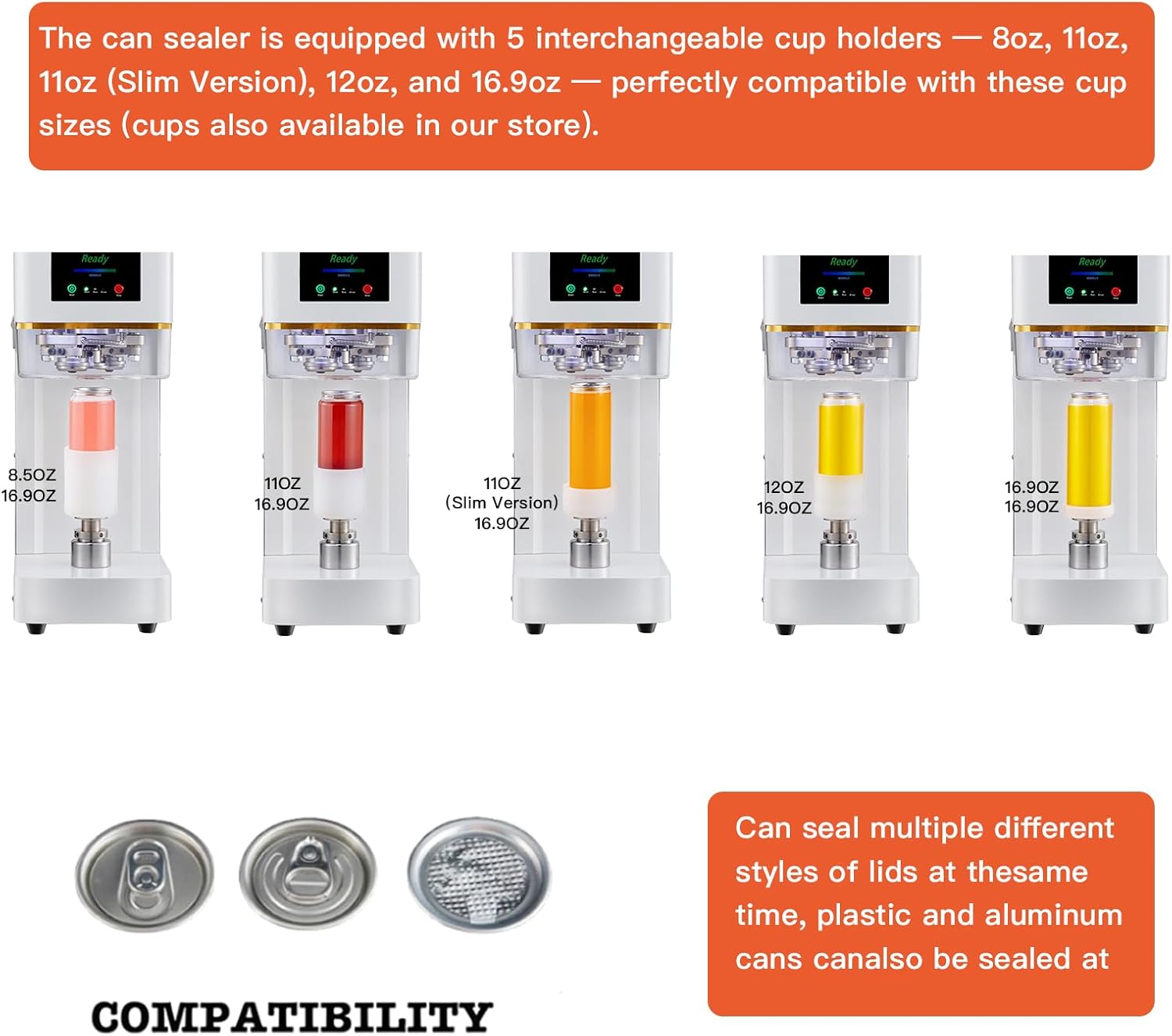
Figure 4.1: The can sealer is compatible with various can sizes, utilizing different cup holders for a secure fit.
5. Operating Instructions
The can sealer features a user-friendly digital control panel and automatic operation.
- Power On: Flip the main power switch located at the back of the machine. The digital display will light up, showing "Ready".
- Place Can: Place an unsealed can, filled with your desired beverage, onto the installed cup holder. Ensure the can is centered and stable.
- Place Lid: Carefully place the lid onto the top of the can.
- Start Sealing: Press the green "Start" button on the control panel. The machine will automatically lift the can, initiate the sealing process, and then lower the sealed can.
- Remove Sealed Can: Once the sealing cycle is complete, remove the sealed can.
- Automatic Counting: The intelligent digital control panel automatically counts the number of sealed cans. To clear the count, long-press the red "Stop" button.

Figure 5.1: Press the green 'Start' button to begin the automatic sealing process.
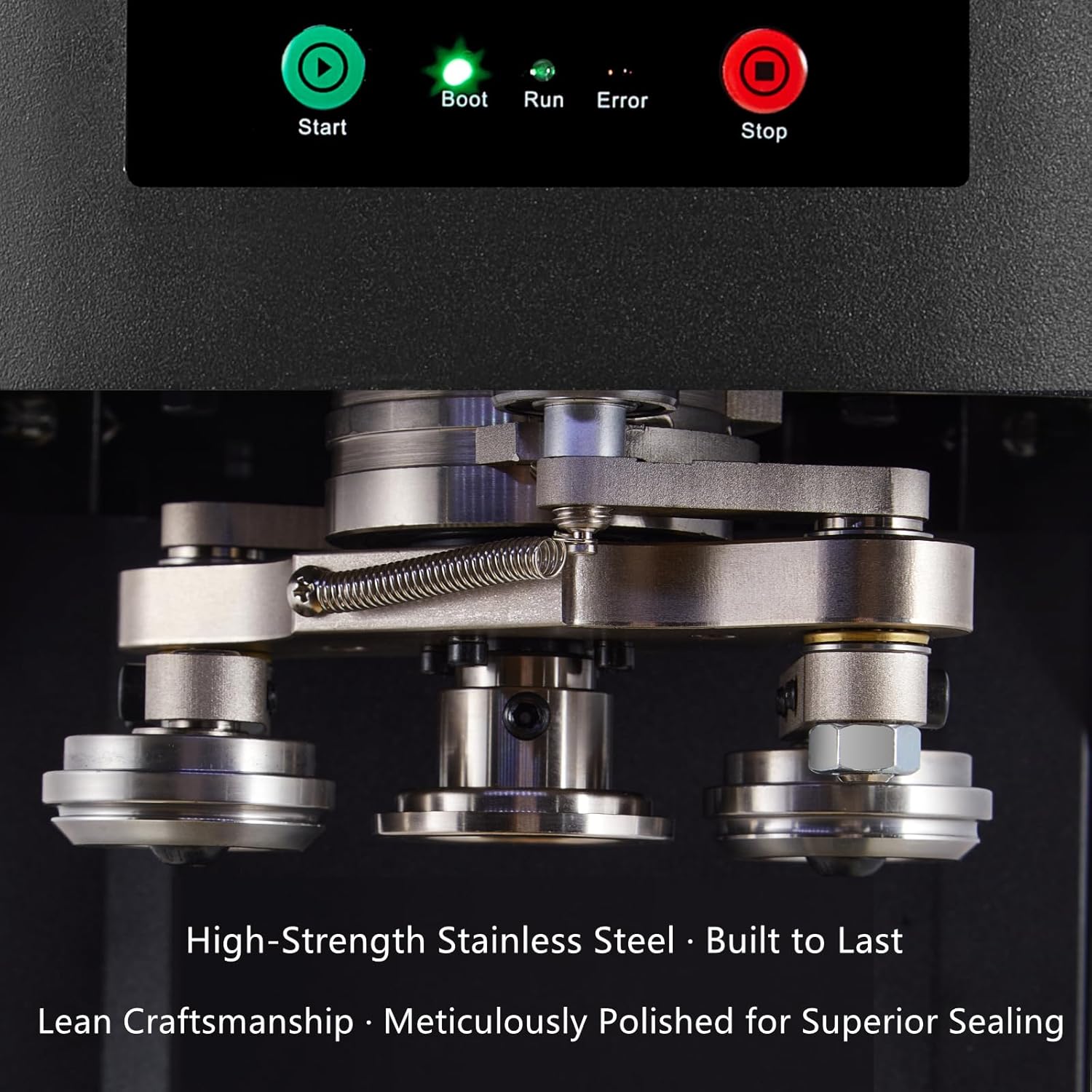
Figure 5.2: The machine seals cans smoothly and firmly, preventing spills or leaks.

Figure 5.3: The control panel displays the current status and an automatic count of sealed items.
Video 5.1: This video demonstrates the machine's compatibility with various can capacities and the sealing process.
6. Maintenance
- Cleaning: Regularly wipe down the exterior of the machine with a soft, damp cloth. Do not use abrasive cleaners or immerse the machine in water.
- Sealing Rollers: Inspect the precision edge sealing rollers periodically for any debris or wear. Clean them gently if necessary.
- Lubrication: Consult a qualified technician for any internal lubrication requirements.
- Storage: When not in use for extended periods, store the machine in a clean, dry place.

Figure 6.1: The precision edge sealing rollers are made of high-strength stainless steel for durability and hygiene.
7. Troubleshooting
| Problem | Possible Cause | Solution |
|---|---|---|
| Machine does not power on | No power supply; Power switch off | Check power cord connection; Ensure power switch is ON; Check circuit breaker. |
| Can not sealing properly | Incorrect cup holder; Can not centered; Lid not placed correctly | Ensure correct cup holder for can size; Reposition can and lid; Inspect sealing rollers for damage. |
| Machine stops during operation | Overload; Internal error | Press the 'Stop' button, then 'Start' to reset; If error persists, unplug and contact support. |
| Unusual noise during operation | Foreign object; Component wear | Immediately stop the machine and inspect for obstructions; If noise continues, contact support. |
8. Specifications
| Feature | Detail |
|---|---|
| Model Number | RY-FGJ-100D |
| Speed | 1600r/min |
| Cans Mouth Diameter | 55 mm (2.16 inch) |
| Cans Height | 60-170 mm (2.4-6.7 inch) |
| Production Capacity | 10-20 times/min |
| Material | Carbon Steel |
| Voltage | 110V 60Hz |
| Color | White |
| Net Weight (NW) | 70.5 lbs (32 kg) |
| Dimensions (LxWxH) | 7.9 x 15.7 x 23.6 inches (20 x 40 x 60 cm) |
| Operation Mode | Automatic |
| Wattage | 140 watts |
| Included Components | Complete set of machines and 5 different capacity coasters |
9. Warranty and Support
For warranty information, please refer to the product packaging or contact the retailer from whom you purchased the machine. If you have any questions regarding the operation, maintenance, or troubleshooting of your Commercial Soda Can Sealer, please contact customer support for assistance. We are committed to providing full after-sales support to ensure you have the best experience.