
Introduction
This manual provides detailed instructions for the installation, operation, maintenance, and troubleshooting of your Losuudy Wired Backup Camera B6. Please read this manual thoroughly before use to ensure proper functionality and longevity of your device. The B6 camera is designed exclusively for use with Losuudy A1, A2, A5, C1W, and C2W camera systems.
Package Contents
Before proceeding with installation, please verify that all items are present in the package:
- Losuudy Wired Backup Camera B6
- 23ft Connection Cable
Setup
1. Compatibility Check
Ensure your existing camera system is a Losuudy A1, A2, A5, C1W, or C2W model. This B6 camera is specifically designed to integrate with these systems.
2. Mounting the Camera
Select a suitable location at the rear of your vehicle for mounting the backup camera. Common locations include above the license plate or near the trunk handle. Ensure the chosen spot provides a clear, unobstructed view of the area behind the vehicle. Secure the camera firmly using appropriate mounting hardware (not included unless specified by your camera system).
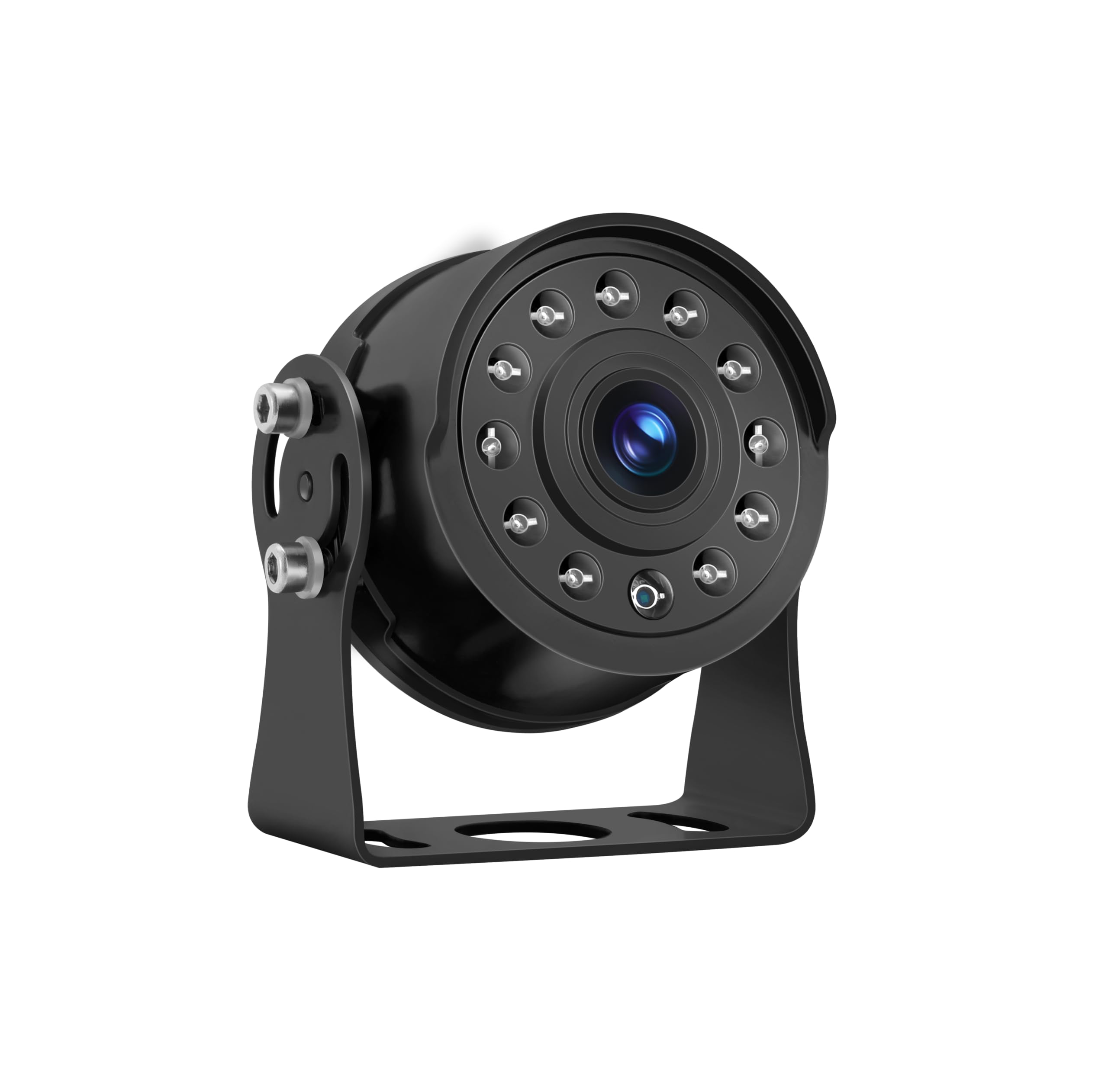
Image: Losuudy B6 Wired Backup Camera. This image shows the compact design of the camera, suitable for discreet mounting on the rear of a vehicle.
3. Wiring Connection
Connect the provided 23ft cable to the B6 backup camera. Route the cable carefully through your vehicle's interior to your compatible Losuudy camera system's monitor or control unit. Ensure the cable is not pinched, exposed to sharp edges, or interferes with any moving parts. Connect the other end of the 23ft cable to the designated input port on your Losuudy camera system. Refer to your Losuudy camera system's manual for specific wiring diagrams if needed.
Typically, the camera receives power and video signal through this single cable connection from the main camera system, activating when the vehicle is in reverse.
Operating Instructions
Automatic Activation
Once properly installed and connected to your Losuudy camera system, the B6 backup camera will automatically activate when your vehicle is shifted into reverse gear. The live video feed from the camera will then be displayed on your compatible Losuudy monitor.
Key Features
- HD 1080P Resolution: Provides a clear and detailed view of the area behind your vehicle.
- IR Night Vision: Enhances visibility in low-light conditions, ensuring safety during nighttime reversing.
- 120-Degree Field of View: Offers a wide perspective to minimize blind spots.
- IP68 Waterproof: Designed to withstand water immersion and dust, ensuring reliable performance in various weather conditions.
- Temperature Resistance: Operates effectively in temperatures ranging from -4°F to 158°F (-20°C to 70°C).
Adjusting View
The camera's wide-angle lens provides a fixed 120-degree field of view. If the displayed image does not meet your preference, minor adjustments to the camera's physical mounting angle may be necessary. Ensure the camera is securely fastened after any adjustments.
Maintenance
Cleaning the Lens
Regularly clean the camera lens to ensure optimal image clarity. Use a soft, clean, damp cloth to gently wipe the lens. Avoid using abrasive cleaners, solvents, or harsh chemicals, as these can damage the lens coating.
Cable Inspection
Periodically inspect the 23ft connection cable for any signs of wear, cuts, or damage. Ensure all connections remain secure and free from corrosion. Damaged cables can lead to intermittent signal loss or poor image quality. Replace any damaged cables immediately.
Weather Protection
While the B6 camera is IP68 waterproof and temperature resistant, prolonged exposure to extreme weather conditions (e.g., direct high-pressure water jets, prolonged submersion, or temperatures outside the specified range) should be avoided to maximize product lifespan.
Troubleshooting
If you encounter issues with your Losuudy B6 backup camera, please refer to the following common troubleshooting steps:
- No Image / Black Screen:
- Ensure your vehicle is in reverse gear.
- Check all cable connections between the camera and your Losuudy camera system. Ensure they are secure and fully inserted.
- Verify that your Losuudy camera system is powered on and functioning correctly.
- Flickering or Distorted Image:
- Inspect the 23ft cable for any damage or loose connections.
- Check for potential electromagnetic interference from other electronic devices in the vehicle.
- Ensure the camera lens is clean and free from moisture or debris.
- Poor Image Quality / Blurry Image:
- Clean the camera lens thoroughly.
- Ensure there are no physical obstructions blocking the camera's view.
- Check the display settings on your Losuudy camera system's monitor.
- Night Vision Not Working:
- Ensure the camera lens and surrounding area are clean, as dirt can obstruct the infrared sensors.
- Verify that the ambient light conditions are dark enough for night vision to activate automatically.
If these steps do not resolve the issue, please contact Losuudy customer support for further assistance.
Specifications
| Brand | Losuudy |
| Model | B6 |
| Product Dimensions (L x W x H) | 6.3" x 3.9" x 3.15" |
| Compatible Devices | Losuudy Backup Camera Systems (A1, A2, A5, C1W, C2W) |
| Installation Type | Wired |
| Optical Sensor Technology | CMOS |
| Lens Type | Wide Angle |
| Real Angle of View | 120 Degrees |
| Optical Sensor Size | 1/3 inch |
| Video Capture Resolution | 1080p |
| Built-In Media | 23ft Cable, Backup Camera |
| IP Rating | IP68 (Waterproof & Dustproof) |
| Operating Temperature | -4°F to 158°F (-20°C to 70°C) |
Warranty and Support
Warranty Information
The Losuudy Wired Backup Camera B6 is covered by a 2-year manufacturer's warranty. This warranty covers defects in materials and workmanship under normal use. Please retain your proof of purchase for any warranty claims. The warranty does not cover damage caused by misuse, accident, unauthorized modification, or improper installation.
Customer Support
For technical assistance, troubleshooting beyond this manual, or warranty inquiries, please contact Losuudy customer support. You can also visit the official Losuudy store for more information and resources: