Introduction
This instruction manual provides detailed guidance for the installation, operation, and maintenance of the Generic Accessory Kit compatible with the Xiaomi Mijia G1 MJSTG1 Robot Vacuum -Mop Essential. Regular replacement and proper maintenance of these parts are crucial for ensuring the optimal performance and longevity of your robot vacuum cleaner.
Package Contents
Please verify that all items listed below are included in your accessory kit:
- 1 x Main Brush
- 2 x Mop Cloths
- 2 x Side Brushes
- 2 x HEPA Filters
- 1 x Cleaning Brush
- 1 x Screwdriver

Figure 1: Overview of included components with approximate dimensions. This image displays the main brush, mop cloth, side brush, and HEPA filter, indicating their respective weights and measurements for identification.
Installation Guide
Follow these steps to install or replace the accessory parts in your Xiaomi Mijia G1 MJSTG1 robot vacuum.
1. Main Brush Installation
- Turn off the robot vacuum and place it upside down on a flat surface.
- Locate the main brush cover, usually secured by two tabs or screws.
- Press the tabs or unscrew to remove the cover.
- Lift out the old main brush.
- Insert the new main brush, ensuring the ends align with the slots in the vacuum.
- Replace the main brush cover and secure it.

Figure 2: The main brush is designed for deep cleaning of gaps and efficient dust removal. Its robust construction ensures durability and effective double cleaning action.
2. Side Brush Installation
- Turn off the robot vacuum and place it upside down.
- Locate the side brushes. They are typically held by a single screw.
- Use the provided screwdriver to remove the screw and detach the old side brush.
- Align the new side brush with the screw hole and secure it with the screw.

Figure 3: The side brushes feature an anti-wrapping design to prevent hair entanglement and effectively sweep dust from corners and edges. They are durable and help prevent scratches on floor surfaces.
3. HEPA Filter Installation
- Open the dustbin cover on your robot vacuum.
- Remove the dustbin from the vacuum.
- Locate the filter compartment within the dustbin.
- Remove the old HEPA filter and foam filter.
- Insert the new HEPA filter and foam filter into the compartment, ensuring a snug fit.
- Close the filter compartment and reinsert the dustbin into the vacuum.

Figure 4: The HEPA filter can be washed with water and air-dried for reuse, making it environmentally friendly. It provides strong filtering capabilities to capture fine dust and allergens.
4. Mop Cloth Installation
- Locate the mop cloth attachment on the underside of the robot vacuum.
- Remove the used mop cloth, typically by sliding it off or detaching its hook-and-loop fasteners.
- Attach the new mop cloth, ensuring it is securely fastened and evenly spread.
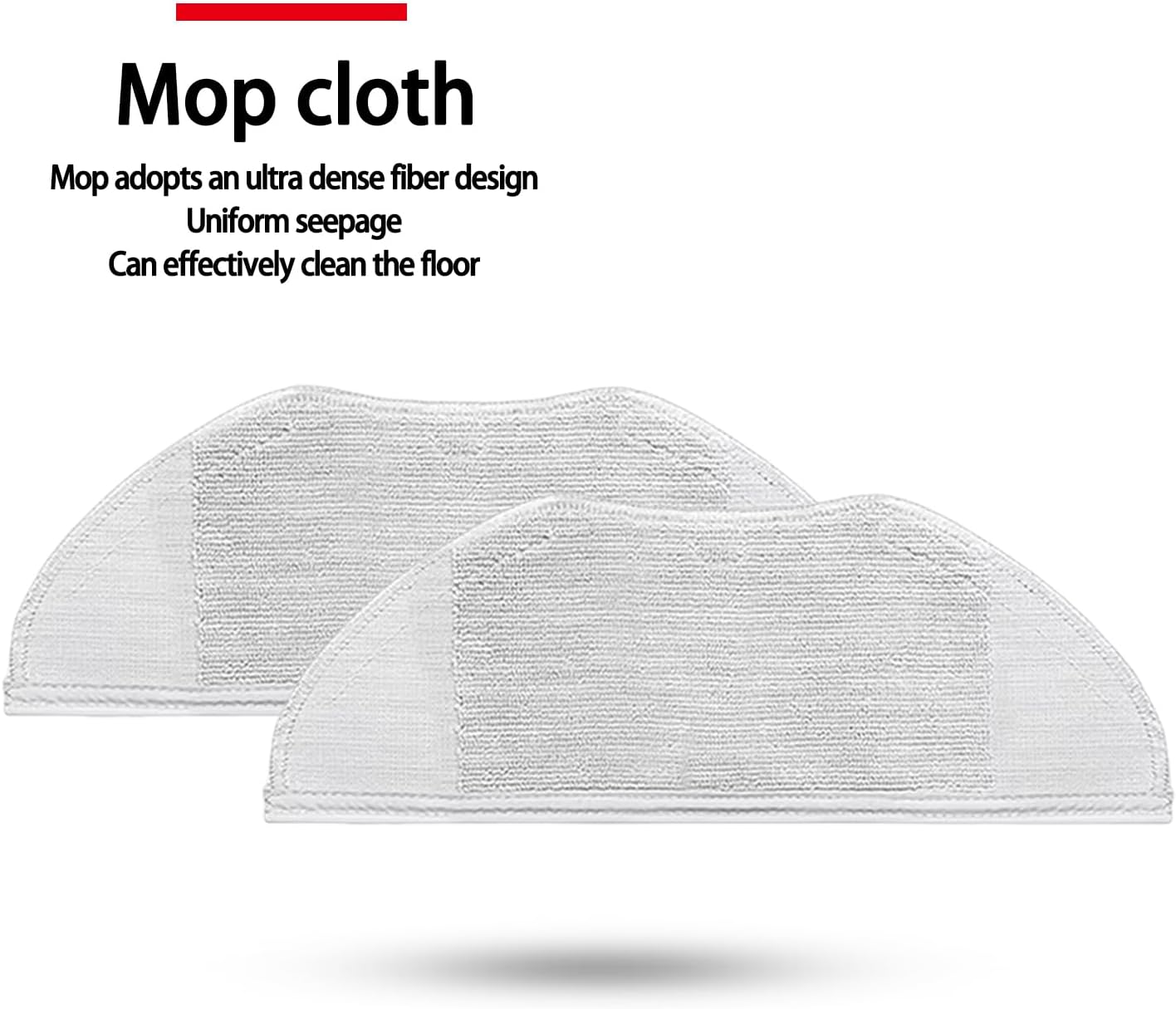
Figure 5: The mop cloth features an ultra-dense fiber design for uniform water seepage, allowing it to effectively clean and maintain floor surfaces.
Maintenance
Regular cleaning and maintenance of these accessories will extend their lifespan and ensure your robot vacuum operates efficiently.
1. Cleaning the Main Brush
- Remove the main brush as described in the installation section.
- Use the provided cleaning brush or a pair of scissors to remove hair and debris tangled around the brush and its bearings.
- Wipe the brush with a dry cloth if necessary. Do not wash the main brush with water unless specified by the vacuum manufacturer.
- Reinstall the clean main brush.
2. Cleaning the Side Brushes
- Remove the side brushes.
- Remove any hair or debris wrapped around the bristles or the brush base.
- If the bristles are bent, you can soak them in warm water for a few minutes to help them regain their shape. Ensure they are completely dry before reinstallation.
- Reinstall the clean side brushes.
3. Cleaning/Replacing HEPA Filters
- Remove the HEPA filter from the dustbin.
- Tap the filter gently over a trash can to remove loose dust.
- The HEPA filter can be rinsed under running water. Ensure it is completely air-dried for at least 24 hours before reinstallation to prevent damage to the vacuum.
- Replace HEPA filters every 3-6 months, or more frequently depending on usage and environment.
4. Cleaning Mop Cloths
- Remove the mop cloth after each use.
- Hand wash the mop cloth with mild detergent and warm water.
- Rinse thoroughly and allow it to air dry completely before reattaching.
- Mop cloths can be machine washed on a gentle cycle if desired, but air drying is recommended.
Troubleshooting
If you encounter issues after replacing parts, consider the following:
- Reduced Cleaning Performance: Ensure all brushes are free of tangles and debris. Check if the HEPA filter is clean and properly installed.
- Unusual Noises: Verify that the main brush and side brushes are correctly installed and not obstructed by foreign objects.
- Parts Not Fitting: Double-check that you have the correct accessory kit for the Xiaomi Mijia G1 MJSTG1 model. Ensure parts are aligned correctly during installation.
Specifications
| Component | Approximate Dimensions (L x W x H) | Approximate Weight |
|---|---|---|
| Main Brush | 194mm x 40mm x 40mm | 63g |
| Side Brush | 130mm (diameter) x 53mm (height) | 6g |
| HEPA Filter | 110mm x 40mm x 10mm | Not specified individually |
| Mop Cloth | 295mm x 110mm | 17g |
Note: All dimensions and weights are approximate and may vary slightly.


