
Introduction
Thank you for choosing the Kalence T10 Wireless Stereo Ski Helmet Speakers. These headphones are designed to provide high-quality audio and seamless communication during your skiing, snowboarding, motorcycling, or other outdoor activities. Featuring Bluetooth 5.3, HDR audio technology, and glove-friendly controls, the T10 ensures an immersive and convenient audio experience while maintaining awareness of your surroundings.
What's in the Box
- Kalence T10 Wireless Ski Helmet Speakers (2 units)
- Charging Case
- USB-C Charging Cable
- Protective Carrying Case
- Carabiner Clip
- User Manual
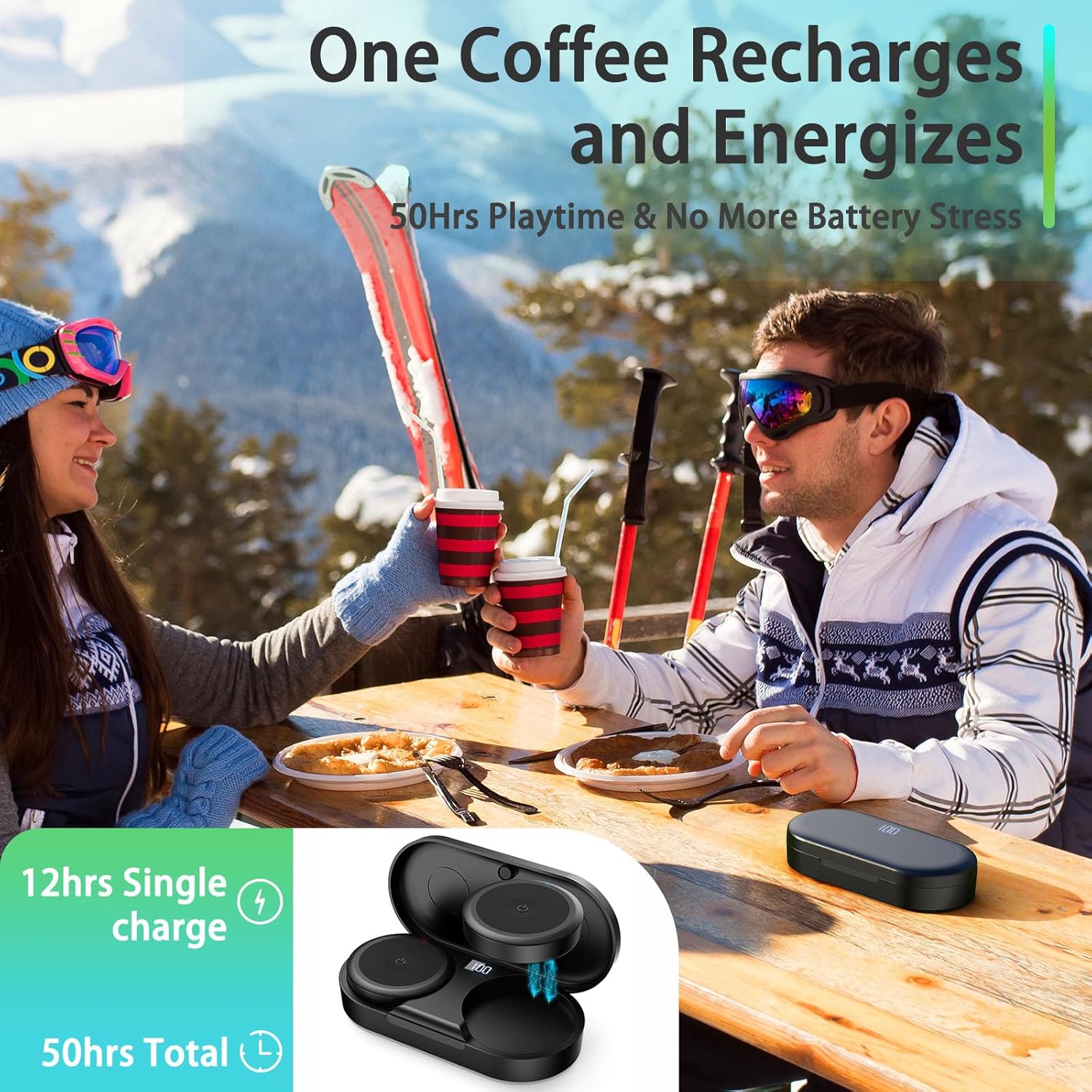
Image: The Kalence T10 package contents, showing the two helmet speakers, the charging case, a USB-C cable, and a small carrying case.
Setup
1. Charging the Speakers and Case
Before first use, fully charge your Kalence T10 speakers and the charging case. The charging case features a digital display to show the battery level.
- Place the speakers into their respective slots in the charging case. Ensure they are correctly seated to initiate charging.
- Connect the provided USB-C charging cable to the charging port on the case and to a compatible USB power source.
- The display on the charging case will indicate the current battery percentage.
- A full charge provides approximately 10 hours of playtime for the speakers, with the charging case extending total playtime up to 50 hours.

Image: The charging case with the USB-C cable connected, illustrating the charging process.

Image: The charging case held in a hand, displaying the battery percentage on its LED screen.
2. Bluetooth Pairing
- Remove both speakers from the charging case. They will automatically enter pairing mode.
- On your mobile device, enable Bluetooth and search for available devices.
- Select "Kalence T10" from the list of devices to connect.
- Once connected, you will hear an audio prompt, and the indicator light on the speakers will confirm the connection.
- The speakers utilize Bluetooth 5.3 for a stable connection up to 10 meters.
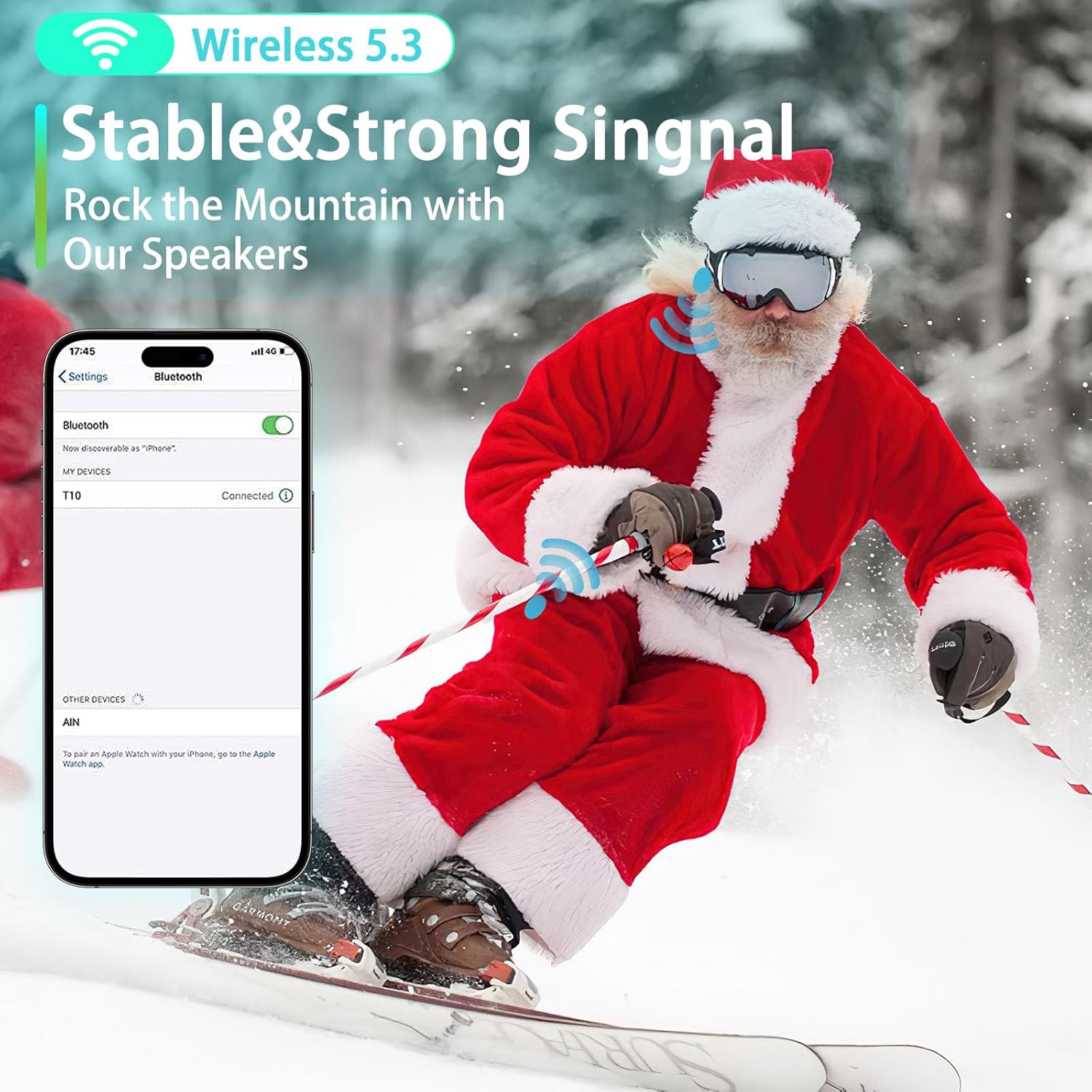
Image: A smartphone displaying a successful Bluetooth connection to 'T10', overlaid on a snowy mountain scene with a skier.
3. Helmet Installation
The Kalence T10 speakers are designed for audio-ready helmets with ear insert slots. Compatible helmet brands include Bern, Giro, Smith, Anon, Pro-TEC, Bolle, and more.
- Locate the ear pad slots in your helmet.
- Gently slide each speaker into the designated ear pad slot. Ensure the speaker is positioned comfortably against your ear.
- The slim design (0.47 inches / 12 mm thickness) and lightweight nature (0.95 oz / 27 g) ensure a comfortable fit without adding bulk.

Image: A hand demonstrating the insertion of a speaker into a helmet's ear flap.

Image: A visual representation of the speaker's compact dimensions, highlighting its slim profile for helmet integration.
Operating Instructions
1. Power On/Off
- To power on, press and hold the main button on each speaker until you hear an audio prompt.
- To power off, press and hold the main button again until you hear an audio prompt.
2. Music Control
The Kalence T10 features a glove-friendly button system for easy control without removing your device from your helmet.
- Play/Pause: Single press the main button on either speaker.
- Next Track: Double press the main button on the right speaker.
- Previous Track: Double press the main button on the left speaker.
- Volume Up/Down: Triple press the main button on the right speaker for volume up, and triple press the main button on the left speaker for volume down.

Image: A close-up of a gloved hand interacting with the large, easy-to-press button on the helmet speaker, emphasizing its glove-friendly design.
3. Call Control & Voice Assistant
- Answer/End Call: Single press the main button on either speaker.
- Reject Call: Press and hold the main button on either speaker.
- Activate Voice Assistant (Siri, Google Assistant): Press and hold the main button on either speaker for 2 seconds.

Image: Two individuals in ski helmets, illustrating the communication capabilities of the speakers, including voice commands and clear audio transmission.
4. Audio Quality
The Kalence T10 speakers feature proprietary HDR audio technology and 40mm high-efficiency drivers. This combination delivers a premium acoustic experience with automatically optimized lows and highs for flawless music. The surprisingly loud volume helps reduce wind noise, ensuring clear audio even at speed.
Maintenance
Cleaning
- Wipe the speakers and charging case with a soft, dry cloth.
- Do not use harsh chemicals or abrasive materials.
Storage
- When not in use, store the speakers in their charging case to protect them and keep them charged.
- Store in a cool, dry place away from direct sunlight and extreme temperatures.
Water Resistance
The speakers are rated IPX5 water repellent, meaning they can withstand splashes and light rain. Do not submerge them in water.

Image: An infographic detailing the robust features of the speakers, including their water resistance and operational temperature range.
Troubleshooting
- No Power: Ensure the speakers and charging case are fully charged.
- No Sound: Check Bluetooth connection. Ensure volume is up on both speakers and your device. Verify speakers are correctly inserted into helmet ear slots.
- Cannot Pair: Turn off Bluetooth on your device, then turn it back on. Reset the speakers by placing them back in the case and then removing them. Ensure no other devices are connected to the speakers.
- Poor Call Quality: Ensure the built-in microphone is not obstructed. Check your mobile device's signal strength.
- Speakers Fall Out of Helmet: Ensure your helmet has appropriate audio insert slots and that the speakers are securely placed.
Specifications
| Feature | Detail |
|---|---|
| Model Name | Kalence T10 |
| Connectivity Technology | Wireless (Bluetooth 5.3) |
| Bluetooth Range | 15 Meters |
| Battery Life (Speakers) | 10 Hours |
| Total Playtime (with Case) | Up to 50 Hours |
| Water Resistance Level | IPX5 (Water Repellent) |
| Noise Control | Passive Noise Cancellation |
| Audio Driver Type | Hybrid Driver (40mm) |
| Control Method | Button |
| Item Weight | 8.4 ounces |
| Compatible Devices | Audio Ready Helmets (Bern, Giro, Smith, Anon, Pro-TEC, Bolle, etc.) |
Warranty & Support
Kalence offers a 365-day 100% satisfaction guarantee. If you have any inquiries or issues regarding this product, please feel free to contact the Kalence customer service team. We are committed to responding within 24 hours to ensure your satisfaction.
Contact Information: Please refer to the product packaging or the official Kalence website for the most up-to-date customer service contact details.
Safety Information
- Always prioritize your safety and the safety of others while using these speakers during activities like skiing, snowboarding, or motorcycling.
- Maintain an appropriate volume level to remain aware of your surroundings, including other people, vehicles, and environmental hazards.
- Do not use the speakers in situations where hearing external sounds is critical for safety.
- Keep the product away from extreme temperatures, open flames, and water (beyond its IPX5 rating).
- Do not attempt to disassemble or modify the product, as this may void the warranty and pose safety risks.
Official Product Video
Video: A seller-created video highlighting the main features and benefits of the Kalence Ski Helmet Speakers, including their design, controls, and use cases.