
adsfvjndjcvdjcnjzsd Lingtong 4247
Action Camera Ultra HD 4K WiFi User Manual
Model: Lingtong 4247
Brand: adsfvjndjcvdjcnjzsd
1. Introduction
This manual provides detailed instructions for the proper setup, operation, and maintenance of your new Action Camera Ultra HD 4K WiFi. Please read this manual thoroughly before using the camera to ensure optimal performance and longevity. Keep this manual for future reference.

Figure 1: Front view of the Action Camera, highlighting its compact design and key features like 4K Ultra HD and Wi-Fi capabilities.
2. Package Contents
Verify that all items are present in the package before proceeding with setup:
- Action Camera Unit
- Waterproof Case
- Various Mounts and Accessories (e.g., helmet mount, bicycle mount)
- USB Charging Cable
- User Manual (this document)
- Note: Memory card is not included and must be purchased separately.

Figure 2: The Action Camera shown with its transparent waterproof housing and a selection of included mounting accessories, ready for diverse activities.
3. Setup Guide
- Charging the Battery:
Connect the camera to a USB power source (5V-1A) using the provided USB cable. The charging indicator light will illuminate during charging and turn off when fully charged. A full charge takes approximately 3 hours.
- Inserting a Memory Card:
Open the memory card slot cover on the side of the camera. Insert a TF (microSD) card (up to 32GB, Class 10 or higher recommended) with the gold contacts facing down until it clicks into place. Close the cover securely. The camera requires a memory card for recording photos and videos.
- Using the Waterproof Case:
Place the camera inside the waterproof case. Ensure the camera is properly seated and the case is securely latched. Before first use in water, perform a dry test by placing a tissue inside the empty case and submerging it to check for leaks. The case provides waterproof protection up to 30 meters (98 feet).
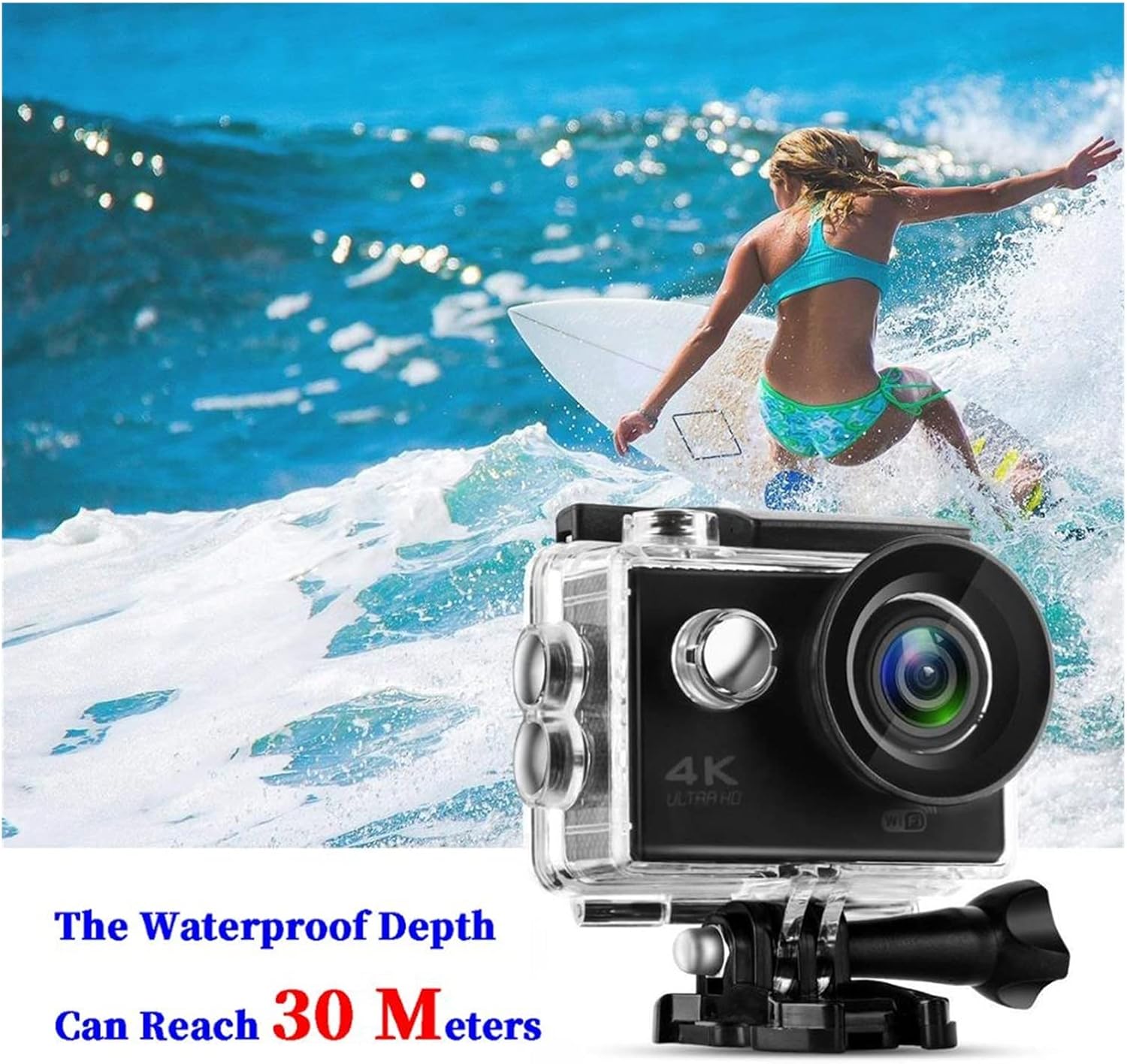
Figure 3: The camera securely enclosed in its waterproof housing, demonstrating its capability for underwater use up to 30 meters, ideal for water sports.
4. Operating Instructions
4.1 Basic Controls
- Power/Mode Button: Press and hold to power on/off. Press briefly to switch between video recording, photo mode, playback, and settings.
- Shutter/OK Button: Press to start/stop video recording, take a photo, or confirm a selection in the menu.
- Up/Down Buttons: Navigate through menu options or zoom in/out (if applicable).
4.2 Video Recording
- Power on the camera.
- Press the Mode button until the video recording icon appears on the 2.0-inch LCD screen.
- Press the Shutter/OK button to start recording. A red dot or timer will indicate recording is in progress.
- Press the Shutter/OK button again to stop recording.
The camera supports 1920x1080p at 30fps and 1280x720p at 30fps video resolutions. It also features continuous loop recording.
4.3 Taking Photos
- Power on the camera.
- Press the Mode button until the photo mode icon appears on the LCD screen.
- Frame your shot using the LCD screen.
- Press the Shutter/OK button to take a photo.
The camera captures 5MP photos and features a 140-degree wide-angle lens.
4.4 Wi-Fi Connection
The camera features built-in Wi-Fi for remote control and file transfer via a smartphone app.
- Download the compatible app (refer to camera packaging or manufacturer's website for app name) on your smartphone or tablet.
- On the camera, press the Mode button to navigate to the Wi-Fi setting or press a dedicated Wi-Fi button (if available) to enable Wi-Fi. The Wi-Fi icon will appear on the screen.
- On your smartphone, go to Wi-Fi settings and connect to the camera's Wi-Fi network (SSID and password usually displayed on the camera screen).
- Open the app on your smartphone to control the camera, view live footage, and download files.

Figure 4: The camera's key features are highlighted, including its 2-inch screen, HDMI output, 30-meter waterproof capability, Wi-Fi connectivity, and 4K Ultra HD recording, suitable for dynamic activities like cycling.
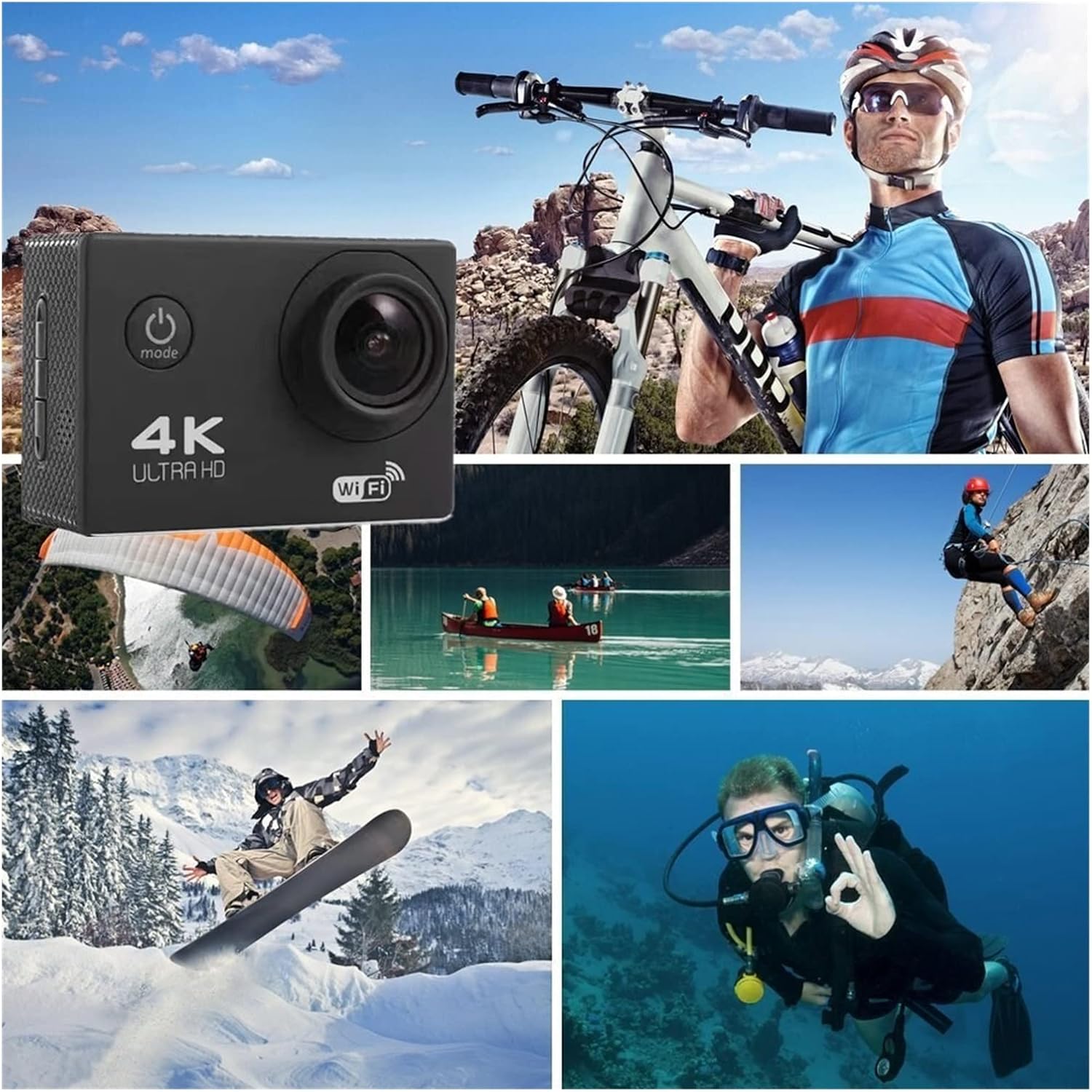
Figure 5: The Action Camera is versatile for various extreme sports and outdoor adventures, capturing moments from cycling and paragliding to diving and snowboarding.
5. Maintenance
- Cleaning the Camera: Use a soft, dry, lint-free cloth to clean the camera body. For the lens, use a specialized lens cleaning cloth and solution. Avoid harsh chemicals.
- Waterproof Case Care: After each use in saltwater, rinse the waterproof case with fresh water and allow it to air dry. Ensure the rubber seal is clean and free of debris to maintain its waterproof integrity.
- Battery Care: To prolong battery life, avoid fully discharging the battery frequently. Store the camera with a partially charged battery if not used for extended periods.
- Storage: Store the camera in a cool, dry place away from direct sunlight and extreme temperatures.
6. Troubleshooting
| Problem | Possible Cause | Solution |
|---|---|---|
| Camera does not power on. | Low battery; battery not inserted correctly. | Charge the battery fully. Ensure battery is inserted correctly. |
| Cannot record video/take photos. | No memory card; memory card full or corrupted. | Insert a memory card. Format the memory card (this will erase all data). Use a new memory card if corrupted. |
| Wi-Fi connection fails. | Incorrect Wi-Fi password; camera Wi-Fi not enabled; app issues. | Verify Wi-Fi password. Ensure camera Wi-Fi is enabled. Restart camera and smartphone. Reinstall the app. |
| Poor video/photo quality. | Lens is dirty; insufficient lighting; incorrect settings. | Clean the lens. Ensure adequate lighting. Check camera settings (resolution, exposure). |
7. Specifications
| Model | Lingtong 4247 |
| CPU | 5.0 MP |
| Lens | 140 degree A+ class high resolution ultra wide angle lens |
| Video Resolution | 1920x1080p 30fps / 1280x720p 30fps |
| LCD Screen Size | 2.0 inches |
| Waterproof Depth | 30 meters (with waterproof case) |
| Memory Card Support | TF (microSD) up to 32GB |
| Battery | Built-in 900mAh |
| Charging Time | Approximately 3 hours |
| Operating Temperature | -10°C to 70°C |
| Languages | Russian, English, Chinese (Simplified), Chinese (Complex), Korean, Japanese |
| Country of Origin | China |
| ASIN | B0DF2V7X5P |
8. Warranty and Support
For warranty information and technical support, please refer to the documentation included with your purchase or visit the official website of adsfvjndjcvdjcnjzsd. Keep your proof of purchase for warranty claims.
If you encounter issues not covered in this manual, please contact customer support for assistance.
Related Documents - Lingtong 4247
 |
APWIKOGER 5-Pin Car Rear View Camera Specifications and Features Technical specifications and features for the APWIKOGER 5-pin HD color car rear view camera, including night vision and automatic backlight compensation. |
 |
Manual de Instrucciones Batidora de Vaso Magefesa ORKAN MGF 4247 Guía completa para el uso, limpieza y mantenimiento de la batidora de vaso Magefesa ORKAN MGF 4247, incluyendo advertencias de seguridad y recomendaciones de uso. |
 |
Bosch & OTC Heavy-Duty Service Equipment and Tools Catalog A comprehensive catalog featuring Bosch ESI[truck] diagnostic systems, OTC heavy-duty service equipment, Hendrickson suspension tools, tire service equipment, engine repair tools, lifting equipment, jacks, stands, and specialized automotive tools for professional use. |
 |
POC Radio N888 User Manual - Lingtong Electronic Technology Comprehensive user manual for the Lingtong POC Radio N888, covering device description, operation, specifications, FCC compliance, and safety guidelines for occupational use. |
 |
Van Raam Fun2Go 2 & FunTrain 2 User Manual Comprehensive user manual for the Van Raam Fun2Go 2 and FunTrain 2 adaptive tricycles, covering operation, safety, adjustments, electrical systems, accessories, maintenance, and technical specifications. |
 |
QuickBooks Payroll Support: Complete U.S. Contact Number List A comprehensive list of U.S. contact phone numbers for QuickBooks Payroll support, including Desktop, Online, Enterprise, and Premier versions. Find direct lines for customer setup, billing, technical issues, and more. |
Ask a question about this manual
Ask about setup, troubleshooting, compatibility, parts, safety, or missing instructions. Manuals+ will review the question and use this page’s manual context to help answer it.