
1. Product Overview
The VECTORCOM 5W CB External Speaker is designed to enhance audio clarity for various mobile communication devices. This compact speaker is compatible with a wide range of mobile radios, including CB radios, amateur radios, two-way radios, and police scanners, that feature a 3.5mm audio jack.
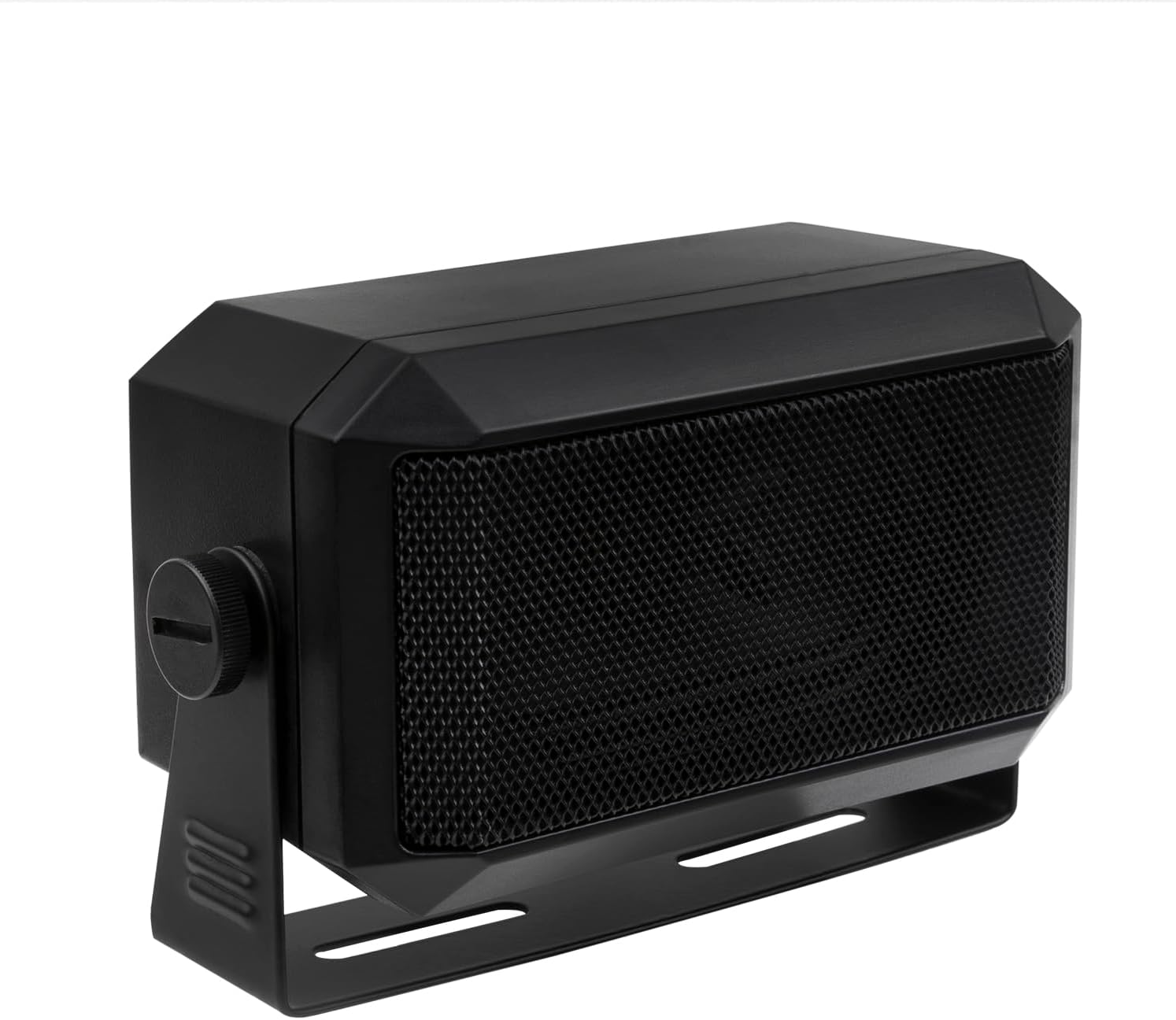
Image 1.1: Front view of the VECTORCOM 5W CB External Speaker, showcasing its compact design and speaker grille.
1.1 What's in the Box
- 1 x VECTORCOM 5W CB External Speaker
- 1 x Mounting Bracket
- Mounting Hardware (screws)
2. Setup Instructions
2.1 Mounting the Speaker
The external speaker comes with a mounting bracket and hardware for secure installation. It can be mounted on a tabletop or other suitable surfaces.
- Position the mounting bracket in the desired location.
- Use the provided screws to securely attach the bracket to the surface.
- Attach the speaker to the mounted bracket using the side knobs, allowing for angle adjustment.

Image 2.1: The external speaker shown with its included mounting bracket and screws, ready for installation.
2.2 Connecting to Your Radio
The speaker connects to your radio via a standard 3.5mm audio jack.
- Locate the external speaker output port on your mobile radio. This port is typically labeled 'EXT.SP' or similar.
- Insert the 3.5mm plug from the speaker cable into the radio's external speaker jack.
- Ensure the connection is firm.

Image 2.2: The 3.5mm audio jack of the speaker cable shown connecting to an external speaker port on a radio unit.
3. Operating Instructions
Once connected, the external speaker will output audio from your radio. The speaker operates passively and does not require a separate power source.
- Adjust the volume directly on your connected mobile radio.
- The speaker's 1.8-meter (approximately 70.87 inches) cable provides flexibility for optimal placement within your vehicle or workspace.

Image 3.1: The speaker cable illustrating its 1.8-meter length, providing ample reach for various setups.
4. Maintenance
To ensure the longevity and optimal performance of your VECTORCOM external speaker, follow these simple maintenance guidelines:
- Cleaning: Use a soft, dry cloth to wipe the exterior of the speaker. Avoid using harsh chemicals or abrasive cleaners, as these can damage the plastic housing and speaker grille.
- Storage: When not in use for extended periods, store the speaker in a cool, dry place away from direct sunlight and extreme temperatures.
- Cable Care: Avoid sharp bends or kinks in the speaker cable. Do not pull the cable forcefully when disconnecting from the radio.
- Environmental Conditions: This speaker is not waterproof. Avoid exposure to moisture, rain, or excessive humidity.
5. Troubleshooting
If you encounter issues with your external speaker, refer to the following table for common problems and solutions:
| Problem | Possible Cause | Solution |
|---|---|---|
| No sound from speaker |
|
|
| Distorted or unclear sound |
|
|
6. Specifications
Detailed technical specifications for the VECTORCOM 5W CB External Speaker:

Image 6.1: Diagram illustrating the dimensions of the VECTORCOM 5W CB External Speaker.
| Feature | Specification |
|---|---|
| Model Name | 55 |
| Speaker Type | Portable Speaker |
| Speaker Maximum Output Power | 5 Watts |
| Impedance | 8 Ohm |
| Connectivity Technology | Auxiliary (3.5mm Jack) |
| Cable Length | 1.8 meters (approx. 70.87 inches) |
| Frequency Response | 5000 Hz |
| Audio Output Mode | Mono |
| Material | Plastic |
| Color | Black |
| Product Dimensions (L x W x H) | 4.33 x 2.36 x 2.95 inches (11.0 x 6.0 x 7.5 cm) |
| Item Weight | 10.8 ounces (approx. 306 grams) |
| Mounting Type | Tabletop Mount |
| Special Feature | Lightweight, Portable |
| Compatible Devices | Car Radio, Mobile Transceiver, GMRS 10 meter CB radio, Marine DMR radio |
7. Warranty and Support
7.1 Limited Warranty
This VECTORCOM 5W CB External Speaker is covered by a limited warranty. Please refer to the product packaging or the official VECTORCOM website for specific warranty terms and conditions. The warranty typically covers manufacturing defects under normal use.
7.2 Customer Support
For technical assistance, troubleshooting, or warranty claims, please contact VECTORCOM customer support through their official website or the retailer from whom the product was purchased. Please have your product model number (55) and purchase information ready when contacting support.