
S SIMDER SD-5010PRO-US
SSIMDER MIG Welder SD-5010PRO-US Instruction Manual
Model: SD-5010PRO-US | Brand: S SIMDER
1. Introduction
The SSIMDER SD-5010PRO-US is a state-of-the-art 5-in-1 multiprocess welding machine designed for a wide range of applications. This versatile unit integrates MIG welding, Stick (MMA) welding, TIG welding, Plastic welding (Hot Stapler), and Soldering iron functions into a single, portable device. Its dual voltage capability allows for flexible operation in various environments. This manual provides essential information for safe and effective operation, maintenance, and troubleshooting.

2. Safety Information
Always prioritize safety when operating welding equipment. Failure to follow safety guidelines can result in serious injury or property damage.
- Personal Protective Equipment (PPE): Always wear appropriate PPE, including a welding helmet with proper shade, flame-resistant clothing, welding gloves, and safety shoes.
- Ventilation: Ensure adequate ventilation in the work area to avoid inhaling hazardous fumes and gases.
- Fire Hazards: Keep flammable materials away from the welding area. Have a fire extinguisher readily available.
- Electrical Safety: Ensure the welding machine is properly grounded. Do not operate in wet conditions. Inspect cables and connections for damage before each use.
- Eye and Skin Protection: Welding arcs emit intense UV and IR radiation that can cause severe burns to eyes and skin.
- Hot Surfaces: Welding equipment and materials become extremely hot during operation. Allow sufficient time for cooling before handling.

3. Package Contents
Verify that all items listed below are included in your package:
- SSIMDER SD-5010PRO-US Welder Unit
- MIG Torch
- Plastic Repair Torch
- Electrode Holder
- Soldering Torch
- Ground Clamp
- Conversion Cord (for dual voltage)
- Operation Manual
- Plastic Welding Staples Kit (200 Pcs)

4. Setup
4.1 Dual Voltage Connection
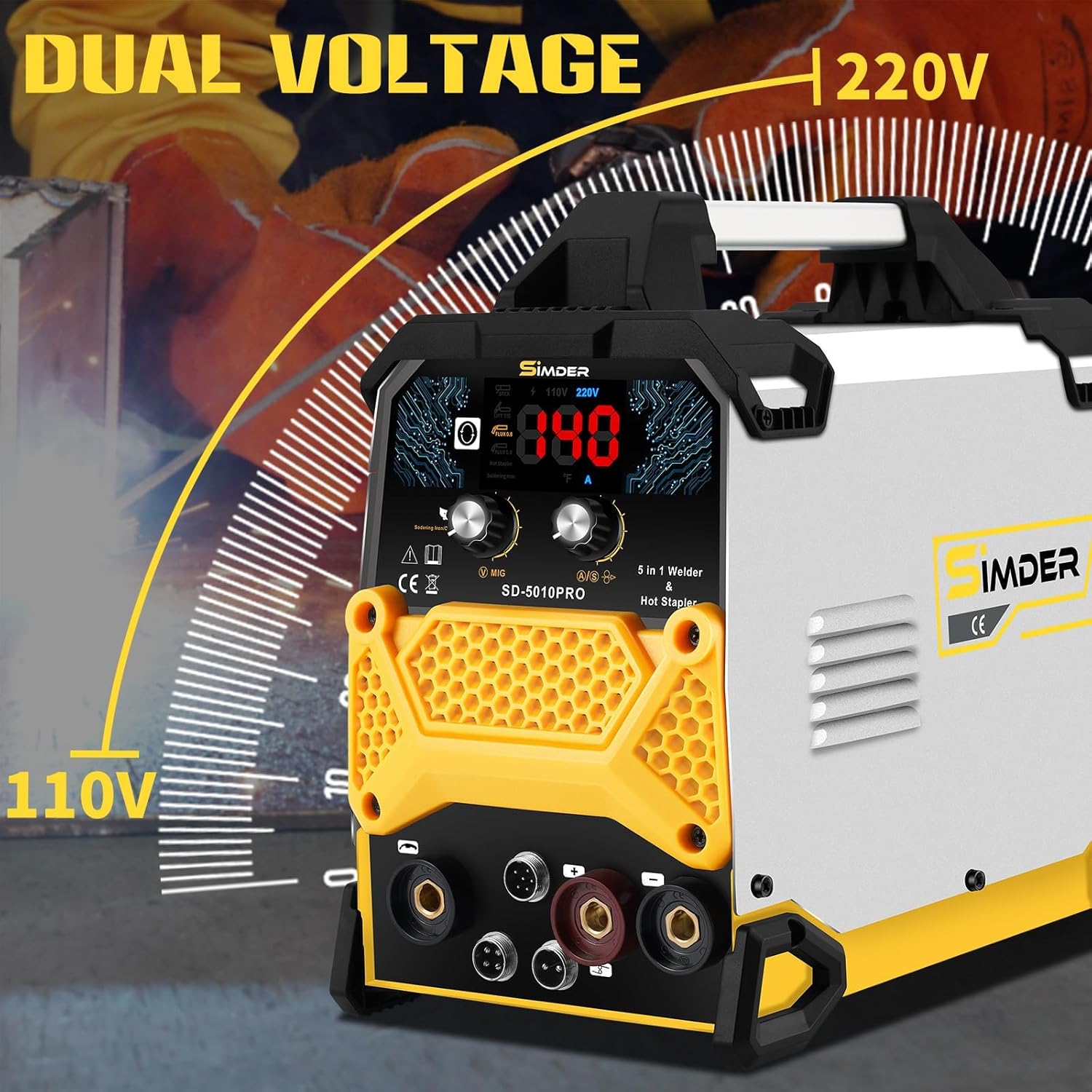
The SSIMDER SD-5010PRO-US supports both 110V and 220V power inputs. Use the provided conversion cord to adapt to your available power supply. The machine automatically detects the voltage.
4.2 Connecting Accessories
Connect the appropriate torch or holder to the designated ports on the front panel of the welder. Ensure connections are secure before operation.
- MIG Torch: Connect for MIG welding operations.
- Electrode Holder: Connect for Stick (MMA) welding.
- Ground Clamp: Always connect the ground clamp to the workpiece before starting any welding process.
- Plastic Repair Torch: Connect for plastic welding/hot stapling.
- Soldering Torch: Connect for soldering iron applications.
5. Operating Modes
The SSIMDER SD-5010PRO-US features an intuitive LCD screen and control knobs for easy mode selection and adjustment.
5.1 Plastic Welding (Hot Stapler)
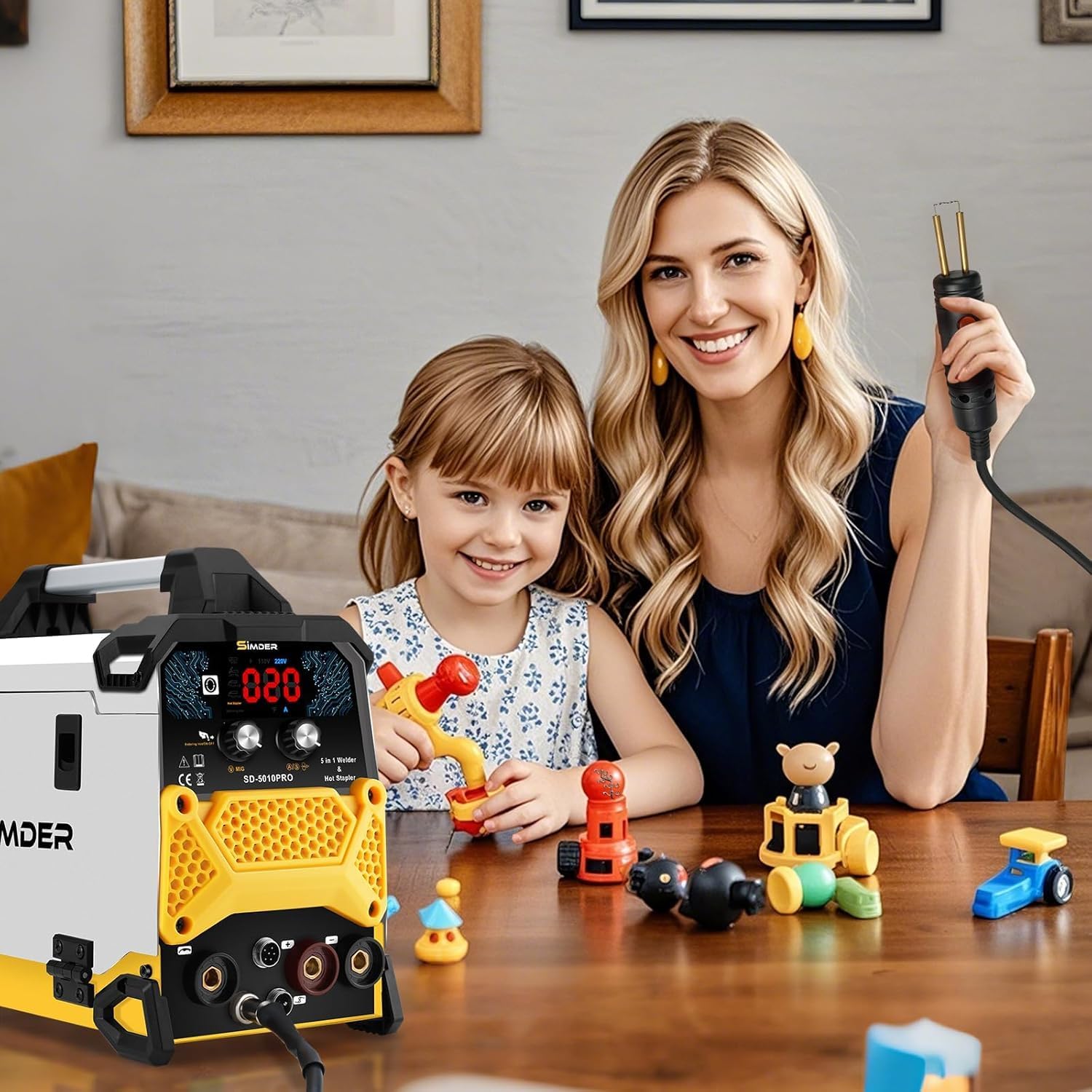
The plastic welding function is ideal for repairing plastic components. The 200W plastic welding gun heats up to 600°C (1112°F) in approximately 2.5 seconds.

Video 1: Demonstration of the hot stapler function. The video shows the hot stapler heating up quickly (0:17-0:22) and its application on plastic (1:06-2:22, 3:55-4:50).
5.2 Soldering Iron
The 90W soldering iron is suitable for delicate electronics and intricate soldering tasks. It reaches temperatures between 100°C and 500°C (212°F to 932°F) in approximately 15 seconds.

Video 2: Demonstration of the soldering iron function. The video shows the soldering iron being prepared and used to solder wires (5:10-6:15, 7:12-8:30).
5.3 MIG Welding (Flux Core)
For metal fabrication, the MIG welding function supports flux cored wires of 0.8 mm, 0.9 mm, and 1.0 mm. This mode provides efficient and strong welds for various metal projects.

5.4 Stick (MMA) Welding
The Stick welding mode is compatible with E7018 and E6013 welding rods, making it suitable for a variety of applications, from home repairs to professional tasks. The unique IGBT control mode ensures good arc stability for smoother welds.

5.5 TIG Welding
For precision tasks, the TIG welding function provides clean and accurate welds, especially useful for thinner materials and detailed work.

6. Maintenance
Regular maintenance ensures the longevity and optimal performance of your SSIMDER welder.
- Cleaning: Regularly clean the exterior of the machine and ventilation openings to prevent dust and debris buildup. Use a dry, soft cloth.
- Cable Inspection: Periodically inspect all cables, torches, and connections for wear, cuts, or damage. Replace any damaged components immediately.
- Storage: Store the welder in a dry, clean environment away from direct sunlight and extreme temperatures.
- Consumables: Ensure proper storage of welding rods, wires, and soldering wire to maintain their quality.
7. Troubleshooting
If you encounter issues with your welder, try the following common troubleshooting steps:
- No Power: Check the power cord connection, wall outlet, and circuit breaker. Ensure the machine's power switch is in the 'ON' position.
- Poor Arc/Weld Quality: Verify proper grounding of the workpiece. Check welding parameters (amperage, voltage, wire speed) for the material and thickness. Ensure consumables (rods, wire, tips) are correct and in good condition.
- Overheating: If the machine shuts down due to overheating, allow it to cool down. Ensure ventilation openings are clear and the duty cycle is not exceeded.
- Plastic Welder Not Heating: Check the connection of the plastic repair torch to the unit. Ensure the correct mode is selected and temperature is set.
- Soldering Iron Not Heating: Verify the soldering torch is securely connected. Ensure the soldering iron mode is active and the temperature is set appropriately.
8. Specifications
| Feature | Specification |
|---|---|
| Manufacturer | S SIMDER |
| Part Number | SD-5010PRO-US |
| Item Weight | 17.21 pounds |
| Package Dimensions | 15.5 x 12.88 x 10 inches |
| Item Model Number | SD-5010PRO-US |
| Voltage | 110V/220V (Dual Voltage) |
| Plastic Welding Gun Power | 200W |
| Plastic Welding Gun Temp. | Up to 600°C (1112°F) |
| Soldering Iron Power | 90W |
| Soldering Iron Temp. Range | 100°C - 500°C (212°F - 932°F) |
| Supported Flux Cored Wires | 0.8 mm, 0.9 mm, 1.0 mm |
| Compatible Welding Rods | E7018, E6013 |
| Date First Available | August 23, 2024 |
9. Warranty and Support
S SIMDER is committed to providing reliable tools and excellent customer service. For any questions, technical support, or warranty claims, please refer to the contact information provided in your product packaging or visit the official S SIMDER website.
Related Documents - SD-5010PRO-US
 |
SSIMDER MIG 140/140M MIG Welding Machine Operating Manual Comprehensive operating manual for the SSIMDER MIG 140 and MIG 140M welding machines, covering safety, installation, operation, troubleshooting, and maintenance. Features IGBT inverter technology for MIG and MMA welding. |
 |
Simder SD-4050PRO 10-in-1 MIG Welder & Cutter Operator's Manual | IGBT Inverter Digital Multi-Process Machine Comprehensive operator's manual for the Simder SD-4050PRO, a 10-in-1 IGBT inverter digital multi-process MIG welder and cutter. Covers safety, specifications, installation, operation, maintenance, and troubleshooting for various welding and cutting processes. |
 |
YESWELDER FLUX-135PRO 110V Gasless Flux-Core Welder Operator's Manual Comprehensive operator's manual for the YESWELDER FLUX-135PRO 110V Gasless Flux-Core Welder. Covers safety precautions, installation, operation, maintenance, and troubleshooting for flux-core, stick, and TIG welding. |
 |
YesWelder MIG-250PRO IGBT Inverter Multi-Process Welder Operator's Manual This operator's manual provides comprehensive instructions for the YesWelder MIG-250PRO IGBT Inverter Multi-Process Welder. It covers essential safety precautions, detailed installation procedures, operation guides for MIG, Flux-Cored, Stick, and Lift TIG welding modes, maintenance procedures, and troubleshooting tips. |
 |
Tooliom TL-135M PRO User's Manual: MIG, Stick, and Lift TIG Welding Comprehensive user manual for the Tooliom TL-135M PRO 3-in-1 welder, covering setup, operation, safety precautions, and troubleshooting for Flux MIG, Stick, and Lift TIG welding processes. |
 |
YesWelder MIG-250PRO IGBT Inverter Multi-Process Welder Operator's Manual Comprehensive operator's manual for the YesWelder MIG-250PRO, detailing safety, installation, operation, maintenance, and troubleshooting for MIG, Flux-Cored, Stick, and Lift TIG welding processes. Includes technical specifications and setup guides. |