1. Introduction
This user manual provides detailed instructions for setting up, operating, and maintaining your Rainbuvvy 1.43'' AMOLED Display GPS Smartwatch. Designed for active individuals, this smartwatch features a vibrant AMOLED display, 50M waterproofing, built-in compass and altimeter, comprehensive fitness tracking, long standby battery life, and Bluetooth call and text capabilities. Please read this manual carefully to ensure optimal performance and longevity of your device.
2. What's in the Box
Upon unboxing your Rainbuvvy Smartwatch, please verify that all the following items are included:
- Smartwatch
- Charger
- User Manual
3. Setup
3.1 Initial Charging
Before first use, fully charge your smartwatch. Connect the magnetic charging cable to the charging contacts on the back of the watch and plug the USB end into a compatible power adapter (not included). The watch display will indicate charging status.
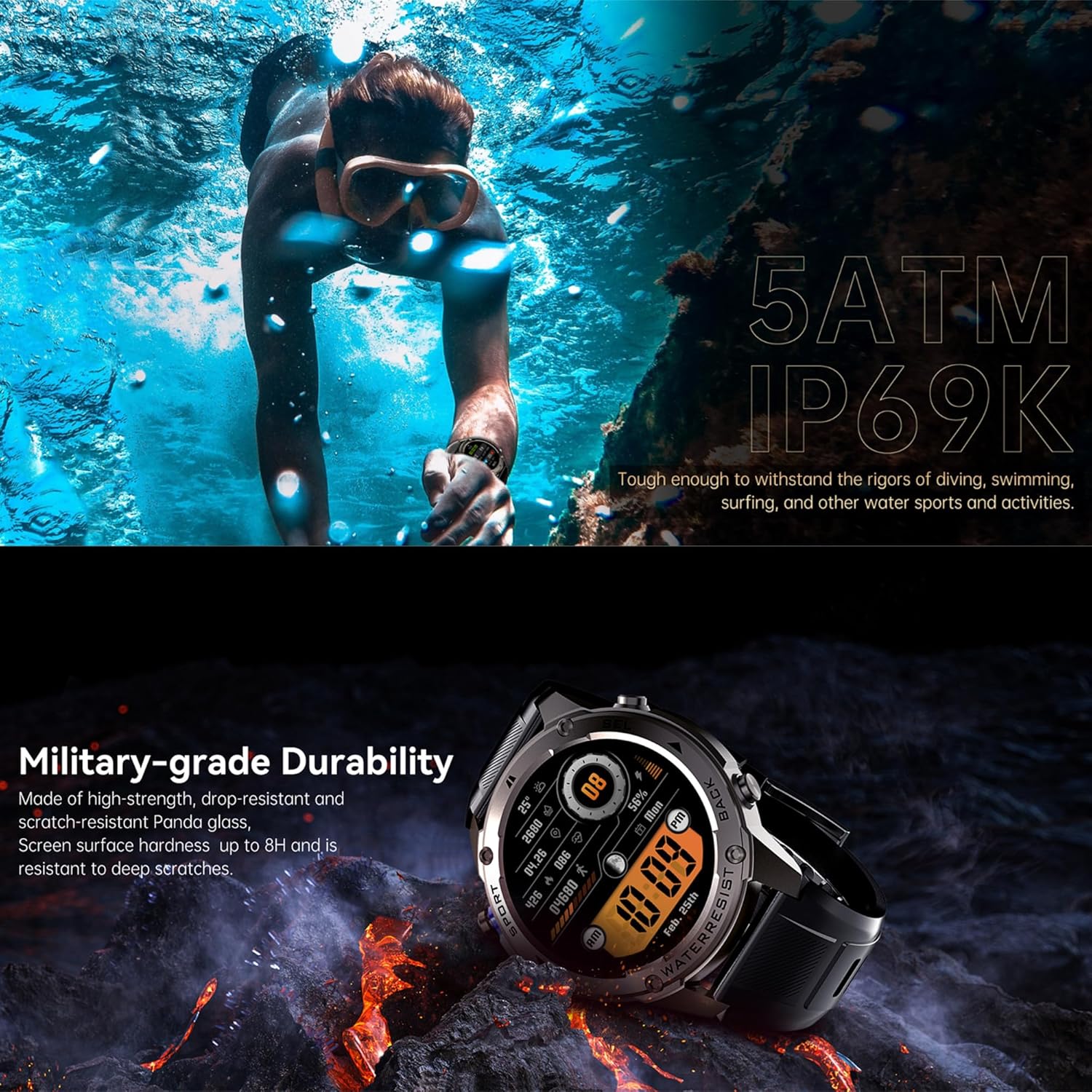
Image: The smartwatch connected to its magnetic charger, displaying the charging progress. Ensure proper alignment of the charging pins.
3.2 App Installation & Pairing
To unlock the full potential of your smartwatch, download the companion application on your smartphone. The app is compatible with Android 5.0 and above, and iOS 11 and above. Search for the official Rainbuvvy app in your device's app store.
Once installed, open the app and follow the on-screen instructions to pair your smartwatch via Bluetooth. Ensure Bluetooth is enabled on your phone and the watch is discoverable. The app will guide you through the connection process.

Image: The smartwatch screen showing a successful connection to a smartphone, typically indicated by a Bluetooth or phone icon. This confirms the device is ready for data synchronization.
4. Operating Your Smartwatch
4.1 Display and Navigation
Your smartwatch features a vibrant 1.43-inch AMOLED HD display with a resolution of 466x466 DPI, offering clear visuals and responsive touch control. Navigate through menus by swiping across the screen or using the physical buttons on the side of the watch.

Image: The main display of the smartwatch, showcasing its AMOLED screen with a detailed watch face that includes time, date, steps, heart rate, and battery status.
The watch supports 6 theme styles including honeycomb, turbulence, list, halo, wheel, and waterfall, allowing for personalized visual experiences. You can switch between multiple watch faces to suit your preference.

Image: A collection of customizable watch faces available on the smartwatch, demonstrating the variety of designs and information displays users can choose from.
Video: Demonstrates the user interface navigation, showing how to swipe through different screens and access various functions on the smartwatch. This includes accessing quick settings and main menus.
4.2 Bluetooth Call & Message Features
With its built-in speaker and microphone, the smartwatch allows you to answer and make calls directly from your wrist when connected to your smartphone via Bluetooth. It also supports information reminders for SMS, Email, and social media notifications (e.g., WhatsApp, Twitter, Facebook, Instagram), ensuring you never miss important communications.
Video: Illustrates the Bluetooth call functionality and notification display on the smartwatch. The video shows how to answer calls and view incoming messages directly on the watch face.
4.3 GPS and Outdoor Features
The smartwatch is equipped with an upgraded GPS chip that supports L1+L5 dual frequency high-precision positioning. It utilizes 6 satellite positioning systems (GPS, GLONASS, BDS, Galileo, NAVIC, QZSS) for accurate location tracking, even in challenging environments. It also supports AGPS for faster positioning.
For outdoor enthusiasts, the watch includes a built-in compass, barometer, and altimeter, providing essential data for navigation and environmental awareness during your adventures.

Image: The smartwatch highlighting its GPS and outdoor sports capabilities, with a visual representation of a map and various activity metrics.
Image: A visual demonstrating the smartwatch's GPS Dual-band and Satellite system, showing a hiking route and the watch's ability to track movement path, compass, altitude, and pressure.
Video: Demonstrates the GPS tracking feature of the smartwatch, showing how it records routes and provides location data during outdoor activities like hiking or running.
4.4 Sports Modes
The smartwatch comes with 14 built-in sports modes, including outdoor running, outdoor walking, indoor walking, indoor running, outdoor cycling, indoor cycling, pool swimming, open water swimming, triathlon, mountain climbing, elliptical machine, rowing machine, dance, and free training. Additionally, hundreds of other sports modes can be added and customized via the companion app, with up to 10 manually addable modes on the watch.
- Pool Swimming Mode: Tracks total strokes, swimming styles (freestyle, breaststroke, backstroke, butterfly), accumulated swimming trips, calories, SWOLF (updated per trip), total swimming time, stroke frequency, and average pace.
- Rowing Machine Mode: Detects rowing times, pulling time, retracting time, rowing frequency, heart rate, and calories.
- Auto-recognized Sports Modes: The watch can automatically recognize 5 sports modes: walking, running, cycling, elliptical, and rowing machine.
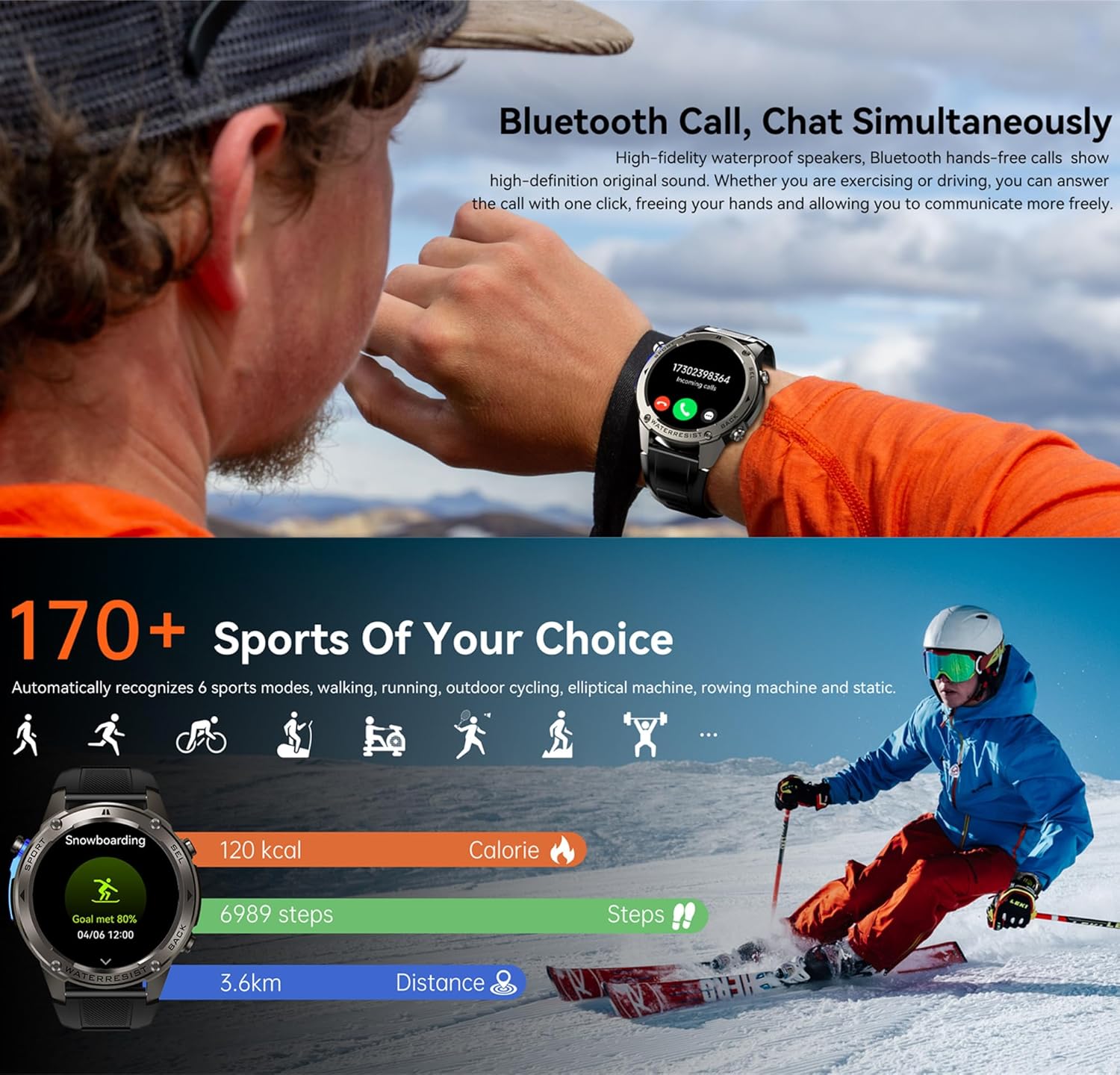
Image: The smartwatch interface showing a selection of over 170 sports modes, with icons representing different activities and associated tracking data like calories, steps, and distance.

Image: A user's wrist wearing the smartwatch, with the screen displaying the 'Outdoor run' mode, indicating GPS signal strength and heart rate monitoring before starting an activity.
Video: Demonstrates the selection and initiation of a sports mode on the smartwatch, showing the countdown and real-time tracking of metrics like heart rate and duration during an activity.
4.5 Battery Life
The smartwatch is equipped with a 500mAh polymer lithium battery. Coupled with an optimized energy-saving system and AI algorithm, it offers extended battery life. A full charge takes approximately one hour. Under normal use, the battery can last 5-10 days, with continuous GPS tracking for 22 hours, always-on screen for 4 days, and a standby time of up to 65 days.
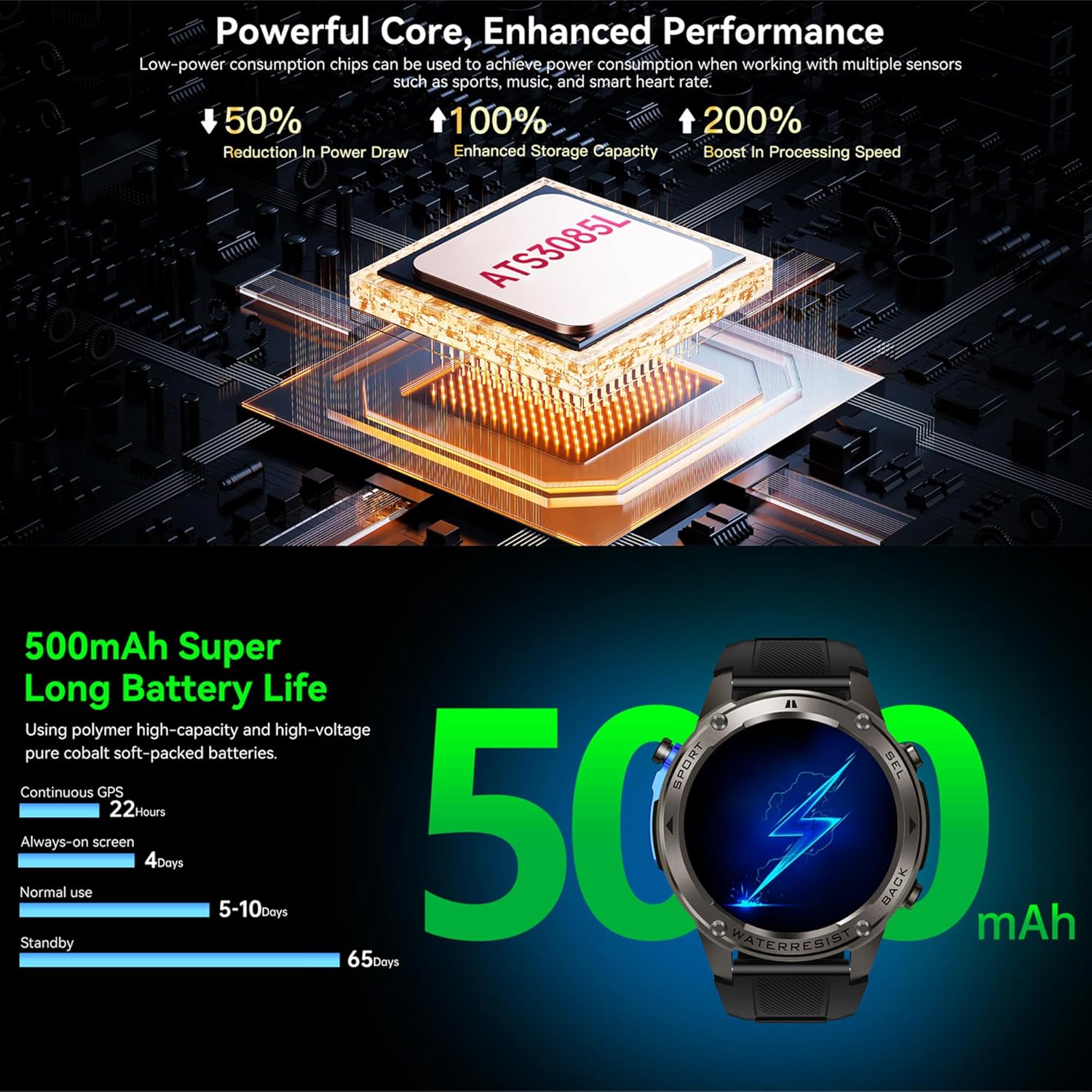
Image: Visual representation of the smartwatch's 500mAh battery capacity and its impressive battery life, including standby time, normal use duration, and continuous GPS usage.
5. Maintenance
5.1 Waterproofing
The Rainbuvvy Smartwatch boasts a 5ATM waterproof rating, meaning it can withstand pressures equivalent to a depth of 50 meters. This makes it suitable for swimming, showering, and other water-related activities. It also has an IP69K rating, indicating high protection against dust and high-pressure, high-temperature water jets.
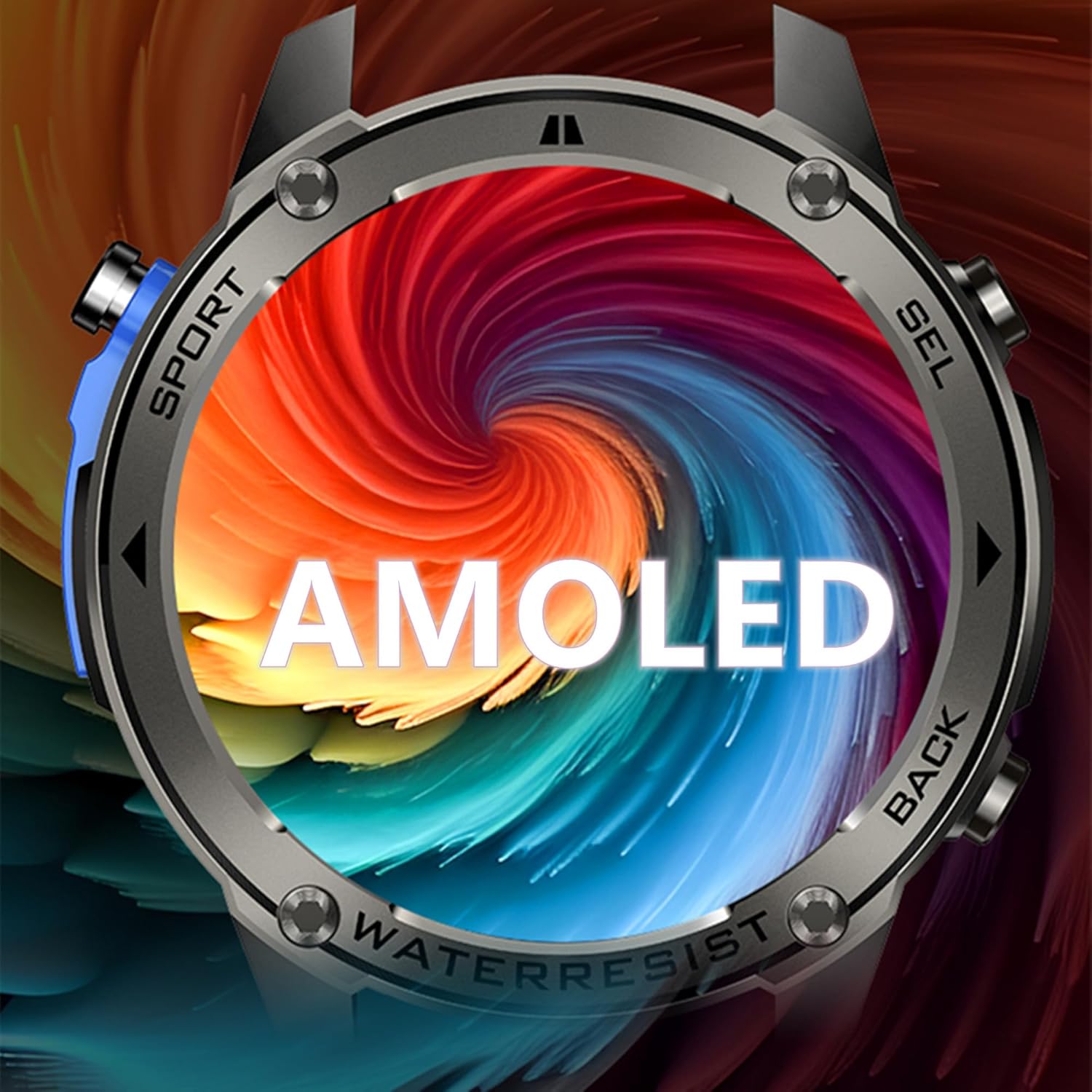
Image: The smartwatch being subjected to water splashes, visually confirming its 5ATM and IP69K waterproof and dustproof capabilities, suitable for various water activities.
Video: Showcases the smartwatch's 50M waterproof capability, with scenes of the watch submerged in water and being splashed, demonstrating its durability in aquatic environments.
5.2 Cleaning and Care
To maintain your smartwatch's appearance and functionality, regularly clean the device. Use a soft, lint-free cloth to wipe the screen and body. For stubborn dirt, slightly dampen the cloth with water. Avoid using harsh chemicals or abrasive materials. Ensure the charging contacts are clean and dry before charging.
6. Troubleshooting
If you encounter any issues with your Rainbuvvy Smartwatch, please refer to the following common troubleshooting tips:
- Connectivity Issues: Ensure Bluetooth is enabled on both your phone and watch. Try restarting both devices and re-pairing them through the app.
- GPS Signal: For optimal GPS performance, ensure you are in an open outdoor area with a clear view of the sky. Allow a few moments for the watch to acquire a signal.
- Battery Drain: Reduce screen brightness, disable unnecessary notifications, and limit continuous heart rate monitoring to extend battery life.
- Display Not Responding: Try restarting the watch by pressing and holding the power button. If unresponsive, ensure the watch is charged.
For more detailed troubleshooting guides or persistent issues, please consult the dedicated support section within the Rainbuvvy companion application or contact customer support.
7. Specifications
Detailed technical specifications for the Rainbuvvy Smartwatch:
| Feature | Detail |
|---|---|
| CPU | ATS3085L |
| Display | 1.43-inch AMOLED HD display, 466*466 DPI |
| Touch Screen | Full touch screen, Touch IC: CST820 |
| Accelerometer | STK8321 |
| GPS | L1+L5 dual frequency high precision positioning, supports GPS, GLONASS, BDS, Galileo, NAVIC, QZSS (Simultaneous joint positioning of multiple systems), supports AGPS |
| Speaker | Waterproof speaker model: 1306 |
| Bluetooth | BLE 5.3 |
| Battery | 500mAh high voltage battery (Lithium Polymer) |
| Waterproof Level | 5ATM |
| Mobile System Compatibility | Android 5.0 and above, iOS 11 and above |
| Item Weight | 6.4 ounces |
| Manufacturer | Rainbuvvy |
| Item Model Number | Smartwatch |
8. Warranty and Support
Your Rainbuvvy Smartwatch comes with a standard manufacturer's warranty. For specific warranty terms and conditions, please refer to the documentation included with your purchase or contact Rainbuvvy customer support.
For technical assistance, product inquiries, or warranty claims, please visit the official Rainbuvvy website or contact their customer service team. Information regarding optional protection plans may also be available through your retailer.


