1. Introduction
Welcome to the user manual for your Feker Alice98 Ergonomic Mechanical Keyboard. This keyboard is designed to provide a comfortable, customizable, and high-performance typing experience for both work and gaming. Its unique Alice layout promotes natural hand positioning, reducing strain during extended use. With VIA programmability and hot-swappable switches, you have full control over personalization.

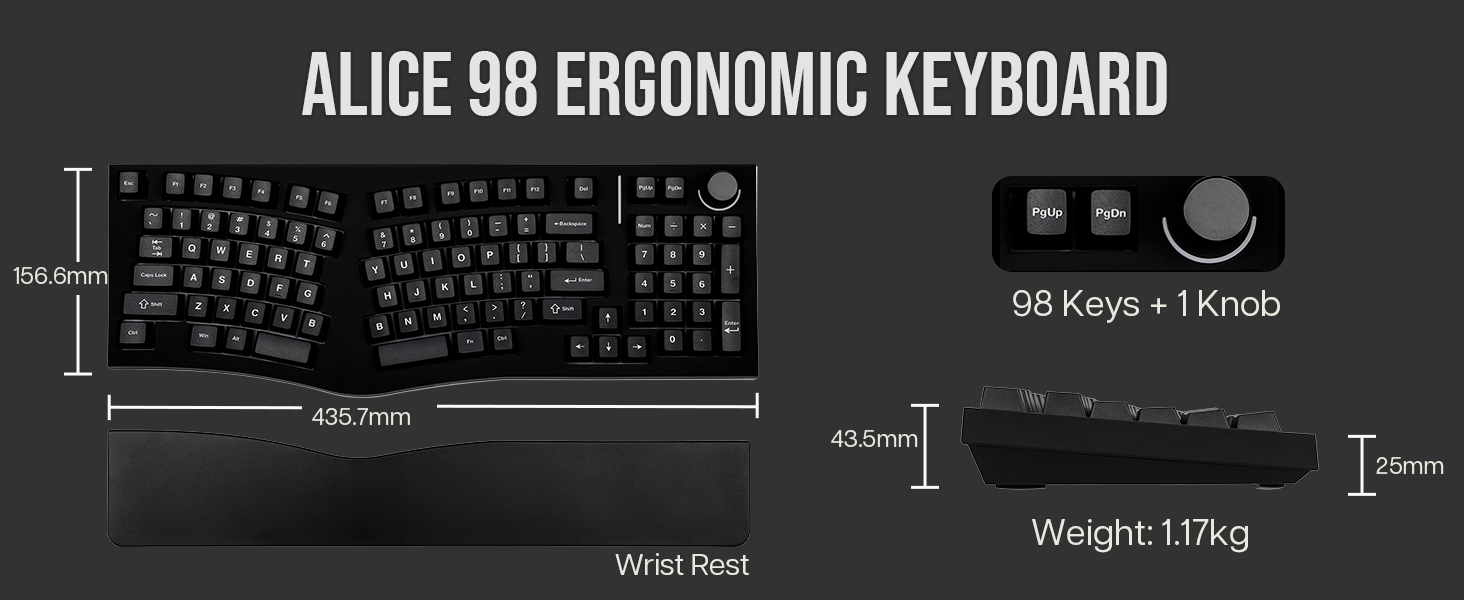
An overhead view of the Feker Alice98 Ergonomic Mechanical Keyboard, showcasing its unique split Alice layout with an integrated numpad and control knob.
2. Key Features
- Ergonomic Alice Layout with a Numpad: Designed with angled keys to align with the natural position of your hands, enhancing typing comfort and including a full numpad for versatility.
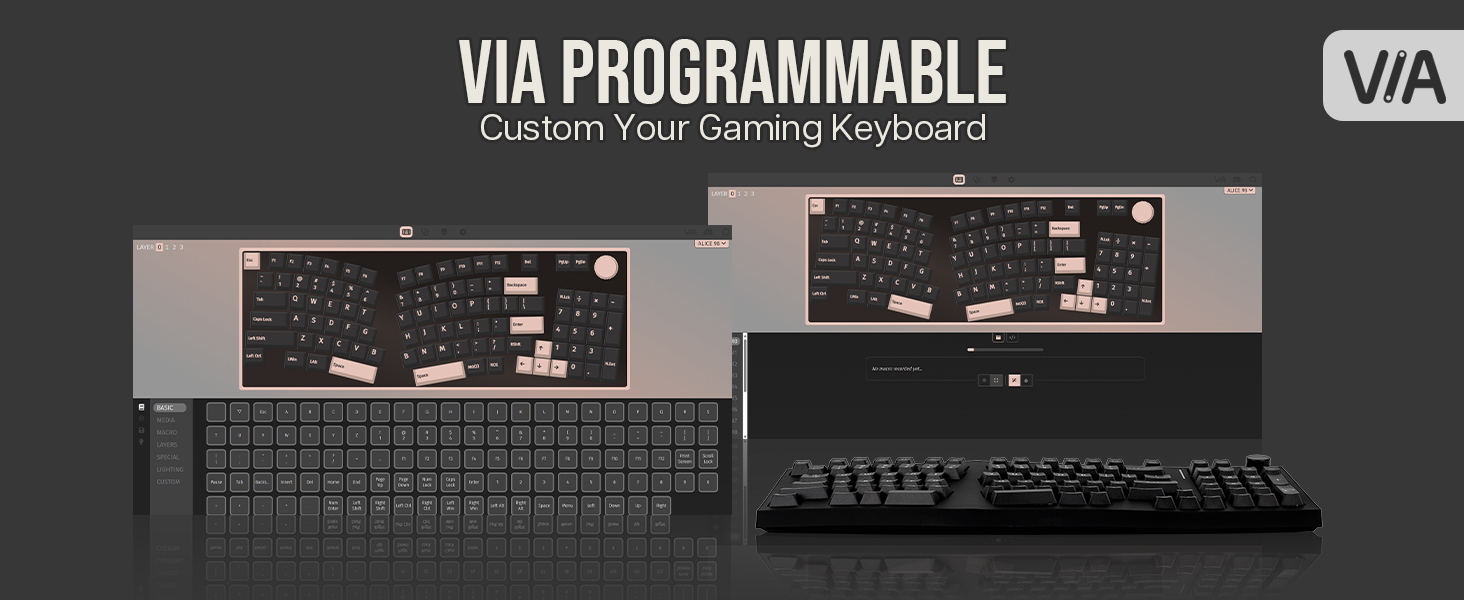
- VIA Programmable: Offers complete control over functionality, allowing easy remapping of keys, creation of custom macros, and setting up complex key combinations.
- Gasket Mount, PC Plate & Enhanced Sound Design: Features a gasket mount structure with a PC plate for a soft, consistent typing feel. Includes Poron sandwich foam, IXPE switch pad, PET film, EPDM socket foam, and case foam for minimized noise and a satisfying typing sound.
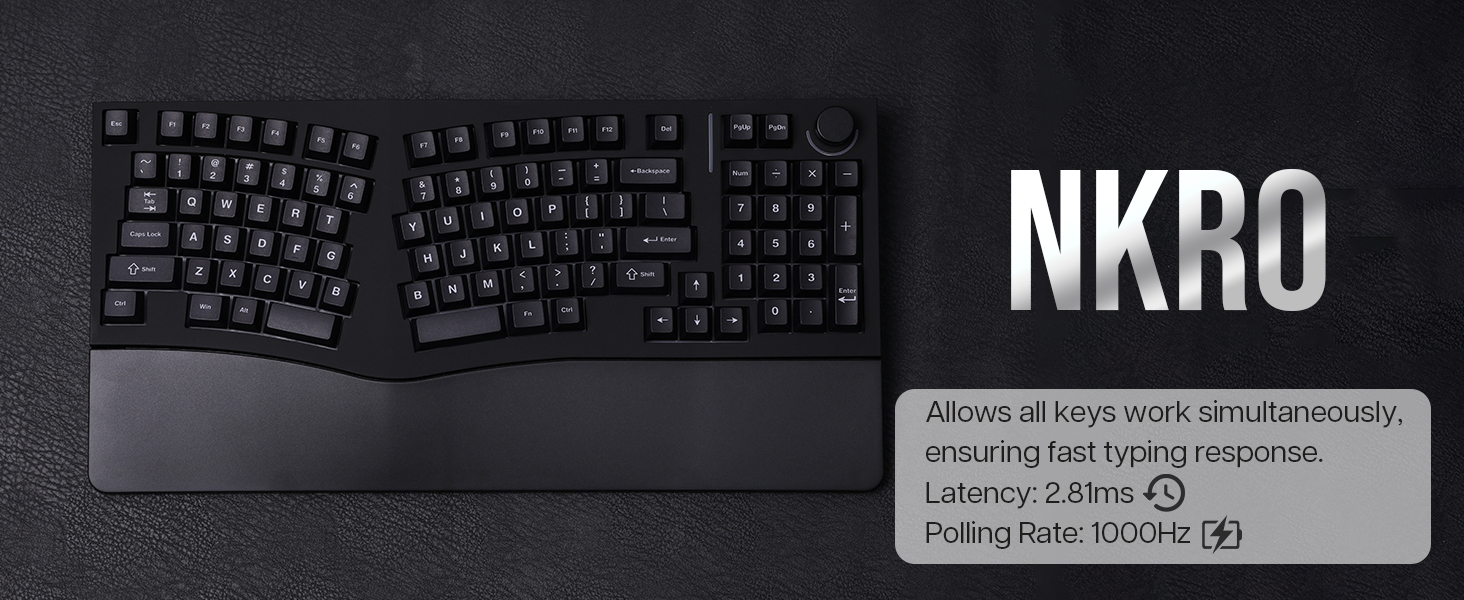
- South-Facing RGB Backlight & Hotswappable PCB: Equipped with south-facing RGB LEDs for 21 customizable lighting effects. The hotswappable PCB allows for easy switch replacement without soldering. Supports NKRO for accurate keypress registration.
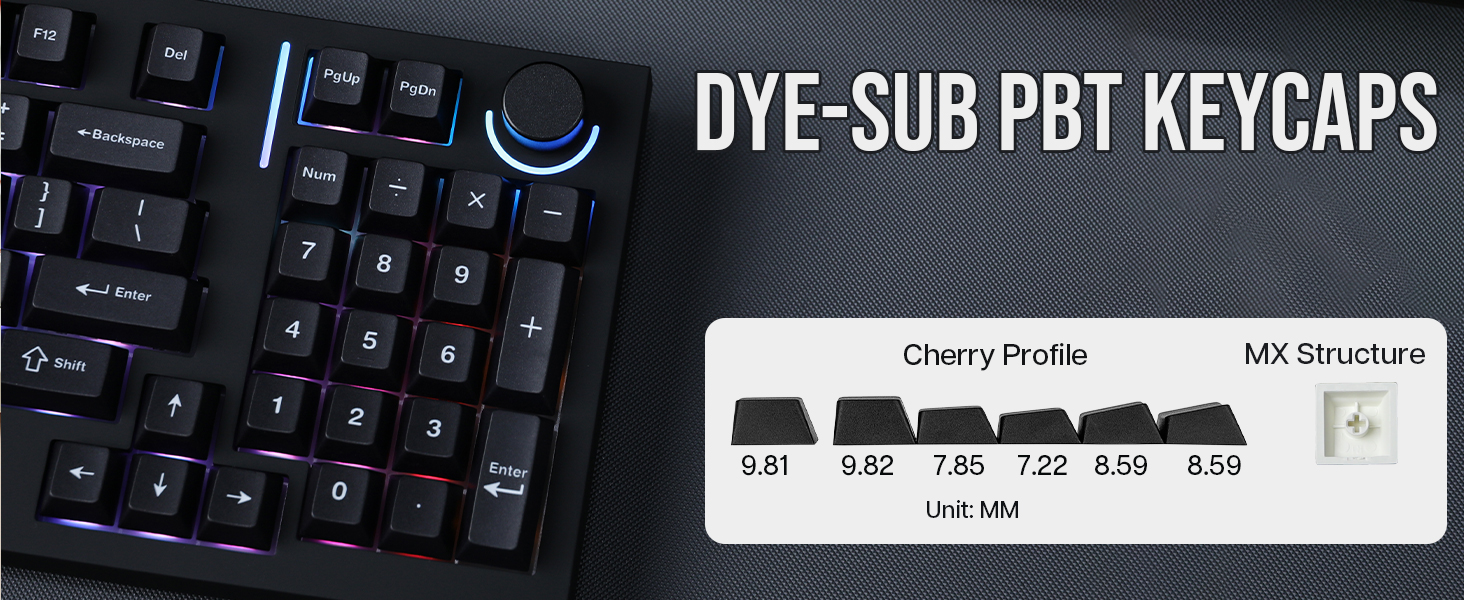
- Cherry Profile Dye Sublimation PBT Keycaps: Comes with durable 5 Sides Dye Sublimation PBT keycaps in Cherry profile, known for their fine texture, clear legends, and resistance to becoming oily.

This image highlights the core features of the Alice98 keyboard, including its ergonomic Alice layout, USB-C wired connectivity, multi-platform compatibility, VIA programmability, N-Key Rollover (NKRO), hot-swappable switches, gasket-mounted structure, and vibrant south-facing RGB lighting.
3. Setup Guide
3.1. Package Contents
Please ensure all items are present in your package:
- Feker Alice98 Mechanical Keyboard
- USB Cable
- Switch and Keycap Puller (tools for customization)
The package includes the Feker Alice98 keyboard, a durable USB-C cable for wired connection, and tools for easy switch and keycap removal, allowing for customization.
3.2. Initial Connection
To begin using your Feker Alice98 keyboard, connect the provided USB-C cable to the keyboard's USB-C port and the other end to an available USB port on your computer or compatible device. The keyboard is plug-and-play and should be recognized automatically by your operating system.
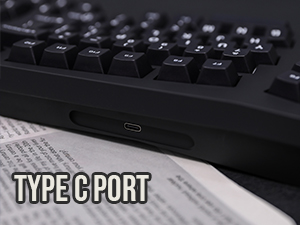
The keyboard features a convenient USB-C port for a stable and reliable wired connection to your device.
4. Operating Instructions
4.1. Ergonomic Design Benefits
The Feker Alice98 features an ergonomic Alice layout, which is designed to reduce wrist and finger strain by aligning keys with the natural position of your hands. This split design, combined with a gasket mount and PC plate, provides a soft and consistent typing feel, enhancing comfort during prolonged use.
The ergonomic Alice layout is designed to align with the natural position of your hands, reducing strain and enhancing typing comfort during long sessions.
4.2. VIA Programmability
The Feker Alice98 is compatible with VIA software, allowing for extensive customization. You can remap keys, create custom macros, and adjust various settings to suit your preferences. Download the VIA software from the official MechLands website to access these features.
The keyboard is fully VIA programmable, allowing users to easily remap keys, create custom macros, and personalize their typing experience without complex coding.
4.3. RGB Backlighting
The keyboard features south-facing RGB LEDs with 21 customizable lighting effects. You can cycle through different effects and colors using specific key combinations. Refer to the quick start guide included with your keyboard for detailed instructions on RGB control.
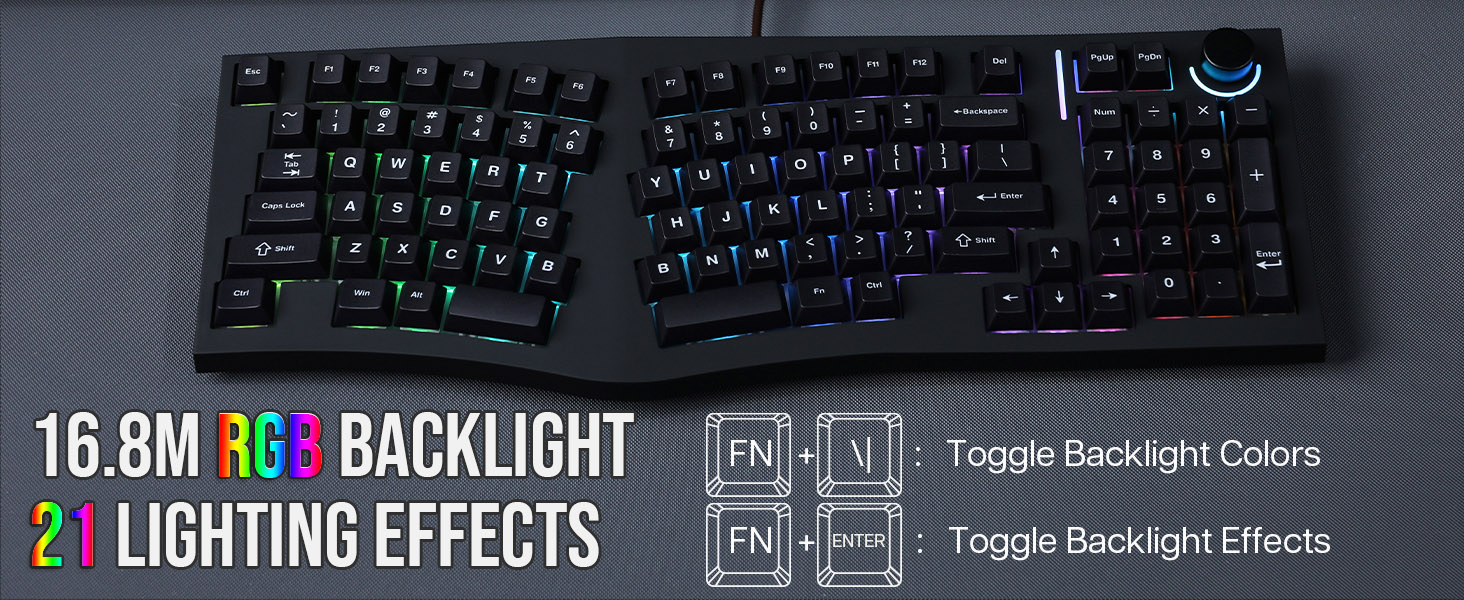
Experience dynamic lighting with 16.8 million RGB colors and 21 customizable lighting effects. Easily toggle backlight colors and effects using FN key combinations.
4.4. Control Knob
The integrated control knob provides convenient media control. Typically, rotating the knob adjusts volume, while pressing it can mute/unmute audio or play/pause media. Its exact functions can be customized via the VIA software.
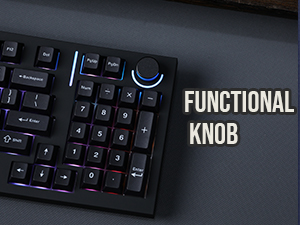
The integrated control knob provides convenient media control, allowing for quick adjustments to volume or other functions.
5. Maintenance
5.1. Hot-Swappable Switches
The Feker Alice98 features a hot-swappable PCB, allowing you to easily change mechanical switches without soldering. Use the provided switch puller to gently remove existing switches and insert new compatible 3-pin or 5-pin switches. Ensure switches are aligned correctly before pressing them into place.
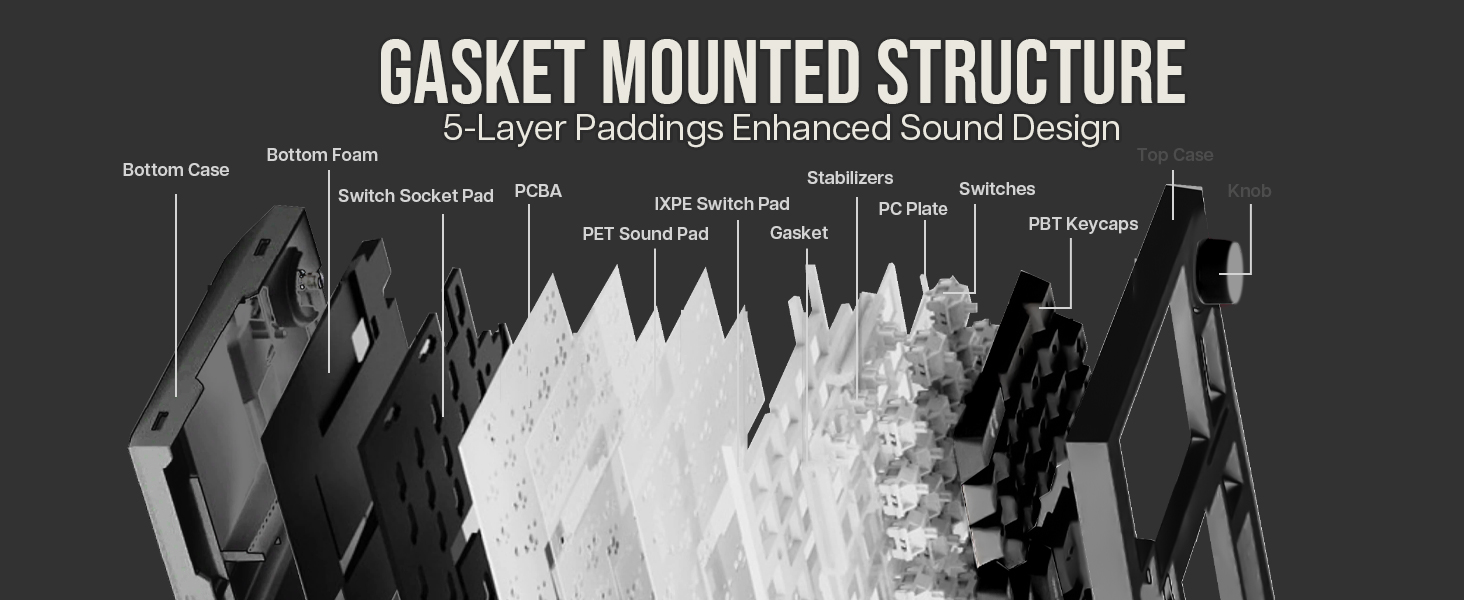
The hot-swappable PCB allows for easy replacement of switches without soldering, offering extensive customization options for your typing feel.
5.2. Keycap Care
The keyboard comes with durable Cherry Profile Dye Sublimation PBT keycaps. To clean them, gently remove them using the keycap puller. Wipe them with a soft, damp cloth. Avoid harsh chemicals that may damage the legends or material. PBT material is resistant to shine and wear, ensuring longevity.
The keyboard features durable Cherry Profile Dye Sublimation PBT keycaps, known for their resistance to wear and shine, ensuring long-lasting legends and a comfortable feel.
6. Troubleshooting
6.1. Common Issues and Solutions
- Keyboard not recognized: Ensure the USB-C cable is securely connected to both the keyboard and your device. Try a different USB port or cable. Restart your computer.
- RGB lights not working/incorrect: Check the FN key combinations for RGB control (refer to your quick start guide). Verify settings within the VIA software.
- Specific keys not responding: Gently remove the keycap and switch for the affected key. Ensure the switch is fully seated in its socket. Check for any debris or bent pins on the switch.
- VIA software connection issues: Ensure the keyboard is connected via USB-C. Close and reopen the VIA application. Try restarting your computer.
7. Specifications
| Feature | Detail |
|---|---|
| Package Dimensions | 19.1 x 8.5 x 3.6 inches |
| Item Weight | 4.39 pounds |
| Manufacturer | MechLands |
| ASIN | B0DF2CZZ8Z |
| Date First Available | August 23, 2024 |
| Brand | MechLands |
| Compatible Devices | Gaming Console, Laptop, PC, Smartphone, Tablet |
| Connectivity Technology | USB-C |
| Keyboard Description | Ergonomic |
| Recommended Uses For Product | Business, Education, Everyday Use, Gaming, Programming |
| Special Feature | Backlit, Ergonomic, Hot-Swappable, USB-C Wired Keyboard, VIA Programmable |
| Color | Black |
| Number of Keys | 98 |
| Keyboard backlighting color support | RGB |
| Included Components | USB Cable |
8. Warranty and Support
This product is manufactured by MechLands. For specific warranty terms and conditions, please refer to the official MechLands website or the documentation included with your purchase. In case of technical issues or support inquiries, please contact MechLands customer service directly.
Extended protection plans may also be available for purchase through authorized retailers to provide additional coverage beyond the standard manufacturer's warranty.
9. Official Product Videos
No official product videos from the seller are available for embedding at this time.