
Introduction
This manual provides detailed instructions for the safe and effective use of your i4SEE K25-384 LRF Thermal Imaging Monocular. Please read this manual thoroughly before operating the device to ensure optimal performance and longevity. The K25-384 LRF is designed for advanced thermal detection, featuring a high-resolution AMOLED display and an integrated laser rangefinder, suitable for various outdoor observation needs.
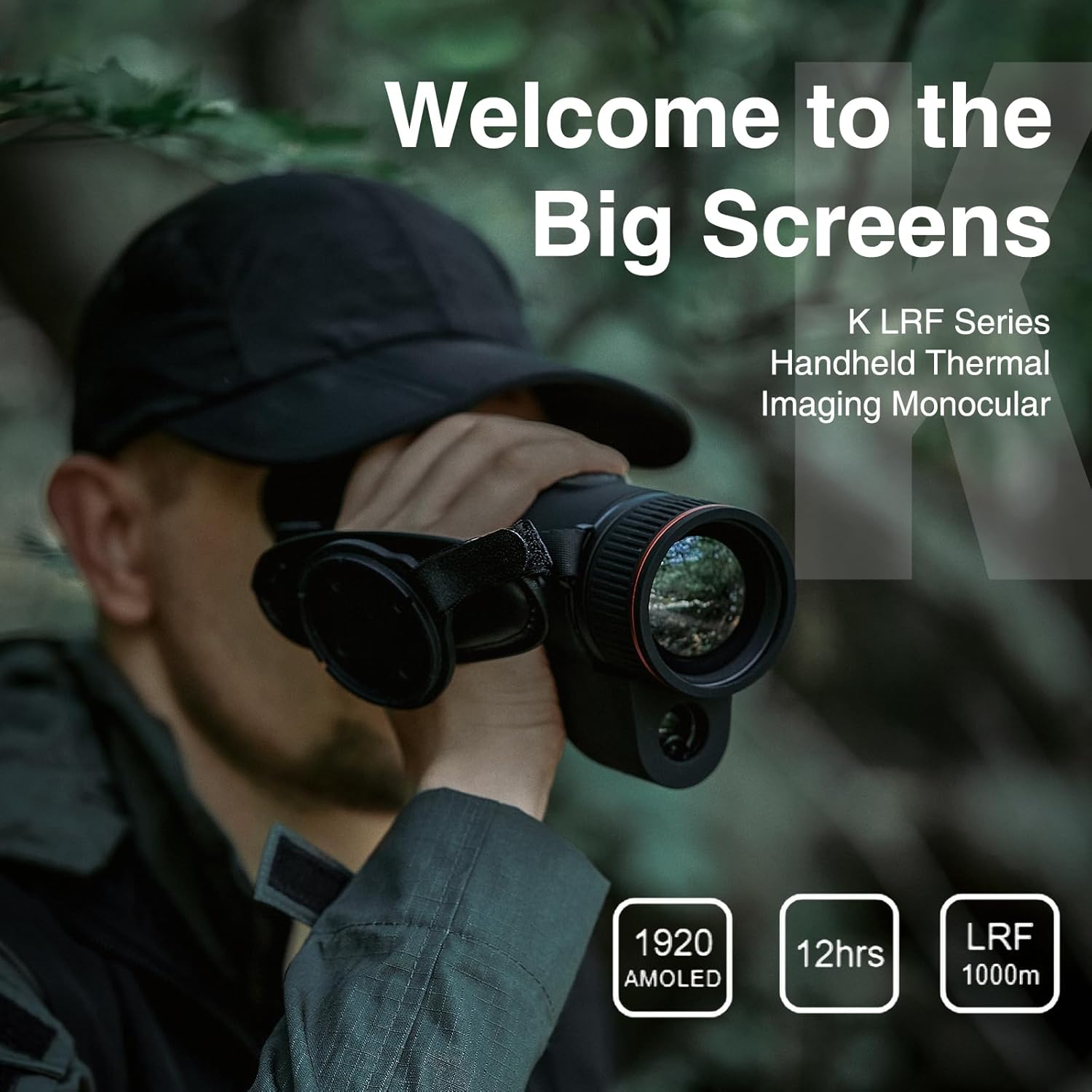
Image: The i4SEE K25-384 LRF Thermal Imaging Monocular being used for observation in an outdoor environment.
Safety Information
- Do not look directly at the sun or other intense light sources through the monocular, as this may cause permanent eye damage.
- Avoid pointing the laser rangefinder at people or animals.
- Keep the device away from extreme temperatures, humidity, and direct sunlight.
- Use only specified batteries and chargers.
- Do not attempt to disassemble or repair the device yourself. Contact authorized service personnel.
Setup
1. Battery Installation
The K25-384 LRF operates on two rechargeable 18650 lithium-ion batteries. Ensure batteries are inserted with correct polarity as indicated inside the battery compartment.
- Locate the battery compartment cover, typically on the side or bottom of the device.
- Open the cover and insert two 18650 batteries, observing the polarity markings.
- Securely close the battery compartment cover.

Image: The i4SEE K25-384 LRF monocular highlighting its 12-hour battery life and battery compartment.
2. Initial Power On
Press and hold the power button (refer to the button layout image in the Operating section) for a few seconds until the display illuminates.
3. Diopter Adjustment
To achieve a clear image, adjust the diopter on the eyepiece. Rotate the diopter adjustment ring (closest to your eye) until the on-screen text and icons appear sharp.
4. Objective Lens Focus
Rotate the focus ring on the objective lens (front of the device) to bring the observed thermal image into sharp focus. This adjustment is crucial for clear target identification.

Image: Illustration demonstrating the adjustment of the focus ring on the monocular.
Operating the Monocular
1. Basic Controls
The K25-384 LRF features ergonomically designed raised buttons for easy operation, even in low-light conditions. Familiarize yourself with the button layout for power, menu navigation, zoom, and recording functions.

Image: Detailed view of the monocular's button layout for intuitive control.
2. Thermal Detection
The device utilizes a 25mm focal lens and a 12µm detector with a NETD as low as 25mK, providing exceptional thermal sensitivity. The 50Hz refresh rate ensures smooth observation of moving targets. Detection range extends up to 1300m (1400yd).

Image: The monocular displaying a clear thermal signature of an animal, demonstrating its detection capabilities.
3. Display Features
Experience vivid and detailed images through the 1920×1080 Full-HD AMOLED display. This high-resolution screen offers superior image quality and vibrant colors, enhancing observation comfort.

Image: A visual comparison illustrating the enhanced clarity and detail of the 1920x1080 AMOLED display.
4. Laser Range Finder (LRF)
The integrated laser rangefinder provides accurate distance measurements up to 1000m (1090yd). Activate the LRF function via the dedicated button to quickly determine the distance to your target.
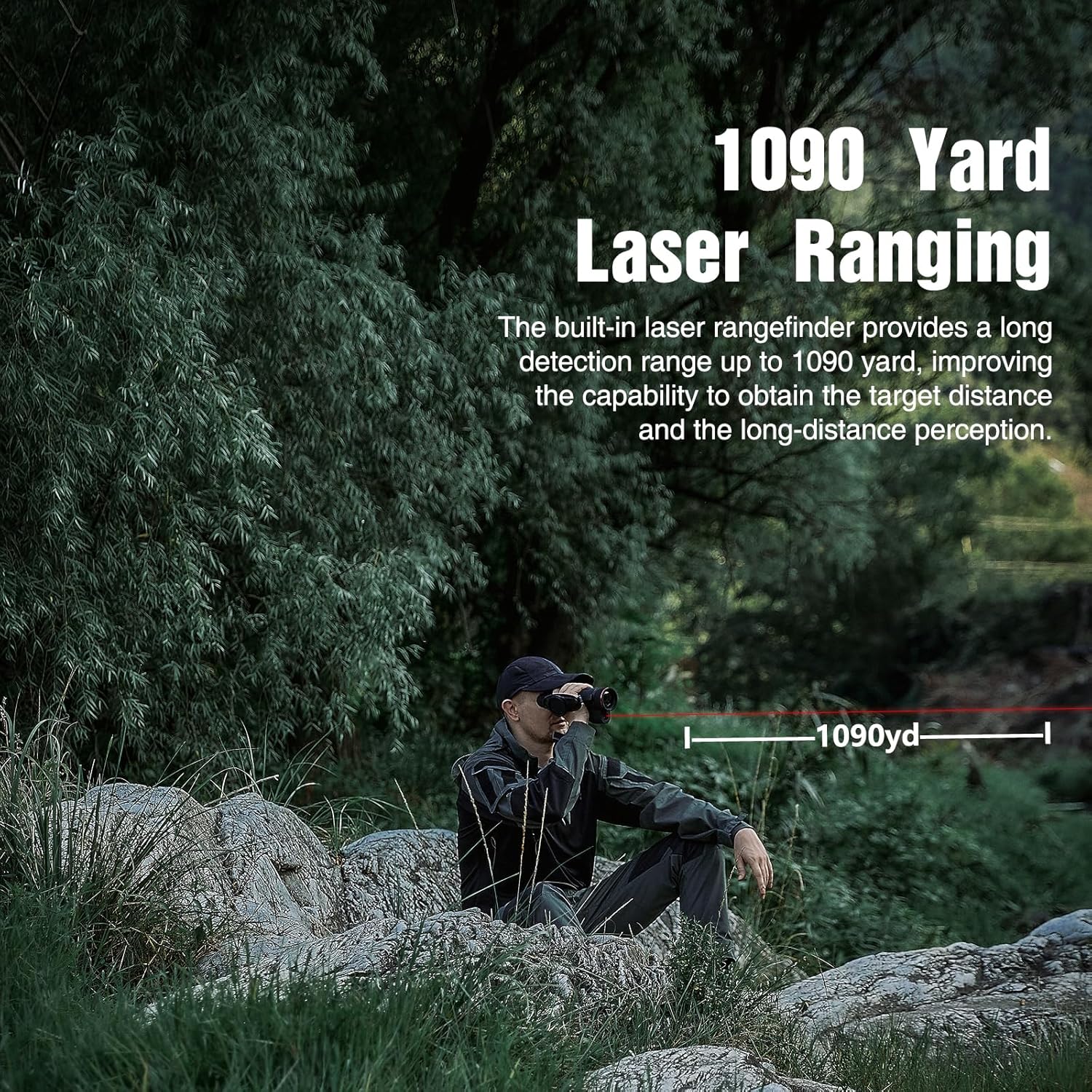
Image: A user employing the monocular's laser rangefinder to measure distance to a target.
5. Photo and Video Recording
The monocular includes 32GB of internal storage for capturing photos and sound videos. Use the recording button to start and stop recording. Files can be transferred to a computer via USB or accessed through the mobile application.

Image: Examples of different thermal imaging color palettes and modes for varied observation.
6. Mobile App Connectivity
Connect your K25-384 LRF to a mobile device via Wi-Fi for remote control, live image streaming, and real-time video transmission. Download the official i4SEE app from your device's app store.
Video: This video demonstrates the key features and operation of the i4SEE K-Series thermal imaging monocular, including its high-sensitivity infrared detector, AMOLED display, laser rangefinder, and durable design, as well as app connectivity.
Maintenance
1. Cleaning
- Use a soft, lint-free cloth to clean the exterior of the monocular.
- For lenses, use a specialized lens cleaning solution and cloth to avoid scratches.
- Do not use abrasive cleaners or solvents.
2. Battery Care
- Charge batteries fully before extended storage.
- Remove batteries if the device will not be used for a long period to prevent leakage.
- Store batteries in a cool, dry place.
3. Storage
Store the monocular in its protective case in a cool, dry, and dust-free environment. Avoid areas with high humidity or extreme temperature fluctuations.
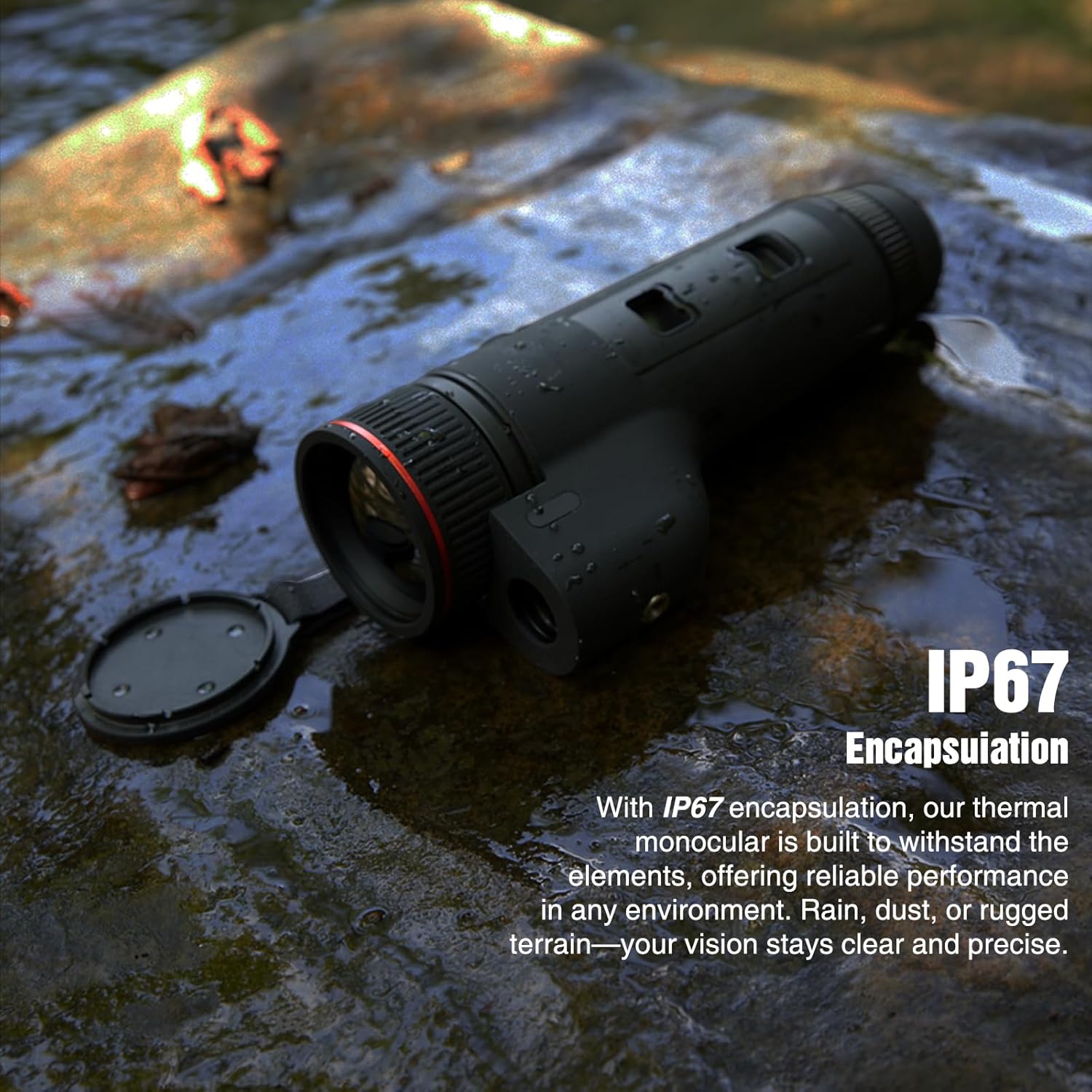
Image: The monocular shown in water, highlighting its IP67 encapsulation for durability in challenging conditions.
Troubleshooting
| Problem | Possible Cause | Solution |
|---|---|---|
| Device does not power on | Low or depleted batteries; incorrect battery insertion. | Charge or replace batteries; ensure correct polarity. |
| Image is blurry or unclear | Diopter or objective lens focus not adjusted correctly. | Adjust the diopter on the eyepiece and the focus ring on the objective lens until the image is sharp. |
| Laser Range Finder is inaccurate | Environmental factors (fog, rain); target too small or reflective. | Ensure clear line of sight; try ranging a larger or less reflective target. |
| Cannot connect to mobile app | Wi-Fi disabled; incorrect app settings; device not in pairing mode. | Ensure Wi-Fi is enabled on both devices; check app settings; restart monocular and app. |
Specifications
| Feature | Detail |
|---|---|
| Brand | i4SEE |
| Model Name | K25-384 |
| Objective Lens Diameter | 25 Millimeters |
| Focal Length | 25 millimeters |
| Detector Resolution | 384×288 (50Hz) 12µm |
| NETD | <25mK |
| Display Type | 1920×1080 Full-HD AMOLED |
| Laser Range Finder Range | Up to 1000m (1090yd) |
| Detection Range | Up to 1300m (1400yd) |
| Power Source | Battery Powered (2 Lithium Ion 18650 batteries included) |
| Battery Life | Up to 12 hours |
| Storage | 32GB (for photo and sound video recording) |
| Environmental Protection | IP67 Encapsulation |

Image: The monocular highlighting its core specifications such as resolution and detection range.
Warranty and Support
The i4SEE K25-384 LRF Thermal Imaging Monocular comes with a comprehensive 5-year warranty. The i4SEE after-sales team is based in the USA and is dedicated to providing support and assistance for your product. For any inquiries, technical support, or warranty claims, please contact our customer service team through the official i4SEE website or your purchase platform.
For more information, visit the official i4SEE Store.