
Introduction
This manual provides instructions for the proper use and maintenance of Trinity Marketplace Large Gravity Waterer Filter Cartridges, Model 1001. These filters are designed for compatibility with Top Paw Brand Gravity Fountains to ensure clean and fresh water for your pets.
Each pack contains 12 individually wrapped filter cartridges, designed for regular replacement to maintain optimal water quality.
Product Overview

Figure 1: Trinity Marketplace Large Gravity Waterer Filter Cartridges (Pack of 12).
The Trinity Marketplace Gravity Waterer Filter Cartridges are essential components for maintaining the cleanliness of your pet's drinking water. They are specifically designed to fit large gravity waterers, including those from the Top Paw brand.

Figure 2: Compatibility with Top Paw Gravity Waterer. The waterer itself is not included with the filter cartridges.
Setup and Installation
Follow these steps to install a new filter cartridge in your gravity waterer:
- Remove Used Filter: Carefully detach the water reservoir from the base of the gravity waterer. Locate and remove the old, used filter cartridge from its housing. Dispose of the used filter responsibly.
- Rinse New Filter: Before installation, rinse the new filter cartridge thoroughly under cool, running water for approximately 30 seconds. This helps to remove any loose carbon dust that may be present.
- Insert New Filter: Place the rinsed filter cartridge into the designated filter housing within the waterer's reservoir. Ensure it is seated correctly and securely. Reattach the water reservoir to the base, making sure it is properly sealed to prevent leaks.
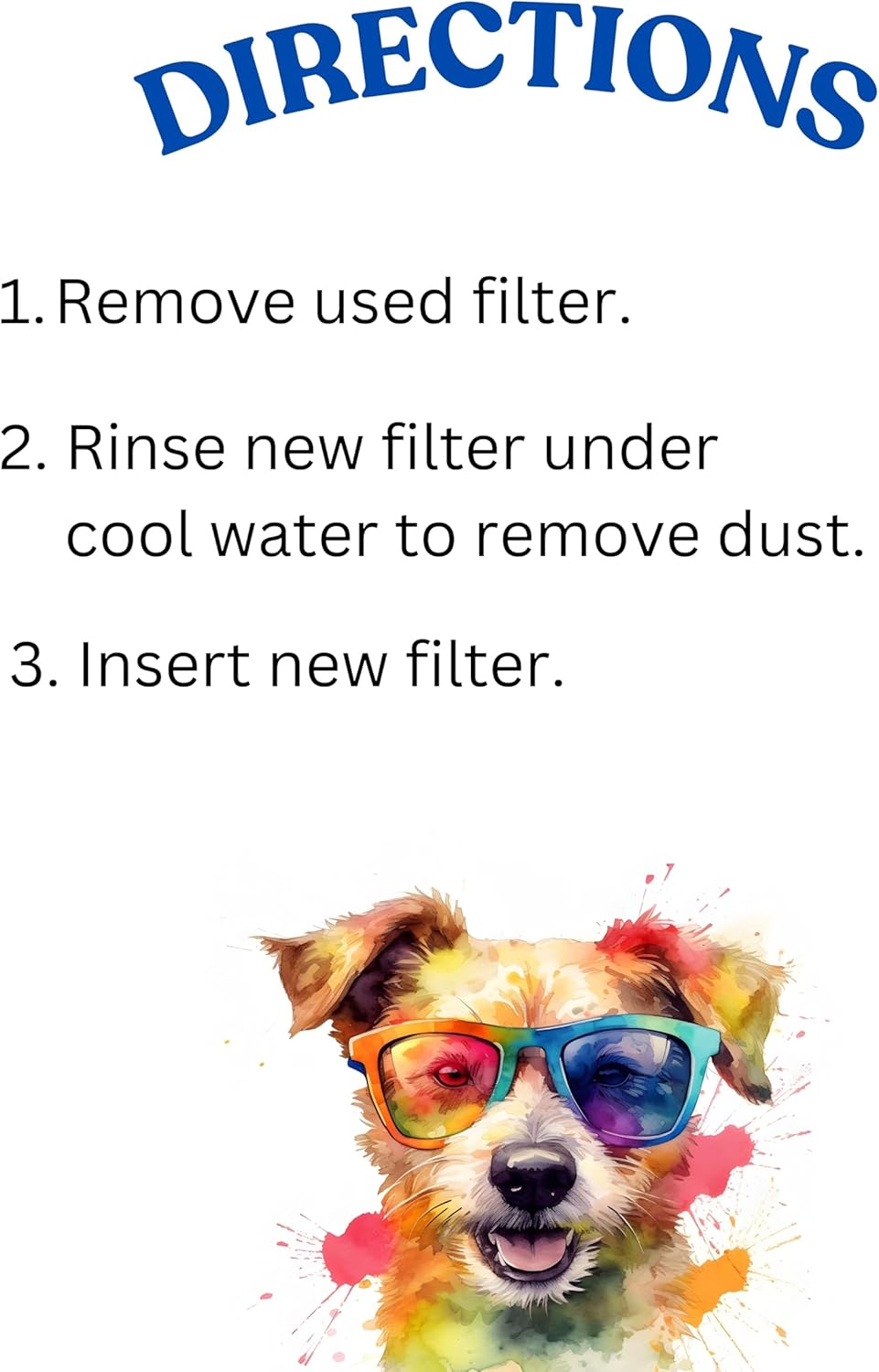
Figure 3: Visual guide for filter replacement steps.

Figure 4: Individual filter cartridge and housing components.
Operating Instructions
Once the filter cartridge is installed and the waterer is assembled, fill the reservoir with clean water. The gravity waterer will automatically dispense water into the bowl as needed, with the filter continuously purifying the water as it passes through.
Maintenance
To ensure optimal water quality and the longevity of your pet's gravity waterer, regular filter replacement is crucial. It is recommended to replace the filter cartridge every 2 to 4 weeks, depending on water quality, pet usage, and the number of pets using the waterer.
Failure to replace filters regularly may lead to reduced filtration efficiency and potential water quality issues.
Troubleshooting
- Slow Water Flow: If water flow into the bowl is slow, check if the filter is clogged or improperly seated. Replace the filter if it appears dirty or if the recommended replacement period has passed.
- Water Leaks: Ensure all parts of the gravity waterer, especially the reservoir and filter housing, are correctly assembled and securely tightened.
- Unpleasant Odor/Taste: This indicates the filter is no longer effectively removing impurities. Replace the filter immediately.
Specifications
| Model Number | 1001 |
| UPC | 198715809220 |
| Material | Cotton (filter media) |
| Product Dimensions (per filter) | 3"D x 7"W x 4"H |
| Item Weight (per filter) | 4.54 g (0.16 ounces) |
| Quantity per Pack | 12 filters |
| Primary Benefit | Removes Odor |
| Certifications | FCC |
Warranty and Support
For warranty information or product support, please contact Trinity Marketplace directly through their official channels. Refer to the product packaging or the seller's information on the purchase platform for specific contact details.
Trinity Marketplace Store: Visit Store