
Introduction
This manual provides detailed instructions for the installation, operation, and maintenance of your Qeeanmo 60ft Smart Eave Lights. These permanent outdoor lights feature RGB+IC LED beads, smart control via app and voice assistants, music synchronization, and timer functions, designed for year-round outdoor decoration.
What's in the Box
- 10 x LED light strips
- 2 x Remote controls
- Power supply
- Bag of screws
- User manual

Image: Contents of the Qeeanmo Smart Eave Lights package, showing LED strips, remote controls, power supply, screws, and user manual.
Specifications
| Feature | Detail |
|---|---|
| Brand | Qeeanmo |
| Model Number | RM-EL3535DRGBW36-24V18M |
| Color | Multicolor |
| Indoor/Outdoor Usage | Outdoor |
| Special Features | Dimmable, Waterproof, Color Changing, Water Resistant |
| Light Source Type | LED |
| Power Source | AC/DC |
| Number of Light Sources | 36 |
| Voltage | 24 Volts |
| Control Method | App, Remote, Voice |
| Material | Polycarbonate |
| Waterproof Rating | IP67 |
| Operating Temperature | -4℉ to 140℉ (-20℃ to 60℃) |
Setup and Installation
Follow these steps for proper installation of your Qeeanmo Smart Eave Lights:
- Prepare the Surface: Ensure the installation surface is clean, dry, and smooth.
- Positioning: Install the string lights approximately 2-4 inches away from the wall surface for optimal lighting effect.
- Adhesive Application: Tear off the adhesive backing of each LED light unit.
- Secure Attachment: Firmly stick each eave light onto the desired location on the wall.
- Reinforcement (Optional but Recommended): If necessary, use the provided cable screw clips and screws to further secure the lights, especially in areas exposed to harsh weather.
- Connect Power: Connect the LED string light to the power supply unit.
- Power On: Plug the power supply into a suitable electrical outlet to turn on the lights.
Kind Note: These string lights cannot be cut.

Image: Step-by-step guide for installing the eave lights, illustrating adhesive application and optional screw reinforcement.
Operating Instructions
Your Qeeanmo Smart Eave Lights offer multiple control methods for a customized lighting experience.
1. Remote Control
The included RF remote control allows for basic functions such as turning the lights on/off, changing colors, and selecting preset modes.
2. Smart App Control
For advanced features and customization, download the Rino Smart App (refer to the QR code in the app control video for download). The app allows you to:
- Select from 16 million colors and 212 preset scene modes.
- Adjust brightness and speed of dynamic effects.
- Set custom lighting sequences.
- Utilize music synchronization modes.
- Program automated lighting schedules with the timer function.

Image: The Rino Smart App interface on a smartphone, demonstrating color selection and various functions, with the lights illuminating a house.

Image: An overview of the advanced features accessible via the Rino Smart App, such as dimming, timers, DIY customization, and music sync.
Connecting to the App:
- Turn on the eave lights. Wait for the flashing to stop.
- Open the Rino Smart App.
- Long press the "ON" button on the remote control until the light flashes again to enter pairing mode.
- In the app, click the "+" icon to add a device.
- Allow Bluetooth connection and ensure your phone is connected to a 2.4G Wi-Fi network.
- The app will automatically search for nearby devices. Select your eave lights from the list.
- Enter your 2.4G Wi-Fi password to connect the lights to your network.
- Once successfully matched, click "Finish".
- Enter the eave light settings within the app to set the LED number (36 for this model) and the line sequence (RGB).
3. Voice Control (Alexa & Google Assistant)
Once connected to the Rino Smart App, you can link your lights to Amazon Alexa or Google Assistant for convenient voice control. Use commands to adjust colors, brightness, and modes effortlessly.

Image: Illustration of voice control functionality with Alexa and Google Assistant, showing a smart speaker and people enjoying the lights.
4. Music Synchronization
The lights feature 8 built-in music modes that allow them to dynamically adjust to the beat of your music. Control the sensitivity via the app to create the perfect ambiance for any event.

Image: People enjoying an outdoor party with the eave lights displaying dynamic colors synchronized to music.
5. Timer Function
Set automated lighting schedules using the built-in timer function via the Rino Smart App. Program specific on/off times to match your daily routine or special events, eliminating the need for manual switching. The lights also retain the last set mode with their memory function.
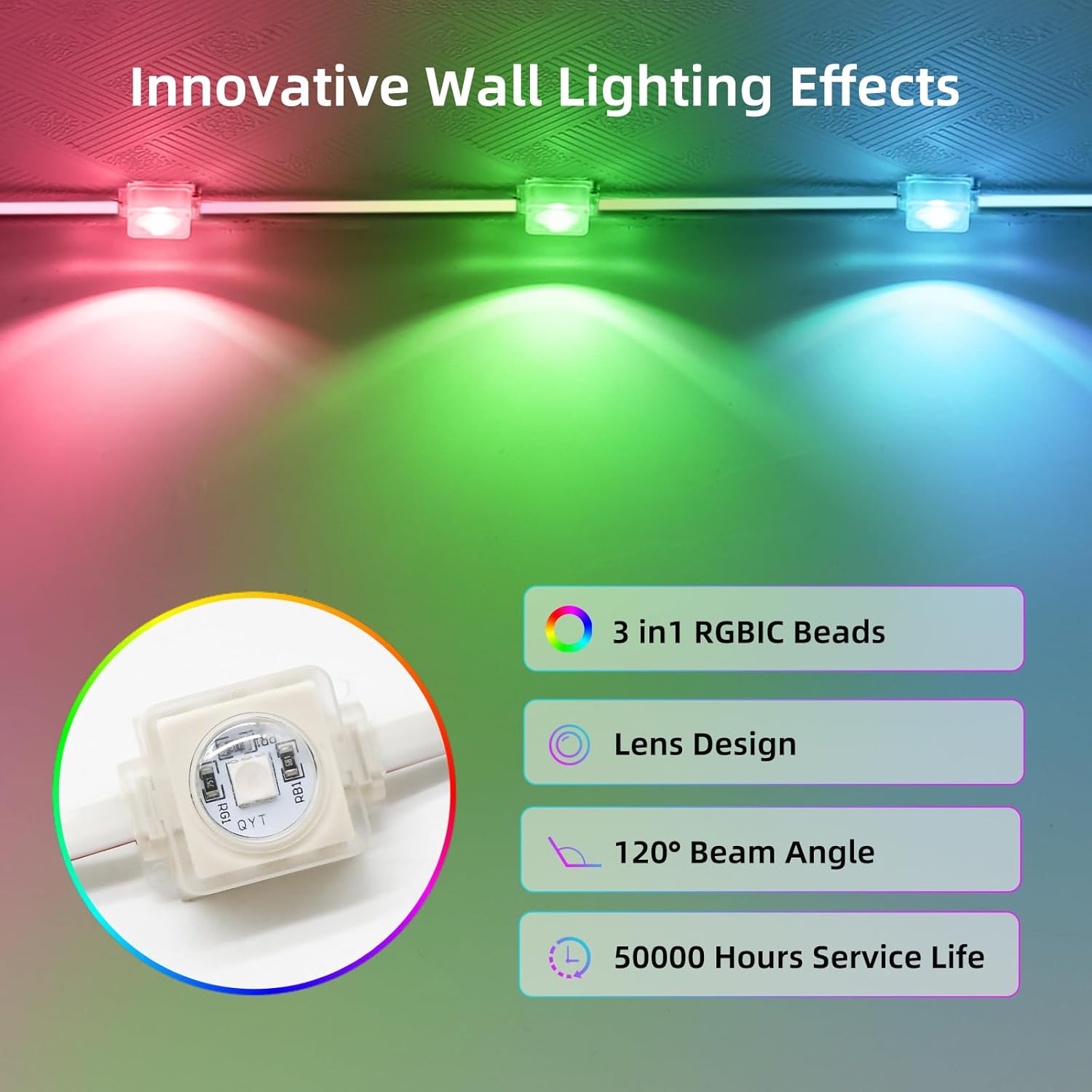
Image: A visual representation of the timer and schedule function within the app, showing lights turning on and off at set times.
Maintenance
To ensure the longevity and optimal performance of your Qeeanmo Smart Eave Lights, consider the following:
- Cleaning: Periodically wipe the light surfaces with a soft, damp cloth to remove dust and debris. Avoid harsh chemicals or abrasive cleaners.
- Inspection: Regularly inspect the cables and connections for any signs of wear, damage, or loose connections. Address any issues promptly.
- Weather Protection: While the lights are IP67 waterproof and designed for outdoor use, extreme weather conditions (e.g., severe storms, heavy snowfall) may warrant additional protection or temporary removal if possible.
- Storage: If storing the lights for an extended period, ensure they are clean, dry, and coiled neatly to prevent tangling or damage.
Troubleshooting
If you encounter issues with your Qeeanmo Smart Eave Lights, refer to the following common problems and solutions:
- Lights not turning on:
- Check if the power supply is securely plugged into a working outlet.
- Ensure all connections between the light strips and the power supply are firm.
- Verify that the remote control or app is sending the "On" command.
- Lights not responding to remote/app:
- For remote control, ensure there are no obstructions and the remote's battery is functional.
- For app control, check your phone's Bluetooth and Wi-Fi connection (2.4G network required).
- Try re-pairing the lights with the app by long-pressing the "ON" button on the remote until the lights flash.
- Restart the app and/or your phone.
- Incorrect colors or effects:
- In the Rino Smart App settings, ensure the correct LED number (36) and line sequence (RGB) are configured.
- Cycle through different modes or colors using the app or remote to see if the issue persists.
- Wi-Fi connection issues:
- Ensure your Wi-Fi network is 2.4GHz. These lights may not be compatible with 5GHz networks.
- Check your Wi-Fi password for accuracy.
- Move the lights closer to your Wi-Fi router to improve signal strength.
- Restart your Wi-Fi router.
If these steps do not resolve the issue, please contact Qeeanmo customer support for further assistance.
Warranty and Support
For warranty information and customer support, please refer to the documentation included with your product or visit the official Qeeanmo website. If you require technical assistance or have questions regarding your Smart Eave Lights, please contact Qeeanmo customer service.