
1. Introduction
Thank you for choosing the BBPECO Smart Hummingbird Feeder. This innovative feeder combines a beautiful hand-blown glass design with advanced technology, including a 2K HD camera, AI identification, and smart water detection, to bring you closer to nature. This manual provides essential information for setting up, operating, and maintaining your feeder to ensure optimal performance and a delightful bird-watching experience.
What's in the Box
- Hummingbird Feeder (Glass Bottle & Base with Camera) x1
- Solar Panel x1
- Ant Moat Hook x1
- Metal Hook x1
- Feeding Port Flowers x6
- Cleaning Brush x1
- Charging Cable x1
- User Manual x1

Image: All components included in the BBPECO Smart Hummingbird Feeder package.
2. Key Features
2.1 AI Identify & Unique Water Detection
The feeder's camera automatically detects hummingbirds and sends instant alerts to your phone. The AI can identify over 300 species (subscription may be required for full access). Additionally, it features unique water quality and level monitoring, sending reminders via the app when levels are low or quality changes, ensuring fresh nectar for hummingbirds.

Image: AI identification feature detecting a hummingbird.

Image: Water level detection notification on a smartphone.

Image: Water quality detection feature and its importance.
2.2 2K Camera & Cloud Storage
Capture high-definition photos and videos with the 2K camera. The feeder offers free 3-day loop cloud storage, allowing you to review recordings. You can also save videos to a TF card up to 128GB (not included). The camera supports 2.4GHz WiFi only (5GHz is not supported). High-level encryption technology protects your data security.

Image: Overview of the feeder's basic features.
2.3 Ant-proof, Easy to Fill & Leakproof Design
The feeder features a built-in ant moat to deter ants. Its wide-mouth design facilitates easy cleaning and refilling of the 26 oz capacity. The feeder camera has an IP66 waterproof rating for easy rinsing, and a cleaning brush is included for convenient maintenance. The upgraded leakproof design ensures no messy drips.

Image: Feeder being cleaned, highlighting its easy-to-clean features.

Image: Detailed view of the leakproof design.
2.4 Work with Alexa & Google Assistant
The BBPECO hummingbird smart feeder supports integration with Alexa and Google Assistant. You can connect the feeder camera to these third-party devices and use simple voice commands to view birds on compatible screens, such as an Echo Show, when a hummingbird arrives.
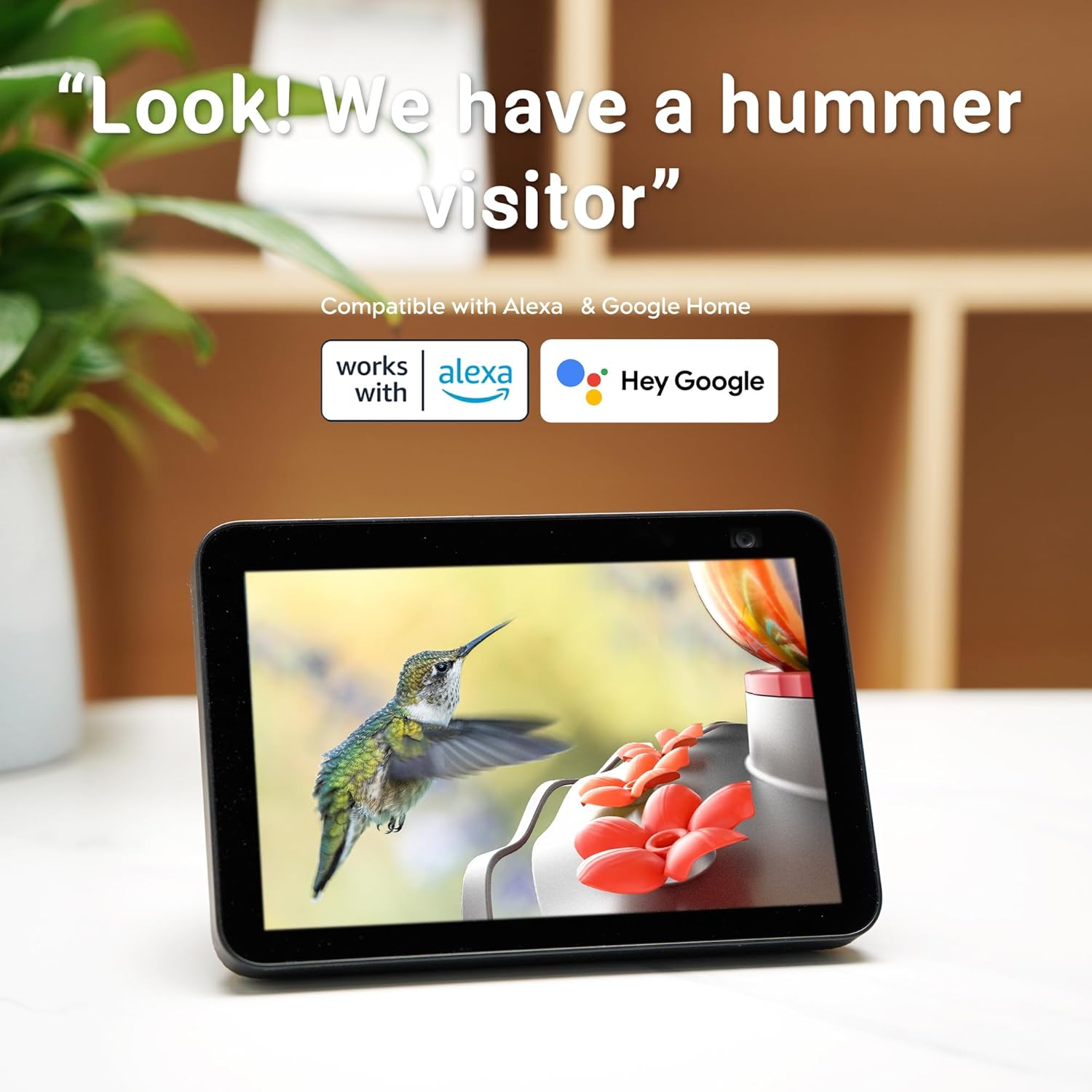
Image: Feeder compatibility with smart home assistants.
2.5 Bionic Design & Hand-Blown Glass
The feeder features a flower-shaped water spout and a bird-shaped camera, blending functionality with aesthetics. It is made from hand-blown glass and eco-friendly plastic, enhancing your garden decor while effectively attracting hummingbirds.

Image: The unique hand-blown glass manufacturing process.
3. Setup Guide
3.1 Assembly
- Prepare Nectar: Fill the glass bottle with hummingbird nectar. Ensure the nectar is fresh and clean.
- Attach Bottle Converter: Screw the bottle converter securely onto the filled glass bottle.
- Attach to Base: Align the matching slot on the bottle converter with the base and firmly attach it.
- Flip and Secure: Carefully flip the assembled bottle and base upright. The nectar will flow into the base reservoir.
- Insert Feeding Flowers: Place the red feeding port flowers into the designated holes on the base.

Image: Filling the glass bottle with nectar.

Image: Screwing on the bottle converter.

Image: Matching slot for attaching the bottle to the base.

Image: Flipping the bottle onto the base.
3.2 App Download & Wi-Fi Connection
- Download the official BBPECO app from your smartphone's app store (iOS/Android).
- Create an account and log in.
- Follow the in-app instructions to add your new feeder. Ensure your Wi-Fi network is 2.4GHz, as 5GHz is not supported.
- Charge the feeder's battery using the provided charging cable or by positioning the solar panel in direct sunlight.
3.3 Mounting
Use the included ant moat hook and metal hook to hang the feeder in a suitable location. Choose a spot that offers a clear view for the camera, is easily accessible for refilling, and provides sufficient sunlight for the solar panel.
4. Operating Instructions
4.1 Live View & Notifications
- Open the BBPECO app to access the live feed from your feeder's camera.
- Enable push notifications in the app settings to receive instant alerts when hummingbirds are detected or when water levels/quality change.
4.2 Recording & Storage
- Recordings are automatically saved to the free 3-day loop cloud storage. Access these recordings via the app's playback feature.
- To save recordings for longer periods, insert a TF card (up to 128GB, not included) into the designated slot on the feeder.
4.3 Voice Control (Alexa/Google Assistant)
- Link your BBPECO account with your Alexa or Google Assistant app.
- Once linked, you can use voice commands such as "Alexa, show me the hummingbird feeder" or "Hey Google, display the bird feeder camera" on compatible smart displays.
5. Maintenance
5.1 Cleaning the Feeder
- Regularly clean the feeder to prevent mold and bacteria growth, which can harm hummingbirds.
- Detach the glass bottle and base. Use the included cleaning brush and warm soapy water to thoroughly clean all parts.
- Rinse all components thoroughly with clean water. The IP66 waterproof rating allows for easy rinsing of the camera base.
- Ensure all parts are completely dry before reassembling and refilling.
5.2 Nectar Replacement & Water Monitoring
- Change the nectar every 2-3 days, or more frequently in hot weather.
- Pay attention to the app notifications regarding low water levels or poor water quality and address them promptly.
5.3 Battery Charging
- The feeder is primarily solar-powered. Ensure the solar panel receives adequate direct sunlight for continuous operation.
- If the battery level is low due to insufficient sunlight, you can recharge the 5200mAh battery using the provided USB charging cable.
6. Troubleshooting
- No Wi-Fi Connection: Ensure your router is broadcasting a 2.4GHz signal. Move the feeder closer to the router if necessary. Restart the feeder and your router.
- No Notifications: Check app settings to ensure notifications are enabled. Verify your phone's notification settings for the BBPECO app. Ensure the feeder has a stable Wi-Fi connection.
- Short Battery Life: Ensure the solar panel is clean and receiving direct sunlight for several hours daily. If solar charging is insufficient, manually charge the battery via USB.
- AI Not Identifying Species: Ensure the camera lens is clean. Verify that the feeder has a clear view of the birds. A subscription may be required for advanced AI features.
- Nectar Leaking: Ensure the bottle converter is screwed on tightly and correctly aligned with the base. Check the silicone seal for any damage or misalignment.
For further assistance, please refer to the FAQ section within the BBPECO app or contact customer support.
7. Specifications
| Feature | Detail |
|---|---|
| Brand | BBPECO |
| Model Number | SF254-WBB3 |
| Target Species | Hummingbird |
| Material | Glass |
| Camera Resolution | 2K Video |
| View Angle | 150° |
| Connectivity | 2.4GHz Wi-Fi (5GHz not supported) |
| Power Source | Solar Powered |
| Battery | 5200mAh Lithium Ion (included) |
| Storage | Free 3-day loop Cloud Storage, TF Card up to 128GB (not included) |
| Waterproof Rating | IP66 |
| Capacity | 26 oz (Nectar) / 1.6 Pounds (Weight) |
| Product Dimensions | 8"L x 8"W x 11"H |
| Item Weight | 4.58 pounds |
8. Warranty and Support
For information regarding product warranty, returns, or technical support, please visit the official BBPECO website or contact their customer service directly. Details can typically be found on the product packaging or the manufacturer's official online channels.
