
1. Introduction
This manual provides essential instructions for the safe and effective operation of your yuwell YE650AR Blood Pressure Monitor. Please read this manual thoroughly before first use and retain it for future reference. This device is designed for home use to measure systolic and diastolic blood pressure and pulse rate in adults.

Image 1.1: The yuwell YE650AR Blood Pressure Monitor, showing the main unit, arm cuff, and a smartphone displaying measurement results via the companion app.
2. Product Overview
2.1 Components
- Blood Pressure Monitor Unit (YE650AR)
- Extra-large Arm Cuff (22-45 cm)
- Charging Cable
- AC Adapter
- Storage Bag
- User Manual (this document)
- APP Quick Guide

Image 2.1: All components included in the yuwell YE650AR package: the monitor, cuff, charging cable, AC adapter, storage bag, user manual, and app quick guide.
2.2 Key Features
- Precise and Reliable: Utilizes a high-performance SoC chip and DFFA algorithm for medical-grade accuracy.
- Intelligent Data Transmission: Bluetooth connectivity for real-time synchronization with a mobile app and smart voice transmission of results.
- Comfortable & Functional Design: Extra-large cuff (22-45cm) with fan design for various arm sizes.
- Large Backlit Display: 3.8-inch LCD screen with oversized digits for clear readings in any lighting.
- Rechargeable Battery: Built-in rechargeable battery for extended use.

Image 2.2: Visual summary of the monitor's key features, including Bluetooth connectivity, clinical validation, voice guidance, HD backlit display, cuff positioning check, and a large backlit screen.
3. Setup
3.1 Charging the Device
- Connect the charging cable to the monitor's charging port.
- Plug the AC adapter into a standard electrical outlet.
- The battery indicator on the display will show charging status. Charge fully before first use.
3.2 Attaching the Arm Cuff
- Ensure the air tube from the cuff is securely connected to the air jack on the side of the monitor.
- The cuff is designed for arm circumferences between 22-45 cm.
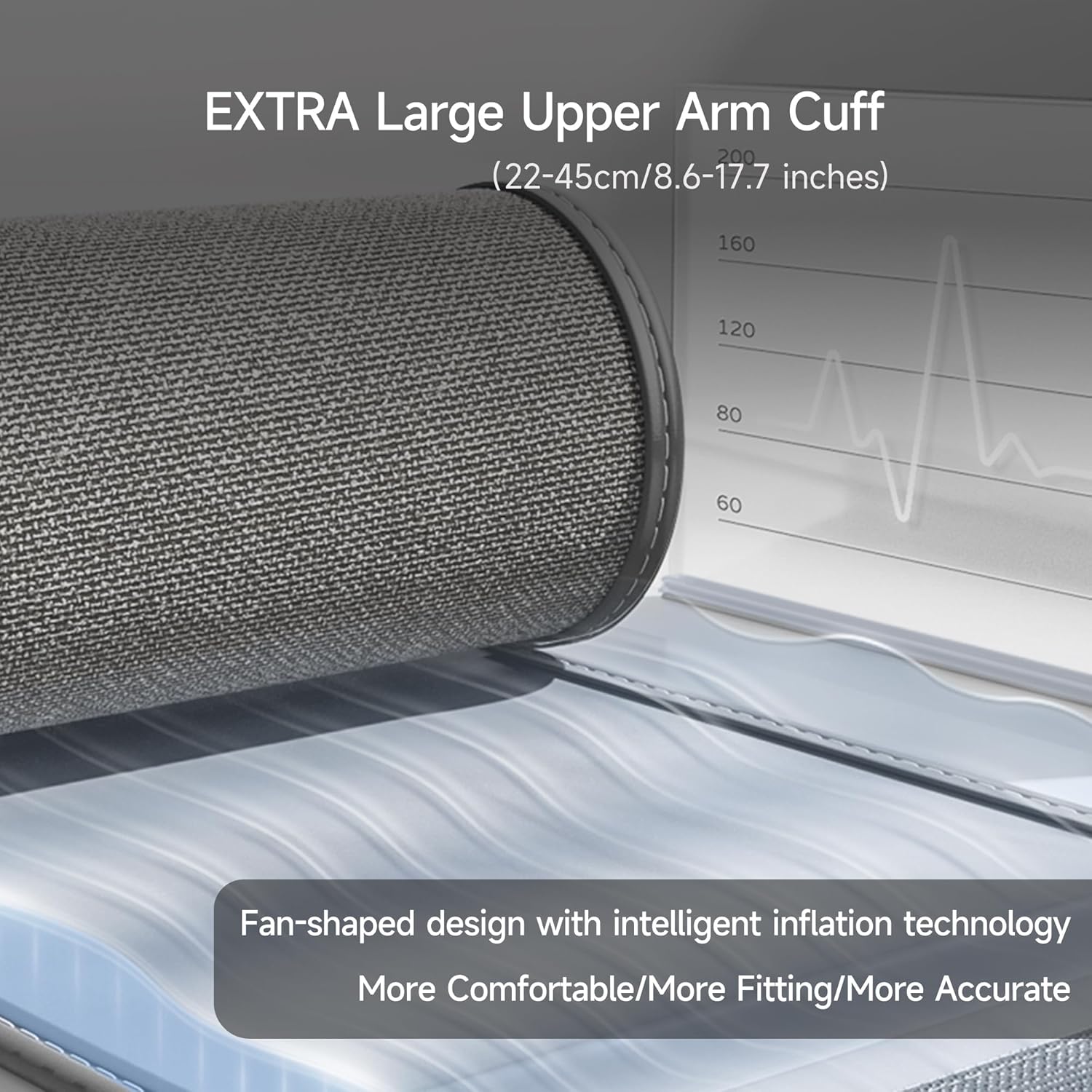
Image 3.1: The extra-large upper arm cuff (22-45cm) featuring a fan-shaped design and intelligent inflation technology for comfort and accuracy.
4. Operating Instructions
4.1 Before Measurement
- Avoid eating, drinking alcohol, smoking, exercising, and bathing for 30 minutes before measurement.
- Rest for at least 5 minutes before taking a measurement.
- Sit in a comfortable position with your back supported and feet flat on the floor.
- Place your arm on a table so the cuff is at heart level.
4.2 Applying the Arm Cuff
- Slide your arm through the cuff loop.
- Position the cuff so the air tube runs down the center of your arm, aligned with your middle finger.
- The bottom edge of the cuff should be approximately 2-3 cm above your elbow.
- Wrap the cuff snugly around your upper arm, ensuring it is not too tight or too loose.
4.3 Taking a Measurement
- Press the START/STOP button to turn on the monitor.
- The cuff will automatically inflate. Remain still and silent during the measurement.
- Once the measurement is complete, the systolic pressure, diastolic pressure, and pulse rate will be displayed on the large backlit screen.
- The device will also provide voice transmission of the results.
- Press the START/STOP button again to turn off the monitor, or it will automatically shut off after a period of inactivity.

Image 4.1: The monitor's 3.8-inch LCD backlit screen, showing large, clear digits for systolic, diastolic, and pulse rate readings, along with date and time.

Image 4.2: The voice broadcasting function, which verbally communicates blood pressure and pulse rate results, along with intelligent voice diagnosis.
5. Bluetooth Connectivity and App
The yuwell YE650AR monitor features Bluetooth connectivity to synchronize measurement results with the yuwell HealthCare+ mobile application (available for iOS and Android).
5.1 Pairing with the App
- Download the "yuwell HealthCare+" app from your device's app store.
- Enable Bluetooth on your smartphone.
- Open the app and follow the on-screen instructions to pair your YE650AR monitor.
- Once paired, measurement results will automatically synchronize with the app, allowing for easy data management and graphical display of trends.

Image 5.1: The yuwell HealthCare+ mobile app interface, showing current blood pressure results and historical data visualized in graphs for comprehensive health monitoring.
6. Maintenance and Care
6.1 Cleaning
- Wipe the monitor unit and cuff with a soft, dry cloth.
- If necessary, use a cloth lightly dampened with water or a mild detergent. Do not use abrasive cleaners or immerse the device in water.
6.2 Storage
- Store the device in the provided storage bag when not in use.
- Keep it in a cool, dry place, away from direct sunlight, extreme temperatures, and humidity.
6.3 Battery Care
- Recharge the built-in battery regularly to maintain its lifespan.
- Avoid fully discharging the battery frequently.
7. Troubleshooting
| Problem | Possible Cause | Solution |
|---|---|---|
| Monitor does not turn on. | Battery is low or depleted. | Charge the device using the provided AC adapter and charging cable. |
| Error message displayed during measurement. | Cuff not applied correctly; movement during measurement; irregular pulse. | Reapply the cuff correctly. Remain still and silent. Consult a healthcare professional if irregular pulse persists. |
| Bluetooth connection fails. | Bluetooth is off on smartphone; device not in pairing mode; app issue. | Ensure Bluetooth is enabled. Restart the monitor and app. Refer to the APP Quick Guide for detailed pairing steps. |
| Inaccurate readings. | Incorrect cuff placement; movement; talking; improper body position. | Review "Before Measurement" and "Applying the Arm Cuff" sections. Ensure proper technique. |
8. Specifications
- Model: YE650AR
- Brand: yuwell
- Cuff Size: 22-45 cm (Extra Wide)
- Power Source: Rechargeable Battery
- Display Type: Large Backlit LCD
- Connectivity: Bluetooth
- Dimensions (L x W x Thickness): 14.2L x 18W x 9.2Th centimeters
- Manufacturer: Jiangsu Yuyue Medical Equipment & Supply Co., Ltd
- Accuracy: Medical-grade, powered by SoC chip and DFFA algorithm

Image 8.1: An illustration emphasizing the internal technology of the monitor, specifically the SOC chip and DFFA algorithm, which contribute to its clinical accuracy.
9. Safety Information
- This device is intended for adult home use only. Consult a healthcare professional for interpretation of results.
- Do not self-diagnose or self-medicate based on measurements from this device.
- Keep out of reach of children.
- Do not use this device on an injured arm or an arm undergoing medical treatment.
- Avoid using the device in strong electromagnetic fields.
- Only use authorized accessories and replacement parts.
10. Warranty and Support
For warranty information, technical support, or service inquiries, please refer to the warranty card included with your product or contact yuwell customer service. Contact details can typically be found on the official yuwell website or through your point of purchase.


