
1. Introduction
The WENGART Smart Valve DN20 is an intelligent control device designed for automatic or remote management of fluid flow, such as water or electric gas. This valve integrates smart technology to enhance efficiency and safety in various environments, including residential, industrial, and commercial settings. It allows users to control valve operations remotely via a mobile application, set timed schedules, and integrate with smart home systems.

Figure 1.1: WENGART Smart Valve DN20 shown from various perspectives, highlighting its compact design and manual override knob.
2. Product Features
The WENGART Smart Valve DN20 offers a range of features designed for convenient and secure fluid management:
- Remote Control: Connects to a 2.4GHz Wi-Fi network via the eWeLink app, enabling smartphone control of valve opening and closing from any location.
- Timing and Countdown Control: Supports multiple timing and countdown settings for automated valve operations, enhancing usage flexibility.
- Smart Scene and Voice Control: Integrates with other smart devices to create smart scenes and is compatible with Amazon Alexa and Google Assistant for voice commands.
- Manual Control: Features a manual rotation button for valve operation during power outages, ensuring reliability.
- Wide Application: Suitable for home water supply, agricultural irrigation, and electric gas shut-off systems.
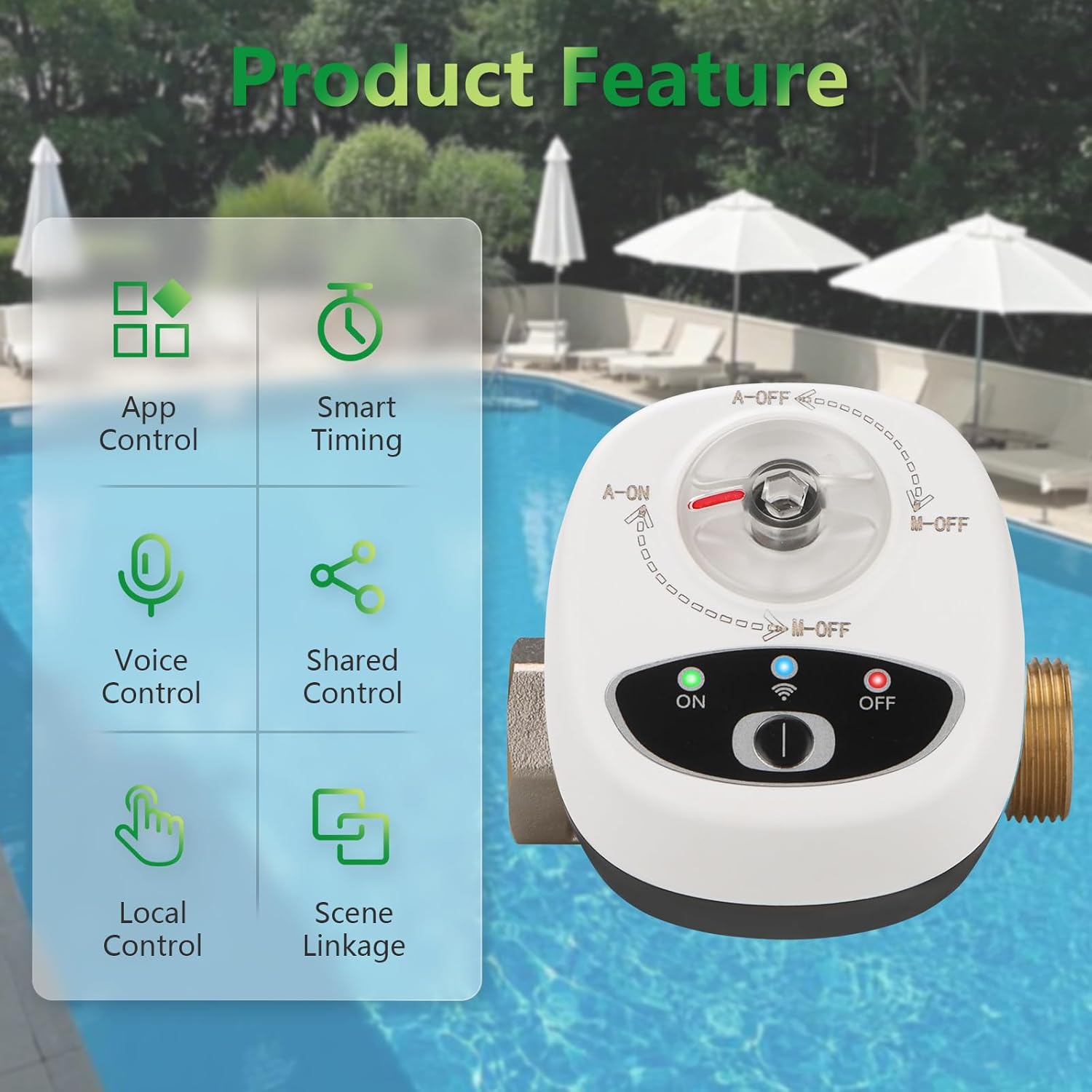
Figure 2.1: Visual representation of the smart valve's key features, including App Control, Smart Timing, Voice Control, Shared Control, Local Control, and Scene Linkage.
3. Installation
Proper installation is crucial for the optimal performance and safety of the WENGART Smart Valve DN20. Follow these general guidelines:
- Preparation: Ensure the main water or gas supply is turned off before beginning installation. Gather necessary tools, which may include wrenches, thread sealant tape, and potentially pipe adapters.
- Valve Placement: Install the smart valve in a location that is easily accessible for maintenance and manual operation. Ensure it is protected from direct weather exposure if installed outdoors, or use a waterproof enclosure for the power supply.
- Pipe Connection: The valve is designed for DN20 (3/4'') pipe connections. Note that while specified as 3/4'', some standard pipe threads may require adapters for a secure, leak-free fit. Apply thread sealant tape to all threaded connections.
- Secure Mounting: Ensure the valve is securely mounted to the piping to prevent strain on connections.
- Power Connection: Connect the valve to a DC 5V power source.
- Leak Check: After installation, slowly restore the water or gas supply and carefully check all connections for leaks.

Figure 3.1: Example installation of the WENGART Smart Valve under a kitchen sink, showing its integration with existing plumbing.
4. Operating the Smart Valve
4.1. Connecting to the eWeLink App
To enable remote control and smart features, connect the valve to the eWeLink app:
- Download the free eWeLink app from your device's app store.
- Register or log in to your eWeLink account.
- Ensure your smartphone is connected to a 2.4GHz Wi-Fi network.
- Follow the in-app instructions to add a new device. The valve will typically enter pairing mode when first powered on or by pressing and holding the configuration button.
- Once connected, you can control the valve remotely through the app interface.
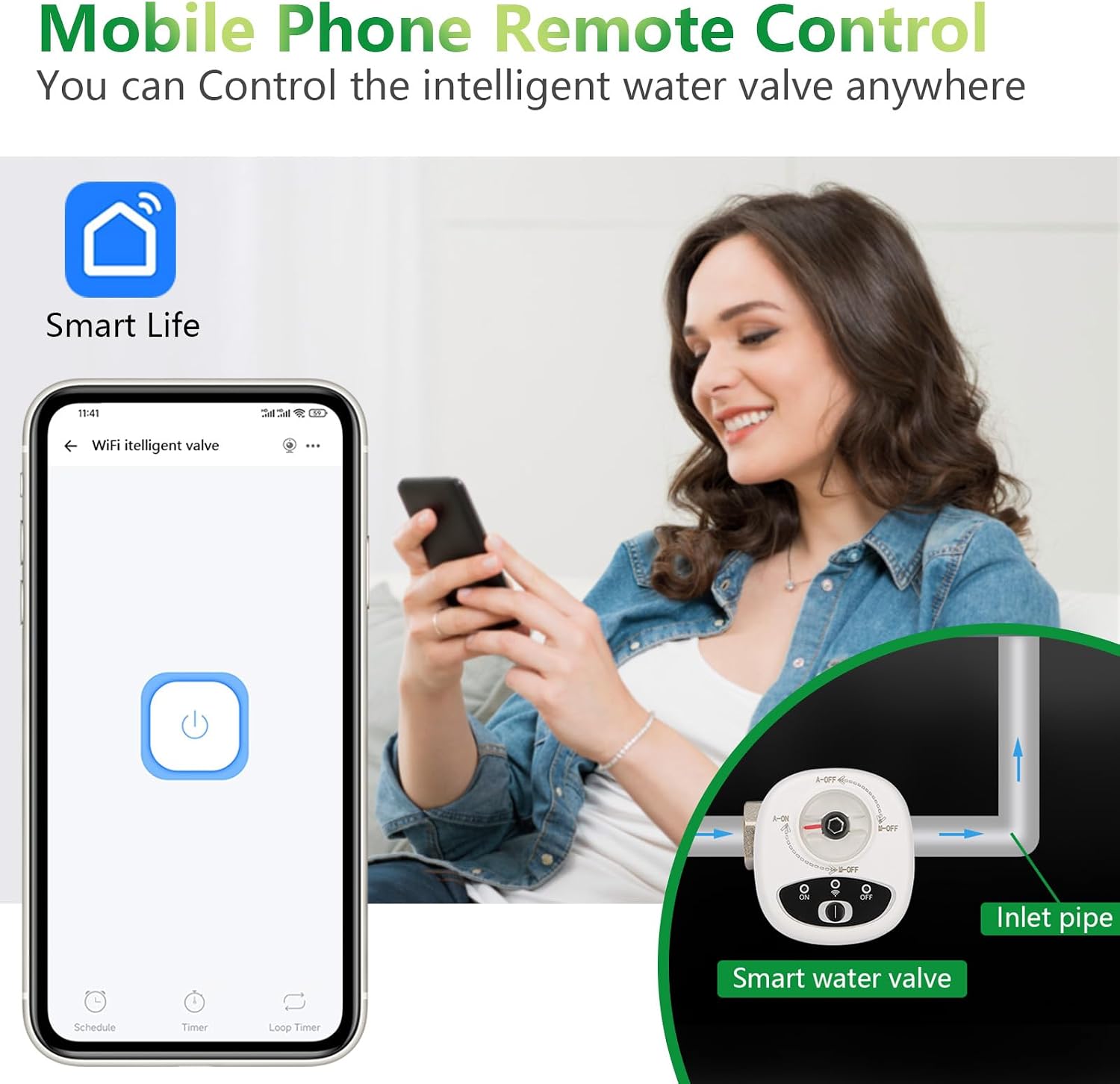
Figure 4.1: Mobile phone displaying the eWeLink app interface, showing the control button for the smart valve.
4.2. Remote and Scheduled Control
- App Control: Use the eWeLink app to open or close the valve instantly from anywhere with an internet connection.
- Timing Functions: Set specific times for the valve to automatically open or close. This is useful for tasks like timed watering or managing gas supply.
- Countdown: Configure a countdown timer for the valve to perform an action (open or close) after a set duration.
4.3. Voice Control
The WENGART Smart Valve is compatible with Amazon Alexa and Google Assistant. After linking your eWeLink account to your smart assistant, you can use voice commands:
- For Alexa: "Alexa, turn on [Valve Name]" or "Alexa, turn off [Valve Name]."
- For Google Assistant: "Hey Google, open [Valve Name]" or "Hey Google, close [Valve Name]."

Figure 4.2: An individual interacting with a smart speaker to control the WENGART Smart Valve, demonstrating voice command functionality.
4.4. Manual Control
In case of power failure or network issues, the valve can be operated manually:
- Locate the manual rotation button on the valve body.
- Rotate the button to manually open or close the valve as needed.
5. Applications
The WENGART Smart Valve DN20 is versatile and can be applied in various scenarios:
- Home Use: Control main water supply, manage garden irrigation, or integrate with gas leak detectors for automatic shut-off.
- Industrial Applications: Precise fluid control in manufacturing processes, improving efficiency and safety.
- Commercial Places: Manage water and natural gas usage in businesses, reducing operational costs and enhancing security.
- Agricultural Irrigation: Automate watering schedules for crops or landscaping.
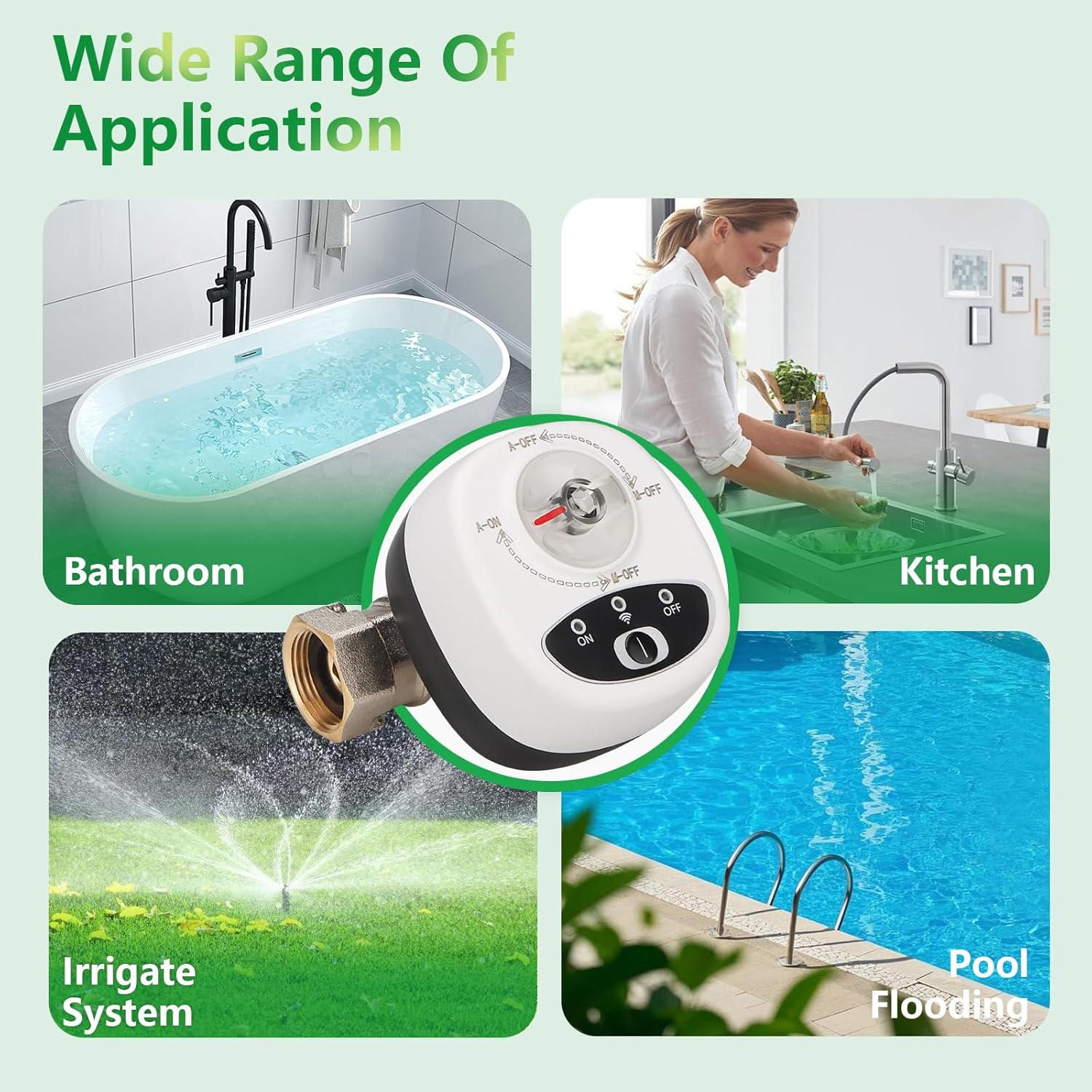
Figure 5.1: Examples of the WENGART Smart Valve's wide range of applications, including use in bathrooms, kitchens, irrigation systems, and for managing pool water.
6. Specifications
Detailed technical specifications for the WENGART Smart Valve DN20:

Figure 6.1: Overview of the WENGART Smart Valve's key product parameters, including input voltage, working environment, and wireless standards.
| Parameter | Value |
|---|---|
| Product Name | WiFi Intelligent Valve |
| Model Number | DN20 |
| Input Voltage | DC 5V |
| Input Current | 0.3-1A (operation), 0.1-0.5A (standby) |
| Opening/Closing Valve Time | 18 seconds |
| Networking Method | WiFi 2.4G |
| Wireless Standards | Wi-Fi 2.4GHz b/g/n, Bluetooth 5.0 |
| App Compatibility | eWeLink |
| Valve Diameter | DN20 (3/4'') |
| Valve Body Material | Copper |
| Shell Material | Flame retardant PC/ABS |
| Maximum Operating Pressure | 1.6 MPa (1600 Kilopascal) |
| Valve Body Temperature | 5-75°C |
| Working Environment | -20°C to 50°C, ≤80% humidity |
| Item Weight | 1.01 Pounds |
| Included Components | Smart Valve |

Figure 6.2: Detailed dimensions of the WENGART Smart Valve, including length, width, and connection sizes in millimeters and inches.
7. Troubleshooting
If you encounter issues with your WENGART Smart Valve, consider the following troubleshooting steps:
- Valve Not Responding:
- Check if the valve is powered on and receiving power (DC 5V).
- Verify your Wi-Fi network is active and the valve is within range of a 2.4GHz signal.
- Ensure the eWeLink app is updated to the latest version.
- Attempt to reset the valve and re-pair it with the eWeLink app.
- If power is out, use the manual control knob.
- Leaks at Connections:
- Ensure all pipe connections are tightened securely.
- Verify that thread sealant tape was applied correctly and sufficiently.
- Check if additional adapters or washers are needed for your specific pipe threading, as the 3/4'' sizing may not always match standard pipe threads without them.
- Voice Control Issues:
- Confirm that your eWeLink account is correctly linked to Amazon Alexa or Google Assistant.
- Ensure the valve's name in the eWeLink app is recognized by your smart assistant.
- Check your internet connection.
8. Maintenance
The WENGART Smart Valve DN20 is designed for minimal maintenance. However, regular checks can ensure its longevity and reliable operation:
- Periodic Inspection: Visually inspect the valve and its connections for any signs of wear, corrosion, or leaks.
- Cleaning: Keep the exterior of the valve clean and free from dust or debris. Avoid using harsh chemicals that could damage the casing.
- Software Updates: Ensure the eWeLink app and valve firmware (if applicable) are kept up-to-date to benefit from the latest features and security enhancements.
- Power Supply Check: Periodically check the power adapter and cable for any damage.
9. Warranty and Support
For warranty information or technical support, please refer to the documentation provided with your purchase or contact WENGART customer service directly. Details for contacting support are typically available on the manufacturer's official website or through the eWeLink app's support section.