
1. Introduction
This manual provides essential information for the safe and efficient use of your FGKHKO I24 Ultra 5G Smartphone. Please read it thoroughly before operating your device to ensure optimal performance and longevity. This smartphone features a 6.8-inch HD+ display, Android 13.0, a powerful processor, and a built-in stylus for enhanced functionality.
2. Package Contents
Verify that all items are present in your product package:
- FGKHKO I24 Ultra 5G Cell Phone
- Power Adapter
- USB Cable
- Earphone
- Built-in Pen (Stylus)
- Clip Pin (for SIM tray)
- Phone Case
- Screen Protector
- IMEI Sticker/Card
3. Device Overview
Familiarize yourself with the physical components of your smartphone.
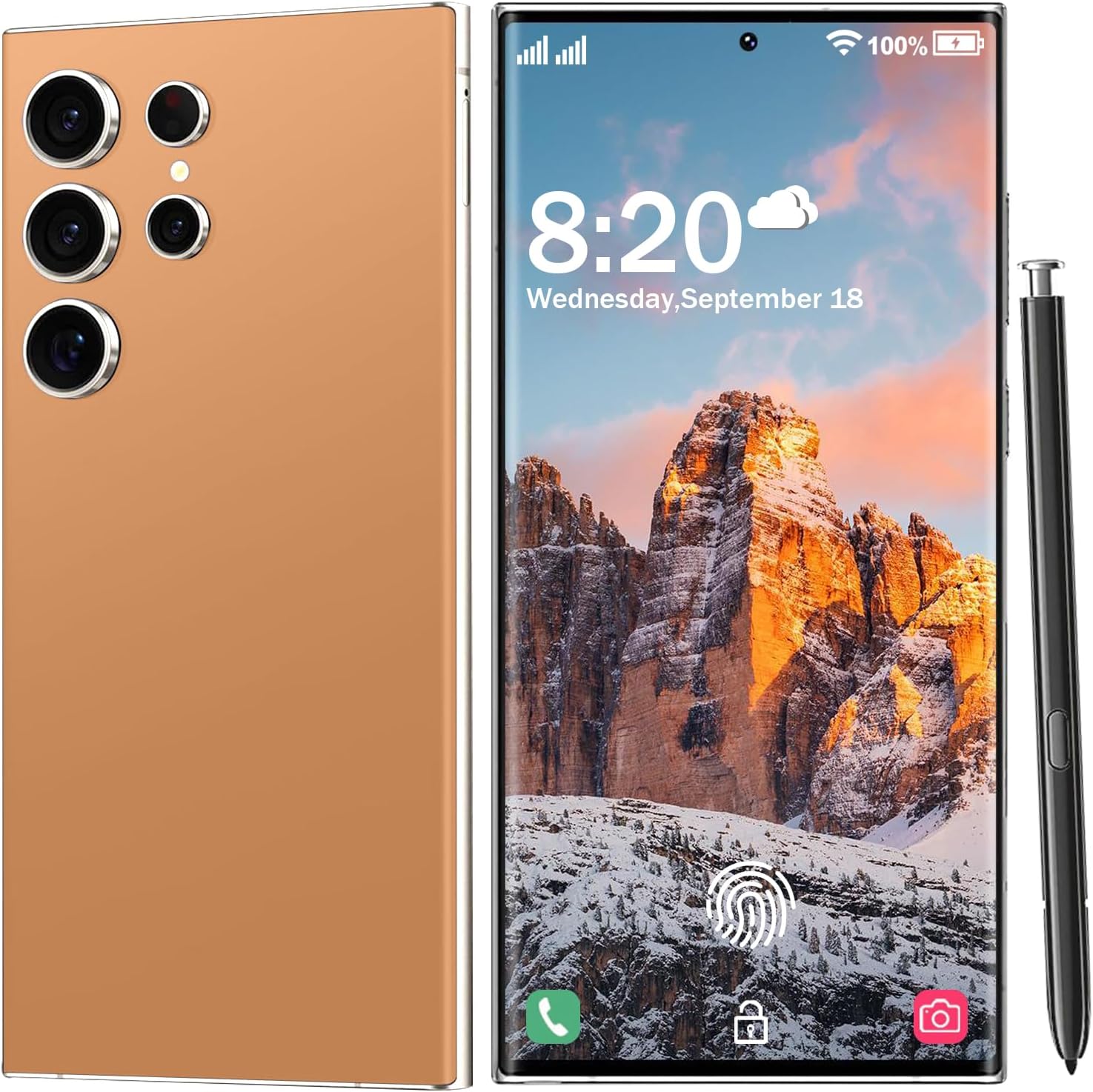
Image: Front and back view of the FGKHKO I24 Ultra 5G Smartphone, showcasing its sleek design and the integrated stylus on the right side. The front displays the large screen with a punch-hole camera, while the back features a multi-camera module.

Image: A lineup of FGKHKO I24 Ultra 5G Smartphones in various colors, highlighting the full-screen display and consistent design across different finishes.
Physical Features:
- Display: 6.8-inch HD+ Full Screen
- Cameras: Rear (108MP), Front (48MP)
- Ports: USB Type-C for charging and data transfer
- Buttons: Power button, Volume up/down buttons
- SIM/TF Card Slot: Dual SIM dual standby, shared with TF card slot
- Stylus: Integrated E-Pen
- Security: Fingerprint sensor (in-display), Face recognition
4. Setup
4.1. SIM Card and TF Card Installation
Your device supports two SIM cards or one SIM card and one TF (microSD) card. Use the provided clip pin to open the SIM tray.
- Locate the SIM tray on the side of the phone.
- Insert the clip pin into the small hole next to the tray and push gently until the tray ejects.
- Place your Nano-SIM card(s) and/or TF card into the designated slots on the tray. Ensure the gold contacts face downwards.
- Carefully reinsert the tray into the phone.
4.2. Initial Power On and Basic Settings
- Press and hold the Power button until the FGKHKO logo appears.
- Follow the on-screen prompts to select your language, connect to a Wi-Fi network, and set up your Google account.
- Configure security features such as fingerprint unlock and face recognition during the setup process for enhanced privacy.
4.3. Charging the Battery
Connect the USB Type-C cable to the phone's charging port and the power adapter. Plug the adapter into a wall outlet. The phone features a 6800mAh battery and supports 20W fast charging. It is recommended to fully charge the device before first use.
5. Operating Your Smartphone
5.1. Display and Navigation
The I24 Ultra 5G features a 6.8-inch HD+ display with a resolution of 1440*3040, offering vivid details and an immersive viewing experience.

Image: The smartphone display showcasing a vibrant landscape, demonstrating the clarity and detail of the 6.8-inch HD+ screen.
Navigate the Android 13.0 interface using touch gestures: tap, swipe, pinch-to-zoom. The system provides intelligent and personalized user experience.

Image: A visual representation of the Android 13 interface, highlighting its key attributes: fast performance, enhanced security, and intelligent operation with various app icons and widgets.
5.2. Cameras
Capture high-quality photos and videos with the 108MP main camera and 48MP front-facing camera. The camera app offers various modes and settings.

Image: The smartphone's camera interface, showing options for photo, video, and other modes, along with a preview from the front camera.
5.3. Built-in Stylus (E-Pen)
The integrated E-Pen allows for precise input, drawing, and note-taking. Tap the bottom of the pen to eject it from its slot.
- Note-taking: Quickly jot down notes or ideas.
- Drawing & Sketching: Utilize the pen for creative tasks with a natural feel.
- Precise Editing: Make accurate edits to photos and documents.
- Handwriting to Text: Convert handwritten notes into digital text.

Image: A hand holding the stylus pen, actively drawing on the smartphone screen, demonstrating its use for creative applications.

Image: The smartphone displaying the pop-up menu that appears when the stylus is removed, along with a note-taking application open on the screen.

Image: Illustrations demonstrating various ways to use the built-in stylus, including doodling on photos, making precise edits, and converting handwriting to text in messaging applications.
5.4. Performance and Storage
Powered by a Snapdragon 888+ 5G Octa-Core Processor with 6GB RAM and 256GB ROM (expandable up to 128GB via TF card), the I24 Ultra 5G delivers a seamless experience for apps, gaming, and multitasking.

Image: The smartphone screen displaying a graphically intensive mobile game, illustrating the device's capability for smooth gaming performance and massive capacity.
5.5. Connectivity
The device supports Global 5G LTE Bands, ensuring broad network compatibility. It also includes Wi-Fi and Bluetooth 4.0 for wireless connectivity.
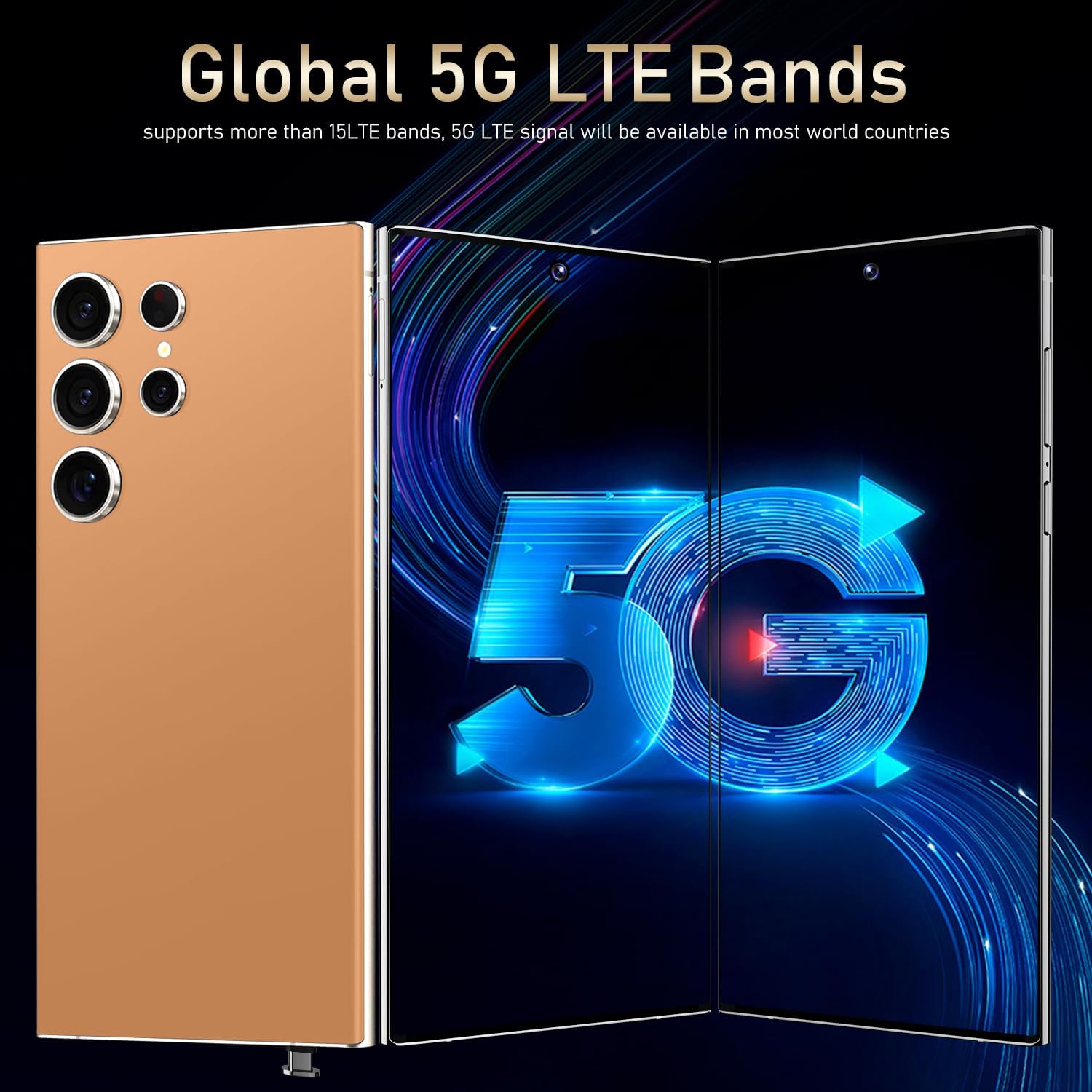
Image: The smartphone displaying a prominent 5G logo, indicating its support for global 5G LTE bands for high-speed internet access.
5.6. Security Features
Protect your privacy with advanced security options:
- Fingerprint Unlock: Use your fingerprint to securely unlock the device.
- Face Recognition: Unlock your phone using facial scanning technology.
6. Maintenance
To ensure the longevity and optimal performance of your smartphone, follow these maintenance guidelines:
- Cleaning: Use a soft, lint-free cloth to clean the screen and body. Avoid harsh chemicals.
- Protection: Use the provided phone case and screen protector to guard against scratches and impacts.
- Software Updates: Regularly check for and install system updates to ensure your device has the latest features and security patches.
- Battery Care: Avoid extreme temperatures. Do not let the battery fully drain frequently.
- Storage Management: Periodically clear unnecessary files and apps to maintain performance.
7. Troubleshooting
If you encounter issues with your device, refer to the following common solutions:
| Problem | Solution |
|---|---|
| Device does not power on | Ensure the battery is charged. Connect to the power adapter for at least 15 minutes, then try powering on again. |
| Poor network signal | Check if your SIM card is properly inserted. Move to an area with better network coverage. Restart the device. |
| Apps are slow or crashing | Close background applications. Clear app cache. Restart the device. Ensure sufficient storage space. |
| Fingerprint scanner not working | Ensure your finger is clean and dry. Re-register your fingerprint in settings. |
| Stylus not responding | Ensure the stylus is fully inserted and then properly ejected. Restart the device. |
For persistent issues, contact FGKHKO customer support.
8. Specifications
Detailed technical specifications for the FGKHKO I24 Ultra 5G Smartphone:
| Feature | Specification |
|---|---|
| Model Name | I24 Ultra 5G |
| Operating System | Android 13.0 |
| Processor | Snapdragon 888+ 5G Octa-Core |
| RAM | 6GB |
| Internal Storage | 256GB |
| Expandable Storage | Up to 128GB via TF card |
| Screen Size | 6.8 Inches |
| Display Resolution | 1440*3040 HD+ |
| Rear Camera | 108MP |
| Front Camera | 48MP |
| Battery Capacity | 6800mAh Lithium-ion |
| Charging | 20W Fast Charging |
| Cellular Technology | 5G (Global Bands) |
| Wireless Connectivity | Wi-Fi, Bluetooth 4.0 |
| SIM Support | Dual SIM (SIM/TF card holder sharing) |
| Security Features | Fingerprint Lock, Face Recognition |
| Special Features | Built-in Pen (Stylus), Dual SIM, Expandable Memory |
| Connector Type | USB Type-C |
| Item Weight | 1.6 ounces |
| Manufacturer | FGKHKO |
9. Warranty and Support
FGKHKO is committed to providing excellent customer service. If you have any questions or require assistance with your I24 Ultra 5G Smartphone, please feel free to contact FGKHKO customer service. We aim to resolve any issues as soon as possible within 7*24 hours.
Please refer to your purchase documentation for specific warranty terms and conditions.