
Introduction
This manual provides comprehensive instructions for the assembly, operation, and maintenance of your VIDITA Gaming Chair, Model 18503. Please read this manual thoroughly before using the product to ensure proper function and safety. Keep this manual for future reference.
Product Features
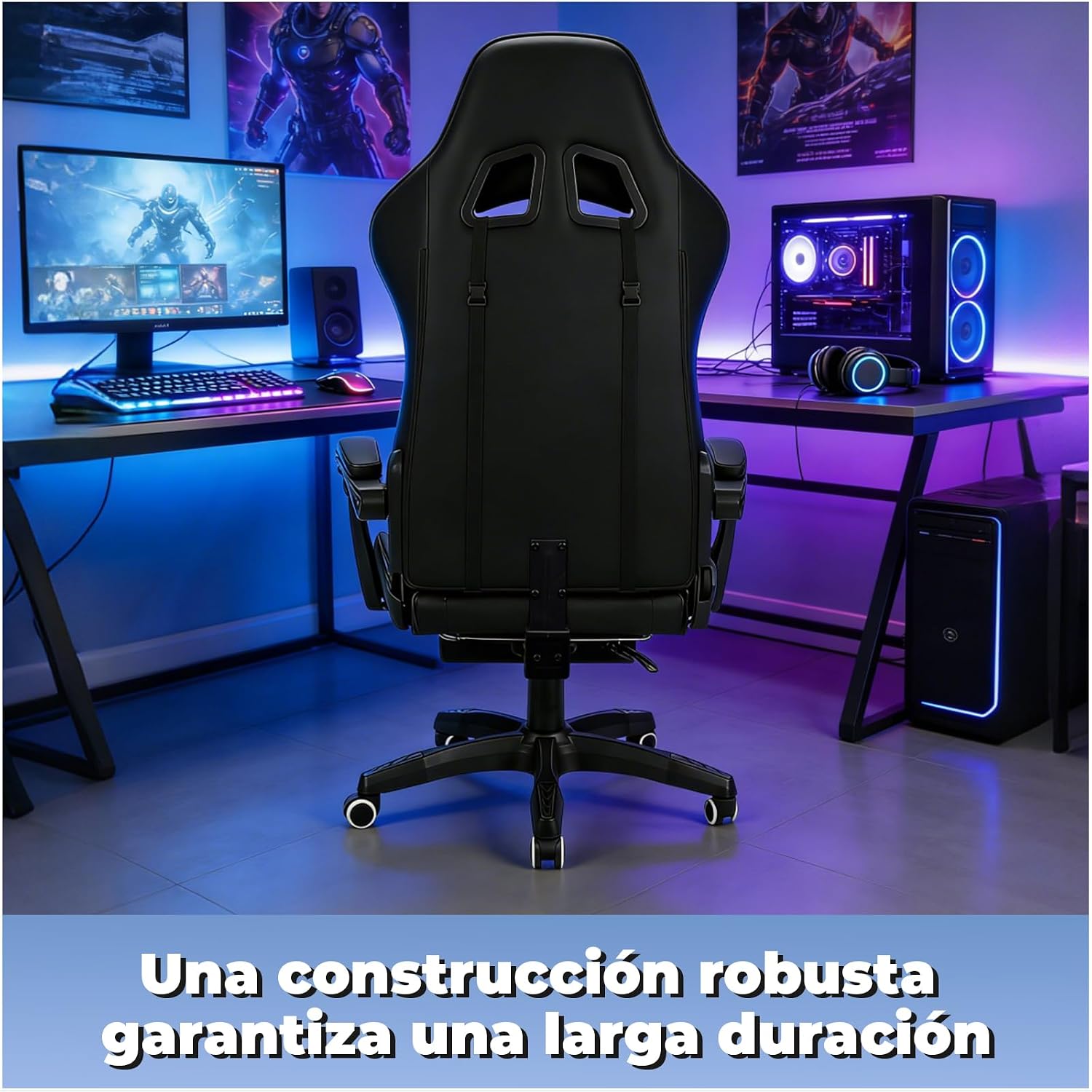
- Robust Construction: Features a reinforced metal base designed for durability and stability, supporting up to 150 kg.
- Ergonomic Design: Engineered to protect your back, neck, and lumbar region during prolonged sitting.
- Adjustable Comfort: Includes adjustable lumbar and headrest pillows for personalized support.
- Retractable Footrest: A one-piece footrest allows for leg extension and relaxation.
- 360° Swivel & 135° Recline: Smooth-rolling wheels for effortless movement and a recline function for various positions.
- High-Quality Material: Made with high-quality PU leather that is easy to clean.
Setup and Assembly
For detailed assembly instructions, please refer to the separate assembly guide included with your product packaging. Ensure all components are present and undamaged before beginning assembly. Follow the step-by-step diagrams carefully.
Operating Instructions
Height Adjustment
To adjust the seat height, locate the lever on the right side beneath the seat. Pull the lever upwards while seated to lower the chair, or pull it upwards while standing to raise the chair. Release the lever at the desired height.
Recline Function
To recline the backrest, pull the recline lever located on the left side of the chair. Lean back to the desired angle (up to 135 degrees) and release the lever to lock it in place. To return to an upright position, pull the lever and lean forward.
Footrest Operation
The footrest is located beneath the seat. Pull it out to extend it and push it back in to retract it. Ensure the footrest is fully extended and stable before placing your feet on it.
Lumbar and Headrest Pillows
The lumbar and headrest pillows are adjustable. You can slide them up or down along their straps to find the most comfortable position for your back and neck.
Swivel Function
The chair features a 360-degree swivel function. Simply rotate the seat to change direction.
Maintenance
Cleaning
The PU leather can be cleaned with a damp cloth. Avoid using harsh chemicals or abrasive cleaners, as these may damage the material. For spills, wipe immediately with a clean, dry cloth.
General Care
Regularly check all screws and bolts to ensure they are tight. Re-tighten if necessary. Avoid exposing the chair to direct sunlight or extreme temperatures for prolonged periods to prevent material degradation.
Troubleshooting
- Chair not adjusting height: Check if the gas lift lever is fully engaged. Ensure there are no obstructions beneath the chair.
- Chair squeaks: Apply a small amount of lubricant to moving parts, especially where metal components meet.
- Chair feels unstable: Verify that all assembly bolts are securely tightened. Ensure the chair is on a flat, even surface.
- Footrest not extending/retracting smoothly: Check for any obstructions or debris in the mechanism.
If you encounter issues not listed here, please contact customer support for assistance.
Specifications
| Attribute | Detail |
|---|---|
| Brand | VIDITA |
| Model Number | 18503 |
| Color | Black |
| Product Dimensions | 41 x 51 x 122 cm (Depth x Width x Height) |
| Material | PU Leather |
| Special Features | Gaming, Ergonomic, Adjustable, Swivel, Footrest |
| Product Weight | 14.9 kg |
| Maximum Weight Capacity | 150 kg |
Safety Information
- This product has a maximum weight capacity of 150 kg. Do not exceed this limit.
- Exercise caution when adjusting the backrest, armrests, and seat height.
- Use the wheels carefully to prevent accidents.
- Always assemble the chair according to the provided instructions.
Visual Guide
Product Images




Product Videos
No official product videos from the seller are available for this specific model.
Warranty and Support
For warranty information and customer support, please refer to the warranty card included with your purchase or visit the official VIDITA website. Keep your proof of purchase for any warranty claims.