1. Introduction
This manual provides essential information for the proper use and maintenance of your Jumplushion replacement filters, designed for VL188 and VL189 cordless handheld vacuum cleaners. Adhering to these instructions will help ensure optimal performance and extend the lifespan of your vacuum cleaner and filters.
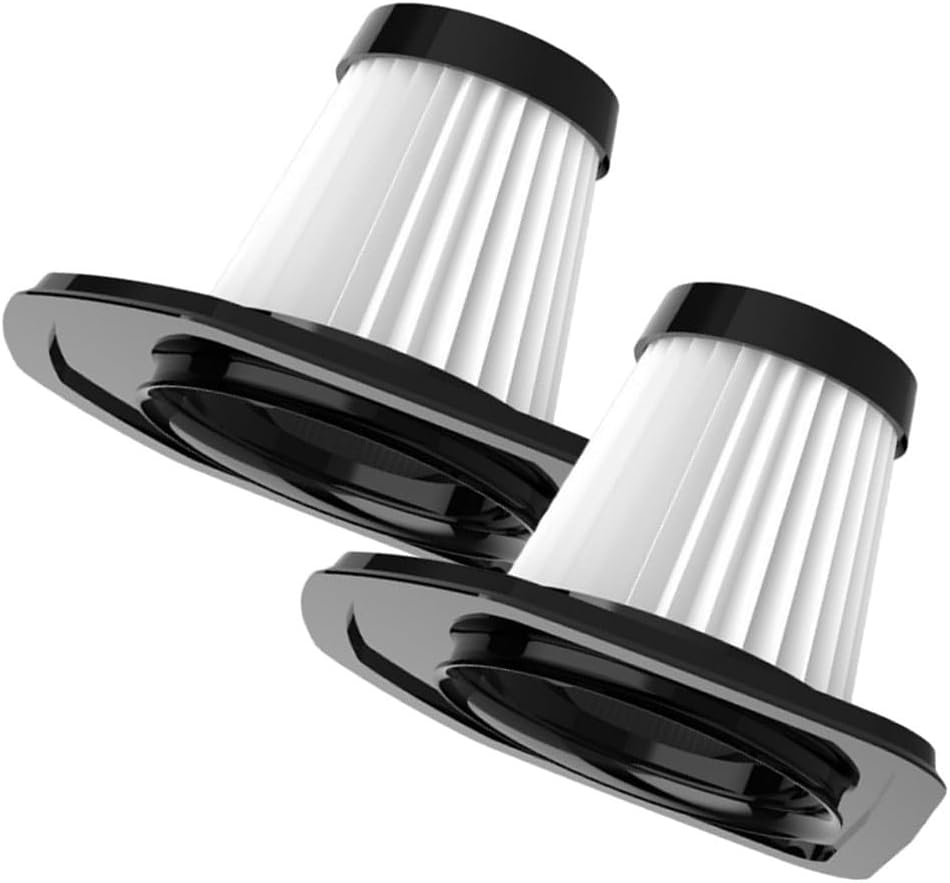
Image 1.1: Jumplushion Replacement Filters (2-pack)
2. Product Overview
Jumplushion replacement filters are engineered to maintain the high performance of your VL188 and VL189 cordless handheld vacuum cleaners. These filters feature a high-efficiency design, capturing fine dust particles and contributing to cleaner air quality in your home.
Key Features:
- Compatibility: Specifically designed for VacLife VL188 and VL189 cordless handheld vacuum cleaners.
- Efficient Filtration: Captures dust particles as small as 3 microns with a 99.97% filtration rate.
- Washable and Reusable: Constructed from durable materials for repeated use after proper cleaning.
- Easy Installation: Designed for quick, tool-free replacement.

Image 2.1: High-Efficiency Filter Material
The filter's construction helps reduce common household allergens and dust, improving the overall cleanliness of your living environment.
3. Installation
Installing the replacement filter is a straightforward process that requires no special tools.
Installation Steps:
- Ensure your vacuum cleaner is turned off and unplugged (if applicable).
- Locate the dust cup and filter assembly on your VL188 or VL189 vacuum cleaner.
- Carefully remove the dust cup and detach the old filter. Dispose of the old filter responsibly.
- Insert the new Jumplushion replacement filter into the designated slot within the dust cup. Ensure it is seated firmly.
- Reattach the dust cup to the vacuum cleaner, ensuring it clicks securely into place.
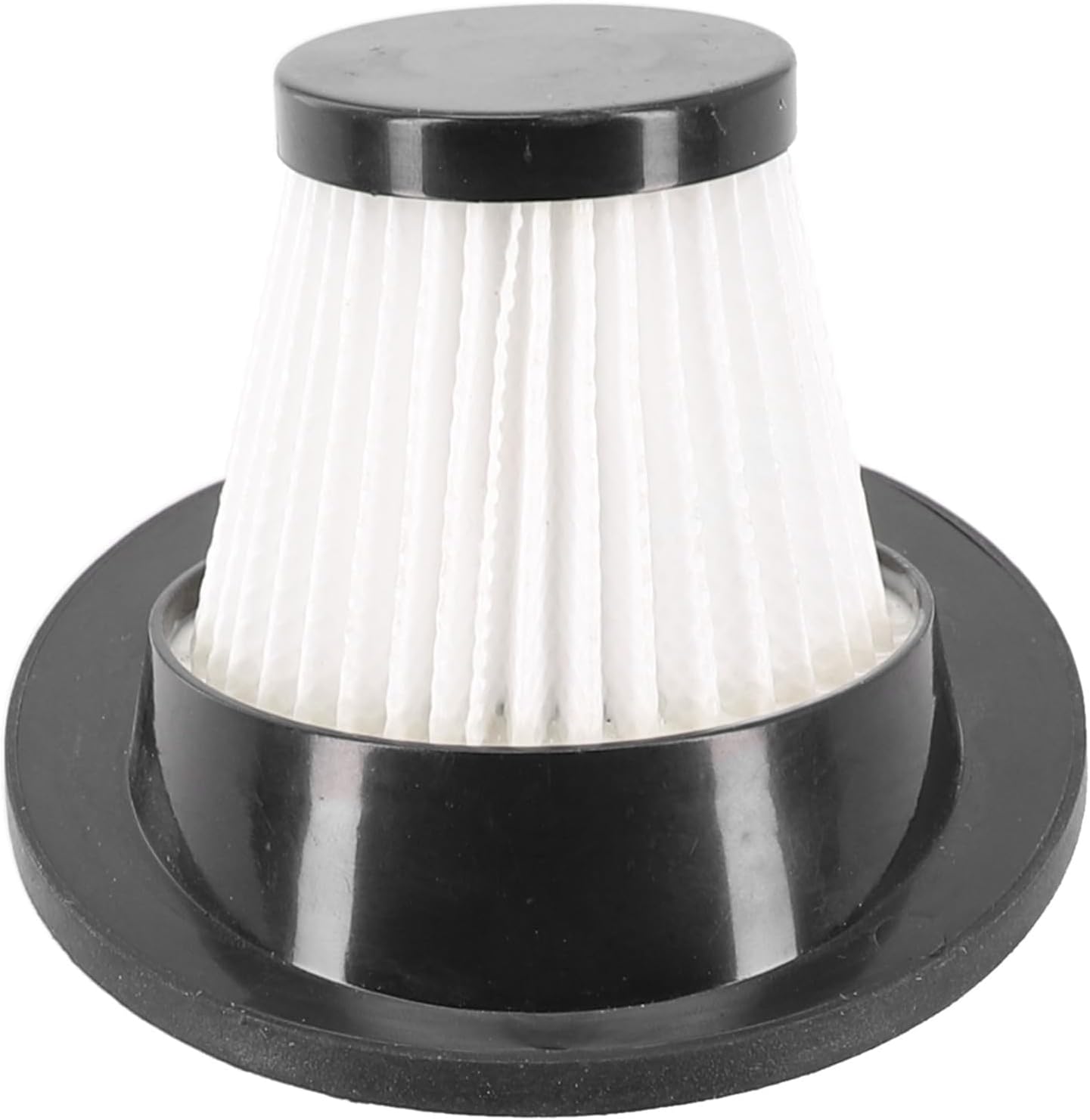
Image 3.1: Filter Insertion into Vacuum Cleaner
Regular replacement of the filter is crucial for maintaining your vacuum's suction power and filtration efficiency.
4. Operating (Filter Function)
Once installed, the filter operates continuously during vacuum cleaner use. Its primary function is to trap dust, debris, and microscopic particles, preventing them from recirculating into the air. This process is vital for maintaining a clean exhaust and protecting the vacuum's motor from fine dust.

Image 4.1: Handheld Vacuum Cleaner in Operation
For optimal performance, ensure the filter is clean and dry before each use, especially after washing.
5. Maintenance
To ensure the longevity and effectiveness of your Jumplushion replacement filters, regular cleaning is recommended.
Cleaning Instructions:
- Remove the filter from the vacuum cleaner as described in the Installation section.
- Rinse the filter under warm running water. Gently tap the filter to dislodge trapped dust.
- If necessary, a mild detergent can be used to clean the filter. Ensure all soap residue is thoroughly rinsed off.
- Allow the filter to air dry completely for at least 24 hours before reinstallation. Do not use heat to dry the filter, as this may damage the material.
- It is recommended to clean the filter after every 3-5 uses. Replace the filter element every 3 months or as needed, depending on usage and environmental conditions.
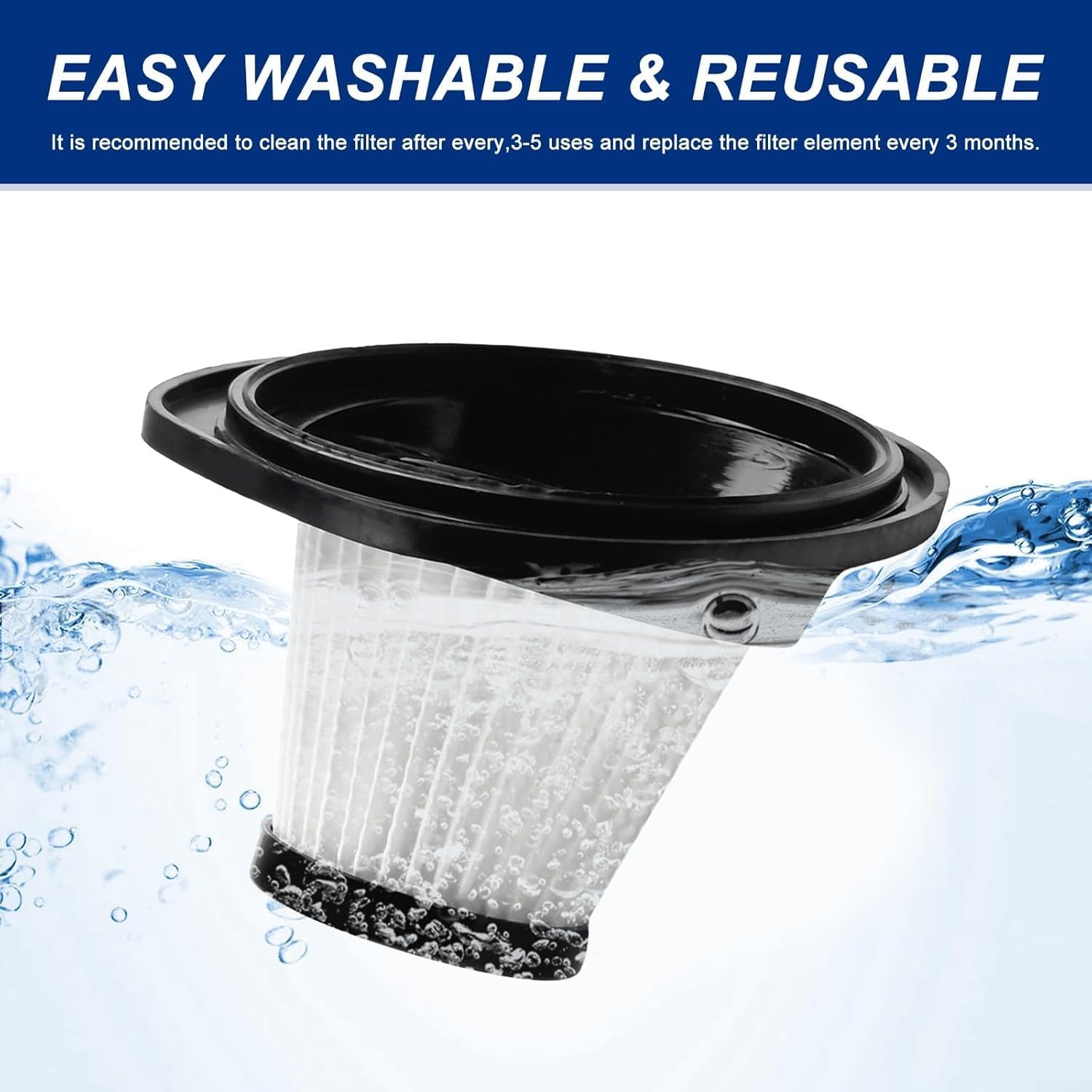
Image 5.1: Cleaning the Filter with Water
6. Troubleshooting
If you experience issues with your vacuum cleaner's performance, consider the following troubleshooting steps related to the filter:
- Reduced Suction Power: A clogged filter is a common cause of reduced suction. Remove and clean the filter thoroughly. If suction does not improve, the filter may need replacement.
- Unusual Odor: An odor from the vacuum cleaner can indicate a dirty filter. Clean the filter as per maintenance instructions. Ensure it is completely dry before reinstallation to prevent mold or mildew.
- Filter Does Not Fit: Ensure you have the correct replacement filter for your specific vacuum model (VL188 or VL189). Refer to the product specifications or contact customer support if unsure.
7. Specifications
| Attribute | Detail |
|---|---|
| Product Dimensions | 4.72 x 3.15 x 3.15 inches |
| Item Weight | 2.47 ounces |
| Manufacturer | Jumplushion |
| Compatible Devices | Cordless vacuum cleaners VL188, VL189 |
| Reusability | Reusable |
| Number of Pieces | 2 (per pack) |
| Item Model Number | 7R2G41A05W97K6GD4SC627T |
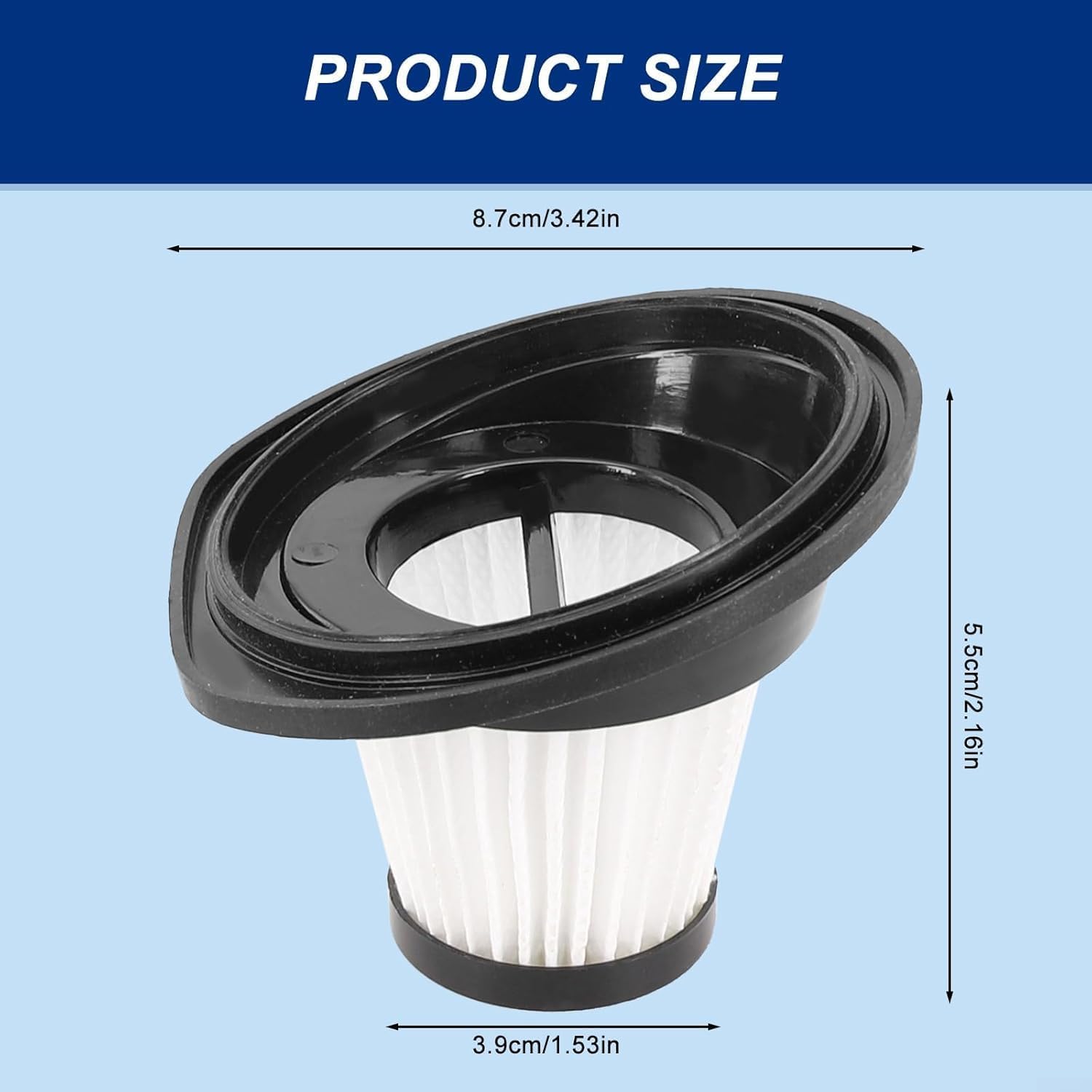
Image 7.1: Product Dimensions
8. Warranty and Support
For information regarding product warranty or technical support, please refer to the original purchase documentation or contact Jumplushion customer service directly. Ensure you have your product model number (VL188, VL189, or 7R2G41A05W97K6GD4SC627T) available when seeking support.
