
1. Introduction
This manual provides essential information for setting up, operating, and maintaining your Meta Quest 3S 256GB VR Headset. Please read it thoroughly to ensure optimal performance and a safe user experience.
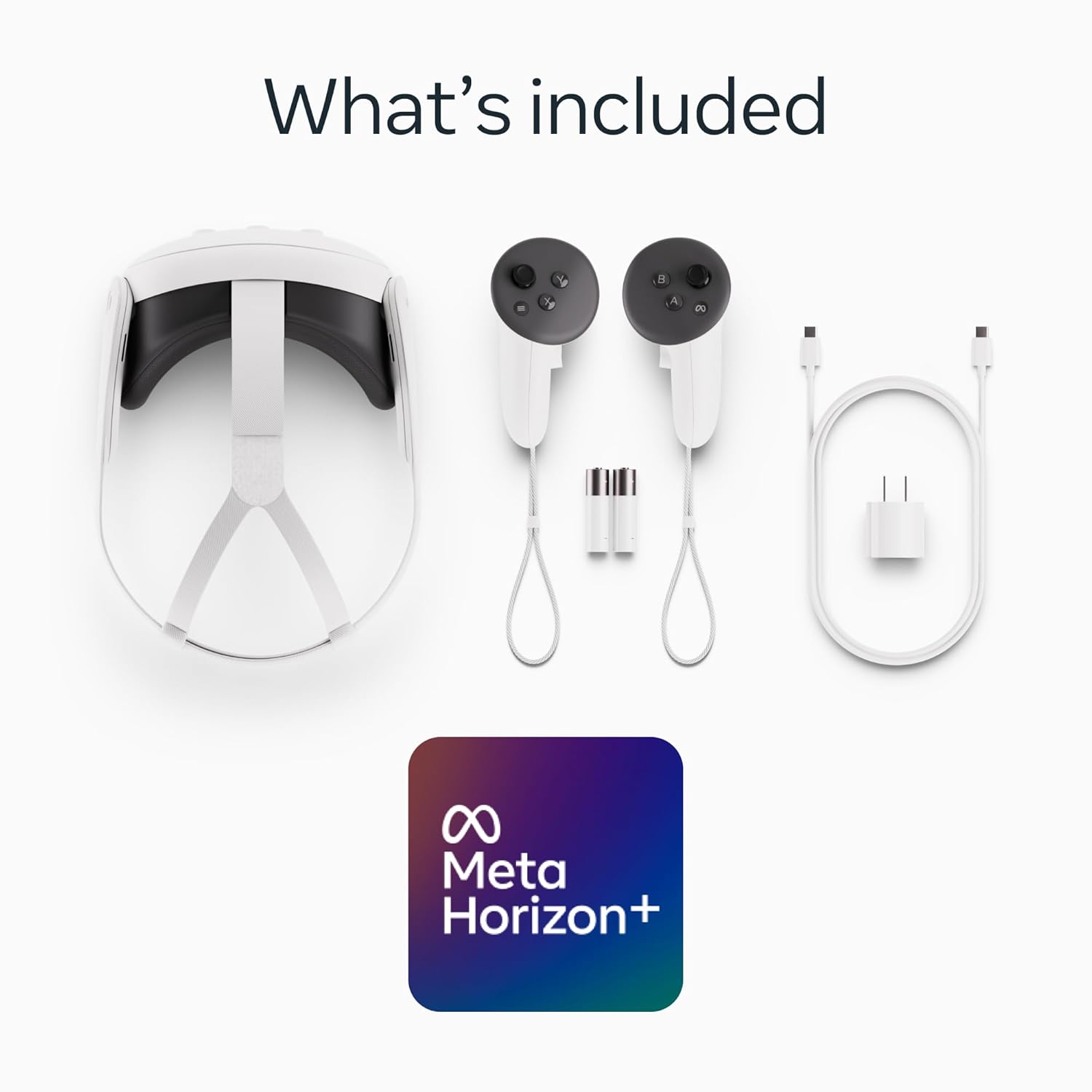
2. What's Included
Your Meta Quest 3S package contains the following items:
- Meta Quest 3S VR Headset
- Two Touch Plus Controllers
- USB-C Charging Cable
- Power Adapter
- 3-Month Trial of Meta Horizon+ (digital content)
3. Getting Started: Setup
Follow these steps to set up your Meta Quest 3S headset for the first time:
- Unboxing: Carefully remove all components from the packaging. Inspect the headset and controllers for any visible damage.
- Initial Charge: Connect the headset to the power adapter using the provided USB-C cable. Allow it to charge fully before first use.
- Power On: Press and hold the power button located on the side of the headset until the Meta logo appears.
- Controller Pairing: The controllers should automatically pair with the headset. If not, follow the on-screen instructions.
- Meta Quest App: Download the Meta Quest app on your smartphone or tablet. Use the app to complete the initial setup, including Wi-Fi connection and account login.
- Guardian System: Set up your Guardian boundary to define your play space and prevent collisions with physical objects.

Setup Overview Video
4. Operating Your Headset
4.1 Wireless Freedom
The Meta Quest 3S operates completely wirelessly, allowing for unrestricted movement within your defined play space. This design enhances immersion and physical activity.

4.2 Enhanced Performance
Equipped with the Snapdragon XR2 Gen 2 processor, the Quest 3S delivers 2X graphical processing power compared to previous models, ensuring faster load times and next-generation graphics for a smooth experience. It also features 8GB of RAM for improved responsiveness.

4.3 Virtual and Mixed Reality
The headset offers both full virtual reality and mixed reality experiences. Dual RGB color cameras enable high-fidelity Passthrough, allowing you to blend digital content seamlessly with your physical environment.

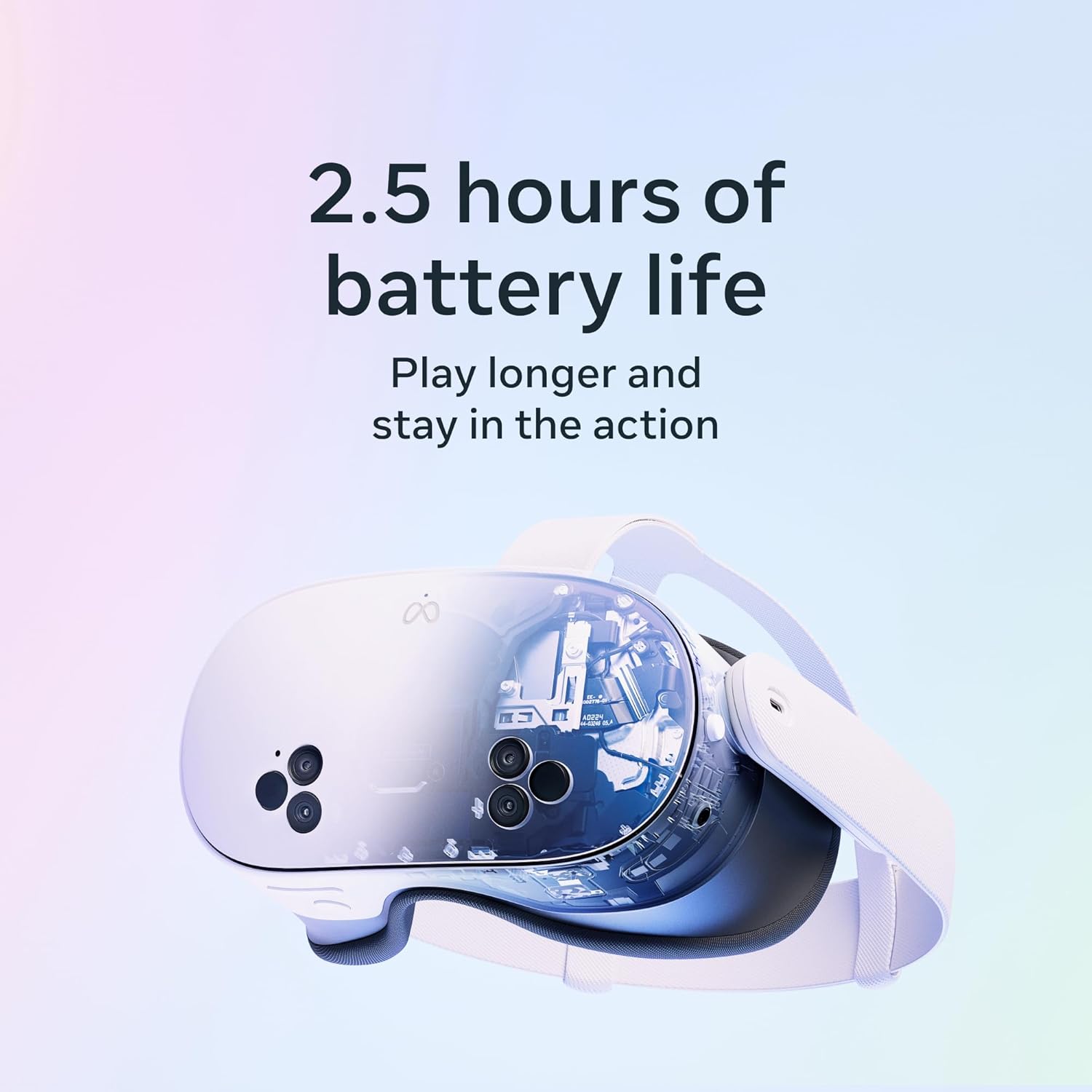
4.4 Battery Life
Enjoy over 2 hours of continuous use on a single charge, allowing for extended gaming and exploration sessions.
4.5 Gaming and Entertainment
Access a vast library of games and applications, including a 3-month trial of Meta Horizon+ with your purchase. The headset transforms any space into a personal theater for movies or a dynamic arena for games.

Mixed Reality and Entertainment Video
Gaming Experience Video
5. Maintenance
To ensure the longevity and optimal performance of your Meta Quest 3S, follow these maintenance guidelines:
- Lens Care: Use a dry microfiber cloth to gently clean the headset lenses. Avoid abrasive materials or liquid cleaners.
- Headset Cleaning: Wipe the exterior of the headset and controllers with a soft, dry cloth. For deeper cleaning, a slightly damp cloth with mild soap can be used, ensuring no moisture enters openings.
- Strap Adjustment: Regularly adjust the head straps for a comfortable and secure fit.
- Storage: Store the headset in a cool, dry place away from direct sunlight. Consider using a protective case to prevent dust and scratches.
6. Troubleshooting
If you encounter any issues with your Meta Quest 3S, try the following basic troubleshooting steps:
- Restart Headset: Power off and restart your headset. This can resolve many minor software glitches.
- Check Connections: Ensure all cables (if applicable) are securely connected.
- Update Software: Verify that your headset's software is up to date via the Meta Quest app.
- Re-pair Controllers: If controllers are unresponsive, try re-pairing them through the headset settings or the Meta Quest app.
- Guardian Issues: If Guardian is not functioning correctly, try resetting your play space.
- Contact Support: For persistent issues, refer to the official Meta Quest support website for further assistance.
7. Specifications
| Feature | Detail |
|---|---|
| Model Number | Quest 3S |
| Storage | 256GB |
| Processor | Snapdragon XR2 Gen 2 |
| RAM | 8GB |
| Cameras | Dual RGB Color Cameras for Passthrough |
| Battery Life | 2+ Hours (typical usage) |
| Weight | 3.01 pounds |
| Release Date | October 15, 2024 |
8. Warranty and Support
Your Meta Quest 3S comes with a standard manufacturer's warranty. For detailed information regarding warranty coverage, please refer to the official Meta Quest support website.
Optional Protection Plans
Extended protection plans are available for purchase to provide additional coverage beyond the standard warranty:
- 2-Year Protection Plan: Extends coverage for 24 months.
- 3-Year Protection Plan: Extends coverage for 36 months.
- Complete Protect: A monthly plan covering eligible past and future purchases.
For further support, troubleshooting, or to inquire about protection plans, visit the Official Meta Store on Amazon or the Meta Quest support website.


