
PHILIPS TAT2159BK/00
PHILIPS TAT2159 Wireless Earbuds User Manual
Model: TAT2159BK/00
Introduction
The PHILIPS TAT2159 Wireless Earbuds are designed for comfort and superior audio experience. Featuring dynamic bass, clear call quality with AI mic, and a compact design, these earbuds are perfect for daily use. This manual provides detailed instructions to help you get the most out of your new earbuds.
Product Overview
Your PHILIPS TAT2159 Wireless Earbuds package includes the following components:
- PHILIPS TAT2159 Wireless Earbuds (Left and Right)
- Portable Charging Case
- Multiple sizes of ear tips (4 sizes included)

Image: PHILIPS TAT2159 Wireless Earbuds and their charging case, showcasing the compact design and the earbuds placed inside the open case.
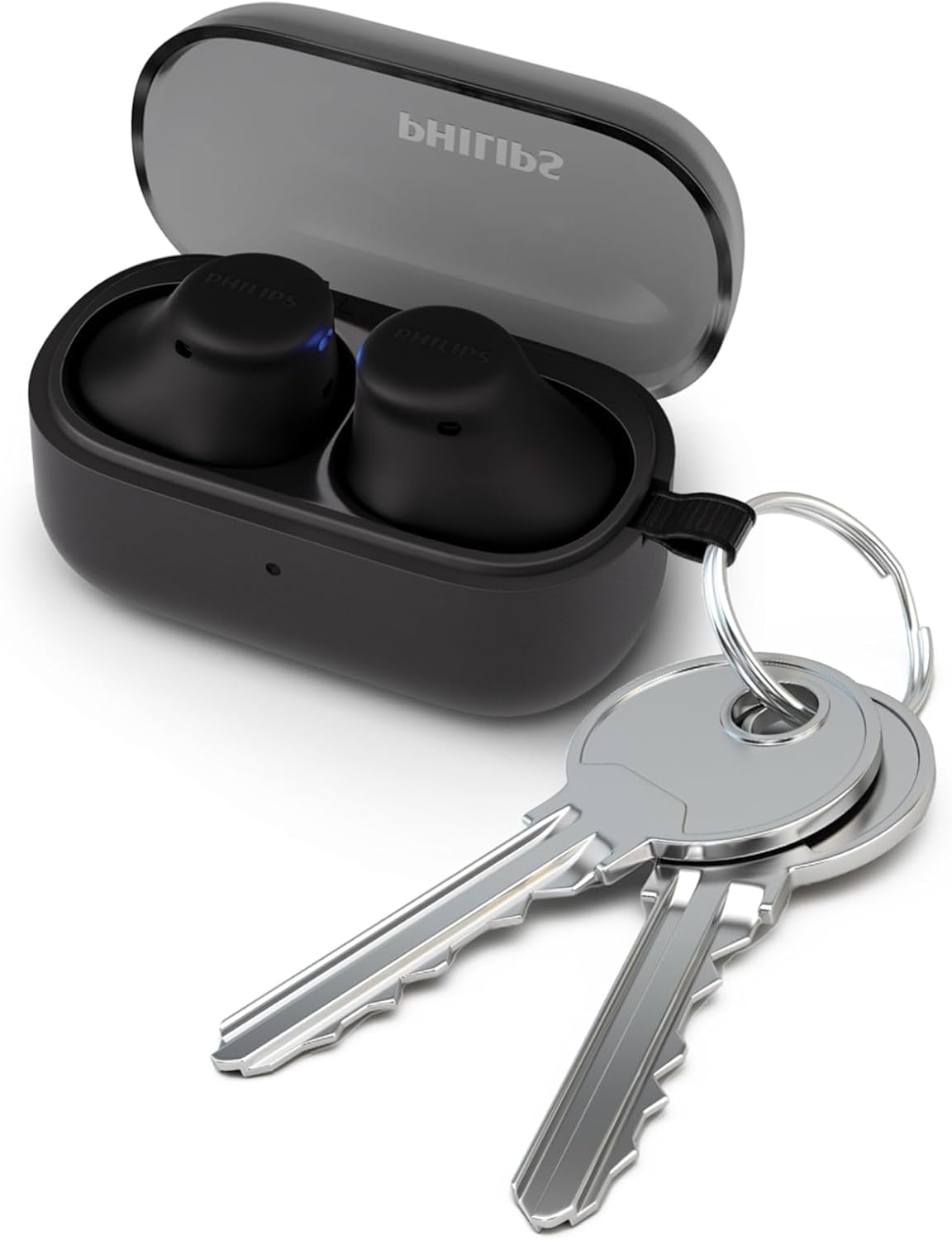
Image: The compact charging case of the PHILIPS TAT2159 earbuds shown next to a set of keys, illustrating its portability and small size, suitable for carrying on a keyring.
Setup
1. Initial Charging
Before first use, fully charge the earbuds and the charging case. Connect the charging case to a USB-C power source. The indicator light on the case will show charging status. A full charge provides 6 hours of playtime for the earbuds and an additional 8 hours from the case.
2. Pairing with Your Device
- Ensure the earbuds are in the charging case and the lid is open.
- On your device (smartphone, tablet, laptop), enable Bluetooth.
- Select "PHILIPS TAT2159" from the list of available Bluetooth devices.
- Once connected, a confirmation tone will sound.
The earbuds support Bluetooth 5.3 for stable connectivity and multipoint connectivity, allowing connection to two devices simultaneously.
3. Fitting the Earbuds
These ultra-tiny earbuds are designed for a snug fit. Experiment with the 4 included ear tip sizes to find the most comfortable and secure fit for your ears. A proper fit enhances sound quality and passive noise isolation.

Image: A woman smiling while wearing the PHILIPS TAT2159 earbuds, demonstrating their ultra-tiny and comfortable fit for all-day wear.
Operating Instructions
Touch Controls
The earbuds feature intuitive touch controls for easy management of audio and calls. Specific functions can be customized via the PHILIPS Headphones app.
- Play/Pause: Single tap on either earbud.
- Next Track: Double tap on the right earbud.
- Previous Track: Double tap on the left earbud.
- Volume Up: Triple tap on the right earbud.
- Volume Down: Triple tap on the left earbud.
- Activate Voice Assistant: Press and hold on either earbud (Siri and Google Assistant supported).
- Activate Dynamic Bass: Tap the left earbud.

Image: A close-up of a PHILIPS TAT2159 earbud with illustrative sound waves, highlighting the dynamic bass feature powered by its 10mm driver.
Call Management
The integrated AI microphone with advanced algorithm filters out unwanted noise, ensuring clear call quality even in noisy environments.
- Answer/End Call: Single tap on either earbud.
- Reject Call: Press and hold on either earbud.
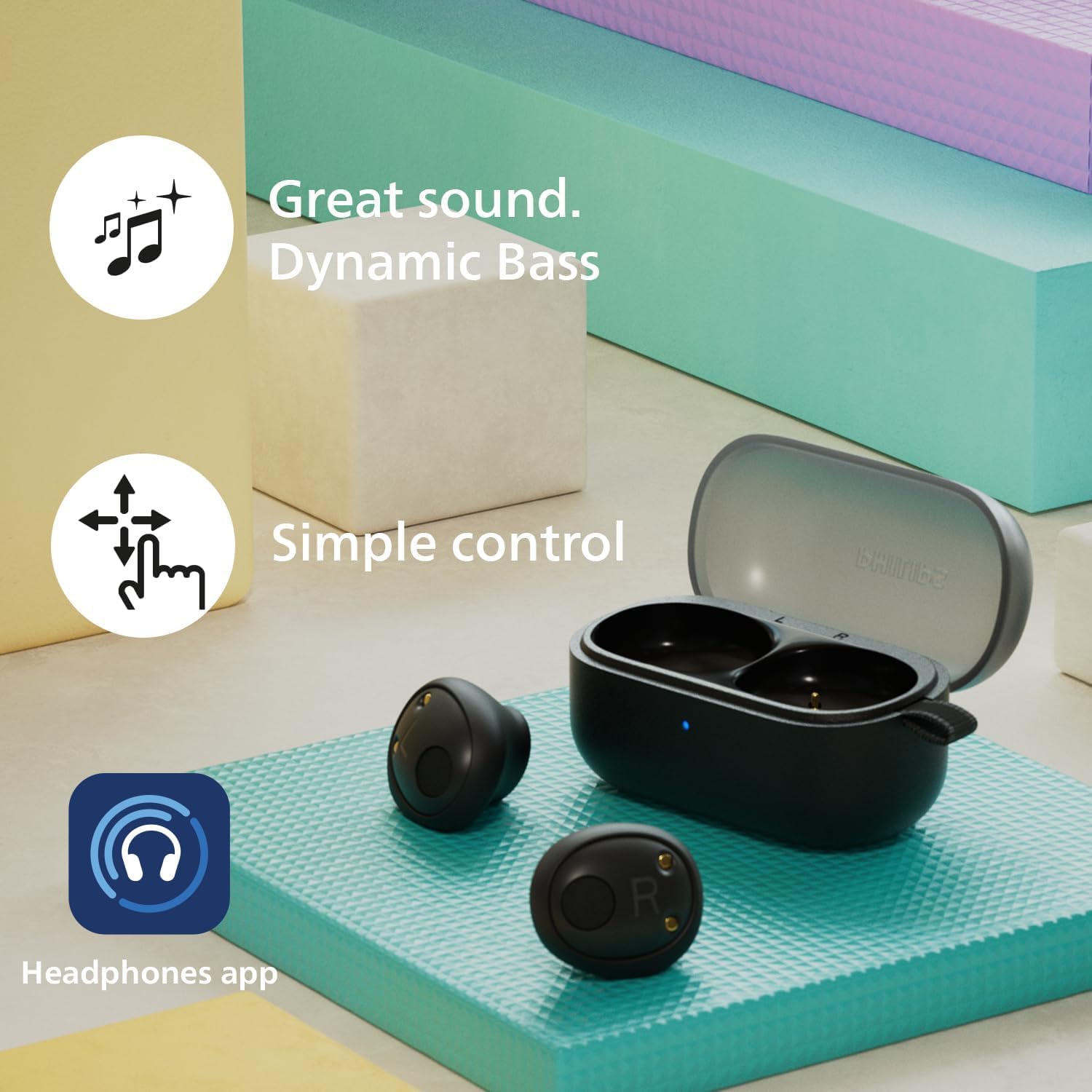
Image: A detailed view of a PHILIPS TAT2159 earbud, emphasizing its AI microphone and noise reduction capabilities for clear communication.
Maintenance & Care
Water Resistance (IPX4)
The earbuds have an IPX4 rating, meaning they are resistant to splashing water from any direction. This makes them suitable for workouts and light rain. However, they are not designed for submersion in water.
Cleaning
Regularly clean your earbuds and charging case to maintain optimal performance and hygiene.
- Use a soft, dry, lint-free cloth to wipe the earbuds and case.
- Remove ear tips and clean them with mild soap and water, then dry thoroughly before reattaching.
- Gently clean the charging contacts on both the earbuds and the case with a dry cotton swab.
Troubleshooting
If you encounter any issues with your PHILIPS TAT2159 Wireless Earbuds, refer to the following common solutions:
| Problem | Solution |
|---|---|
| Earbuds not pairing | Ensure earbuds are charged. Turn off and on Bluetooth on your device. Forget the device in Bluetooth settings and re-pair. |
| No sound or low volume | Check device volume. Ensure earbuds are properly seated in your ears. Clean earbud mesh if blocked. |
| Poor call quality | Ensure microphone is not obstructed. Move closer to your connected device to improve signal. |
| Charging case not charging | Check USB-C cable connection and power source. Ensure charging contacts are clean. |
Specifications
| Feature | Detail |
|---|---|
| Model Name | TWS In-Ear Wireless Earbuds |
| Connectivity Technology | Wireless (Bluetooth 5.3) |
| Audio Driver Size | 10 mm Dynamic Driver |
| Battery Life (Earbuds) | 6 Hours |
| Total Playtime with Case | Up to 14 Hours (6 hours earbuds + 8 hours case) |
| Quick Charge | 15 minutes charge for 1 hour playtime |
| Water Resistance Rating | IPX4 |
| Control Type | Touch Control |
| Microphone | AI Microphone for Clear Calls |
| Multipoint Connectivity | Yes |
| Manufacturer | TPVision / Philips Audio |
| Item Weight | 2.08 ounces |
Environmental Responsibility
PHILIPS is committed to sustainability. These earbuds are made from PCR (Post-Consumer Recycled) material, derived from old bottles and plastic waste. The packaging is plastic-free, and the USB-C cable has been excluded to further reduce electronic waste, contributing to a greener planet.
Warranty & Support
For warranty information and technical support, please refer to the official PHILIPS website or contact their customer service. Keep your proof of purchase for any warranty claims.
Official PHILIPS Support: www.philips.com/support