
1. Introduction
This manual provides detailed instructions for the Carlizem Cortex A9 Wireless CarPlay & Android Auto Adapter (Model FS1). This 2-in-1 adapter is designed to convert your vehicle's existing wired CarPlay or Android Auto system into a wireless one, offering enhanced convenience and functionality. Please read this manual thoroughly before use to ensure proper setup and operation.
2. What's in the Box
Verify that all items are present in your package:
- 1N Carlizem 2 in 1 Wireless Adapter
- 1N 90 Degree USB A to USB A Converter
- 1N USB A to USB C Converter
- 1N User Manual

Image: Box contents including the wireless adapter, USB-A to USB-A converter, USB-A to USB-C converter, and user manual.
3. Setup Instructions
Follow these steps to set up your Carlizem Wireless Adapter:
- Plug into the Car Port: Connect the Carlizem Wireless Adapter to your vehicle's USB data port. Use the provided USB A to USB A or USB A to USB C converter if necessary, depending on your car's USB port type.
- Bluetooth Pairing: On your smartphone, enable both Wi-Fi and Bluetooth. Search for the Bluetooth device named "T86PRO-00C3" (or similar, starting with "T86") and pair with it. Allow all necessary permissions for connection.
- Use CarPlay/Android Auto: After successful Bluetooth pairing, your phone will automatically establish a Wi-Fi connection with the adapter. This process typically takes 5-10 seconds. Once connected, you can enjoy wireless Apple CarPlay or Android Auto on your car's infotainment screen.

Image: Visual guide demonstrating the three setup steps: plugging the adapter into the car's USB port, pairing via Bluetooth on a smartphone, and then using CarPlay/Android Auto on the car's display.
Important Note:
- Before initial setup, ensure your phone forgets any previous Bluetooth/Wi-Fi connections with your car's infotainment system.
- The adapter requires your car to have a factory-installed wired CarPlay or Android Auto system.
4. Operating Instructions
Once connected, the Carlizem Wireless Adapter provides a seamless and wire-free experience:
- Automatic Reconnection: The adapter automatically starts and connects to your iPhone or Android phone as soon as the car engine is turned on. The built-in 5.8GHz Wi-Fi module quickly detects your phone, even if it's in your pocket or backpack.
- Retain Original Car Controls: The adapter supports your car's original control methods, including voice control (Siri/Google Assistant), steering wheel controls, touch screen, and knob operations for a consistent driving experience.
- Full Functionality: Enjoy the full range of CarPlay and Android Auto functions wirelessly, including navigation, music playback, streaming, voice assistants, and phone calls.

Image: The adapter integrates with the car's existing controls, allowing operation via touch screen, OEM knob, and steering wheel.
5. Features
- 2-in-1 Wireless Adapter: Converts wired Apple CarPlay and Android Auto to wireless.
- High Performance Cortex A9 Processor: Ensures lightning-fast startup and a delay-free experience.
- Advanced Connectivity: Features 5.8 GHz Wi-Fi 6 and Bluetooth 5.3 for stable and reliable connections.
- Quick Connection & Auto Reconnect: Enjoy a 50% faster connection with quick auto-connect and seamless operation.
- Compact Design: Sleek and small form factor (approximately 40mm x 24.5mm) that integrates seamlessly into your car's interior.
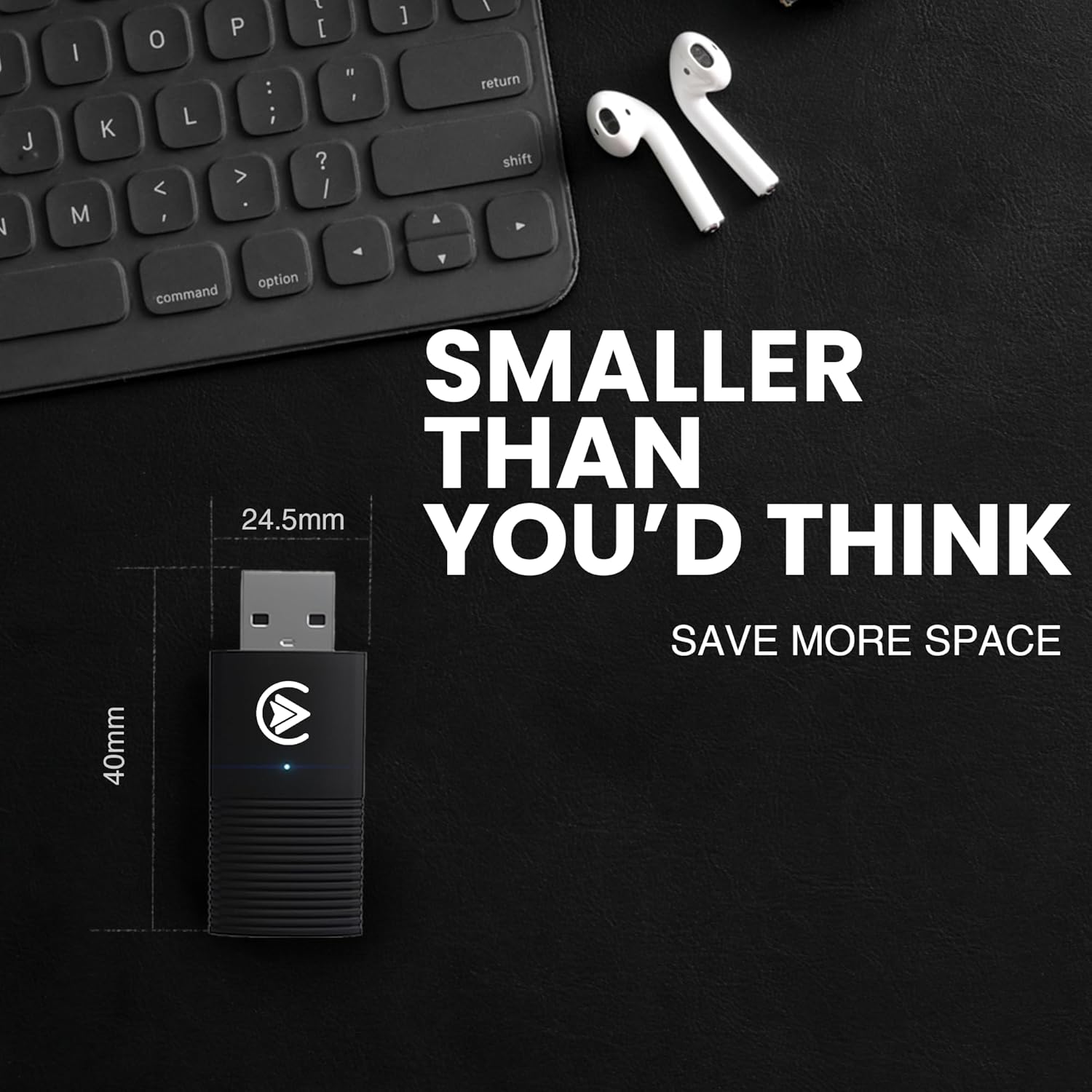
Image: The compact design of the adapter, highlighting its small dimensions for discreet placement.
6. Compatibility
The Carlizem 2-in-1 CarPlay & Android Auto Wireless Adapter is compatible with:
- Vehicles: Approximately 98% of cars from 2016 onwards that have factory-installed wired CarPlay and Android Auto.
- Operating Systems: iOS 10 or Android 11.0 and later.
Incompatible Models:
- This adapter does not support BMW, Tesla, certain other car models, and some aftermarket stereos.
For compatibility verification, please contact Carlizem support or check the official CarPlay & Android Auto websites.
7. Specifications
| Specification | Detail |
|---|---|
| Brand | Carlizem |
| Model | FS1 |
| Product Dimensions | 6 x 4 x 4 cm |
| Item Weight | 100 g |
| Hardware Interface | Bluetooth, USB |
| Compatible Devices | Smartphone |
| Special Features | Certified Android Auto & Apple Carplay, Cortex A9 Processor, Low Latency, Quick Connection, Reliable Connectivity |
| Audio Input Compatible with Item | USB |
| Audio Output Mode | Stereo |
| Audio Output Type | Speaker |
| Power Source | Battery Powered (Note: Device draws power from car USB) |
| Data Link Protocol | Bluetooth 5.3, Wi-Fi 5.8Ghz, Wi-Fi 6 |
| Connector Type | Wi-Fi |
| Material | Acrylonitrile Butadiene Styrene (ABS) |
8. Troubleshooting
If you encounter issues with your Carlizem Wireless Adapter, consider the following:
- No Connection: Ensure your car has factory-installed wired CarPlay or Android Auto. Verify that your phone's Bluetooth and Wi-Fi are enabled and correctly paired with the adapter. Try forgetting previous car Bluetooth/Wi-Fi connections on your phone.
- Intermittent Disconnections: Check for potential interference from other wireless devices. Ensure the adapter is securely plugged into the USB port. Update your phone's operating system to the latest version.
- Lag or Delay: Ensure your phone's operating system is up to date. Close unnecessary background applications on your phone.
- Adapter Not Powering On: Confirm the USB port in your car is functional and providing power. Try a different USB port if available.
If problems persist, please refer to the Warranty and Support section for further assistance.
9. Warranty and Support
The Carlizem Cortex A9 Wireless CarPlay & Android Auto Adapter (Model FS1) comes with a 1-Year Warranty from the date of purchase.
For technical support, warranty claims, or any inquiries, please contact Carlizem customer service:
- Email: care@carlizem.com
Please have your product model number (FS1) and proof of purchase ready when contacting support.