
1. Introduction
This manual provides essential instructions for the safe and effective use of your Fieety Ultra 8 Adapter. This adapter is designed as a replacement charger specifically for the Ultra 8 Vacuum Cleaner. Please read this manual thoroughly before use and retain it for future reference.
2. Safety Information
To ensure safe operation, always follow these basic safety precautions:
- Do not expose the adapter to water or moisture.
- Do not use the adapter if it appears damaged.
- Ensure the power outlet voltage matches the adapter's specifications.
- Keep the adapter away from heat sources and direct sunlight.
- Do not attempt to disassemble or modify the adapter.
- Use only with compatible devices, specifically the Ultra 8 Vacuum Cleaner.
3. Package Contents
Verify that your package contains the following item:
- 1 x Fieety Ultra 8 Adapter (Black)
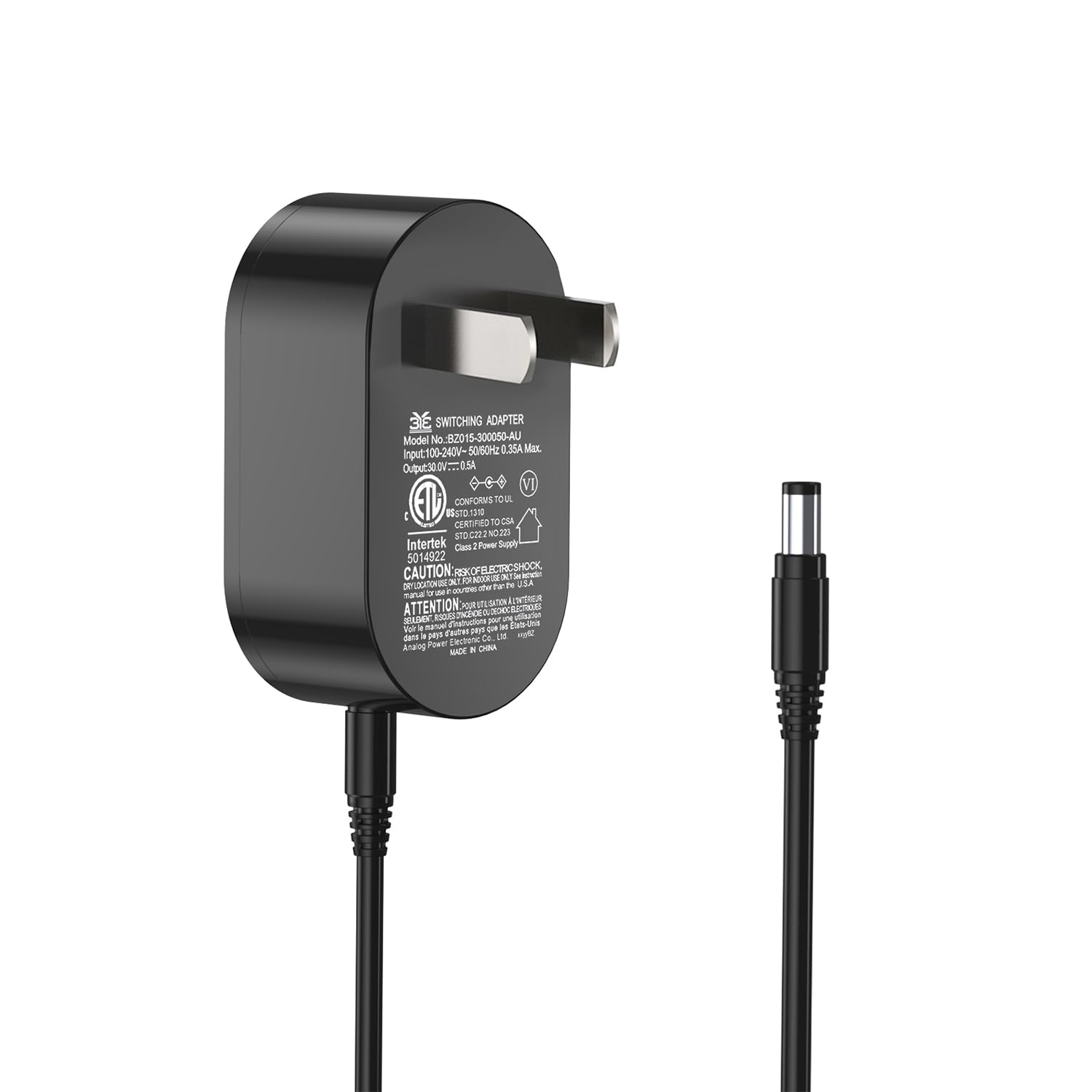
Image 1: The Fieety Ultra 8 Adapter. This is the main component included in your package, designed to power and charge your Ultra 8 Vacuum Cleaner.
4. Setup and Connection
Follow these steps to properly set up and connect your Fieety Ultra 8 Adapter:
- Inspect the Adapter: Before connecting, visually inspect the adapter and its cable for any signs of damage. Do not use if damaged.
- Connect to Vacuum Cleaner: Locate the charging port on your Ultra 8 Vacuum Cleaner. Insert the barrel connector of the adapter firmly into the charging port.
- Connect to Power Outlet: Plug the two-prong AC plug of the adapter into a standard wall power outlet. Ensure the outlet is easily accessible.
- Verify Connection: Once connected, the vacuum cleaner should indicate that it is receiving power or charging (e.g., a charging indicator light may illuminate).
5. Operating Instructions
The Fieety Ultra 8 Adapter functions as a power supply and charger for your Ultra 8 Vacuum Cleaner. Its operation is straightforward:
- Once connected as described in Section 4, the adapter will supply power to the vacuum cleaner.
- If the vacuum cleaner's battery is depleted, the adapter will initiate the charging process. Refer to your Ultra 8 Vacuum Cleaner's manual for specific charging indicators and times.
- Disconnect the adapter from the power outlet and the vacuum cleaner when not in use or when the vacuum cleaner is fully charged, especially for extended periods.
6. Maintenance
Proper care will extend the life of your adapter:
- Cleaning: Disconnect the adapter from all power sources before cleaning. Use a soft, dry cloth to wipe the surface. Do not use liquid cleaners or abrasive materials.
- Storage: Store the adapter in a cool, dry place away from direct sunlight and extreme temperatures. Avoid tightly winding the cable to prevent damage.
- Inspection: Periodically check the cable and connectors for any signs of wear, cuts, or bends. Replace the adapter if any damage is observed.
7. Troubleshooting
If you encounter issues with your Fieety Ultra 8 Adapter, try the following solutions:
| Problem | Possible Cause | Solution |
|---|---|---|
| Adapter not providing power/charging. |
|
|
| Adapter feels unusually hot. |
|
|
If the problem persists after trying these solutions, contact customer support for further assistance.
8. Specifications
| Model Number | Ultra 8 1943 |
| Manufacturer | Fieety |
| Part Number | Ultra 8 1943 |
| Compatible Devices | Ultra 8 Vacuum Cleaner |
| Connector Type | Adapter (Barrel Connector) |
| Power Source | AC |
| Frequency Range | 60 Hz |
| Color | Black |
| Item Weight | 2.4 ounces (0.07 kg) |
| Product Dimensions | 6 x 4.99 x 1.9 inches (15.24 x 12.67 x 4.83 cm) |
| Batteries Required | No |
| Portable | No |


