
1. Product Overview
The Avisontek 953ESTD is a universal garage door opener remote designed to operate up to three garage doors. It is compatible with various Chamberlain, LiftMaster, and Sears Craftsman garage door openers manufactured since 1993. This remote features Security+2.0 rolling code encryption for enhanced security and a long operating range.
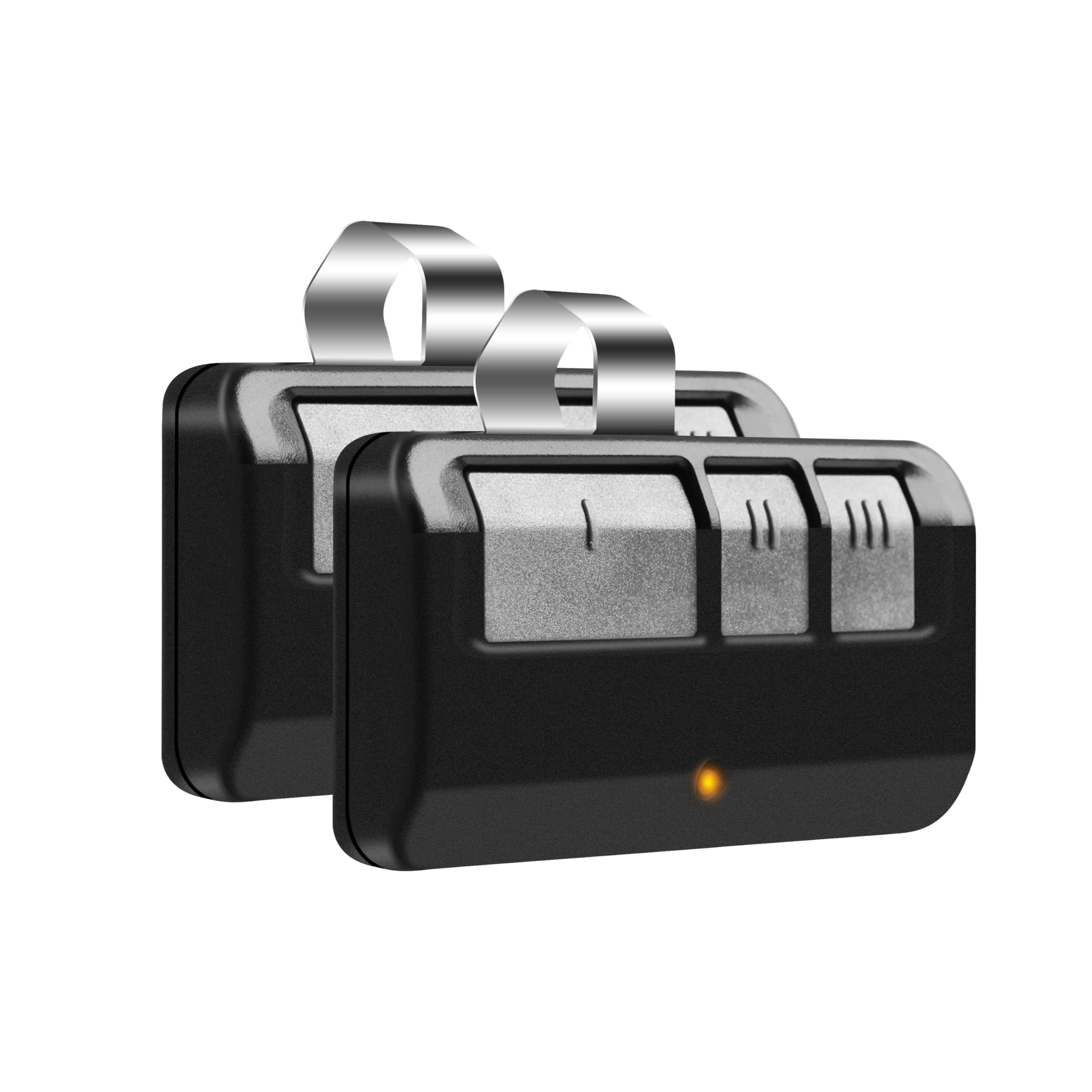
Image 1.1: Avisontek 953ESTD Universal Garage Door Opener Remote.
2. Compatibility
This remote is compatible with Chamberlain, LiftMaster, and Sears Craftsman garage door openers that feature a Purple, Red, Orange, Yellow, or Green learn button, manufactured since 1993. It is important to identify the color of your garage door opener's learn button for proper programming.
- Compatible Learn Button Colors: Purple, Red, Orange, Yellow, Green (for openers manufactured since 1993).
- Not Compatible: Security+ 3.0 White Learn Button openers produced in 2026, DIP switch openers, Genie, Overhead Door, Linear, Wayne Dalton, or Stanley openers.

Image 2.1: Compatibility chart showing supported brands and learn button types.
3. Setup and Programming
Follow these steps to program your Avisontek 953ESTD universal garage door opener remote:
- Step 1: Identify Color of Button
Locate the opener hanging in your garage and identify the color of the learn button on the back. - Step 2: Programming Initiation
Press and hold buttons II and III on the remote simultaneously until the LED on the remote stays on. - Step 3: Choose Code Type
Choose the remote button you want to program (e.g., button I) and press it 1-4 times according to the color of the learn button on your garage door opener. Refer to the table below:Learn Button Color Number of Presses Yellow 1 Purple 2 Orange / Red 3 Green 4 - Step 4: Confirm
Press any button on the remote (except the one chosen in Step 3) to confirm. The LED on the remote will turn off. - Step 5: Garage Door Opener Learning
Press the learn button on the back of your garage door opener. After the learn LED glows steadily, press and hold the remote button you chose in Step 3 until the opener lights flash or 2 clicks are heard. The remote is now programmed.
Warm Tips: If the remote does not work with your garage door opener, try repeating the instructions for a different color of learn button, as some models may vary.

Image 3.1: Detailed programming steps for the remote control.
4. Operating Instructions
Once programmed, the remote control is ready for use. Each programmed button corresponds to a specific garage door opener.
- To open or close a garage door, simply press the corresponding button on the remote.
- The remote offers an effective range of up to 164 feet, allowing for convenient access.

Image 4.1: Remote control in use, demonstrating its long operating range.
5. Maintenance
The Avisontek 953ESTD remote is designed for durability and minimal maintenance. The remote comes with a CR2032 lithium battery pre-installed.
Battery Replacement
When the remote's operating range decreases significantly or the LED indicator fails to light up, it may be time to replace the battery.
- Carefully open the remote casing.
- Remove the old CR2032 battery.
- Insert a new 3V CR2032 lithium battery, ensuring correct polarity.
- Close the remote casing securely.

Image 5.1: Illustration of the remote's internal battery compartment and CR2032 battery.
6. Troubleshooting
- Remote not programming:
Ensure you have correctly identified the color of your garage door opener's learn button. Re-attempt the programming steps, paying close attention to the number of presses required for your specific learn button color. If issues persist, try programming with a different learn button color setting as some models may vary. - Remote not operating the garage door:
Check if the remote's LED lights up when a button is pressed. If not, the battery may be depleted and needs replacement (refer to Section 5). Ensure the remote is within the operating range of 164 feet. Verify that the remote was successfully programmed to the garage door opener. - Intermittent operation:
This could be due to a weak battery. Replace the CR2032 battery. Environmental interference or obstructions between the remote and the opener can also affect performance.
7. Specifications
| Feature | Detail |
|---|---|
| Brand | Avisontek |
| Model Name | Chamberlain Garage Door Opener Remote |
| Model Number | 953ESTD |
| Color | Black |
| Connectivity Technology | Radio Frequency |
| Button Quantity | 3 |
| Max Number of Supported Devices | 3 |
| Maximum Range | 164 Feet |
| Battery Type | 3V CR2032 Lithium (included) |
| Product Weight | 0.07 Kilograms |
| Shell Material | ABS Alloy |
| Encryption | Security+2.0 Rolling Code |

Image 7.1: Visual representation of product dimensions and key specifications.
8. Warranty and Support
The Avisontek 953ESTD Universal Garage Door Opener Remote comes with a 10-year warranty, ensuring long-term reliability and customer satisfaction.
Customer Support
For any queries, technical assistance, or warranty claims, please contact Avisontek customer support. You can reach us through our store homepage by clicking "Ask a question" or via our support email. Our team is committed to responding within 24 hours to provide prompt assistance.