1. Introduction
This manual provides essential information for the safe and effective use of your Kavey 5-8 Password Gun Safe. Please read these instructions thoroughly before installation and operation. Proper understanding and adherence to these guidelines will ensure the security and longevity of your safe.
2. Safety Information
- Always store the safe in a secure location, preferably anchored to a wall or floor to prevent unauthorized removal.
- Keep emergency keys and programmed passwords confidential and stored in a separate, secure location away from the safe. Do not store emergency keys inside the safe.
- Ensure the safe door is fully closed and locked after each use.
- This safe is designed to deter unauthorized access. It is not fireproof or waterproof unless explicitly stated.
- To prevent accidental access by children, never leave the safe unlocked or the keys/passwords accessible to them.
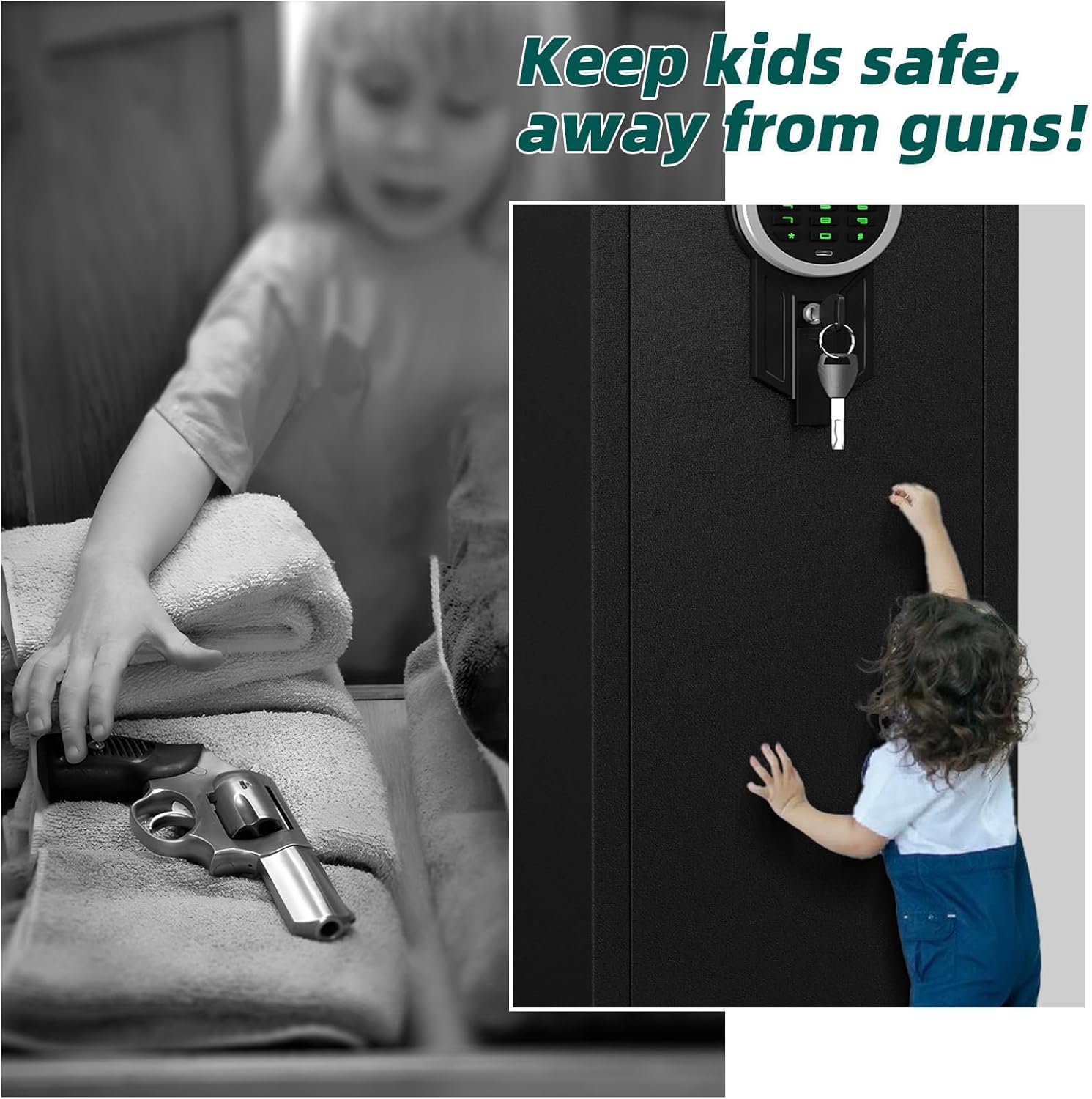
Image: The safe helps keep firearms secure and away from unauthorized access, particularly children.
3. Package Contents
Verify that all components listed below are included in your package:
- 1 x Kavey 5-8 Password Gun Safe
- 2 x Emergency Keys
- 5 x Expansion Screws
- 1 x Type-C Cable (for external battery box)
- 3 x Gun Racks
- 1 x Instruction Manual (this document)

Image: Overview of product dimensions and included accessories.
4. Product Overview
The Kavey 5-8 Password Gun Safe is constructed from durable low carbon alloy steel, designed to provide secure storage for firearms and valuables. It features an electronic keypad for quick access and multiple security enhancements.
Key Features:
- Material: Low Carbon Steel with anti-corrosion finish.
- Lock Type: Electronic keypad with dual password support.
- Capacity: Accommodates up to 5 rifles (up to 57 inches) and 7 pistols.
- Security: Five robust locking bolts, high-strength metal lock core, anti-collision, pry-resistant, anti-drilling, and anti-smashing design.
- Interior: Soft foam lining, carpeted floor, adjustable rifle rack, removable shelf, two door storage boxes, pistol pouches, and a bullet storage slot.
- Lighting: Integrated LED lighting for visibility in low-light conditions.
- Alarm System: Dual alarm system (Wrong Access Alarm and Induction Alarm).
- Access: Quick access via numeric keypad (under 3 seconds) or emergency key.

Image: Labeled features of the Kavey gun safe.

Image: Security features of the safe.
5. Setup and Installation
5.1 Unpacking
Carefully remove the safe from its packaging. Inspect for any damage. Retain packaging materials for future transport if needed.
5.2 Battery Installation
The electronic keypad requires 4 AA batteries (not included). Locate the battery compartment on the back of the keypad or inside the safe door. Insert the batteries, ensuring correct polarity. If the batteries are depleted, the external battery box (connected via Type-C cable) can be used to power the keypad temporarily for access.
5.3 Mounting the Safe
For optimal security, it is highly recommended to anchor the safe to a wall or floor. The safe features pre-drilled holes for this purpose.
- Choose a suitable location for the safe, ensuring it is level and stable.
- Mark the positions of the pre-drilled holes on the wall or floor.
- Drill pilot holes using an appropriate drill bit for your wall/floor material.
- Align the safe with the drilled holes and insert the provided expansion screws.
- Tighten the screws securely to firmly anchor the safe.

Image: Steps for securely mounting the safe to a wall.
6. Operating Instructions
6.1 Initial Access (Using Emergency Key)
Before setting up your password, you will need to open the safe using the emergency key. Insert the emergency key into the keyhole located on the keypad panel and turn it while simultaneously turning the handle to open the door.
6.2 Setting/Changing Passwords
The safe supports two sets of passwords (User Code and Master Code).
- With the safe door open, locate the red reset button on the inside of the safe door or near the battery compartment.
- Press and immediately release the red reset button. You should hear a beep, and the keypad lights will illuminate.
- On the keypad, enter your desired 4-8 digit password.
- Press the '#' key to confirm. The safe will beep, indicating successful programming.
- To set a second password, repeat steps 1-4.
- Test the new password with the door open before closing it.
6.3 Opening the Safe with a Password
- Enter your programmed 4-8 digit password on the keypad.
- Press the '#' key.
- If the password is correct, you will hear a confirmation beep, and the door will unlock. Turn the handle to open the door.

Image: Details of the electronic keypad and access methods.
6.4 External Battery Box Usage
In case of battery depletion, connect the Type-C cable from the external battery box to the port on the keypad. This will provide temporary power, allowing you to enter your password and open the safe. Replace the internal batteries immediately after gaining access.
6.5 Silent Mode
To activate or deactivate silent mode (mute keypad sounds), refer to the specific instructions provided on the keypad itself or in the quick start guide. This feature allows for discreet operation.

Image: The safe features a mute function for silent operation.
6.6 Alarm System
The safe is equipped with a dual alarm system:
- Wrong Access Alarm: If an incorrect password is entered 3 consecutive times, the safe will emit an alarm for 60 seconds.
- Induction Alarm Mode: If the safe is shaken or moved significantly while locked, an alarm will sound for 60 seconds.

Image: Explanation of the safe's dual alarm system.
7. Maintenance
- Battery Replacement: Replace batteries annually or when the low battery indicator appears. Always use new, high-quality AA alkaline batteries.
- Cleaning: Wipe the exterior with a soft, damp cloth. Avoid abrasive cleaners or solvents that could damage the finish or electronic components.
- Lock Mechanism: Periodically check the locking bolts and door hinges for smooth operation. Do not lubricate the electronic lock mechanism.
8. Troubleshooting
- Safe not opening with password:
- Ensure batteries are not depleted. Use the external battery box if necessary.
- Re-enter the password carefully, ensuring no digits are missed or incorrectly pressed.
- If the password is forgotten or the keypad is unresponsive, use the emergency key for access.
- Difficulty programming password:
- Ensure you press and immediately release the red reset button. Holding it down for too long may prevent programming mode activation.
- Ensure the door is open during programming.
- Alarm triggers unexpectedly:
- Check if the safe was moved or shaken.
- Ensure the door is fully closed and the locking bolts are engaged.
9. Specifications
| Feature | Specification |
|---|---|
| Brand | Kavey |
| Model Number | KKM-145D |
| Product Dimensions | 11.81"D x 13.77"W x 57.08"H |
| Lock Type | Electronic Keypad |
| Color | Black |
| Capacity | 6.5 Cubic Feet (Accommodates 5 rifles, 7 pistols) |
| Material | Low Carbon Steel |
| Special Features | Alarm System, Anti-Theft, Combination Lock, LED Light, Removable Shelf |
| Mounting Type | Wall Mount (with pre-drilled holes) |
| Item Weight | 70 Pounds |
| Alarm | Audible, Vibration |
10. Customer Support
For any questions, concerns, or assistance with your Kavey 5-8 Password Gun Safe, please contact our dedicated customer service team. They are available to provide support and ensure a seamless experience.
Please refer to your purchase documentation or the Kavey website for specific contact information.


