
Introduction
Thank you for choosing the Healthkeep Digital Personal Scale. This manual provides essential information for the safe and efficient use of your new scale. Please read it thoroughly before first use and keep it for future reference.
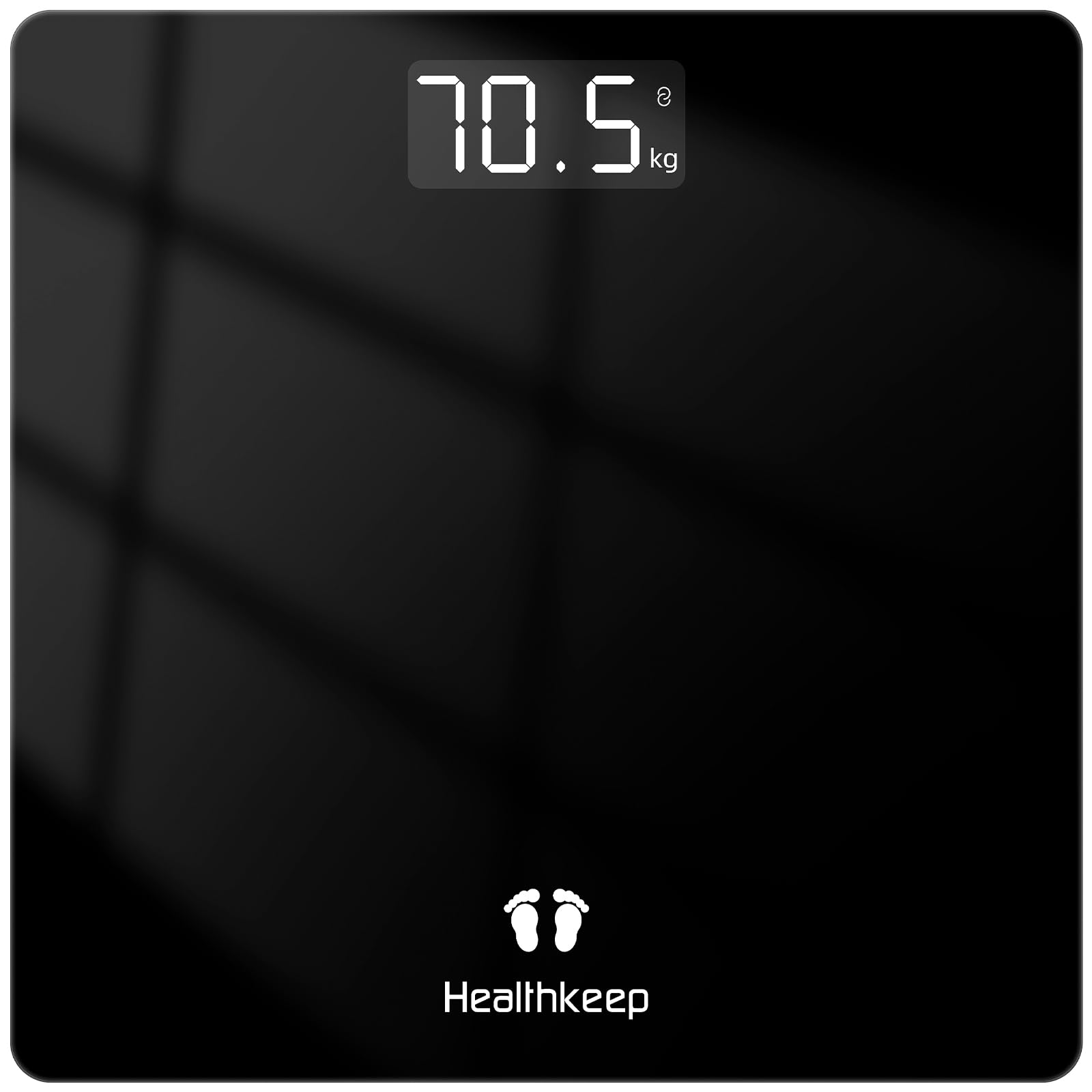
Image: The Healthkeep Digital Personal Scale.
Important Safety Information
- Do not use on carpet or soft surfaces. Ensure the scale is placed on a hard, flat surface for accurate readings.
- The scale surface can be slippery when wet. Exercise caution when stepping on or off the scale, especially after showering.
- Do not jump on the scale.
- Do not immerse the scale in water. Clean with a damp cloth.
- Keep out of reach of children.
- If the scale malfunctions, do not attempt to repair it yourself. Contact customer support.
Package Contents
The package includes:
- 1 x Healthkeep Digital Personal Scale
- 2 x AAA Batteries (pre-installed)
- 1 x User Manual (this document)
Product Features
- High Precision: Equipped with 4 precision sensors, offering accurate measurements with a division of 0.1 kg / 0.2 lb.
- Large Capacity: Maximum capacity up to 180 kg / 400 lb / 28 st.
- Backlit LED Display: Large LED display with clear numbers for easy reading in any lighting condition.
- Step-On Technology: Automatic power-on when stepping onto the scale.
- Durable Tempered Glass: 5mm safety tempered glass platform ensures solidity and durability.
- Smart Functions: Automatic calibration, auto-off, low battery indicator, and overload indicator.
- Ultra-Thin Design: Compact dimensions (26 x 26 x 2.3 cm) with anti-slip feet for stability.
- Unit Conversion: Supports kg, lb, and st units.

Image: Overview of scale features including precision, capacity, and unit conversion.
Setup Guide
- Unpack the Scale: Carefully remove the scale from its packaging.
- Install/Check Batteries: The scale comes with 2 AAA batteries pre-installed. Open the battery compartment on the underside of the scale and remove the insulating strip if present. Ensure batteries are correctly inserted according to polarity markings.
- Place on a Flat Surface: Place the scale on a hard, flat, and stable surface. Avoid carpets or uneven flooring to ensure accurate measurements.
- Initial Calibration: For the first use or after moving the scale, step on it briefly until "0.0" appears, then step off. The scale will calibrate itself. Wait for it to turn off automatically before your first measurement.

Image: Underside of the scale with battery compartment.
Video: Battery Installation and Initial Power-On
Video: Demonstrates how to install batteries and the initial power-on sequence of the Healthkeep Digital Personal Scale.
Operating Instructions
- Taking a Measurement: Step onto the center of the scale with bare feet. Stand still until your weight is displayed and stabilizes. The display will flash a few times and then lock on your final weight.
- Automatic Shut-off: The scale will automatically turn off after a few seconds of inactivity to conserve battery life.
- Changing Weight Units (kg/lb/st): On the underside of the scale, locate the unit conversion button (often labeled "UNIT"). Press this button to cycle through kilograms (kg), pounds (lb), and stones (st).

Image: Correct posture for taking a weight measurement.

Image: Internal structure highlighting sensors and anti-slip features.
Care and Maintenance
- Cleaning: Wipe the scale surface with a soft, damp cloth. Do not use abrasive cleaners or immerse the scale in water.
- Storage: Store the scale in a cool, dry place. Avoid extreme temperatures.
- Battery Replacement: When the "Lo" indicator appears on the display, replace both AAA batteries with new ones.
- Avoid Impact: Protect the scale from strong impacts or vibrations.
Troubleshooting
| Problem | Possible Cause | Solution |
|---|---|---|
| "Lo" displayed | Low battery power. | Replace both AAA batteries. |
| "Err" displayed | Overload or unstable measurement. | Ensure weight is within maximum capacity (180 kg). Step off and then back on the scale, standing still. |
| Inaccurate readings | Scale on an uneven or soft surface; not calibrated; scale moved. | Place the scale on a hard, flat surface. Perform initial calibration (step on, step off, wait for "0.0"). Avoid moving the scale frequently. |
| Scale does not turn on | Batteries are dead or incorrectly installed. | Check battery polarity. Replace batteries if necessary. |
Specifications
| Feature | Detail |
|---|---|
| Brand | Healthkeep |
| Model | BG260W |
| Color | Black |
| Maximum Weight Capacity | 180 Kilograms (400 lbs / 28 st) |
| Display Precision | +/- 0.09 kilograms (0.1 kg / 0.2 lb division) |
| Display Type | LED |
| Material Type | Tempered Glass |
| Item Weight | 1.15 Kilograms |
| Power Source | 2 x AAA Batteries (included) |
| Dimensions | 26 x 26 x 2.3 cm (approx.) |
| Special Features | Intelligent, Lightweight, Portable, Auto-on, Auto-off, Low Battery Indicator, Overload Indicator |
Warranty and Support
Your Healthkeep Digital Personal Scale is covered by a standard manufacturer's warranty. For specific warranty details, please refer to the documentation included with your purchase or contact Healthkeep customer support.
If you encounter any issues or have questions regarding your product, please contact our customer service team through the retailer's platform or the official Healthkeep website.


