
Aimery Speedwave WiFi Extender 1200Mbps
Aimery Speedwave WiFi Extender 1200Mbps Instruction Manual
Model: Speedwave WiFi Extender 1200Mbps
Brand: Aimery
1. Introduction
This manual provides detailed instructions for setting up and operating your Aimery Speedwave WiFi Extender 1200Mbps. This device is designed to expand your existing Wi-Fi network coverage, providing a stable and fast internet connection across your home.
2. What's in the Box
- 1 x Aimery Speedwave WiFi Extender
3. Product Overview
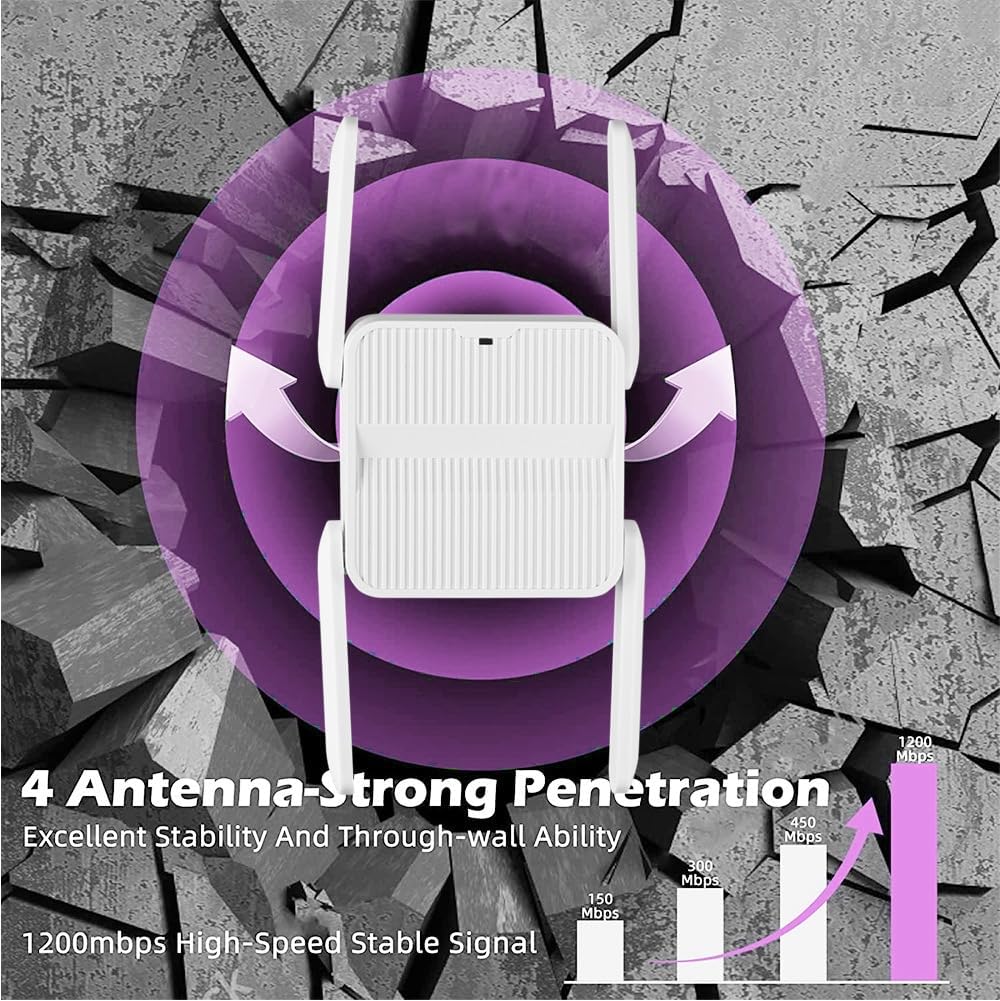
The Aimery Speedwave WiFi Extender features a compact design with external antennas for optimal signal transmission.


4. Key Features
- Extended Coverage: Provides up to 1200Mbps for 5GHz, reducing data transmission loss for HD video and gaming.
- Wide Range: Equipped with 4 high-gain external antennas, covering up to 9998 square feet for stable Wi-Fi throughout your home.
- Multiple Modes & Ethernet Port: Supports Repeater and AP modes. The Ethernet port allows wired devices to connect to the wireless network.
- Universal Compatibility: Works with any 802.11b/g/n/a/ac wireless internet router.
- Secure Network Access: Enhances network security to protect data and prevent unauthorized access.
5. Setup Instructions
Follow these steps to set up your Aimery Speedwave WiFi Extender:
- Power On: Plug the extender into a power outlet near your main router. Wait approximately 20 seconds until the repeater's indicator light blinks slowly.
- Connect to Extender's Wi-Fi: On your phone or computer, go to the Wi-Fi settings and select the network named "wifi-XXX". If you cannot find it, try turning your phone's airplane mode on and off, then search again.
- Access Setup Page: Once connected to "wifi-XXX", your browser should automatically open the setup page. If not, manually enter 192.168.11.1 into your browser's address bar.
- Configure Wi-Fi Information:
- Login with the default password: admin.
- Select your main Wi-Fi router's name.
- Enter your main router's Wi-Fi password (Note: password cannot contain special symbols).
- Set a new SSID (network name) and password for your extender. The extender's password should be the same as your main router's Wi-Fi password for seamless roaming.
- Complete Setup: Click "start connect" and wait 30-60 seconds for the setup to complete. The green light on the extender will turn solid, indicating a successful connection.
This video provides a visual guide to unboxing the WiFi Extender and outlines the initial steps for setup.
6. Operating Instructions
The Aimery Speedwave WiFi Extender operates in two main modes:
Repeater Mode
In Repeater Mode, the extender wirelessly connects to your existing router and amplifies its signal, extending coverage to areas with weak or no Wi-Fi.
Access Point (AP) Mode
In AP Mode, the extender connects to your router via an Ethernet cable and broadcasts a new wireless network. This is ideal for converting a wired network into a wireless one or for providing a new Wi-Fi hotspot.
Ethernet Port Usage
The Ethernet port on the extender allows you to connect a wired device (like a desktop computer, gaming console, or smart TV) directly to the extended network for a stable and high-speed connection.
7. Troubleshooting
Frequently Asked Questions
- Q: Mobile phone settings or computer settings?
A: Mobile phone or computer can be used. Mobile phone setting is recommended for convenience and speed. - Q: Cannot find the Wi-Fi name of the repeater?
A: Press and hold the RESET button for 5 seconds on the side of the repeater using the card pin included in the box. Then, turn your phone's airplane mode on and off, and search for the network again. - Q: Why did it not jump to the repeater setting page?
A: First, ensure your mobile phone (or computer) is connected to the "wifi-XXX" Wi-Fi. If it does not automatically jump to the settings page, manually enter 192.168.11.1 to access the settings. - Q: Why is there still no network for the repeater after the setup is completed?
A: Check whether the Wi-Fi password set for the repeater is identical to the Wi-Fi password of your main router. They must be consistent.
8. Specifications
| Feature | Detail |
|---|---|
| Brand | Aimery |
| Wireless Communication Standard | 802.11bgn |
| Data Transfer Rate | 1200 Megabits Per Second |
| Frequency Band Class | Dual-Band (2.4GHz & 5GHz) |
| Special Feature | WiFi Extenders Signal Booster |
| Item Weight | 3.2 ounces |
| Package Dimensions | 3.39 x 2.95 x 2.48 inches |
| Manufacturer | Aimery |
| First Available | August 14, 2024 |
9. Warranty and Support
For warranty information and technical support, please refer to the product packaging or contact Aimery customer service.
Online resources and FAQs may also be available on the official Aimery website.
Ask a question about this manual
Ask about setup, troubleshooting, compatibility, parts, safety, or missing instructions. Manuals+ will review the question and use this page’s manual context to help answer it.