
1. Introduction
This manual provides detailed instructions for the installation, operation, and maintenance of your WOHPNLE Electric Bike Controller LCD Display Kit. This kit is designed for electric bikes and scooters, supporting 24V, 36V, and 48V systems with motors ranging from 1000W to 1500W. Please read this manual thoroughly before installation and use to ensure proper function and safety.
2. What's in the Box
Verify that all components are present before beginning installation:
- 1 x 48V Brushless Speed Controller (1500 Watt)
- 1 x EN06 LCD Display
- 1 x Controller Wiring Diagram
- 1 x User Manual (this document)
3. Product Overview
3.1 Controller Features
The 30A sine wave controller supports both Hall sensor and sensorless motor operation. It features a self-learning function that automatically switches between sine and square wave modes based on the motor's Hall sensor status. This ensures compatibility with a wide range of electric bike and scooter motors. The aluminum alloy shell is designed with grooves for efficient heat dissipation, protecting internal components and extending the controller's lifespan.

Image 3.1: The WOHPNLE Electric Bike Controller showing its dimensions (145mm x 60mm x 36mm) and various wire connections. The LCD display and its cable length (approx. 180cm) are also shown.

Image 3.2: A detailed view of the WOHPNLE Electric Bike Controller and the EN06 LCD Display. The controller is shown with its various wire harnesses, and the LCD display is shown with its mounting bracket.
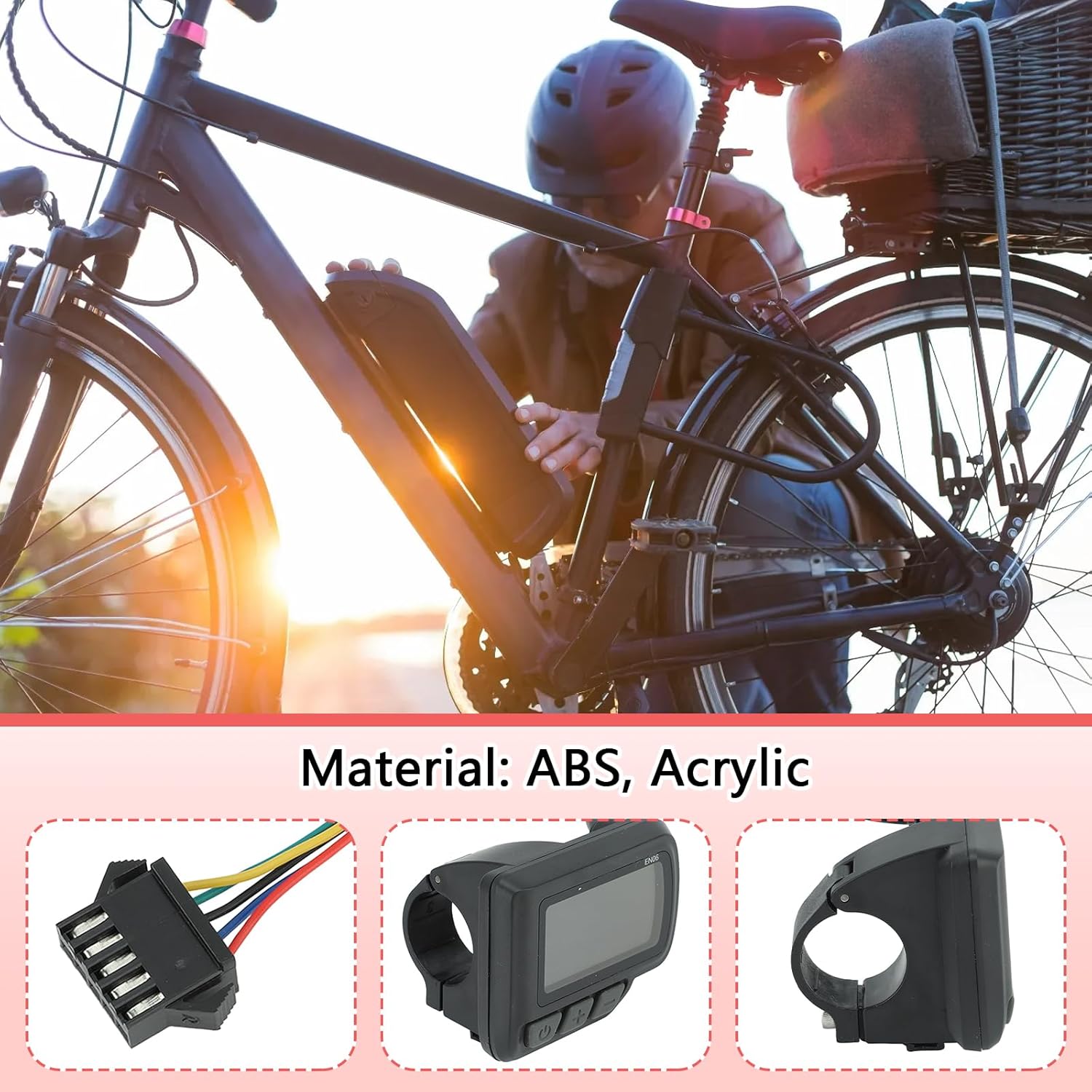
Image 3.3: The WOHPNLE Electric Bike Controller with arrows indicating airflow for efficient heat dissipation from its grooved aluminum alloy shell.
3.2 LCD Display Features
The EN06 LCD display is constructed from durable ABS and acrylic materials. It provides a clear interface for monitoring essential riding data, including speed, mileage, assist gear, power levels, and fault prompts. The display is designed for easy mounting on 22.2mm handlebars, and its intuitive buttons allow for quick and convenient operation while riding.
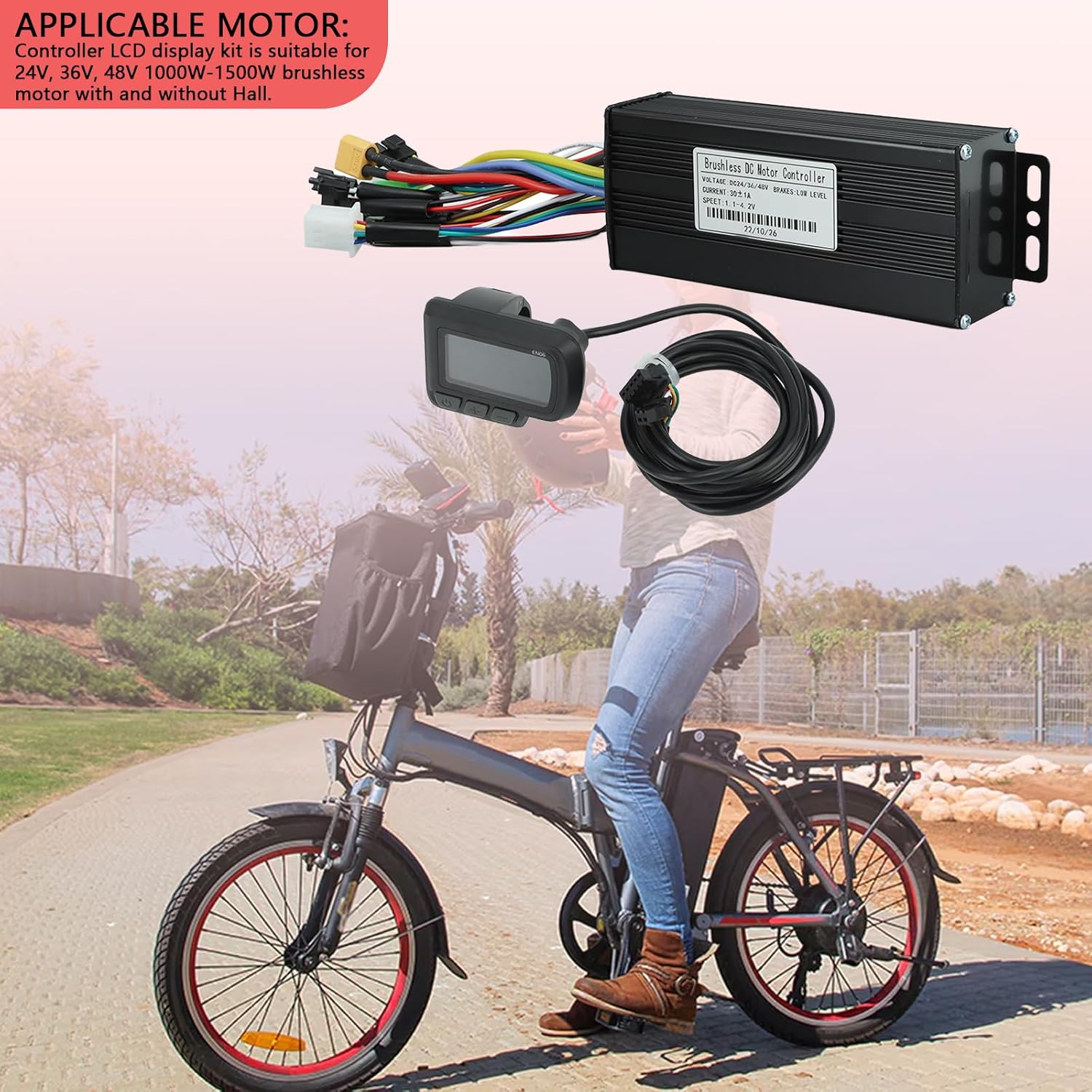
Image 3.4: Close-up views of the EN06 LCD display, showing its connector, front view with buttons, and side view with the handlebar clamp. The display is made of ABS and Acrylic.
3.3 Product Video Overview
Video 3.1: An 8-second video demonstrating the WOHPNLE Electric Bike Controller LCD Display Kit, highlighting its components and potential application on an electric bicycle. This video provides a quick visual overview of the product.
4. Setup and Installation
Proper installation is crucial for the safe and effective operation of your electric bike controller kit. Refer to the included Controller Wiring Diagram for specific connections.
4.1 Component Identification and Placement
Identify the main components of your electric bike system and plan the placement of the controller and LCD display. The controller is typically mounted near the battery, while the LCD display attaches to the handlebars.

Image 4.1: Diagram illustrating the typical placement of electric bike components, including the controller, battery, LCD display, power brake handle, gas pedal, headlights, taillight, and front/rear wheel motors.
4.2 Wiring Connections
Connect the controller to your electric bike's motor, battery, and other accessories according to the provided wiring diagram. Ensure all connections are secure and correctly oriented to prevent damage.
- Phase Line (3-pin): Connects to the motor's phase wires.
- Hall Line (6-pin): Connects to the motor's Hall sensor wires (if applicable). The controller has a self-learning function for Hall sensor detection.
- Throttle (3-pin): Connects to the throttle mechanism.
- Light (2-pin): For connecting headlights or taillights.
- E-brake (2-pin): Connects to the electronic brake levers.
- Display (5-pin): Connects to the EN06 LCD display.
- Power (XT60): Connects to the battery.
- PAS (3-pin): Connects to the Pedal Assist System sensor.
- Self-study (2-pin): Used for the controller's self-learning function. Refer to the wiring diagram for specific instructions on using this feature.
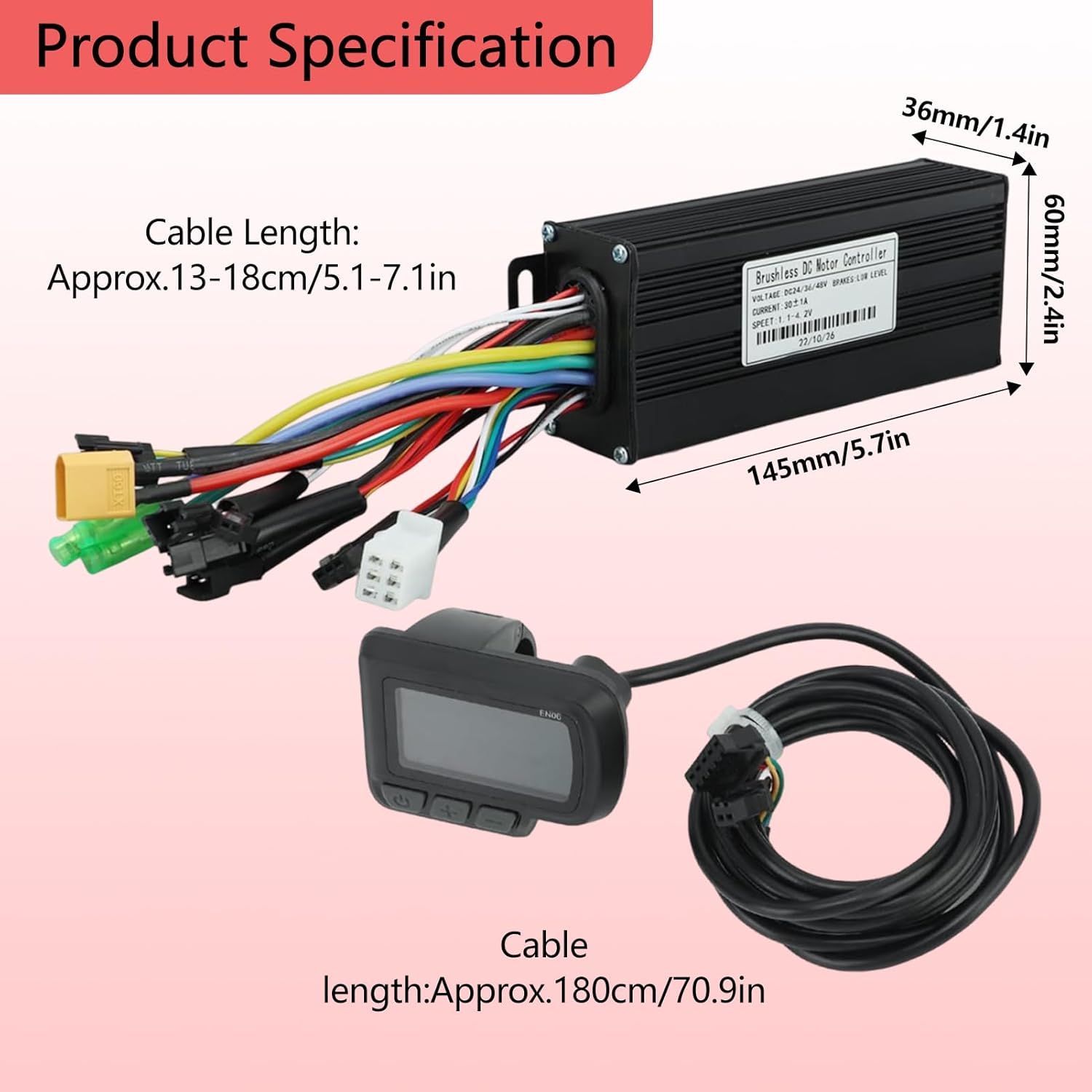
Image 4.2: Detailed wiring diagram for the WOHPNLE Electric Bike Controller, showing the various connectors and their functions (Phase line, Hall line, Throttle, Light, E-brake, Display, Power, PAS, Self-study).
4.3 LCD Display Mounting
Mount the EN06 LCD display securely on your electric bike's 22.2mm handlebars. Ensure it is positioned for clear visibility and easy access to its buttons while riding.
5. Operating Instructions
5.1 Powering On/Off
Press and hold the power button on the LCD display to turn the system on or off.
5.2 Display Functions
The EN06 LCD display provides real-time information about your ride:
- Riding Speed: Current speed of the bike.
- Mileage: Trip distance or total odometer reading.
- Assist Gear: Current level of pedal assist.
- Power Levels: Indication of battery charge.
- Fault Prompts: Displays error codes if issues arise.
- Headlight Display: Indicates if headlights are active.
- Motor Operating Power: Shows the power output of the motor.
5.3 Parameter Settings (P-Modes)
The LCD display allows for adjustment of various parameters (P-modes) to customize your riding experience. Refer to the detailed instructions provided with the LCD display for specific P-mode settings, which may include:
- Battery voltage (e.g., 24V, 36V, 48V)
- Wheel size
- Speed limit
- Number of speed magnets
- Assist levels
Note: Incorrect parameter settings can affect performance or damage components. Consult the specific LCD display manual or a qualified technician if unsure.
6. Maintenance
Regular maintenance ensures the longevity and optimal performance of your controller and display kit.
- Cleaning: Keep the controller and display clean and free from dust and debris. Use a soft, dry cloth. Avoid using harsh chemicals or excessive moisture.
- Connections: Periodically check all wiring connections to ensure they are secure and free from corrosion. Loose connections can lead to intermittent operation or damage.
- Heat Dissipation: Ensure the controller's grooved casing is not obstructed to allow for proper heat dissipation.
- Water Exposure: While the components are designed for outdoor use, avoid prolonged exposure to heavy rain or submersion in water.
- Storage: When not in use for extended periods, store the electric bike in a dry, temperate environment.
7. Troubleshooting
If you encounter issues, refer to the following common problems and solutions:
| Problem | Possible Cause | Solution |
|---|---|---|
| System does not power on. | Loose battery connection, discharged battery, faulty display/controller. | Check battery connection and charge level. Ensure display cable is securely connected. |
| Motor not responding. | Loose motor phase/Hall sensor wires, faulty throttle, incorrect P-mode settings. | Verify all motor connections. Check throttle function. Review P-mode settings for motor type and voltage. |
| Display shows error code. | Specific system fault (e.g., motor, controller, battery). | Consult the LCD display's specific manual for error code definitions and troubleshooting steps. |
| Inconsistent power or speed. | Loose connections, motor issues, battery degradation. | Inspect all wiring. Check battery health. Ensure motor is free of obstructions. |
If problems persist after attempting these solutions, contact customer support or a qualified technician.
8. Specifications
| Feature | Detail |
|---|---|
| Brand | WOHPNLE |
| Model Number | WOHPNLEpko5xn31m7 |
| Controller Type | 30A Sine Wave Brushless DC Motor Controller |
| Voltage Compatibility | 24V, 36V, 48V |
| Motor Power Range | 1000W - 1500W |
| Display Type | EN06 LCD Display |
| Display Mounting | 22.2mm Handlebars |
| Controller Material | Aluminum Alloy |
| Display Material | ABS, Acrylic |
| Color | Black |
| Number of Settings | 3 (referring to 3-mode sine controller) |
9. Warranty and Support
For warranty information and technical support, please refer to the product packaging or contact WOHPNLE customer service directly. Keep your purchase receipt as proof of purchase.
Contact Information: Refer to the official WOHPNLE website or your retailer for the most current contact details.