
1. Introduction
Thank you for choosing the Nusyddy 27000mAh Portable Charger. This high-capacity power bank is designed to provide reliable and fast charging for a wide range of electronic devices, including smartphones, tablets, and more. With built-in cables, multiple output ports, an LED display, and an integrated flashlight, it is an ideal companion for travel, outdoor activities, and daily use.
2. Package Contents
- 1x Nusyddy 27000mAh Portable Charger (Model M42)
- 1x Type-C Charging Cable
- 1x User Manual
3. Product Features
- High Capacity: 27000mAh battery provides multiple charges for smartphones and tablets. For example, it can charge an iPhone 15 approximately 5.2 times or a Samsung Galaxy S23 4.5 times.
- Built-in Cables: Features an integrated USB-C cable for convenient charging without needing to carry extra cables. This cable also functions as a lanyard for portability.
- Multi-Device Charging: Equipped with a USB-C port (20W output), a USB-A port (22.5W output), and the built-in USB-C cable, allowing simultaneous charging of up to three devices.
- Fast Charging: Supports 20W fast charging via the USB-C port and built-in cable, and 22.5W via the USB-A port for compatible devices.
- LED Digital Display: A clear LED screen shows the remaining battery percentage, allowing you to monitor power levels at a glance.
- Integrated Flashlight: A powerful 3W 300 Lumen LED flashlight with four modes (strong, soft, SOS, strobe) for emergency lighting, camping, or nighttime use.
- Multiple Recharging Options: The power bank can be recharged using its built-in USB-C cable or an external USB-C fast charging port.
- Safety Protections: Includes overcharge protection, over-discharge protection, overvoltage protection, over-power protection, short-circuit protection, temperature protection, and magnetic field protection.
4. Setup: Charging the Power Bank
Before initial use, fully charge your Nusyddy portable charger. There are two methods to recharge the power bank:
- Using the Built-in USB-C Cable:
Connect the built-in USB-C cable to a compatible USB power adapter (PD20W adapter recommended, not included) and plug it into a wall outlet. The LED display will show the charging progress. A full charge typically takes approximately 6 hours.

Image: The Nusyddy portable charger is shown connected to a wall outlet via its built-in USB-C cable for recharging. The LED display shows '100%'.
- Using the USB-C Input Port:
Connect an external USB-C charging cable (included) to the USB-C input port on the power bank and plug the other end into a compatible USB power adapter (PD20W adapter recommended, not included). The LED display will indicate charging status. A full charge typically takes approximately 6 hours.
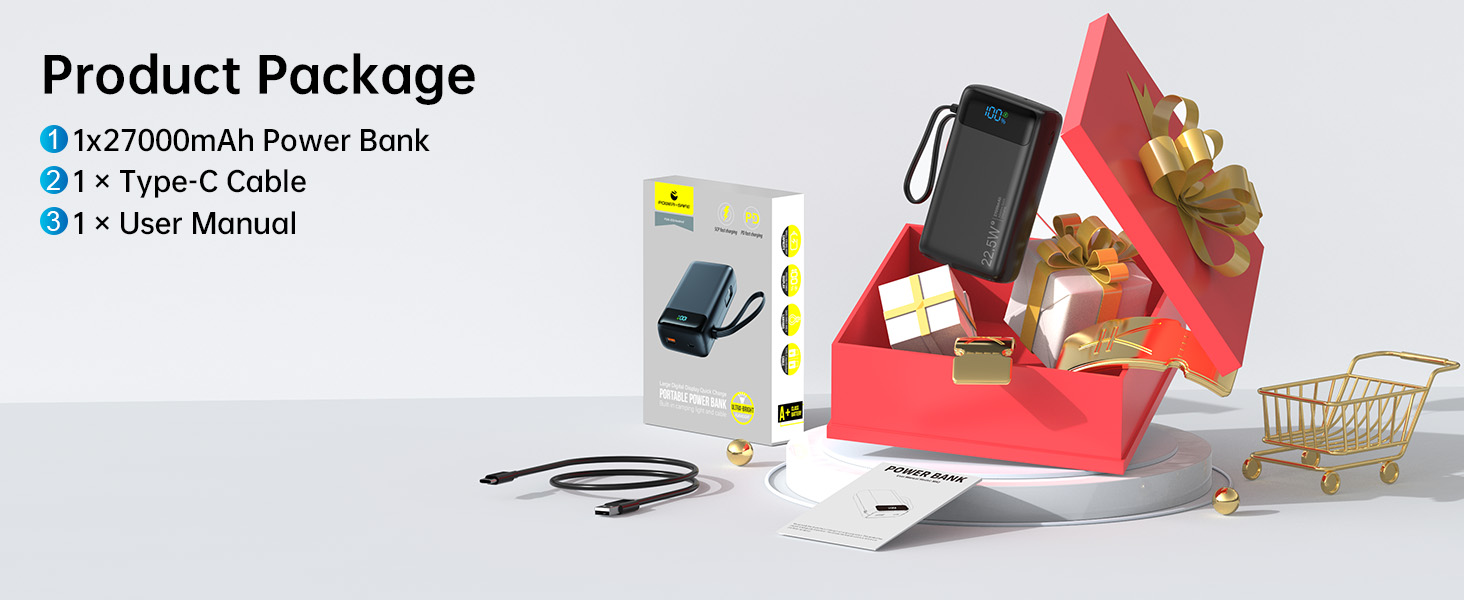
Image: The Nusyddy portable charger is shown connected to a wall adapter via an external USB-C cable for recharging. The LED display shows '100%'.
5. Operating: Charging Your Devices
The Nusyddy portable charger offers multiple ways to charge your electronic devices:
- Using the Built-in USB-C Cable:
Pull out the built-in USB-C cable and connect it directly to your compatible device. The power bank will automatically begin charging. This cable supports 20W fast charging for devices like iPhone 15 series.
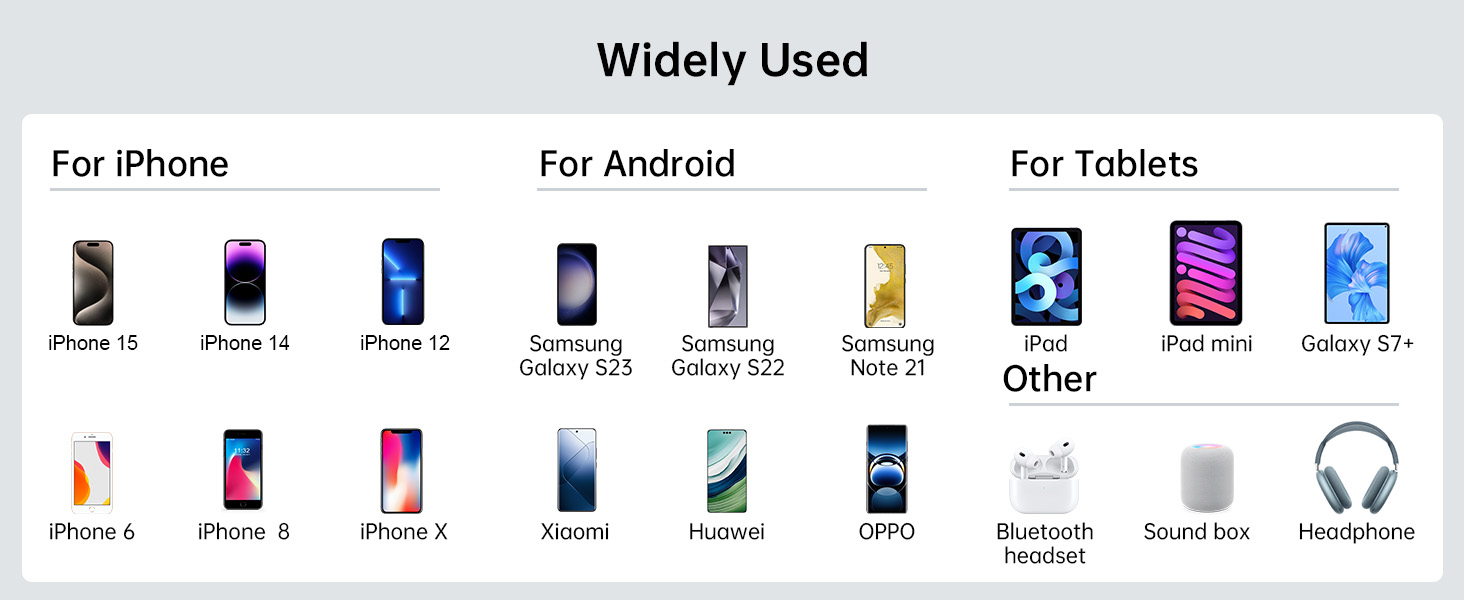
Image: The Nusyddy portable charger is shown on a desk, charging an iPhone via its built-in USB-C cable. A laptop is also visible.
- Using the USB-C Output Port:
Connect your device's USB-C charging cable to the USB-C output port on the power bank. This port provides 20W fast charging.
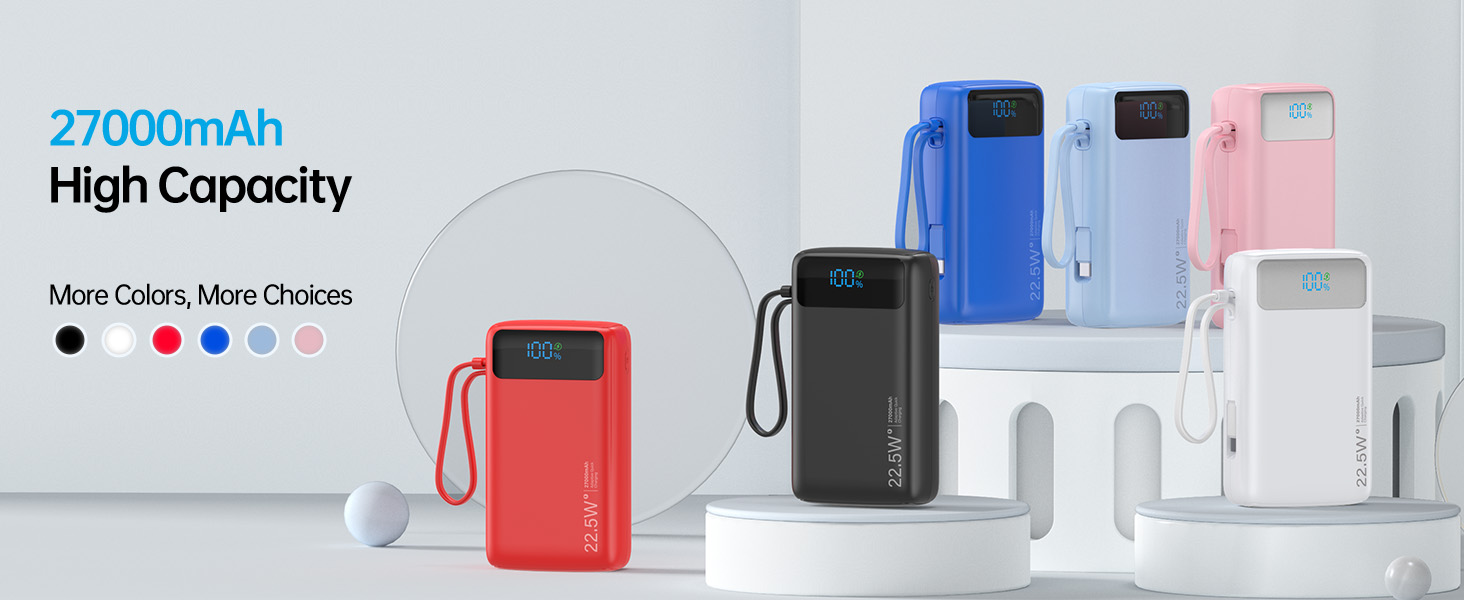
Image: The Nusyddy portable charger is shown charging a smartphone via its USB-C output port. The display indicates 20W output.
- Using the USB-A Output Port:
Connect your device's USB-A charging cable to the USB-A output port on the power bank. This port provides 22.5W fast charging for compatible devices, such as Huawei phones.
- Charging Multiple Devices:
You can charge up to three devices simultaneously by utilizing the built-in USB-C cable, the USB-C output port, and the USB-A output port.
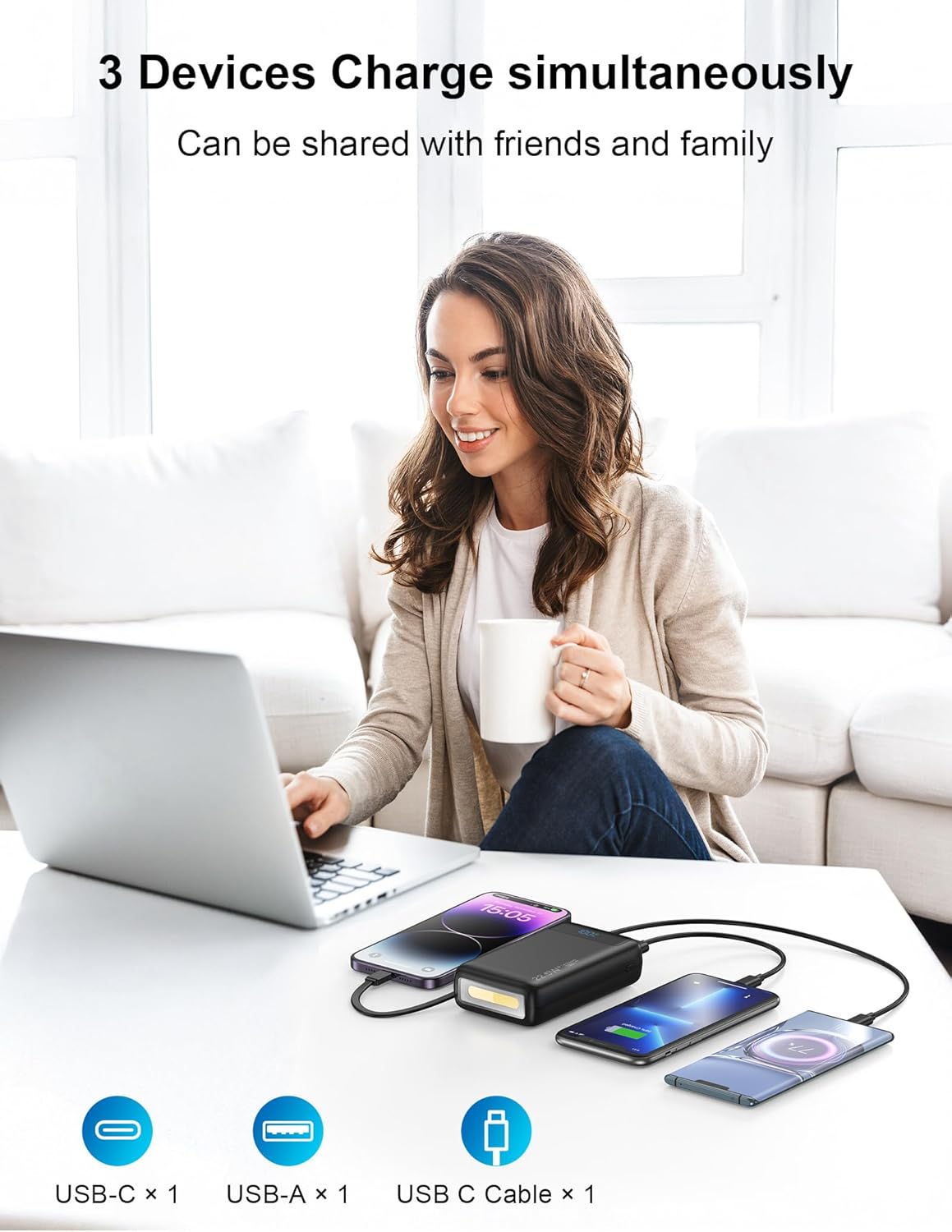
Image: The Nusyddy portable charger is shown on a table, simultaneously charging a laptop, a smartphone via its built-in USB-C cable, and another smartphone via its USB-A port.
6. Flashlight Function
The portable charger includes a built-in 3W 300 Lumen LED flashlight with multiple modes:
- To Turn On/Off: Long press the power button for 4 seconds.
- To Change Modes: Once the flashlight is on, short press the power button to cycle through the four modes: Strong, Soft, SOS, and Strobe.

Image: The Nusyddy portable charger is shown with its powerful LED flashlight illuminated, providing light in a dark outdoor setting with people around a campfire.
7. Specifications
| Brand | Nusyddy |
| Model Number | M42 |
| Battery Capacity | 27000 Milliamp Hours |
| Product Dimensions | 4.93 x 2.84 x 1.3 inches |
| Item Weight | 14.2 ounces |
| Connector Type | USB-A, USB C |
| Special Features | Built-in cable, USB C 20W, USB-A 22.5W fast charging, LED indicator lights, over charging protection, short circuit protection, auto shut-off, scratch resistant, flashlight |
| Manufacturer | Dongguan Xionel Electronic Technology Co., Ltd |
8. Safety Information
To ensure safe operation and prolong the lifespan of your power bank, please observe the following:
- Do not expose the power bank to extreme temperatures (hot or cold), direct sunlight, or fire.
- Avoid dropping, hitting, or disassembling the device.
- Keep away from water and other liquids.
- Use only certified charging cables and adapters.
- Do not attempt to charge the power bank and external devices simultaneously if it causes overheating.
- Store in a cool, dry place when not in use.
- Keep out of reach of children.
9. Maintenance
Regular maintenance helps ensure optimal performance:
- Clean the power bank with a soft, dry cloth. Avoid using harsh chemicals or abrasive materials.
- If storing for an extended period, charge the power bank to approximately 50-75% every 3 months to maintain battery health.
- Ensure all ports are free of dust and debris.
10. Troubleshooting
- Device not charging: Ensure the power bank is charged. Check if the cable is securely connected to both the power bank and the device. Try a different cable or port.
- Power bank not recharging: Ensure the charging cable and adapter are working correctly. Try a different wall outlet or adapter.
- Slow charging: Verify that your device and cable support fast charging. Ensure the power bank has sufficient charge. Charging multiple devices simultaneously may reduce individual charging speeds.
- Flashlight not working: Long press the power button for 4 seconds to activate. If it still doesn't work, the power bank might be critically low on battery.
11. Warranty and Support
Nusyddy offers a 24-month replacement promise for this product. For any inquiries, technical support, or warranty claims, please contact Nusyddy customer service through the retailer where you purchased the product or visit the official Nusyddy website.