
1. Introduction
This manual provides essential information for the proper use and care of your new Engraved Wood Ballpoint Pen. Crafted from luxurious African Padauk wood with gold-plated hardware, this pen features a high-quality twist mechanism for smooth operation and comes with a velvet gift pouch.
2. Setup
Your Engraved Wood Ballpoint Pen comes ready for immediate use. Please follow these simple steps upon receiving your pen:
- Unboxing: Carefully remove the pen from its packaging and the included velvet gift pouch.
- Inspection: Examine the pen for any visible damage. Ensure the twist mechanism operates smoothly.
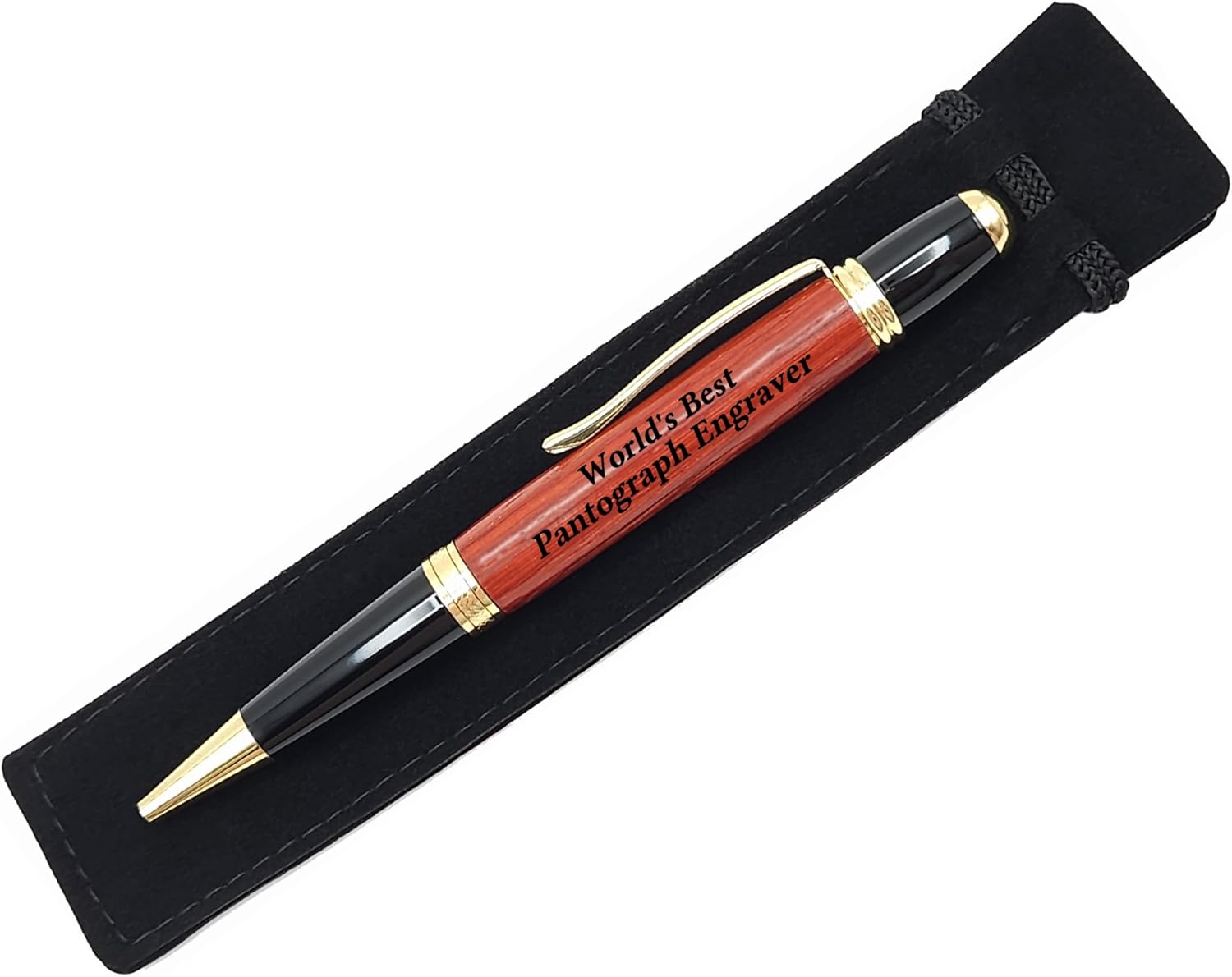
Figure 2.1: The Engraved Wood Ballpoint Pen presented in its velvet gift pouch.
3. Operating Instructions
The pen utilizes a reliable twist-action mechanism for extending and retracting the ballpoint tip.
- To Extend the Tip: Hold the lower barrel of the pen firmly and twist the upper barrel (near the clip) clockwise until the pen tip is fully extended.
- To Retract the Tip: Twist the upper barrel counter-clockwise until the pen tip is fully retracted into the barrel.

Figure 3.1: Detail of the pen's twist mechanism and ballpoint tip.
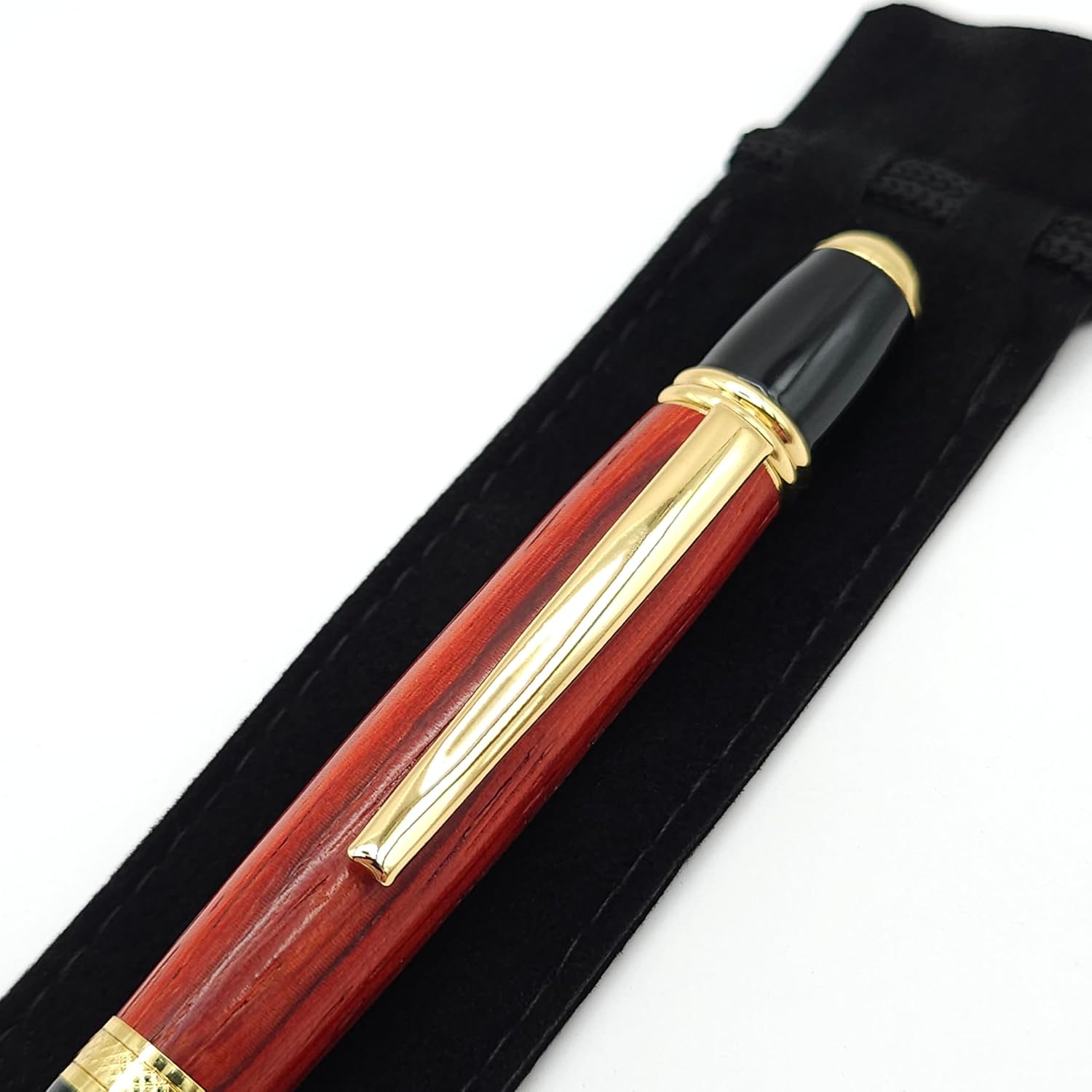
Figure 3.2: The pen's body showcasing the African Padauk wood and gold clip.
4. Maintenance
Proper care will ensure the longevity and beauty of your pen.
- Cleaning: Wipe the wood and metal surfaces with a soft, dry cloth to remove fingerprints and dust. Avoid abrasive cleaners or solvents.
- Storage: When not in use, store the pen in its velvet pouch to protect it from scratches and environmental elements.
- Refilling Ink: This pen is refillable with standard Parker-style ballpoint ink cartridges. To replace the ink cartridge, gently unscrew the pen barrel. Remove the old cartridge and insert the new one, then reassemble the pen.
5. Troubleshooting
Should you encounter any issues with your pen, please refer to the following common problems and solutions:
| Problem | Possible Cause | Solution |
|---|---|---|
| Ink not flowing smoothly | Ink cartridge is empty or dried out. | Replace the ink cartridge with a new Parker-style refill. |
| Twist mechanism is stiff | Accumulation of dust or debris. | Gently clean the mechanism area with a soft, dry brush. Avoid applying lubricants. |
| Pen tip does not retract fully | Misalignment of internal components. | Ensure the ink cartridge is correctly seated. If the issue persists, contact customer support. |
6. Specifications
| Feature | Detail |
|---|---|
| Model Number | P3052 |
| Product Dimensions | 5.25 x 0.81 x 0.68 inches |
| Material Type | African Padauk / Metal |
| Color | Gold (Hardware) |
| Ink Color | Black |
| Point Type | Medium |
| Closure Type | Twist |
| Refill Compatibility | Parker Style Ballpoint Ink Cartridges |
7. Warranty Information
For specific warranty details regarding your Engraved Wood Ballpoint Pen, please refer to the documentation provided at the time of purchase or contact the seller directly. Warranty terms typically cover manufacturing defects.
8. Support
If you require further assistance or have questions not covered in this manual, please contact the seller or manufacturer through the platform where the product was purchased. Provide your model number (P3052) and a detailed description of your inquiry for prompt support.


