
1. Product Overview
The INSONIXN SK26 Sleep Earbuds are designed for comfort and discretion, offering a seamless audio experience for sleeping, working, and daily activities. These invisible, tiny earbuds feature advanced Bluetooth 5.3 connectivity, physical and acoustic noise cancellation, and extended battery life, ensuring clear sound and calls in various environments.
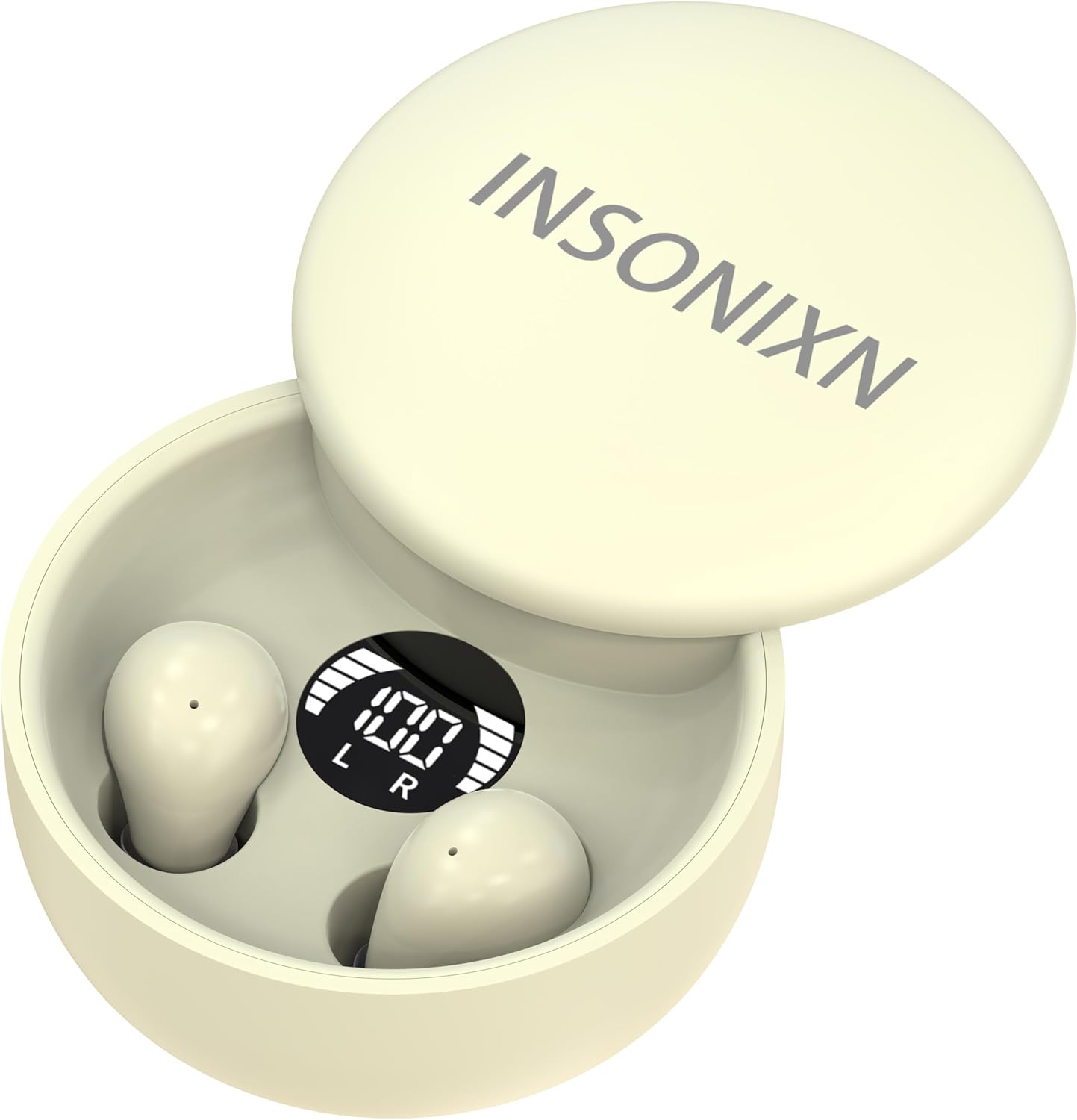
Image: The SK26 Sleep Earbuds in Khaki, shown inside their compact charging case with a digital battery level indicator.
Key Features:
- Invisible Design: Mini and lightweight (approx. 0.1 oz per earbud), designed to fit comfortably without protrusion, ideal for side sleepers.
- Bluetooth 5.3: Ensures stable and quick wireless connections.
- Noise Cancellation: Combines physical and acoustic noise cancellation for clear audio and calls in noisy environments.
- Premium Sound: Features "Whale hollow stereo surround sound" for an immersive listening experience.
- Long Battery Life: Up to 5 hours of listening time per charge, extended to 24 hours total with the portable charging case.
- Fast Charging: USB-C fast charging allows for a full charge in approximately one hour.
- Intuitive Touch Controls: Easy management of power, volume, calls, music playback, voice assistant, and game mode.
- Built-in Microphone: For hands-free calling.
- Waterproof: Provides protection against water exposure.
2. Setup
2.1 What's Included
Your SK26 Sleep Earbuds package typically includes:
- SK26 Sleep Earbuds (Left and Right)
- Portable Charging Case
- USB-C Charging Cable
- User Manual
2.2 Charging the Earbuds and Case
Before first use, fully charge the earbuds and charging case.
- Place both earbuds into the charging case. Ensure they are correctly seated; the digital display on the case will show charging status.
- Connect the USB-C charging cable to the charging port on the case and the other end to a compatible USB power source (e.g., wall adapter, computer USB port).
- The digital display on the charging case will indicate the battery percentage. A full charge typically takes about 1 hour.

Image: The Type-C charging interface on the earbud case, highlighting its fast charging capability.
2.3 Pairing with Your Device
- Open the charging case. The earbuds will automatically enter pairing mode (indicated by flashing lights on the earbuds, if applicable, or a voice prompt).
- On your device (smartphone, tablet, etc.), go to Bluetooth settings and turn on Bluetooth.
- Search for "SK26" or "INSONIXN-TWS-SK26" in the list of available devices and select it to connect.
- Once connected, a voice prompt will confirm successful pairing. The earbuds are now ready for use.
2.4 Wearing the Earbuds
The SK26 earbuds are designed for a snug and comfortable fit, even when lying down.
- Identify the Left (L) and Right (R) earbuds.
- Gently insert each earbud into your ear canal, rotating slightly until it feels secure and comfortable. The invisible design ensures they sit flush with your ear.
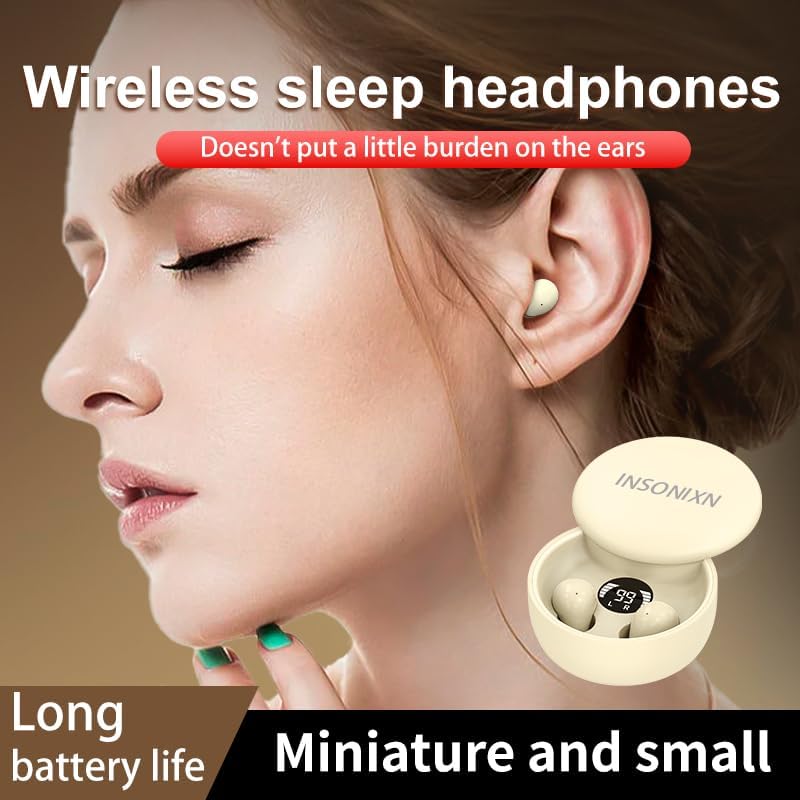
Image: A woman wearing the SK26 earbud, illustrating its miniature size and comfortable, barely noticeable fit in the ear.
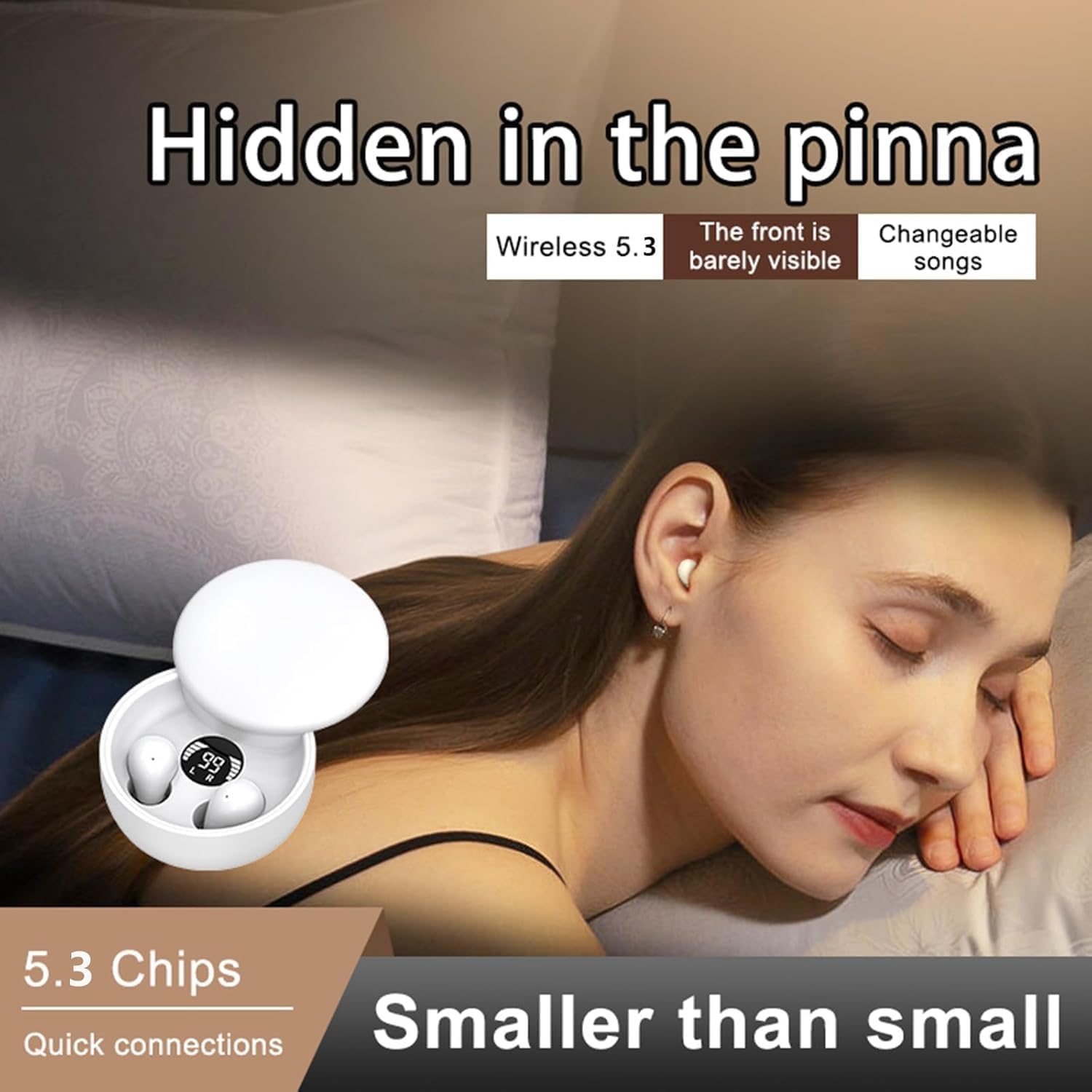
Image: A woman sleeping comfortably on her side while wearing the SK26 earbuds, demonstrating their suitability for sleep without discomfort.
3. Operating the Earbuds
3.1 Touch Controls
The SK26 earbuds feature intuitive touch controls on each earbud. Refer to the diagram below for specific functions:

Image: A visual guide to the touch controls on the SK26 earbuds, detailing actions like power, volume, play/pause, and call management.
| Action | Function |
|---|---|
| Press and hold for 3 seconds | Power On/Off |
| Press and hold (L) for 1.5 seconds | Volume "-" |
| Press and hold (R) for 1.5 seconds | Volume "+" |
| Quadruple-tap the touch area | Voice Assistant |
| Double-click | Play/Pause |
| Press and hold for 1.5 seconds (during incoming call) | Reject an incoming call |
| Touch four times the earphone (R) | Game Mode |
3.2 Usage Scenarios
The SK26 Sleep Earbuds are versatile and suitable for various daily activities:
- Sleeping: Their invisible and comfortable design allows for undisturbed sleep, even for side sleepers.
- Listening to Music: Enjoy high-quality audio with whale hollow stereo surround sound.
- Phone Calls: Built-in microphone and noise cancellation ensure clear conversations.
- Working/Studying: Discreet design makes them suitable for use in professional or academic settings without drawing attention.
- Gaming: Activate Game Mode for optimized audio during gameplay.

Image: Examples of how the SK26 earbuds can be used, including listening to music, gaming, and during work.
3.3 Official Product Video
Video: An official product video showcasing the INSONIXN SK26 Sleep Earbuds, highlighting their features and design.
4. Maintenance
4.1 Cleaning
Regular cleaning helps maintain the performance and hygiene of your earbuds.
- Use a soft, dry, lint-free cloth to wipe the earbuds and charging case.
- For stubborn dirt, slightly dampen the cloth with water or a mild, non-abrasive cleaner. Avoid getting moisture into openings.
- Do not use harsh chemicals, alcohol, or abrasive materials.
- Clean the charging contacts on both the earbuds and inside the case periodically to ensure proper charging.
4.2 Storage
When not in use, store the earbuds in their charging case to protect them and keep them charged.
- Store in a cool, dry place away from direct sunlight and extreme temperatures.
- Avoid storing in dusty or dirty environments.
4.3 Water Resistance
The SK26 Sleep Earbuds are rated as waterproof. While they can withstand splashes and sweat, they are not designed for prolonged submersion. Ensure earbuds are dry before placing them back into the charging case to prevent damage.
5. Troubleshooting
If you encounter issues with your SK26 Sleep Earbuds, try the following solutions:
| Problem | Possible Solution |
|---|---|
| Earbuds not pairing/connecting |
|
| No sound from one or both earbuds |
|
| Charging issues |
|
| Poor call quality |
|
6. Specifications
| Feature | Detail |
|---|---|
| Model Name | INSONIXN-TWS-SK26 |
| Connectivity Technology | Wireless (Bluetooth 5.3) |
| Earbud Weight | Approx. 0.1 oz (3.17 grams) per earbud |
| Case Dimensions (L x W x H) | 2.28 x 2.28 x 1.18 inches (5.8 x 5.8 x 3 cm) |
| Battery Life (Earbuds) | Up to 5 hours listening time |
| Total Battery Life (with Case) | Up to 24 hours (charging case provides 5 recharges) |
| Charging Time | Approx. 1 hour for full charge (USB-C fast charging) |
| Frequency Response | 20 Hz - 20,000 Hz |
| Impedance | 32 Ohm |
| Material | Plastic, Rubber |
| Water Resistance Level | Waterproof |
| Control Type | Touch Control |

Image: Detailed dimensions of the SK26 charging case, showing its compact size.
7. Warranty and Support
For any issues encountered while using your INSONIXN SK26 Sleep Earbuds, please contact customer support. The manufacturer is committed to resolving problems within 24 hours.
Specific warranty details may vary by region and retailer. Please refer to your purchase documentation or the product's official website for comprehensive warranty information.
