
Introduction
The Cercker Food Dehydrator Machine is designed for efficient food drying, featuring 9 stainless steel trays, 1000W power, and precise temperature and timer controls. This manual provides essential information for safe and effective operation, maintenance, and care of your dehydrator.

The Cercker Food Dehydrator Machine with its digital control panel and transparent door, showcasing its 9 stainless steel trays.
Safety Instructions
- Always ensure the dehydrator is placed on a stable, heat-resistant surface, away from flammable materials.
- Do not immerse the appliance, cord, or plug in water or any other liquid.
- Keep children and pets away from the appliance during operation.
- Unplug the dehydrator from the outlet when not in use and before cleaning.
- Do not operate the appliance with a damaged cord or plug, or if it malfunctions or has been damaged in any manner.
- Ensure adequate ventilation around the unit during operation to prevent overheating.
- Use caution when handling hot trays and food. Always use oven mitts or the provided silicone pot holder.
Product Overview
Key Features
- High Efficiency Drying: Equipped with dual fans and 1000W power for even heat distribution and efficient drying.
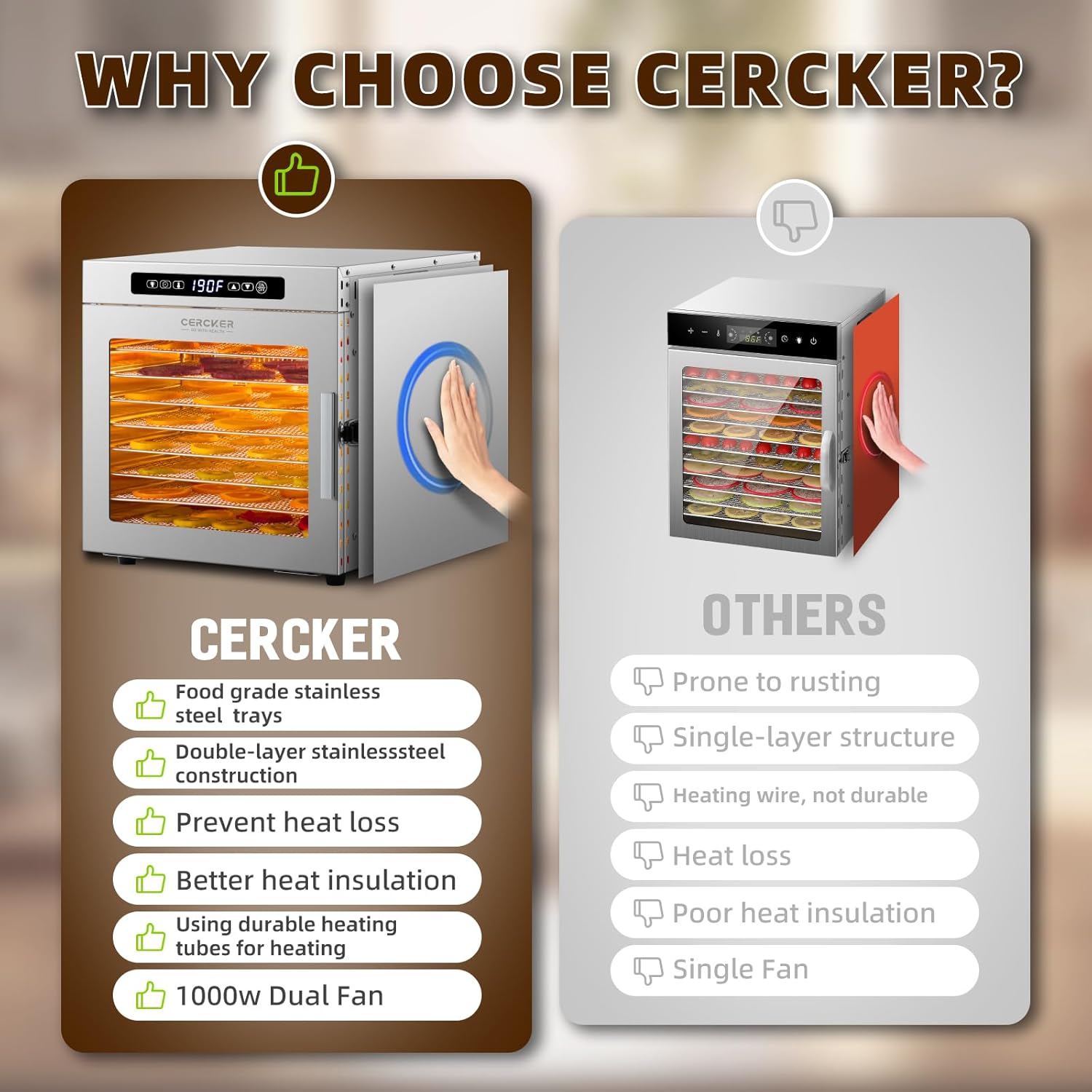
- Durable Construction: Made from 100% BPA-free food-grade stainless steel, ensuring corrosion resistance and fire resistance.
- Large Capacity: Features 9 spacious stainless steel trays (12.52 x 9.84 inches each) for drying various foods simultaneously.
- Precise Control: Electronic thermostat adjustable from 70°F to 190°F (in 5°F increments) and a 24-hour timer (in 0.5-hour increments).
- Safety Features: Intelligent shutdown function and overheating protection.
- Low Noise Operation: Operates at a noise level of ≤40 dB.
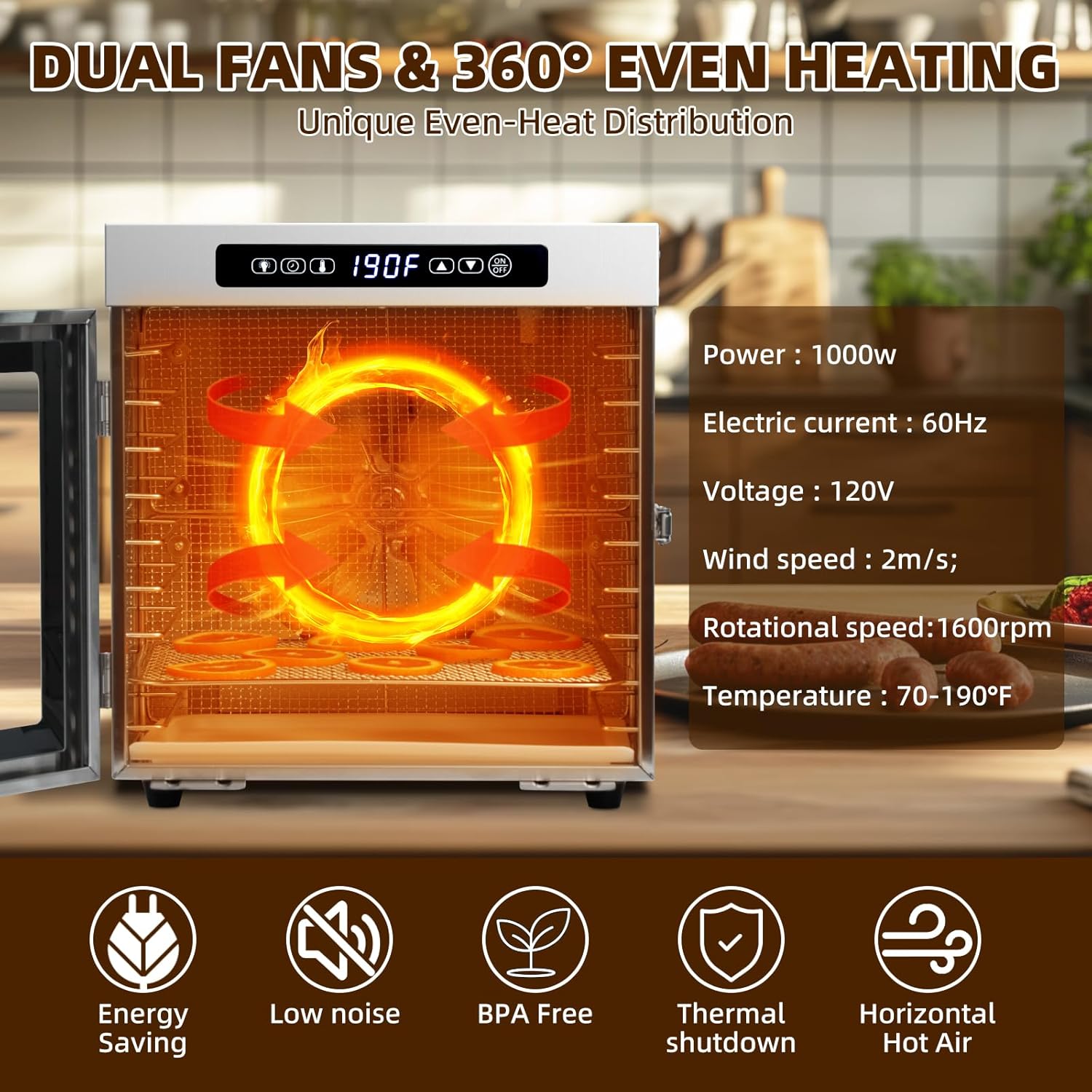
This image highlights key features such as the dual fans for even heating, 1000W power, 70-190°F temperature range, and low noise operation.

This image illustrates the dimensions of the 12.52 x 9.84 inch food-grade stainless steel trays, emphasizing their durability and dishwasher-safe design.
Setup
1. Unboxing and Initial Inspection
The food dehydrator comes securely packaged. Carefully remove all packaging materials, including any protective films from the stainless steel surfaces and the glass door. Inspect the unit for any damage during transit.
2. Handle Assembly
Attach the door handle to the glass door using the provided screws and screwdriver. Ensure it is securely fastened.
3. Tray Placement
Insert the 9 stainless steel trays into the designated slots within the dehydrator. The trays are designed to slide in and out smoothly. Place the plastic drip tray at the bottom of the unit.
4. Initial Cleaning
Before first use, wash all stainless steel trays and the drip tray with warm, soapy water. Wipe the interior and exterior of the unit with a damp cloth. Ensure all parts are completely dry before operation. A slight odor from the stainless steel is normal during the first few uses; ventilate the area for 1-3 days before initial operation to minimize this.
Operating Instructions
1. Control Panel Overview
The intuitive LED touch control panel allows for easy adjustment of settings. It includes buttons for power (On/Off), timer, temperature, and an internal light.

This image displays the LED touch control panel, detailing the functions for lighting control, temperature adjustment (70-190°F), and timer settings (30 minutes-24 hours).
2. Preparing Food
Wash and prepare your food items. Slice them uniformly to ensure even drying. Arrange food items evenly on the stainless steel trays, ensuring they do not overlap or touch. This promotes optimal air circulation and consistent drying. For foods that may drip, ensure the drip tray is correctly positioned at the bottom of the unit.

This image shows various types of food that can be dehydrated, such as fruits, vegetables, meat, nuts, and herbs, highlighting the versatility of the machine.
3. Setting Time and Temperature
- Plug the dehydrator into a standard 120V electrical outlet.
- Press the 'On/Off' button to power on the unit. The display will illuminate.
- Press the 'Timer' button to set the desired drying duration. Use the up (▲) and down (▼) arrow buttons to adjust the time, which can be set up to 24 hours in 0.5-hour increments.
- Press the 'Temperature' button to select the drying temperature. Use the up (▲) and down (▼) arrow buttons to adjust the temperature from 70°F to 190°F in 5°F increments.
- To monitor the drying process, press the 'Light' button to illuminate the interior without opening the door.
4. Starting and Stopping Operation
After setting the desired time and temperature, the unit will automatically begin the drying process. To pause or stop the drying process at any time, press the 'On/Off' button.
Maintenance and Cleaning
Regular cleaning ensures optimal performance and longevity of your dehydrator. Always unplug the unit and allow it to cool completely before cleaning.
1. Cleaning Trays
The stainless steel trays are dishwasher safe for convenient cleaning. Alternatively, wash them by hand with warm, soapy water and a soft brush or sponge. Rinse thoroughly and dry completely to prevent water spots or mineral buildup.
2. Cleaning Drip Tray
Remove the plastic drip tray from the bottom of the unit and wash it with warm, soapy water. Rinse and dry thoroughly.
3. Cleaning Interior and Exterior
Wipe the interior surfaces with a damp cloth. For stubborn residue, use a mild, food-safe cleaner. Ensure the interior is completely dry before closing the door or operating the unit. Wipe the exterior of the dehydrator with a soft, damp cloth. Do not use abrasive cleaners or immerse the unit in water.
This image demonstrates the ease of cleaning the dehydrator's components, showing trays being washed by hand or in a dishwasher, and the interior being wiped clean.
Troubleshooting
- Unit Not Powering On: Ensure the power cord is securely plugged into a functional electrical outlet. Check if the 'On/Off' button has been pressed.
- Food Not Drying Evenly: Ensure food items are sliced uniformly and arranged in a single layer on the trays without overcrowding. Rotate trays periodically for more consistent drying.
- Overheating Protection Activated: The dehydrator is equipped with an overheating protection feature that will automatically shut down the unit if the internal temperature reaches 120°C (248°F). Allow the unit to cool down before resuming operation.
- Unusual Odor: A slight odor from the stainless steel is normal during the first few uses. Ensure the unit is clean and well-ventilated.
Specifications
| Brand | Cercker |
| Model Number | DBC-07A |
| Material | Stainless Steel |
| Color | Black |
| Wattage | 1000 watts |
| Voltage | 120V |
| Product Dimensions | 13.5"D x 14.6"W x 15.5"H |
| Number of Trays | 9 |
| Tray Dimensions | 12.52" x 9.84" |
| Temperature Range | 70℉-190℉ (21℃-88℃) |
| Timer Range | 0.5 - 24 hours |
| Item Weight | 23.9 pounds |
| Dishwasher Safe Trays | Yes |
Warranty and Support
The Cercker Food Dehydrator Machine comes with a 3-year warranty. For any questions, technical assistance, or support regarding your product, please contact Cercker customer support. Refer to the contact information provided in your product packaging or visit the official Cercker website for further details.