
B0DCP4YK5D
2024 New Bluetooth Anti-Lost Device User Manual
Product Overview
The 2024 New Bluetooth Anti-Lost Device combines bi-directional search and smart positioning in one, designed for modern life. It cleverly integrates Bluetooth 5.0 technology to make your phone connect seamlessly with keys, pets, and other items. An instant two-way alarm activates once the preset security range is exceeded, making it easy to find a lost phone or retrieve lost pets. The compact and portable body allows for easy attachment to your keychain or pet collar without taking up much space. It features extra-long standby capability, reducing the hassle of frequent charging. With its real-time positioning function, combined with a mobile app, you can keep track of your important belongings at all times. This Bluetooth Anti-Lost device is a great assistant for your daily journey and for protecting your pets, ensuring that every important thing in your life is never easier to lose.

Image: The compact green Bluetooth Anti-Lost Device, ready for attachment to keys or other items.
Key Features
- Two-Way Search: Easily find your device from your phone, or find your phone using the device.
- Anti-Loss Alarm: Receive an alert when the device and your phone are separated beyond a safe distance.
- Real-time Positioning: Track the last known location of your item on a map via the mobile app.
- Compact and Portable: Small design for easy attachment to various items.
- Long Standby Time: Extended battery life for continuous use.

Image: Examples of the anti-lost device being used, such as attached to a handbag, luggage, keychain, wallet, car key, and remote control, demonstrating its versatility.
Package Contents
Please check the package for the following items:
- 1 x Bluetooth Anti-Lost Device
- 1 x User Manual
- 1 x CR2032 Battery (may be pre-installed)
Setup Guide
1. App Installation
To use the device, you must first download and install the companion mobile application. Search for "iSearching" or the official app specified in your product packaging on your smartphone's app store (Google Play Store for Android or Apple App Store for iOS).
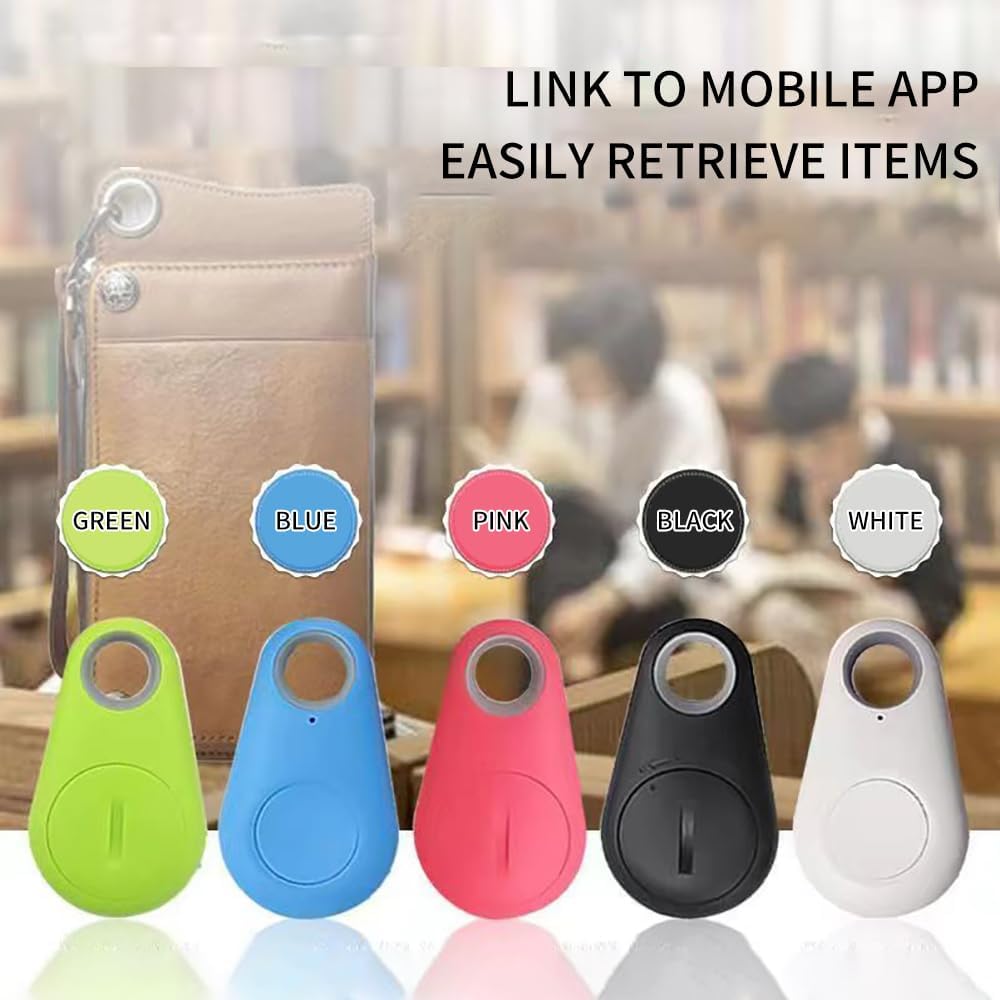
Image: A smartphone screen displaying the mobile application interface, showing options to link and retrieve items, with various colored anti-lost devices in the foreground.
2. Device Pairing
- Ensure Bluetooth is enabled on your smartphone.
- Open the installed anti-lost device app.
- Press and hold the button on the anti-lost device until you hear a beep or see an indicator light flash, indicating it's in pairing mode.
- In the app, follow the on-screen instructions to search for and connect to your device. Once connected, the app will show the device as 'Connected'.
Video: This video demonstrates the process of connecting the anti-lost device to a smartphone via the app, showing how to search for and pair the device, and how to use the app's interface to manage connected devices.
Operating Instructions
1. Two-Way Search Function
This device allows you to find your phone using the device, and vice-versa.
- Finding your item (using phone): Open the app on your smartphone. Select the connected device you wish to find and tap the 'Alarm' or 'Ring' button. The anti-lost device will emit a loud sound, helping you locate it.
- Finding your phone (using device): Double-press the button on the anti-lost device. Your smartphone will ring, even if it's on silent mode (depending on app settings), helping you locate your phone.

Image: A smartphone screen displaying the app's search function, with visual examples of the anti-lost device being used to find a bag, luggage, and keys, illustrating its practical application.

Image: An illustration demonstrating the intelligent bidirectional anti-loss alarm function, showing both the phone and the anti-lost device sounding an alarm when separated beyond a certain range, such as 10 meters through a wall.
2. Anti-Loss Alarm
The device features a separation reminder. If the distance between your anti-lost device and your phone exceeds the safe connection range (typically around 10-15 meters without obstacles), both the device and your phone will trigger an alarm to notify you of the separation. This helps prevent items from being left behind or lost.
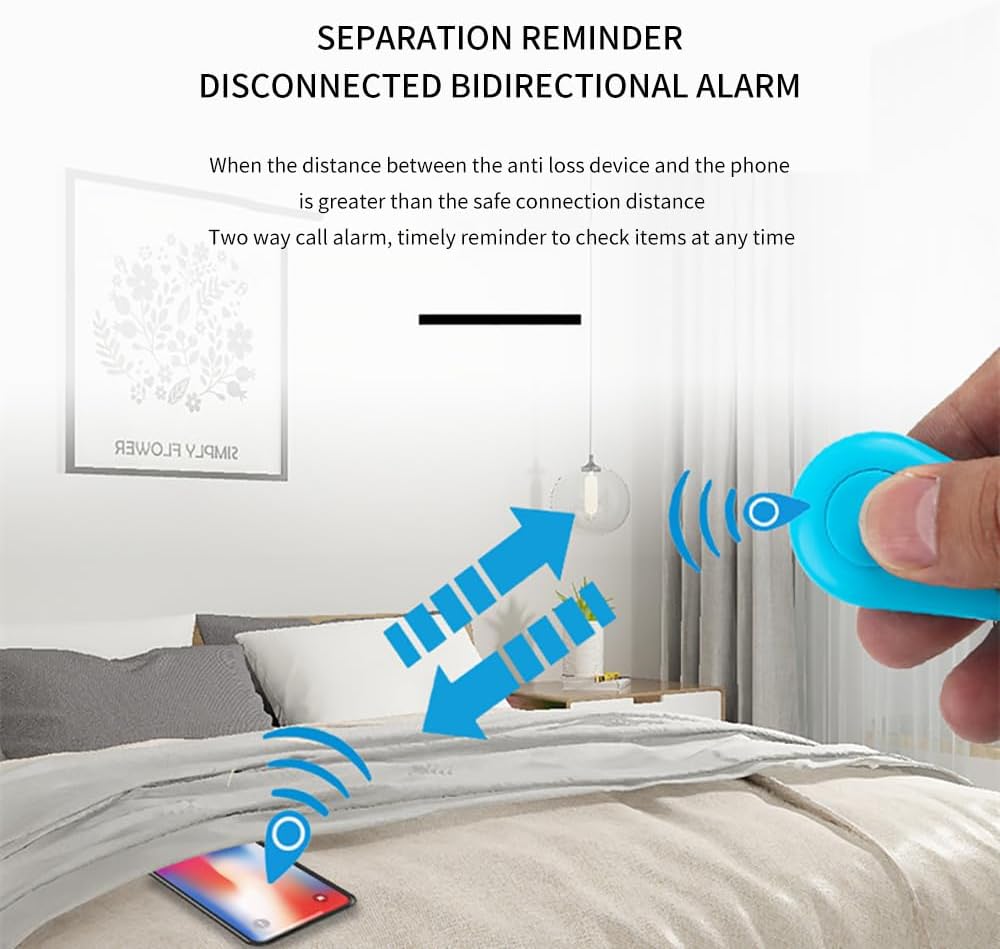
Image: A visual representation of the separation reminder and disconnected bidirectional alarm, showing radio waves indicating communication between the anti-lost device and a smartphone, with an alert triggered when the distance exceeds the safe connection range.
3. Location Tracking
When the anti-lost device disconnects from your phone (e.g., if the item goes out of range), the app will automatically record the last known location where the connection was lost. You can view this location on the app's built-in map, allowing you to retrace your steps and find your lost item. GPS must be enabled on your phone for this feature to function accurately.

Image: A split image showing a map positioning interface on a smartphone, indicating the last recorded location of a lost item, and a lost record interface listing historical disconnection points for easy retrieval.
Maintenance
Battery Replacement
The device uses a standard CR2032 button cell battery. When the battery is low, the device's performance may degrade, or it may stop functioning. To replace the battery:
- Carefully open the device casing. There is usually a small notch or a twist mechanism on the back.
- Remove the old CR2032 battery.
- Insert a new CR2032 battery with the positive (+) side facing up.
- Close the device casing securely.
Refer to the video in the Setup section for a visual guide on handling the device, which includes opening the casing for battery access.
Cleaning
To clean your anti-lost device, gently wipe it with a soft, dry cloth. Do not use liquid cleaners or abrasive materials, as they may damage the device.
Troubleshooting
- Device not connecting: Ensure Bluetooth is on, the device battery is not depleted, and the device is within range. Try restarting both the device and your phone's Bluetooth.
- Alarm not sounding: Check the volume settings on your phone and within the app. Ensure the device is properly paired and connected.
- Inaccurate location tracking: Ensure your phone's GPS and location services are enabled and that the app has permission to access them.
- Short battery life: Ensure you are using a fresh, high-quality CR2032 battery. Excessive use of the alarm function may also drain the battery faster.
Specifications
| Attribute | Value |
|---|---|
| Product Dimensions | 2 x 1.2 x 0.2 inches (5.08 x 3.05 x 0.51 cm) |
| Item Weight | 0.388 ounces (11 grams) |
| ASIN | B0DCP4YK5D |
| Batteries | 1 Nonstandard Battery (CR2032) required (included) |
| Connectivity Technologies | Bluetooth |
| Other Display Features | Wireless |
| Manufacturer | Tread |
| Date First Available | August 9, 2024 |
| Brand | Generic |
| Material | Plastic, Polycarbonate (PC) |
Warranty and Support
For any issues, questions, or support needs regarding your 2024 New Bluetooth Anti-Lost Device, please contact the seller directly through the platform where you purchased the product. Please refer to your purchase documentation for specific warranty information, if applicable.
Ask a question about this manual
Ask about setup, troubleshooting, compatibility, parts, safety, or missing instructions. Manuals+ will review the question and use this page’s manual context to help answer it.