
Introduction
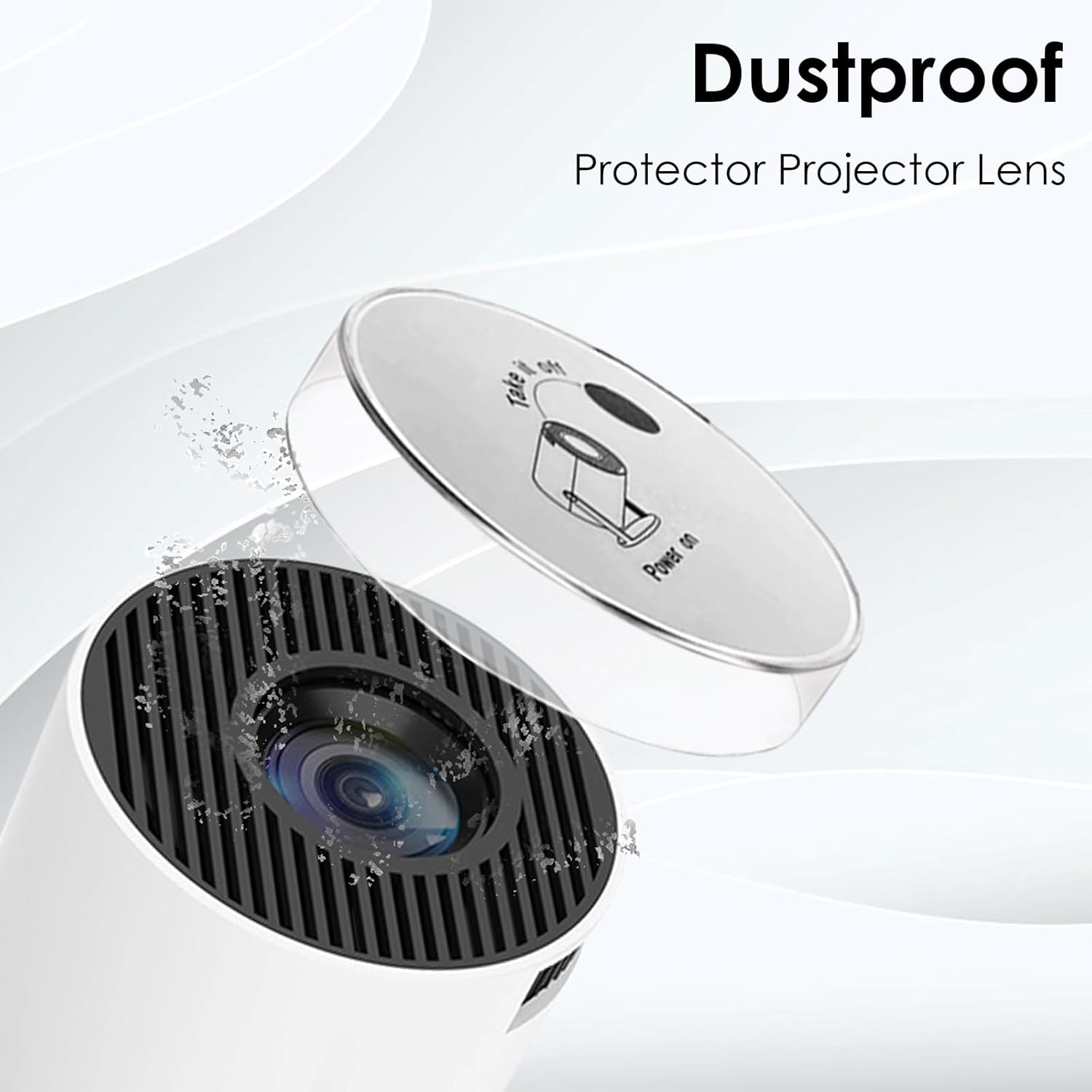
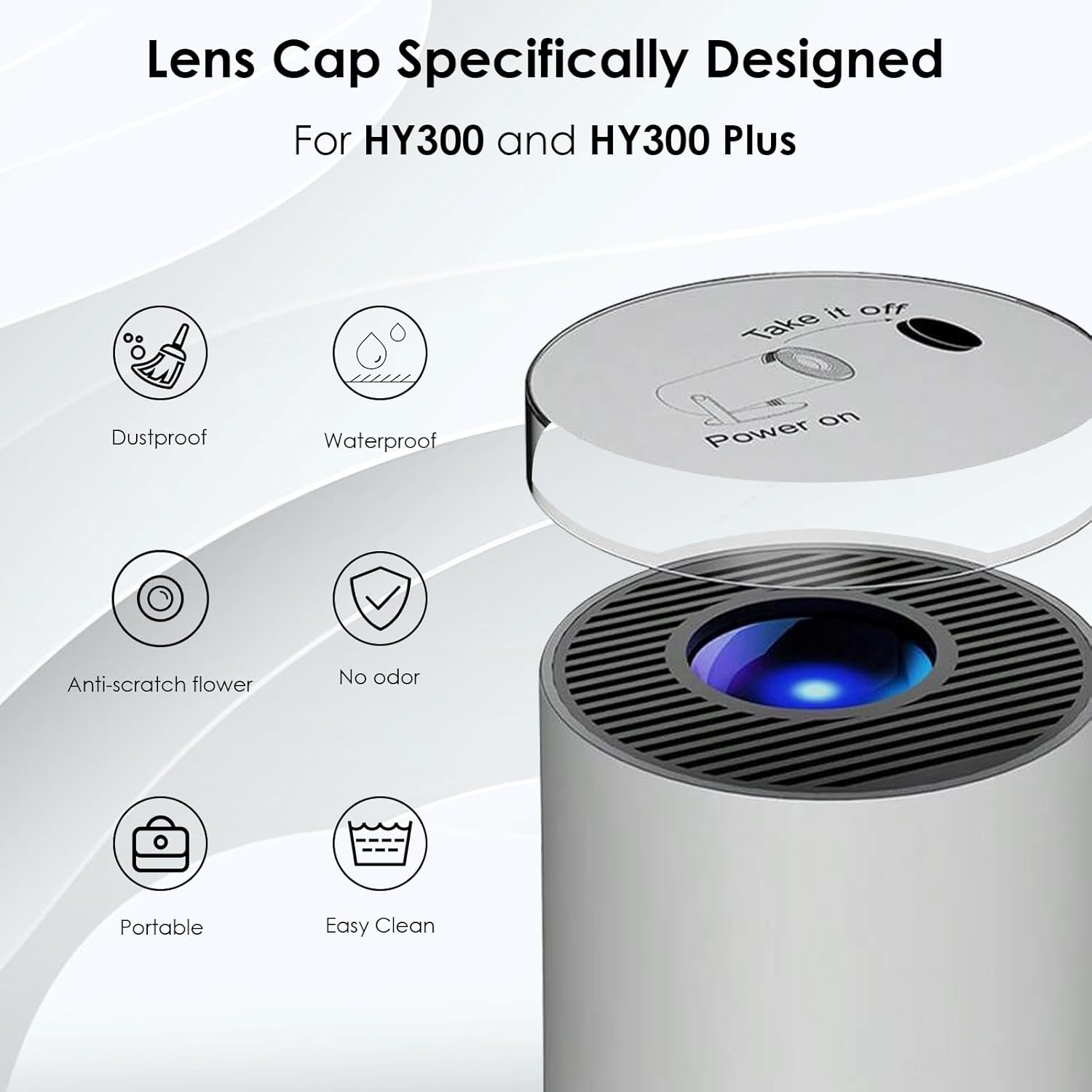
This user manual provides essential information for the proper use and maintenance of your DUPULEE HY300 Projector Lens Protector Cover. This accessory is specifically designed to protect the lens of your HY300, HY300PRO, and HY300PLUS projectors from dust, scratches, and other potential damage, ensuring the longevity and optimal performance of your projector.
Product Features
- High-Quality Material: The lens cap is crafted from premium materials, offering exceptional durability and resistance to damage, effectively shielding your projector lens from dust and scratches.
- Precise Fit: Engineered specifically for the HY300 series projectors, this cover ensures a perfect fit to the lens, facilitating easy installation and providing secure protection.
- Easy Installation and Removal: Designed for user convenience, the lens cap allows for quick attachment and detachment without requiring complex procedures.
- Lightweight Design: Its lightweight construction ensures no additional bulk, preserving the projector's portability and ease of use.
- Protects and Extends Lens Life: The lens cap effectively prevents dust and debris from entering the lens, safeguarding it from damage and contributing to the extended lifespan of your projector.
Package Contents
Please verify that all items are present in the package:
- Projector Lens Cover (1)
Setup and Installation
Follow these steps to properly install and remove the lens protector cover:
Installing the Lens Cover
- Ensure your projector is powered off and the lens is clean.
- Align the lens protector cover with the front lens of your HY300 series projector.
- Gently press the cover onto the lens until it sits securely. The precise fit ensures it stays in place.

Removing the Lens Cover
- Grasp the edge of the lens protector cover.
- Gently pull the cover away from the projector lens. It should detach easily due to its convenient design.

Video Guide: Installation and Removal
This video provides a step-by-step visual guide on how to properly attach and detach the HY300 series projector lens protector cover, ensuring correct usage and maximum protection.
Operating Instructions
The DUPULEE HY300 Projector Lens Protector Cover is designed for straightforward operation. Its primary function is to provide passive protection for your projector's lens.
- Always ensure the lens cover is securely in place when the projector is not in use, during storage, or when transporting the device.
- Remove the lens cover completely before powering on or operating your projector to avoid obstructing the projection.
Maintenance
Proper maintenance will ensure the longevity and effectiveness of your lens protector cover.
- Cleaning: To clean the lens cover, gently wipe it with a soft, dry, lint-free cloth. For stubborn smudges, a slightly damp cloth with plain water can be used, followed by immediate drying. Avoid abrasive cleaners or solvents, as these can damage the material.
- Storage: When not in use, store the lens cover in a clean, dry place, away from direct sunlight or extreme temperatures.
- Inspection: Periodically inspect the cover for any signs of wear, cracks, or damage. Replace the cover if it shows significant damage to ensure continued protection.
Troubleshooting
If you encounter any issues with your lens protector cover, please refer to the following common solutions:
| Problem | Possible Cause | Solution |
|---|---|---|
| Cover does not fit the projector lens. | Incorrect projector model or manufacturing variation. | Ensure your projector is an HY300, HY300PRO, or HY300PLUS model. If it is, contact customer support for assistance. |
| Cover appears cracked or damaged upon arrival. | Shipping damage or manufacturing defect. | Do not use the damaged cover. Contact customer support immediately for a replacement. |
| Cover falls off easily. | Improper installation or wear over time. | Ensure the cover is pressed firmly and evenly onto the lens. If the fit loosens significantly over time, consider replacing the cover. |
Specifications
Key specifications for the DUPULEE HY300 Projector Lens Protector Cover:
| Attribute | Detail |
|---|---|
| Brand Name | DUPULEE |
| Item Weight | 0.317 ounces |
| Package Dimensions | 3.66 x 3.58 x 0.79 inches |
| Country of Origin | China |
| Item Model Number | HY300 & HY300Pro Projector Lens Cover |
| Special Features | Dust-Proof, Portable, Lightweight |

Warranty and Support
For any questions, concerns, or issues regarding your DUPULEE HY300 Projector Lens Protector Cover, please contact the seller or manufacturer directly through your purchase platform. Please have your order details ready for faster assistance.
While specific warranty details are not provided in this manual, most products come with a standard return or replacement policy. Refer to your purchase receipt or the product listing for applicable return windows and conditions.