
1. Introduction
The LewanSoul ESP32-S3 Camera Module is a versatile and powerful vision module designed for various AI and robotics applications. It integrates a 2-megapixel camera with the ESP32-S3 chip, offering dual-mode WiFi and Bluetooth 5.0 communication. This module supports real-time video transmission and advanced AI vision functions such as face recognition, color detection, and line tracking, making it suitable for both educational and development projects.
2. Product Features
- Ultra High Resolution with WiFi Video Transmission: Features a 2-megapixel camera and supports dual-mode network communication for real-time WiFi video transmission.
- Developed upon ESP32-S3 Chip: Powered by the ESP32-S3 chip, it operates at frequencies of up to 240MHz and supports Type-C and IIC communication protocols.
- Intelligent Vision Recognition: The S3 vision module is capable of face recognition, color detection, line tracking, and more, with options for custom recognition features.
- Versatile Compatibility: Works with most main control boards and other platforms for a range of applications.
3. Package Contents
Verify that all items listed below are included in your package:
- ESP32-S3 Vision Module
- USB Cable
- 4PIN Wire
- User Manual


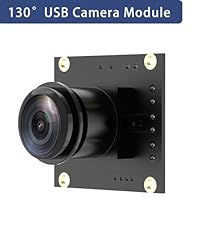
Image: Components included in the ESP32-S3 Vision Module package.
4. Hardware Overview
The ESP32-S3 Camera Module features a compact design with essential ports and components for seamless integration into your projects.
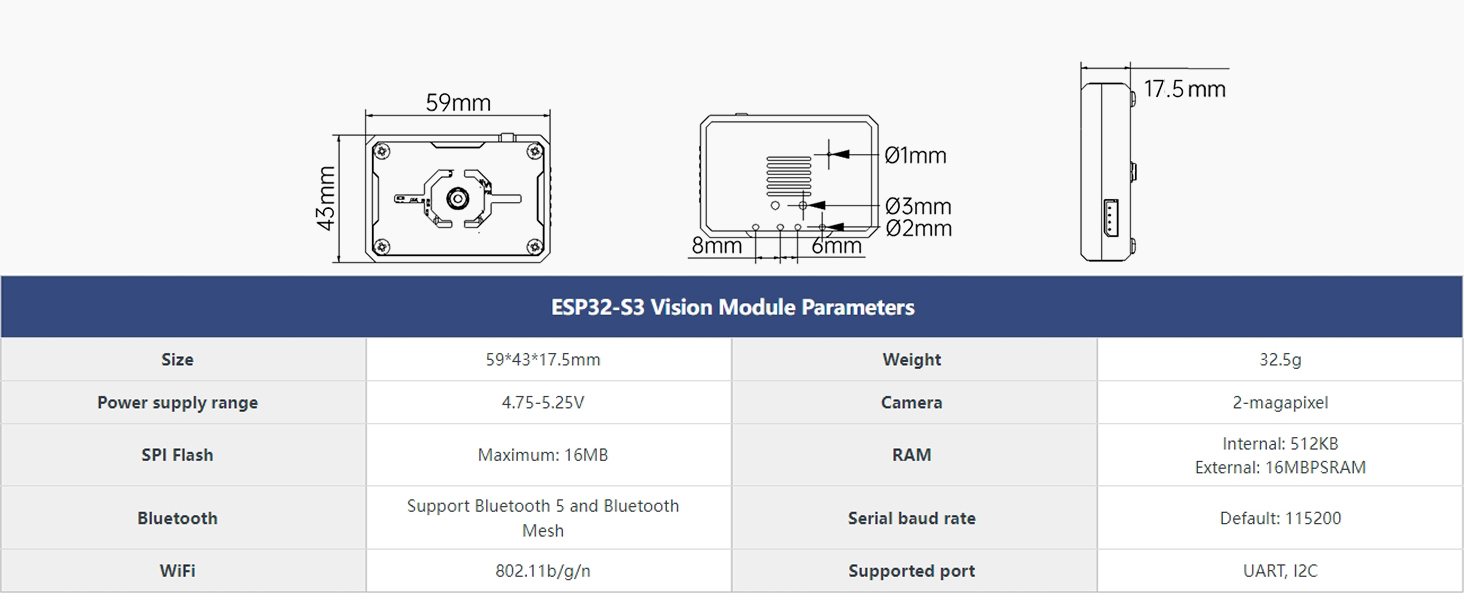
Image: Detailed product diagram showing the USB Port, Custom Key, 2-Megapixel Camera, and IIC Port.
Key Components and Ports:
- ESP32-S3 High-Performance Chip: The core processing unit for the module's operations.
- 2-Megapixel Camera: For image and video capture.
- USB Port (Type-C): Used for serial communication and firmware uploads.
- IIC Port: Secondary development port for connecting to the main controller.
- Custom Key: User-defined expansion options.
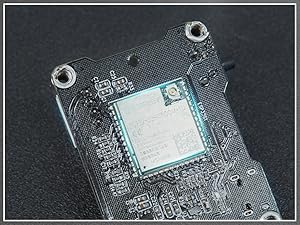
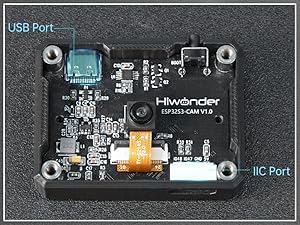
Image: Views of the ESP32-S3 chip and communication ports.
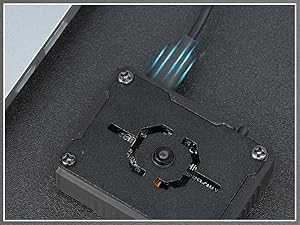
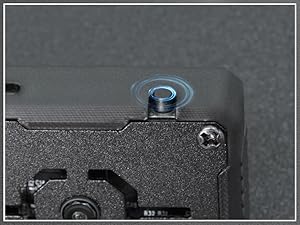
Image: The module with its protective case and custom key, and an illustration of firmware upgrade support.
5. Setup and Connection
The ESP32-S3 Camera Module can be integrated with various development boards using its communication ports. Ensure proper wiring and power supply for stable operation.
Connecting to Main Controllers:
The module supports connection via Type-C USB for serial communication and IIC for secondary development with microcontrollers like Raspberry Pi, STM32, Arduino, Microbit, and other ESP32 boards.
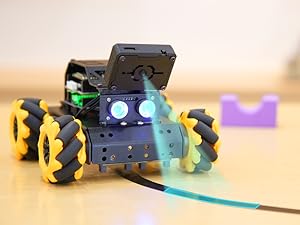
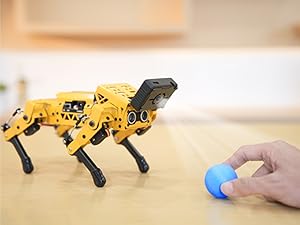
Image: Wiring diagrams illustrating connections to various controllers like Raspberry Pi and Arduino.
6. Operation
6.1. WiFi Video Transmission
The module supports real-time video transmission over WiFi, allowing you to view camera feeds on a PC or mobile device. It operates in two modes: AP Direct Connection and STA Mode.
- AP Direct Connection: The module acts as an access point, allowing direct connection from a computer or mobile device.
- STA Mode: The module connects to an existing WiFi network, enabling access from any device on the same network.

Image: WiFi Communication Mode diagram showing connectivity options.
Video: Demonstration of the ESP32-S3 vision module's capabilities including face recognition, target detection, and line tracking.
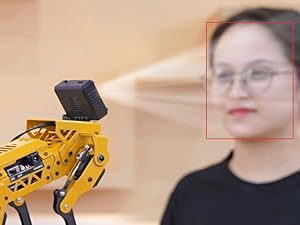
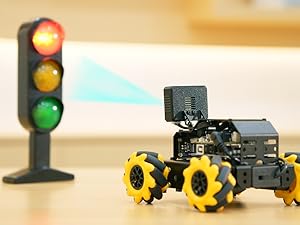
Image: Examples of real-time WiFi video transmission on a PC and a mobile device, demonstrating color detection.
6.2. AI Vision Functions
The ESP32-S3 module is equipped with intelligent vision recognition capabilities, enabling it to perform various tasks:
- Face Recognition: Identify and track human faces.
- Color Tracking: Detect and follow specific colors.
- Line Following: Navigate along a defined line path.
Video: A quadruped robot dog utilizing the ESP32-S3 AI vision module for various programming functions, including color tracking, line following, and face recognition.


Image: Demonstrations of face recognition and line following using the module.

Image: Example of color tracking in action.
7. Specifications
Detailed technical specifications for the LewanSoul ESP32-S3 Camera Module:
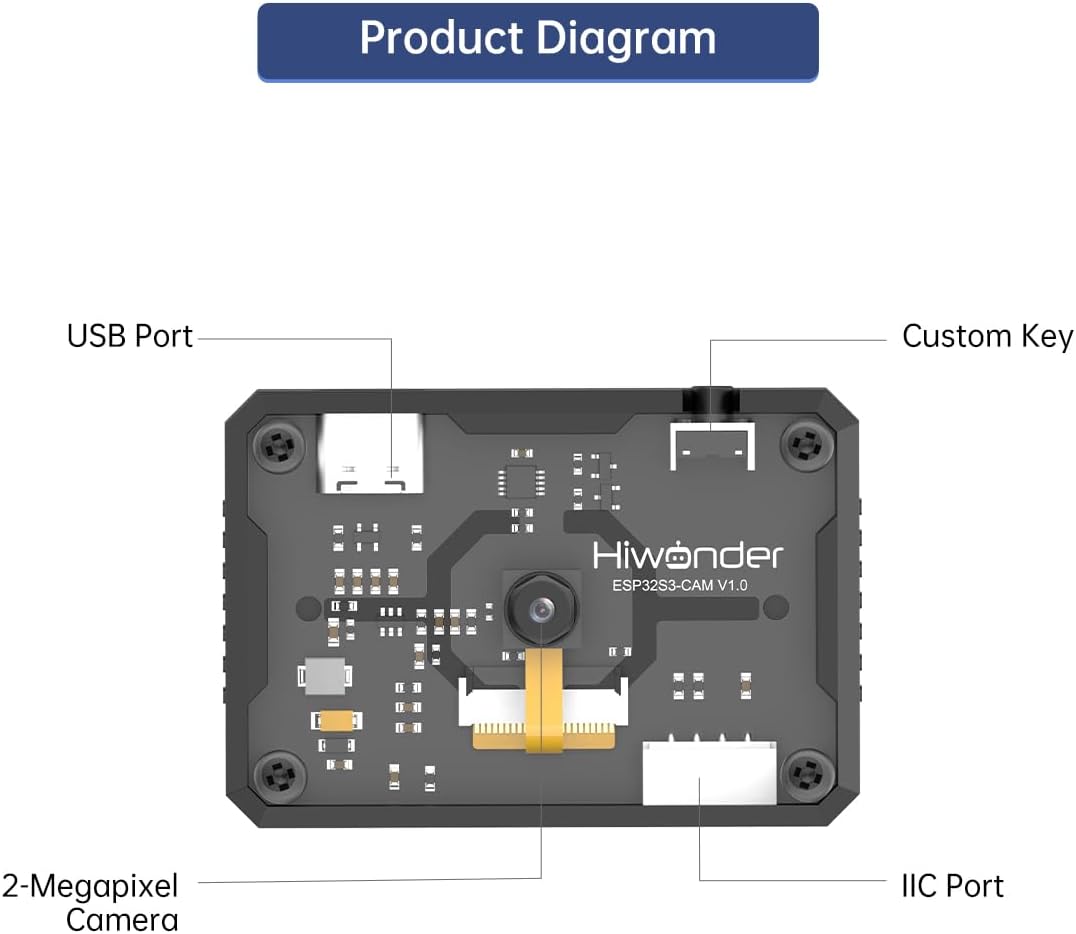
Image: Dimensions of the ESP32-S3 Camera Module.

Image: Comprehensive table of ESP32-S3 Vision Module parameters.
| Specification | Value |
|---|---|
| Brand | LewanSoul |
| Model Name | ESP32-S3 Camera Module |
| CPU Speed | 240 MHz |
| Connectivity Technology | Bluetooth, Wi-Fi |
| Processor Speed | 240 MHz |
| Operating System | Linux (compatible) |
| Processor Brand | Espressif |
| Wireless Compatibility | Bluetooth, Wi-Fi |
| Compatible Devices | Single-board computers or microcontrollers |
| RAM Memory Technology | LPDDR4X |
| Processor Count | 1 |
| Total USB Ports | 1 (Type-C) |
| Camera Resolution | 2-megapixel |
8. Compatibility
The ESP32-S3 Camera Module is designed for broad compatibility with various robotic platforms and development boards, facilitating diverse project implementations.
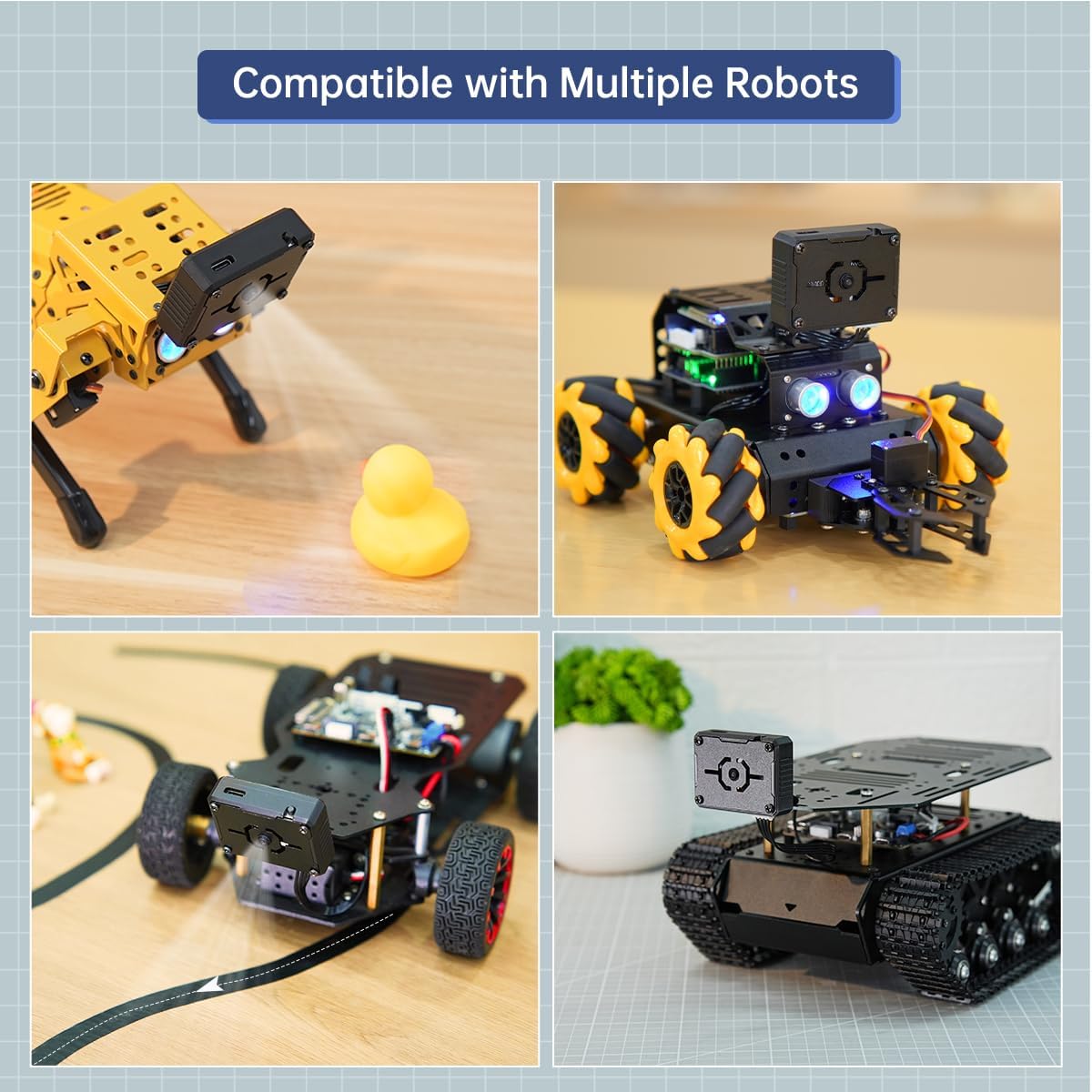
Image: The ESP32-S3 Camera Module integrated with multiple robotic platforms.
Supported Platforms:
- Raspberry Pi
- STM32
- Arduino
- Microbit
- Other ESP32-based development boards
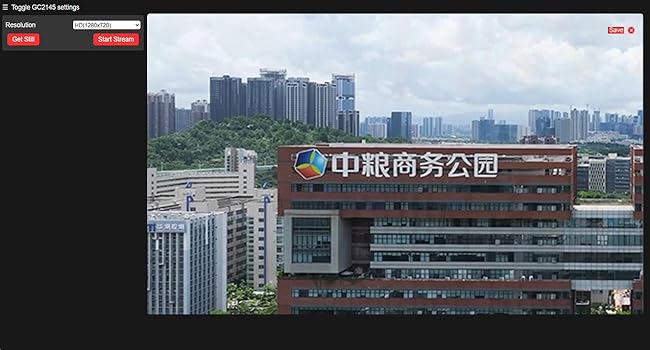

Image: Examples of the module's use with a quadruped robot and a wheeled robot.
9. Troubleshooting
If you encounter issues with your ESP32-S3 Camera Module, consider the following common troubleshooting steps:
- Power Supply: Ensure the module is receiving adequate and stable power (4.75-5.25V). Insufficient power can lead to erratic behavior or failure to power on.
- Connections: Verify all cables (USB, 4PIN wire) are securely connected to both the module and the main control board. Check for any loose or damaged wires.
- Firmware: Confirm that the module has the correct and latest firmware installed. Outdated or corrupted firmware can cause functionality issues. Refer to the manufacturer's website for firmware update instructions.
- Software/Code: If using custom code, ensure it is correctly written and compatible with the ESP32-S3 chip and camera module. Test with known working examples if available.
- Environment: Avoid operating the module in extreme temperatures or high humidity, which can affect performance and longevity.
- Interference: In WiFi transmission issues, check for potential interference from other wireless devices or networks.
For persistent issues, consult the official LewanSoul support resources or community forums for further assistance.
10. Warranty and Support
The LewanSoul ESP32-S3 Camera Module is manufactured by Hiwonder. For detailed information regarding product warranty, technical support, and service, please refer to the official LewanSoul or Hiwonder website. Warranty terms and conditions may vary, and it is recommended to review the specific policy provided by the manufacturer at the time of purchase.
You can typically find support resources, FAQs, and contact information on the manufacturer's official support pages.