
Introduction
This manual provides instructions for the setup, operation, maintenance, and troubleshooting of your OSTAR Silent Wall Clock. This product includes two wall clocks, available in 12-inch and 14-inch sizes, both designed for silent operation without a ticking sound.
Safety Information
- Use only one AA battery (not included) for each clock.
- Do not mix old and new batteries, or different types of batteries.
- Remove batteries if the clock will not be used for an extended period to prevent leakage.
- Dispose of used batteries responsibly according to local regulations.
- Keep the clock away from extreme temperatures, direct sunlight, and high humidity.
Package Contents
Your OSTAR Silent Wall Clock package includes:
- One 12-inch Silent Wall Clock
- One 14-inch Silent Wall Clock (Billiards design)
- User Manual

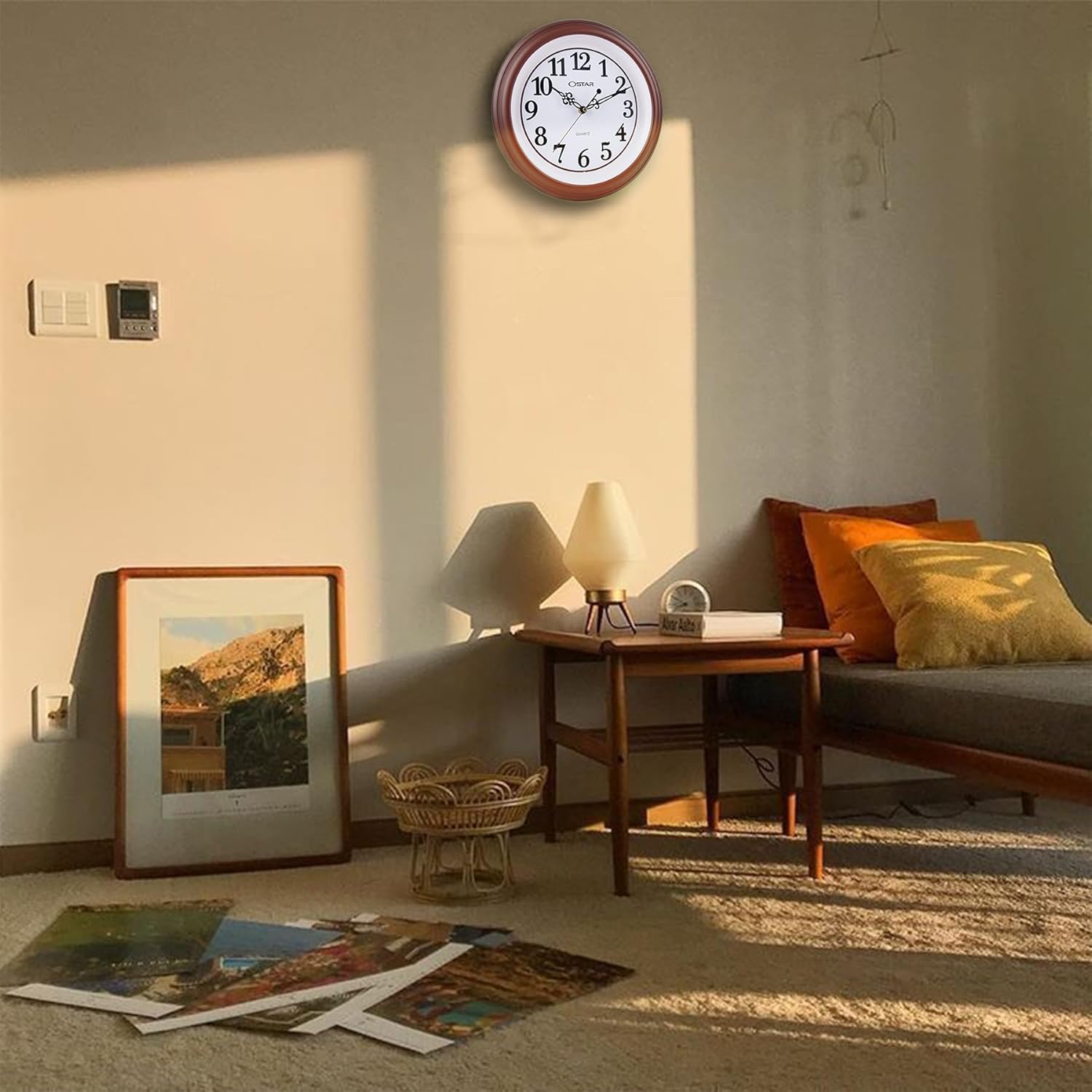
The 12-inch OSTAR Silent Wall Clock features a classic numeral design, ensuring silent timekeeping.

The 14-inch OSTAR Silent Wall Clock features a unique billiards-themed face, designed for quiet operation.
Setup
- Insert Battery: Locate the battery compartment on the back of the clock. Insert one new AA battery, ensuring the polarity (+/-) matches the indicators inside the compartment.
- Set Time: Use the time adjustment knob, typically a small wheel or dial located near the battery compartment, to set the correct time. Rotate the knob until the hour and minute hands display the desired time.
- Mounting: Use the integrated hanging hole on the back of the clock to securely mount it on a wall hook or screw. Ensure the clock is stable and level.

This image illustrates the rear of the OSTAR Silent Wall Clock, highlighting the battery compartment for one AA battery, the time adjustment knob, and the integrated hanging hole for easy wall mounting.
Operating
Once the battery is installed and the time is set, your OSTAR Silent Wall Clock will begin to operate. The analog silent movement ensures accurate timekeeping without any audible ticking sound, making it suitable for quiet environments.
Maintenance
- Cleaning: Wipe the clock face and frame with a soft, dry cloth. Avoid using abrasive cleaners or solvents that may damage the finish.
- Battery Replacement: Replace the AA battery approximately once a year, or when you notice the clock hands slowing down or stopping. Follow the battery insertion steps in the Setup section.
Troubleshooting
- Clock Not Working:
- Check if the battery is inserted correctly with the correct polarity.
- Replace the battery with a new AA battery.
- Inaccurate Time:
- Ensure the time was set accurately using the adjustment knob.
- Replace the battery with a new AA battery, as a low battery can affect accuracy.
Specifications
| Feature | Detail |
|---|---|
| Brand | OSTAR |
| Display Type | Analog |
| Style | Billiards Wall Clock + Silent Wall Clock |
| Special Feature | Silent Clock |
| Product Dimensions (12-inch model) | Approx. 12"W x 12"H (30.5cm x 30.5cm) |
| Power Source | Battery Powered (1 x AA battery per clock) |
| Shape | Round |
| Alarm Clock | No |
Note: The 14-inch model will have corresponding larger dimensions.
This image displays the approximate dimensions of the 12-inch OSTAR Silent Wall Clock, measuring 30.5cm (12 inches) in width and height, with a depth of 4.22cm.
Warranty and Support
For warranty information or technical support, please refer to the contact details provided with your purchase or visit the official OSTAR website. Keep your purchase receipt as proof of purchase.