
CODONOVA CA6
CODONOVA Pro Mini Wireless CarPlay & Android Auto Adapter User Manual
Model: CA6
1. Introduction
The CODONOVA Pro Mini Wireless CarPlay & Android Auto Adapter is designed to seamlessly convert your car's existing wired CarPlay or Android Auto system into a wireless one. This compact device offers a fast, stable, and low-latency connection, enhancing your driving experience by eliminating the need for physical cable connections to your smartphone.

Image: The CODONOVA Pro Mini Wireless CarPlay and Android Auto Adapter, showcasing its compact design and compatibility with both Apple CarPlay and Android Auto applications.

Image: An in-car dashboard view highlighting the adapter's stable data transmission capabilities, promising a more stable, faster, and lower latency connection for your infotainment system.
2. Setup Guide
Follow these simple steps to set up your CODONOVA Pro Mini Wireless Adapter:
- Plug In: Connect the adapter to your car's USB port. Ensure your car supports wired CarPlay or Android Auto.
- Enable Wireless: On your smartphone, turn on both Wi-Fi and Bluetooth.
- Pair and Use: Go to your phone's Bluetooth settings and pair with the CODONOVA adapter. Once paired, your phone's Wi-Fi will automatically connect to the adapter, and the wireless CarPlay or Android Auto interface will appear on your car's display.

Image: A visual guide demonstrating the three-step plug-and-play setup process: plug in, turn on Wi-Fi and Bluetooth, then pair via Bluetooth for automatic reconnection.
Compatibility Check: Before purchasing, ensure your car supports wired CarPlay or Android Auto. For Apple CarPlay, you can verify compatibility by plugging your iPhone into your car using a USB cable. The adapter is compatible with iPhone 6 and above on iOS 10 or later, and cars manufactured since 2016.

Image: Illustrates how to check CarPlay compatibility by connecting an iPhone via USB, and provides a link to Apple's official list of supported models: apple.com/ios/carplay/available-models/.
3. Operating Instructions
Once connected, the CODONOVA adapter allows you to use your car's original control modes for a familiar and intuitive experience.
3.1 Control Modes
- Voice Control: Utilize Siri or Google Assistant for hands-free commands, navigation, and music playback.
- Touch Screen: Interact directly with your car's infotainment display.
- OEM Knob: Use your vehicle's factory-installed control knob for navigation.
- Wheel Control: Access functions directly from your steering wheel controls.

Image: Demonstrates the various control methods supported by the adapter, including voice commands (Siri/Google), touch screen, OEM knob, and steering wheel controls.
3.2 Universal Compatibility
The adapter supports all original CarPlay and Android Auto applications, providing full functionality as if you were connected via a cable.

Image: Showcases the wide range of applications compatible with the adapter, including navigation, music streaming, messaging, and communication apps, all accessible through your car's display.
4. Maintenance
The CODONOVA Pro Mini Wireless Adapter requires minimal maintenance. Keep the device clean and free from dust and moisture. Ensure the USB port in your car is clean to maintain a robust connection.
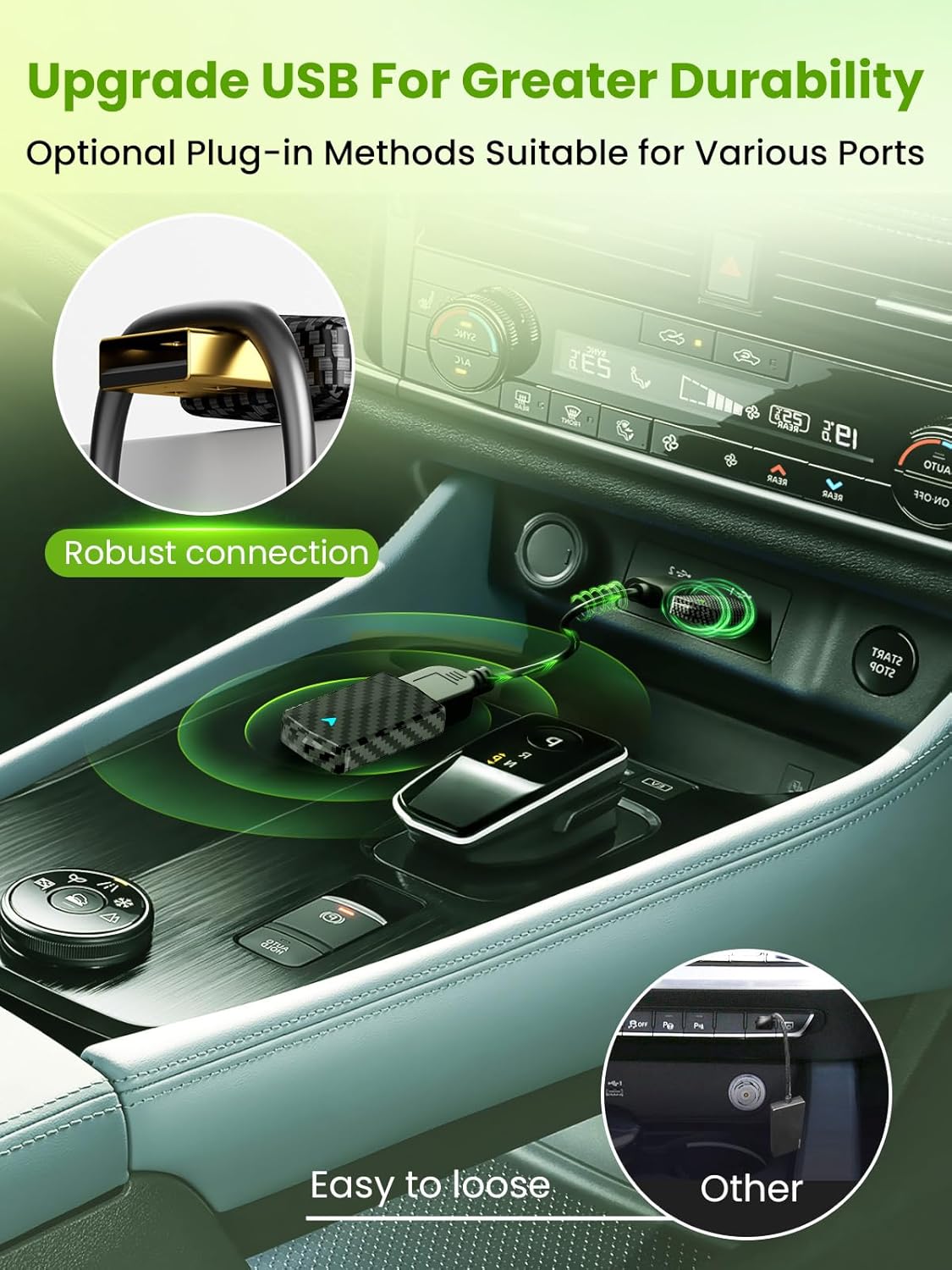
Image: Highlights the robust USB connection design of the adapter, emphasizing its durability and stable connection compared to other less secure options.
5. Troubleshooting
If you encounter issues, refer to the following common problems and solutions:
| Problem | Solution |
|---|---|
| Voice assistant commands (Siri/Google) are not working. | Ensure your phone's microphone is clear and accessible. Check your phone's settings to confirm Siri (for iOS) or Google Assistant (for Android) is enabled and configured correctly. Try clearing your phone's cache. |
| The wireless adapter keeps disconnecting. | This issue is often caused by an overloaded phone cache. Clear your phone's cache and restart both your phone and the car's infotainment system. Ensure the adapter is securely plugged in. |
| How do I know if the adapter is working properly? | Once the adapter is plugged into the USB port, the indicator light will turn red. After the program has finished loading and your phone is paired via Bluetooth, the indicator light will turn blue. |
| Does the adapter support watching videos? | Video applications are not officially supported due to security concerns. |
| Can the adapter be paired with more than one phone? | Yes, the adapter can pair with multiple phones, but only one device can be active at a time. If you wish to pair a new phone, disconnect the currently connected device first. |

Image: A visual representation of common questions and answers regarding the adapter's functionality and troubleshooting tips.
6. Specifications
| Feature | Detail |
|---|---|
| Product Dimensions | 2.09 x 0.43 x 0.94 inches |
| Item Weight | 2.39 ounces |
| Model Number | CA6 |
| Compatible Devices | Smartphone, Tablet |
| Specific Uses | Car Audio & Video |
| Connector Type | USB Type A, USB Type C |
| Manufacturer | CODONOVA |
| Date First Available | August 7, 2024 |

Image: Showcases the compact dimensions of the adapter (2.09 x 0.43 x 0.94 inches) and its mini design with dual indicator lights for clear feedback, illustrating how it fits discreetly in various car console locations.
7. Warranty and Support
CODONOVA is committed to providing excellent customer service and product quality assurance.
- 24 Hours Online Customer Service: Our support team is available around the clock to assist you with any inquiries or issues.
- 7-Day No Reason Return: Enjoy a 7-day period for returns, refunds, or replacements without needing a specific reason.
- 2 Years Warranty Quality Assurance: Your product is covered by a 2-year warranty, ensuring quality and peace of mind.

Image: Details the customer support offerings, including 24-hour online service, a 7-day return policy, and a 2-year quality assurance warranty.
Related Documents - CA6
 |
Candy Bake Ovens and Combi Microwaves Installation Manual This comprehensive installation manual from Candy provides essential guidance for kitchen manufacturers and installers. It details safety procedures, dimensions, ventilation requirements, and electrical connections for Candy Bake Ovens and Candy Bake Combi Microwaves, ensuring proper setup and optimal performance. |
 |
User Manual for 2in1 Wireless CarPlay & Android Auto Adapter This user manual provides instructions and troubleshooting for the 2in1 Wireless CarPlay & Android Auto Adapter, enabling seamless smartphone integration with car infotainment systems. |
 |
CarlinKit 5.0 無線 CarPlay/Android Auto 轉接器使用說明書 CarlinKit 5.0 轉接器可將您的汽車升級為無線 CarPlay 和無線 Android Auto,提供自動連接和便捷的無線體驗。本說明書包含連接步驟、規格和售後服務資訊。 |
 |
SmartBox Wireless CarPlay & Android Auto Adapter: Instruction Manual Comprehensive instruction manual for the SmartBox Wireless Adapter, enabling wireless Apple CarPlay and Android Auto. Covers setup, compatibility, usage, and troubleshooting for seamless car infotainment integration. |
 |
OttoAdapter MX: Frequently Asked Questions and Troubleshooting Find answers to common questions and solutions for troubleshooting issues with the OttoAdapter MX, a device that enables wireless Apple CarPlay and Android Auto connectivity in your vehicle. |
 |
HEYINCAR+ Wireless CarPlay Adapter User Manual - Seamless iPhone & Android Auto Integration Comprehensive user manual for the HEYINCAR+ Wireless CarPlay Adapter. Learn how to easily set up and use wireless CarPlay and Android Auto for compatible vehicles and iPhones. Includes troubleshooting and compatibility information. |
Ask a question about this manual
Ask about setup, troubleshooting, compatibility, parts, safety, or missing instructions. Manuals+ will review the question and use this page’s manual context to help answer it.