
1. Introduction
This manual provides detailed instructions for the proper use and maintenance of your LaoZiCao A8 1080P HD Body Worn Camera. Please read this manual thoroughly before operating the device to ensure optimal performance and longevity. The LaoZiCao A8 is a compact and versatile body camera designed for various recording needs, featuring 1080P HD video, night vision, and loop recording capabilities.
2. Product Overview
2.1 Key Features
- Full HD 1080P Video Recording: Captures video at 30 frames per second with a 180° wide-angle lens.
- 12 Megapixel Photo Recording: Allows capturing still images of important moments.
- Night Vision: Equipped with 4 infrared night vision lights for recording in low-light conditions.
- Motion Detection: Automatically starts recording when motion is detected.
- Loop Recording: Overwrites the oldest footage when the memory card is full, ensuring continuous recording.
- Extended Battery Life: Up to 5 hours of wireless video recording on a single charge. Supports continuous recording while charging.
- Portable Clip-On Design: Slim and lightweight with a built-in clip for easy attachment to clothing or bags.
- Mobile Wireless Interconnection: Connects to a smartphone app for real-time viewing and video download.
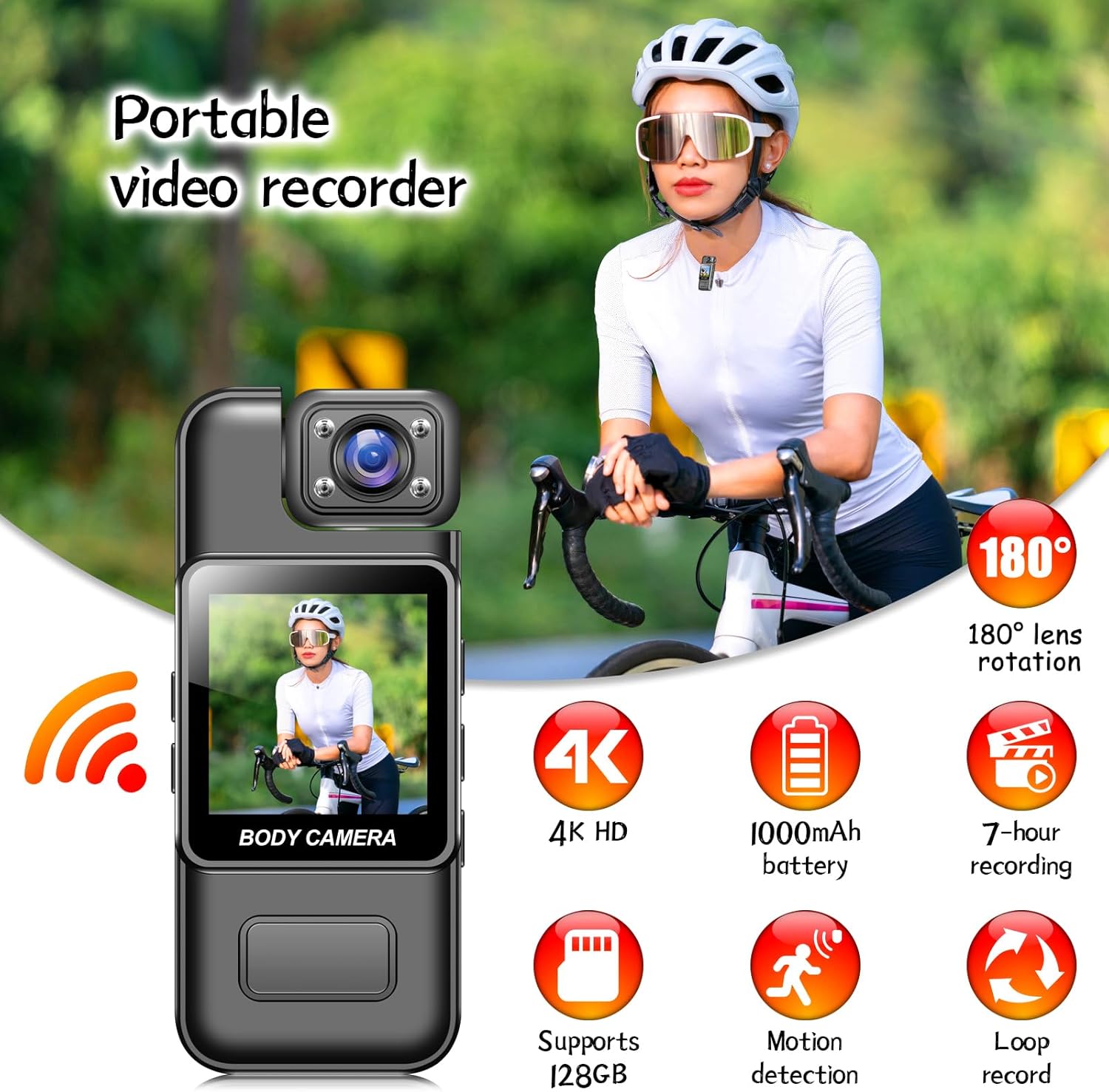
Image: The LaoZiCao A8 Body Worn Camera features a 180-degree rotating lens and a display screen. Icons indicate support for battery life, recording duration, SD card, motion detection, and loop recording.
2.2 What's in the Box
- LaoZiCao A8 Body Worn Camera
- Back Clip
- USB Cable
- SD Card Reader
- User Manual (this document)
- Note: Memory card is not included and must be purchased separately.
3. Setup
3.1 Inserting the Memory Card
Locate the memory card slot on the camera. Gently insert a compatible SD card (Class 10 or higher recommended, up to 128GB) into the slot until it clicks into place. Ensure the camera is powered off before inserting or removing the memory card.
3.2 Charging the Camera
Before first use, fully charge the camera. Connect the camera to a USB power adapter (not included) or a computer's USB port using the provided USB cable. The charging indicator light will typically show red while charging and turn off or change color when fully charged. A full charge provides approximately 5 hours of recording time. The camera supports continuous recording while connected to a power source.
3.3 Attaching the Back Clip
The camera comes with a built-in back clip for easy attachment. Position the camera on your backpack, belt loop, or other suitable location and secure it using the clip. This allows for hands-free operation.

Image: The LaoZiCao A8 Body Worn Camera demonstrating its portable clip-on design, easily attaching to clothing for hands-free use.
3.4 Setting Date, Time, and Watermark
To set the date, time, and enable/disable the video watermark, connect the camera to a computer. A removable disk drive will appear. Locate a text file (e.g., "time.txt" or "settings.txt") on the root directory of the memory card. Open this file and modify the date and time format as specified within the file. Save the changes and safely eject the camera from your computer. The settings will be applied upon the next power-on.
4. Operating Instructions
4.1 Powering On/Off
To power on the camera, press and hold the Power button for a few seconds until the indicator light illuminates. To power off, press and hold the Power button again until the indicator light turns off.
4.2 Video Recording
With the camera powered on, press the Video Record button once to start recording. The indicator light will typically flash to indicate recording is in progress. Press the Video Record button again to stop recording. Videos are saved to the inserted memory card in AVI format.
4.3 Photo Recording
While the camera is powered on, press the Photo button (if available, or refer to specific button layout) to capture a still image. Photos are saved to the memory card in JPEG format.
4.4 Night Vision Mode
The camera is equipped with 4 infrared night vision lights. To activate night vision, refer to the camera's specific button or menu option. In automatic mode, the camera may switch to night vision in low-light conditions. Night vision allows for clear recording in dark environments.

Image: The camera's screen allows for real-time preview of recordings. It supports infrared night vision, with the ability to record while charging.
4.5 Motion Detection
To enable motion detection, refer to the camera's menu or specific button. When activated, the camera will automatically begin recording when it detects movement within its field of view and stop when motion ceases. This feature helps conserve memory and battery life.
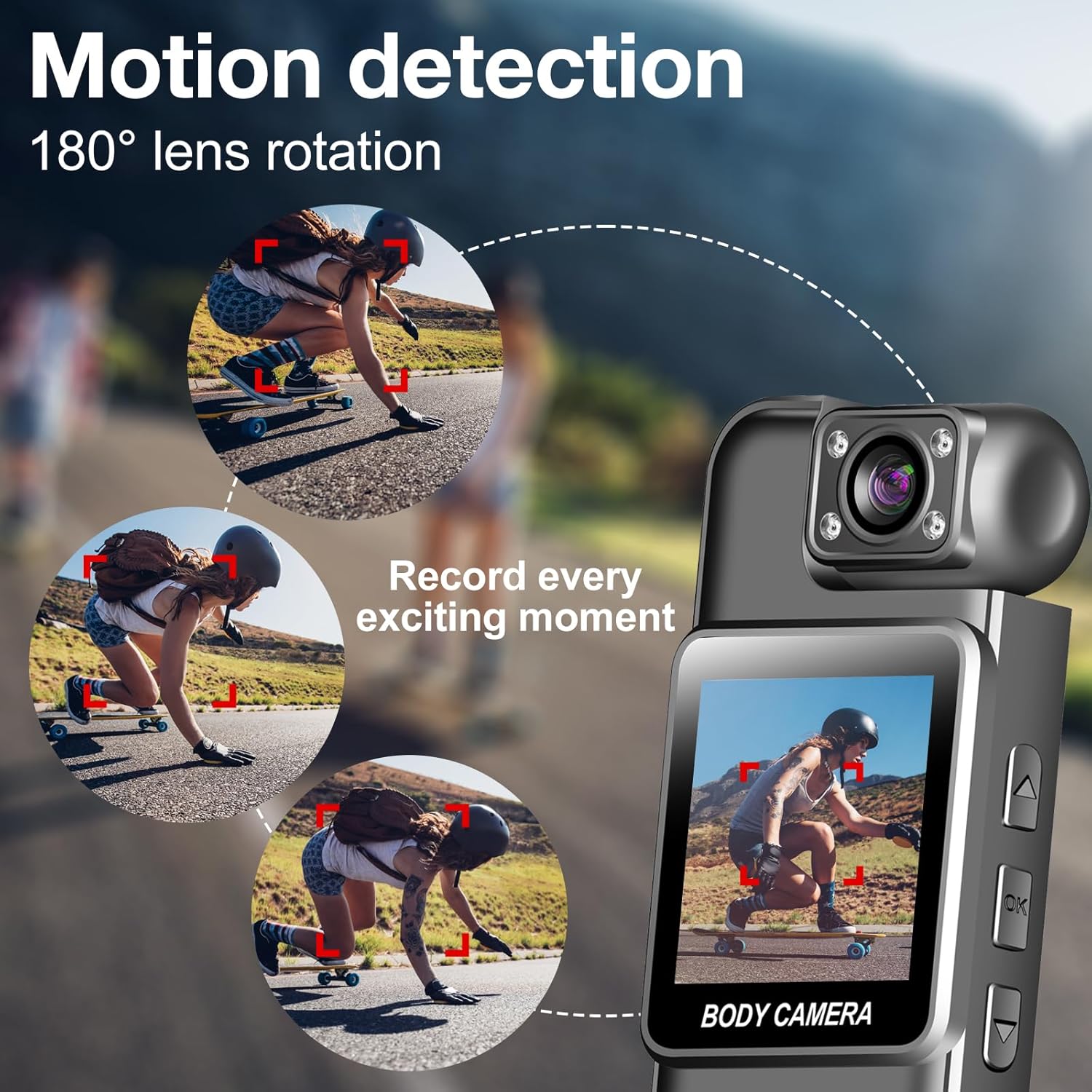
Image: This image illustrates the camera's motion detection feature, highlighting its 180-degree rotating lens which allows it to capture movement across a wide range of angles.
4.6 Loop Recording
The camera supports loop recording. When the memory card is full, the camera will automatically delete the oldest video files to make space for new recordings. This ensures continuous operation without manual intervention. Ensure this feature is enabled in settings if desired.
4.7 Mobile Wireless Interconnection (Wi-Fi)
The camera can connect wirelessly to your smartphone via a dedicated app. Download the official app (refer to product packaging or manufacturer website for app name). Once the app is open on your phone, it will automatically connect to the camera, allowing you to view live footage, play back recorded videos, and download them to your phone in real-time.

Image: This image illustrates the camera's mobile wireless interconnection feature, where the device connects to a smartphone app, enabling users to view live footage and download recorded videos directly to their phone.
4.8 Accessing Recordings
To access recorded videos and photos, you can either:
- Connect the camera directly to a computer using the USB cable. The camera will appear as a removable disk drive.
- Remove the SD card from the camera and insert it into the provided SD card reader, then connect the reader to your computer.
- Use the mobile wireless interconnection feature to view and download files directly to your smartphone.
5. Maintenance
- Cleaning: Use a soft, dry cloth to clean the camera body and lens. Do not use liquid cleaners, especially those containing alcohol or harsh chemicals, as this may damage the device or lens coating. The camera is not water resistant; avoid exposure to liquids.
- Storage: Store the camera in a cool, dry place away from direct sunlight and extreme temperatures.
- Battery Care: To prolong battery life, avoid fully discharging the battery frequently. If storing for extended periods, charge the battery to about 50% every few months.
- Firmware Updates: Check the manufacturer's website periodically for any available firmware updates to ensure optimal performance and new features.
6. Troubleshooting
6.1 Camera Not Turning On
- Ensure the battery is charged. Connect the camera to a power source and allow it to charge for at least 30 minutes before attempting to power on again.
- Verify that the power button is being pressed and held for the required duration.
6.2 Recording Issues (No Recording, Corrupted Files)
- Check if a memory card is properly inserted and has sufficient free space.
- Ensure the memory card is formatted correctly (FAT32 recommended). Format the card using the camera's settings (if available) or on a computer.
- Use a high-speed SD card (Class 10, U1, or V10 minimum) to ensure stable recording.
- If loop recording is enabled, older files will be overwritten.
6.3 Poor Video/Photo Quality
- Ensure the lens is clean and free from smudges or dust.
- Verify that the recording resolution is set to 1080P in the camera settings (if adjustable).
- Ensure adequate lighting. For low-light conditions, activate night vision.
6.4 Mobile App Connection Failure
- Ensure Wi-Fi is enabled on both the camera and your smartphone.
- Confirm you are using the correct official app for the LaoZiCao A8.
- Restart both the camera and your smartphone, then try connecting again.
- Check for any app updates.
7. Specifications
| Feature | Specification |
|---|---|
| Model Number | A8 |
| Video Resolution | 1080p (Full HD) |
| Effective Still Resolution | 12 MP |
| Video Capture Resolution | 1080p |
| Viewing Angle | 180 Degrees (Wide Angle Lens) |
| Flash Memory Type | SD (up to 128GB supported) |
| Video Capture Format | AVI |
| Supported Audio Format | WAV |
| Connectivity Technology | USB, Wi-Fi |
| Special Features | HD Resolution, Motion Detection, Night Vision, Loop Recording |
| Battery Average Life | 5 Hours (recording) |
| Water Resistance Level | Not Water Resistant |
| Color | Black |
| Manufacturer | LaoZiCao |
| UPC | 784728866260 |
8. Warranty and Support
Information regarding product warranty and customer support was not provided in the product details. Please refer to the product packaging or the manufacturer's official website for specific warranty terms and contact information for technical support.


