
1. Introduction
This manual provides instructions for the installation, maintenance, and general use of the ENOIAMYF Mop Support, a replaceable accessory designed for the Liectroux ZK901 Robot Vacuum Cleaner. Proper installation and care ensure optimal performance of your robot vacuum's mopping function.
2. Package Contents
Verify that all items are present in the package:
- 1 x Mop Support (Black or White, depending on your selection)
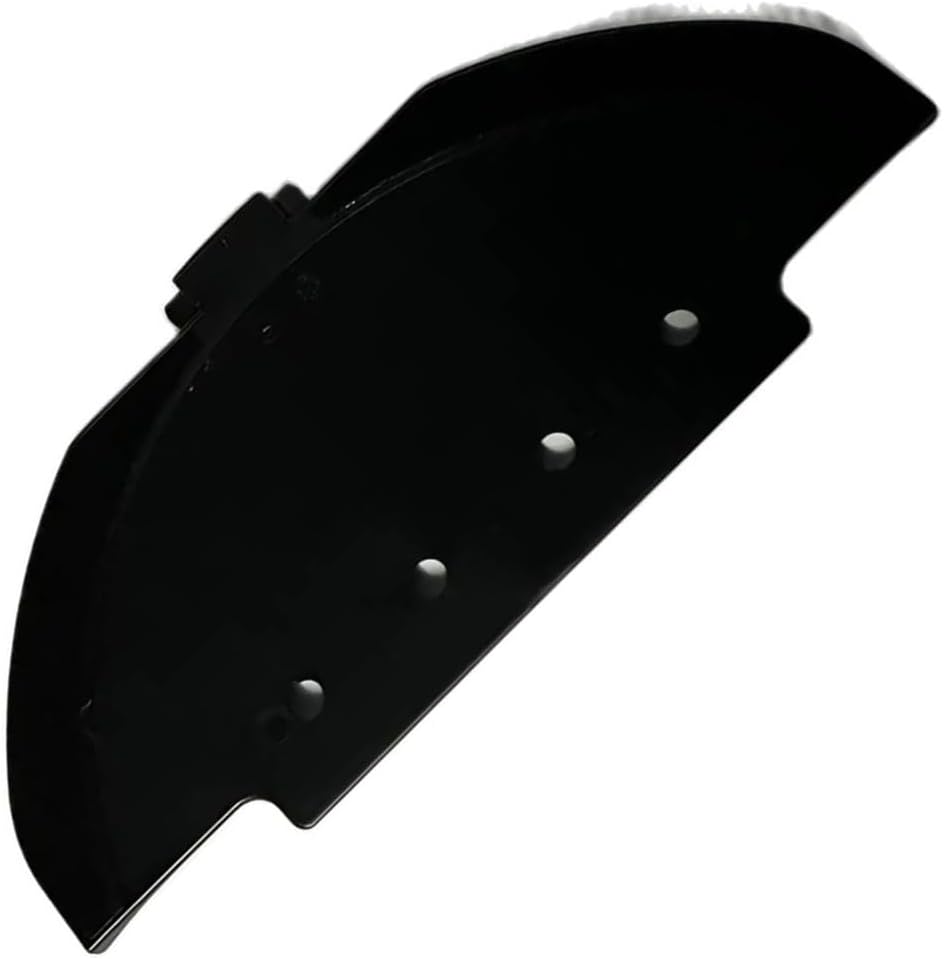
Image 1: Angled view of the ENOIAMYF Mop Support.
3. Installation Instructions
Follow these steps to properly install the mop support onto your Liectroux ZK901 robot vacuum cleaner:
- Step 1: Prepare the Robot Vacuum. Turn off your Liectroux ZK901 robot vacuum cleaner and place it upside down on a clean, flat surface.
- Step 2: Locate the Mop Support Area. Identify the designated area on the underside of the robot vacuum where the mop support attaches. This is typically at the rear of the device.
- Step 3: Align the Mop Support. Carefully align the new mop support with the attachment points on the robot vacuum. Ensure the clips or grooves match the corresponding slots.
- Step 4: Secure the Mop Support. Gently press the mop support into place until it clicks securely. Verify that it is firmly attached and does not wobble.
- Step 5: Attach Mop Cloth (Optional). If you are also installing a mop cloth, slide it onto the mop support, ensuring it covers the entire surface and is properly secured.

Image 2: Underside of the Liectroux ZK901 robot vacuum with the mop support and cloth installed.
4. Operation and Function
The ENOIAMYF Mop Support is an integral part of your Liectroux ZK901 robot vacuum's mopping system. Once installed, it holds the mop cloth firmly in place, allowing the robot to effectively clean various floor surfaces.
- Enhanced Cleaning: The mop support ensures consistent contact between the mop cloth and the floor, improving the removal of stains and dirt.
- Versatile Application: Suitable for use on wooden floors, tiles, marble, and other hard floor surfaces.
5. Maintenance
Regular maintenance of the mop support and associated components is crucial for maintaining the cleaning performance of your robot vacuum.
- Clean the Mop Cloth: After each use, remove the mop cloth from the support and wash it thoroughly. Allow it to air dry completely before reattaching or storing.
- Inspect the Mop Support: Periodically check the mop support for any signs of wear, damage, or accumulation of debris. Clean any dust or hair that may have collected around the attachment points.
- Replacement: The mop support is a replaceable part. If it becomes damaged or worn, replace it with a new ENOIAMYF Mop Support to ensure optimal mopping performance.

Image 3: Top view of the ENOIAMYF Mop Support, showing attachment points.
6. Troubleshooting
If you encounter issues with the mop support, consider the following:
- Mop Support Not Attaching Securely: Ensure the mop support is correctly aligned with the robot vacuum's attachment points. Apply gentle, even pressure until it clicks into place. Check for any obstructions.
- Poor Mopping Performance: Verify that the mop cloth is clean and properly attached to the support. Ensure the water tank (if applicable to your robot model) is filled and functioning correctly. The mop support itself should be free from damage.
- Unusual Noise from Mop Area: Inspect the mop support and the area around it for any foreign objects or damage. Ensure the mop support is installed correctly and not loose.
7. Specifications
| Feature | Detail |
|---|---|
| Product Name | Mop Support |
| Compatibility | Liectroux ZK901 Robot Vacuum Cleaner |
| Material | Durable Plastic |
| Color Options | Black, White (depending on variant) |
| Item Weight | 1.76 ounces (approx. 50g) |
| Package Dimensions | 0.39 x 0.39 x 0.39 inches (approx. 1 x 1 x 1 cm) |
8. Customer Support
For any questions regarding the ENOIAMYF Mop Support or its compatibility with your Liectroux ZK901 robot vacuum cleaner, please contact our customer service. We are committed to providing assistance and will respond to inquiries within 24 hours.
Note: The color of the product in images may vary slightly from the actual product due to lighting and monitor differences. Allowable measurement error is +/-1-3cm.