
1. Product Overview
The DUDUAUTO HD AHD 1080P Night Vision Rear Camera is an essential automotive accessory designed to enhance your driving safety and visibility. It features a high-resolution 1080P AHD camera lens, providing crisp and detailed video footage. Advanced night vision technology ensures clear visibility even in low-light conditions, making reversing safer at any time of day.
Its robust, IP68 waterproof construction protects the camera from various harsh weather conditions, including rain and snow. The camera offers versatile mounting options, suitable for rear view applications, and includes a 6-meter (19.7-foot) cable for easy integration with compatible Android radio systems, providing a convenient and user-friendly experience.
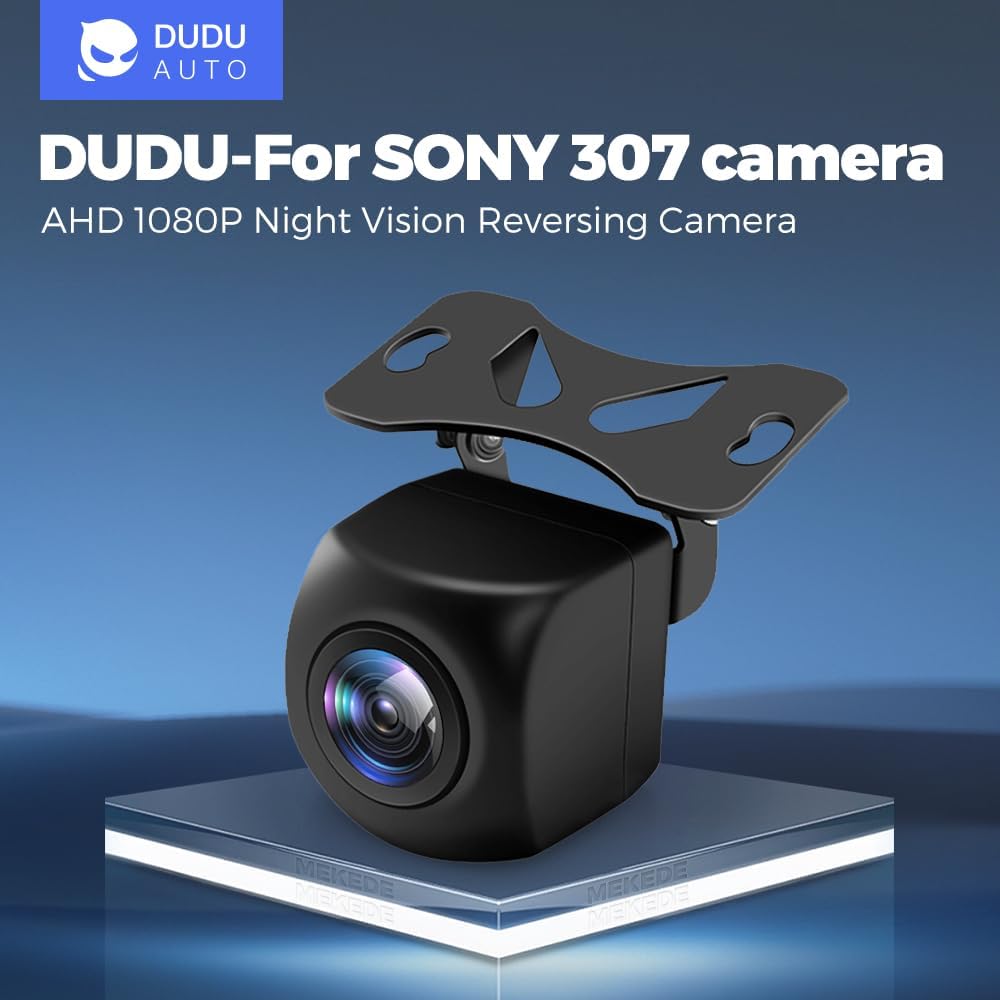
Figure 1: DUDUAUTO HD AHD 1080P Night Vision Rear Camera with mounting bracket.
2. What's in the Box
Upon opening the package, please ensure all items are present and in good condition:
- 1 x DUDUAUTO HD AHD 1080P Night Vision Rear Camera
- 1 x 6-meter (19.7-foot) Video/Power Cable
- Mounting Hardware (screws, brackets)
- User Manual (this document)
3. Specifications
| Feature | Detail |
|---|---|
| Model | Rear Camera |
| Resolution | 1080P AHD |
| Night Vision | Yes |
| Waterproof Rating | IP68 |
| Cable Length | 6 meters (19.7 feet) |
| Optical Sensor Technology | CMOS |
| Lens Type | Wide Angle |
| Real Angle of View | 120 Degrees |
| Connector Type | RCA |
| Product Dimensions | 2 x 2 x 2 inches |
| Item Weight | 9.6 ounces |

Figure 2: Detailed view of the camera lens and its core technologies (1080P Resolution, 307 Powerful chip, AHD signal, WDR).
4. Setup and Installation
This section guides you through the installation process of your DUDUAUTO Rear Camera. Professional installation is recommended for optimal results.
4.1 Mounting the Camera
The camera is designed for versatile mounting, typically near the license plate or on the rear bumper. The included bracket facilitates easy installation.
- Choose a central location on the rear of your vehicle that provides an unobstructed view.
- Secure the camera using the provided screws and mounting bracket. Ensure it is firmly attached to withstand vehicle vibrations and movement.
- The camera's IP68 waterproof rating ensures durability against water and dust, making it suitable for external mounting.
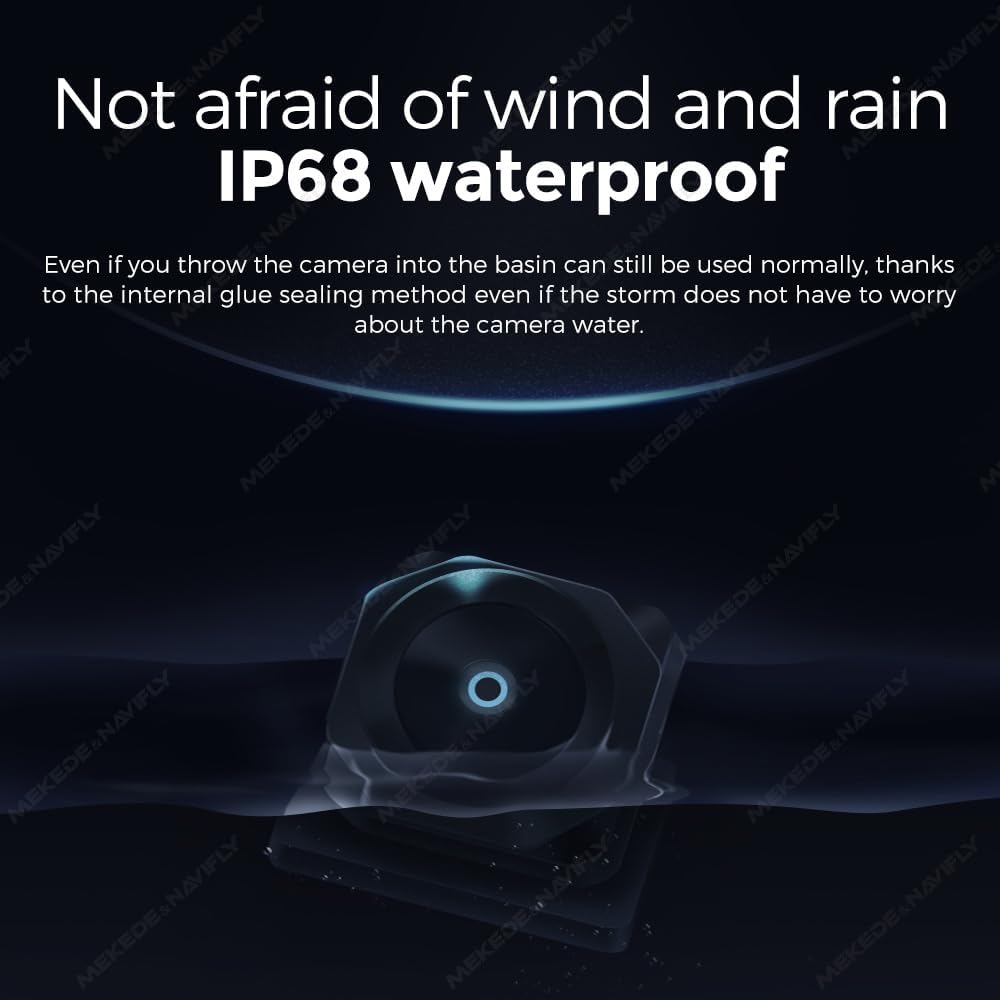
Figure 3: The camera's IP68 waterproof design ensures reliable operation in various weather conditions.
4.2 Wiring Connections
The camera requires power, ground, and a video signal connection to your Android radio system. The 6-meter cable provides ample length for most vehicle installations.
- Power Connection (Red Wire): Connect the red power wire from the camera's cable to the vehicle's reverse light circuit. This ensures the camera activates automatically when the vehicle is put into reverse.
- Ground Connection (Black Wire): Connect the black ground wire to a suitable metal chassis point on the vehicle, ensuring a secure connection.
- Video Signal (Yellow RCA Connector): Route the yellow RCA video cable from the camera to the video input on your compatible Android radio system.
- Reverse Trigger Wire (often a thin red wire integrated with the RCA cable): This wire needs to be connected to the reverse trigger input on your Android head unit. This tells the head unit to switch to the camera display when reverse gear is engaged.
- Secure all wiring using zip ties or electrical tape, ensuring it is protected from moving parts, heat, and sharp edges.
Video 1: This video demonstrates the general wiring and installation process for a backup camera, including connecting to reverse lights and routing cables to the head unit. Note that specific vehicle wiring may vary.
5. Operating Instructions
The DUDUAUTO Rear Camera is designed for simple, automatic operation.
5.1 Automatic Activation
Once properly installed and wired to your vehicle's reverse lights and Android radio, the camera will automatically activate and display the rear view on your head unit screen when you shift your vehicle into reverse gear.
5.2 Enhanced Visibility Features
- 1080P HD Resolution: Provides a clear and detailed image of the area behind your vehicle.
- Night Vision: Utilizes advanced technology to offer improved visibility in low-light conditions, ensuring safety during nighttime reversing.
- 120-Degree Wide-Angle View: Offers a broad perspective, minimizing blind spots and aiding in safer maneuvering.
- Adjustable Trajectory Lines: The camera system may display dynamic parking guidelines that adjust with your steering wheel, providing accurate visual assistance for parking and reversing.

Figure 4: Illustration of adjustable trajectory lines for accurate reversing assistance.
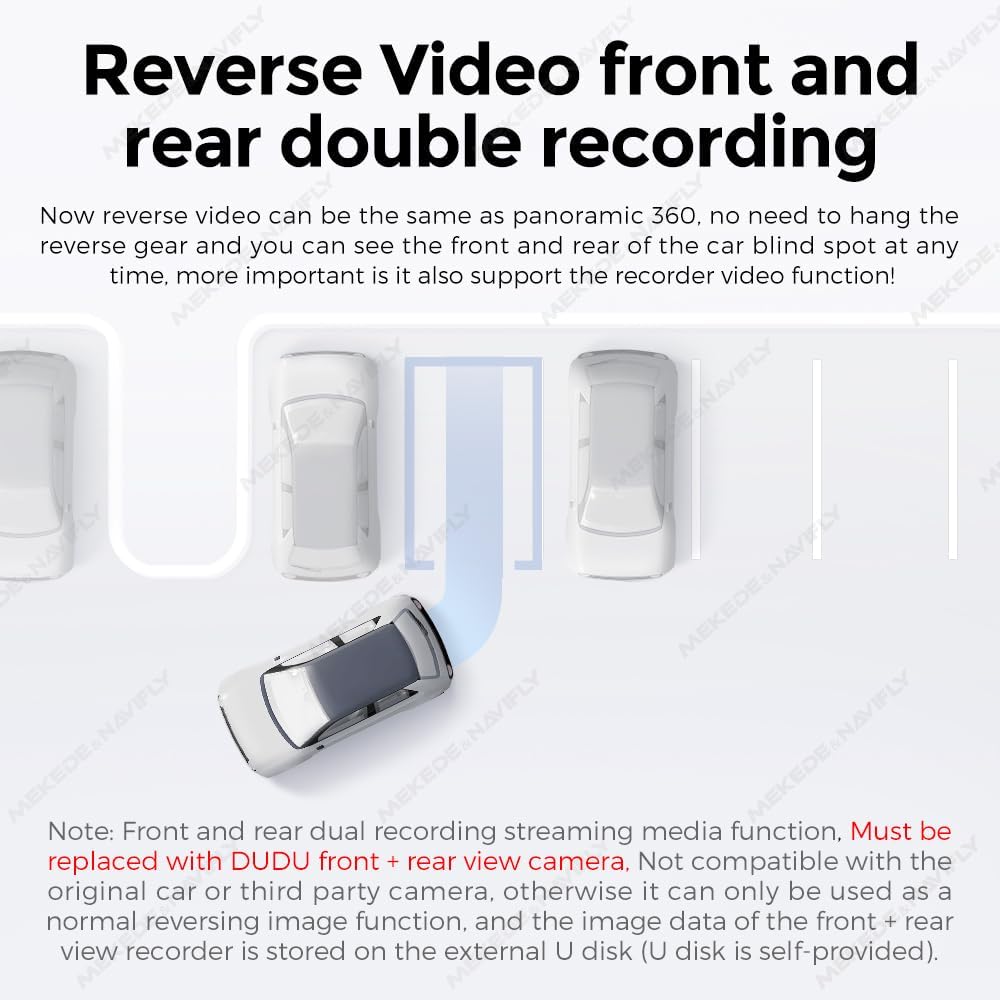
Figure 5: The camera supports reverse video functionality, providing a clear view behind the vehicle. Note: Front and rear dual recording streaming media function requires replacement with DUDU front + rear view camera and external U disk for storage (U disk self-provided).
6. Maintenance
To ensure the longevity and optimal performance of your DUDUAUTO Rear Camera, follow these simple maintenance guidelines:
- Regular Cleaning: Periodically clean the camera lens with a soft, damp cloth to remove dirt, dust, or water spots that may obstruct the view. Avoid abrasive cleaners.
- Inspect Wiring: Occasionally check the wiring and connections for any signs of wear, damage, or loose connections. Ensure all cables are securely fastened and protected.
- Waterproof Integrity: While the camera is IP68 waterproof, avoid directing high-pressure water jets directly at the lens or cable entry points during car washes.
- Environmental Adaptability: The camera is designed to adapt to various harsh weather conditions, from extreme heat to cold. No special winterization or summer preparation is typically required beyond ensuring the lens is clear.
7. Troubleshooting
If you encounter issues with your DUDUAUTO Rear Camera, please refer to the following common problems and solutions:
- No Image on Screen:
- Check all power and ground connections to ensure they are secure.
- Verify the video RCA cable is properly connected to the correct input on your Android radio.
- Ensure the reverse trigger wire (if applicable) is correctly connected and receiving a signal when reverse gear is engaged.
- Confirm your Android radio is set to automatically switch to the camera input when reverse is selected.
- Flickering or Distorted Image:
- Check for loose video cable connections.
- Ensure the power supply is stable and free from interference.
- Inspect the video cable for damage or kinks.
- Poor Night Vision:
- Clean the camera lens thoroughly.
- Ensure there are no obstructions blocking the camera's view.
- Image is Upside Down or Mirrored:
- Some cameras have small wires (often white or green loops) that can be cut to flip or mirror the image. Consult your camera's specific instructions or your Android radio settings for image adjustment options.
If the problem persists after attempting these solutions, please contact customer support.
8. Warranty and Support
MekedeTech stands behind the quality of its DUDUAUTO products. For specific warranty details, including coverage period and terms, please refer to the warranty card included with your product or visit the official MekedeTech website.
For technical assistance, troubleshooting, or warranty claims, please contact MekedeTech customer support through the following channels:
- Website: [Insert MekedeTech Support Website Here]
- Email: [Insert MekedeTech Support Email Here]
- Phone: [Insert MekedeTech Support Phone Number Here]
Please have your product model number (Rear Camera) and purchase information ready when contacting support.