
1. Introduction
This manual provides detailed instructions for installing and operating your BRIKSMAX 2.0 Advanced LED Light Kit, designed specifically for the LEGO Ideas 21350 Jaws set. This lighting kit enhances the visual appeal of your LEGO model with innovative and vibrant lighting effects. Please read all instructions carefully before beginning installation.

Image 1.1: The LEGO Jaws set illuminated by the BRIKSMAX 2.0 Light Kit.
2. Safety Information
- Keep small parts away from children to prevent choking hazards.
- Handle wires and LED components gently to avoid damage.
- Ensure power source is disconnected before making any adjustments or repairs.
- Do not expose components to excessive heat or moisture.
3. Package Contents
Verify that all components listed below are present in your package:
- LED Light Kit components
- Paper instructions
- User Guide
- AA Battery Box (Batteries not included)
- USB cable
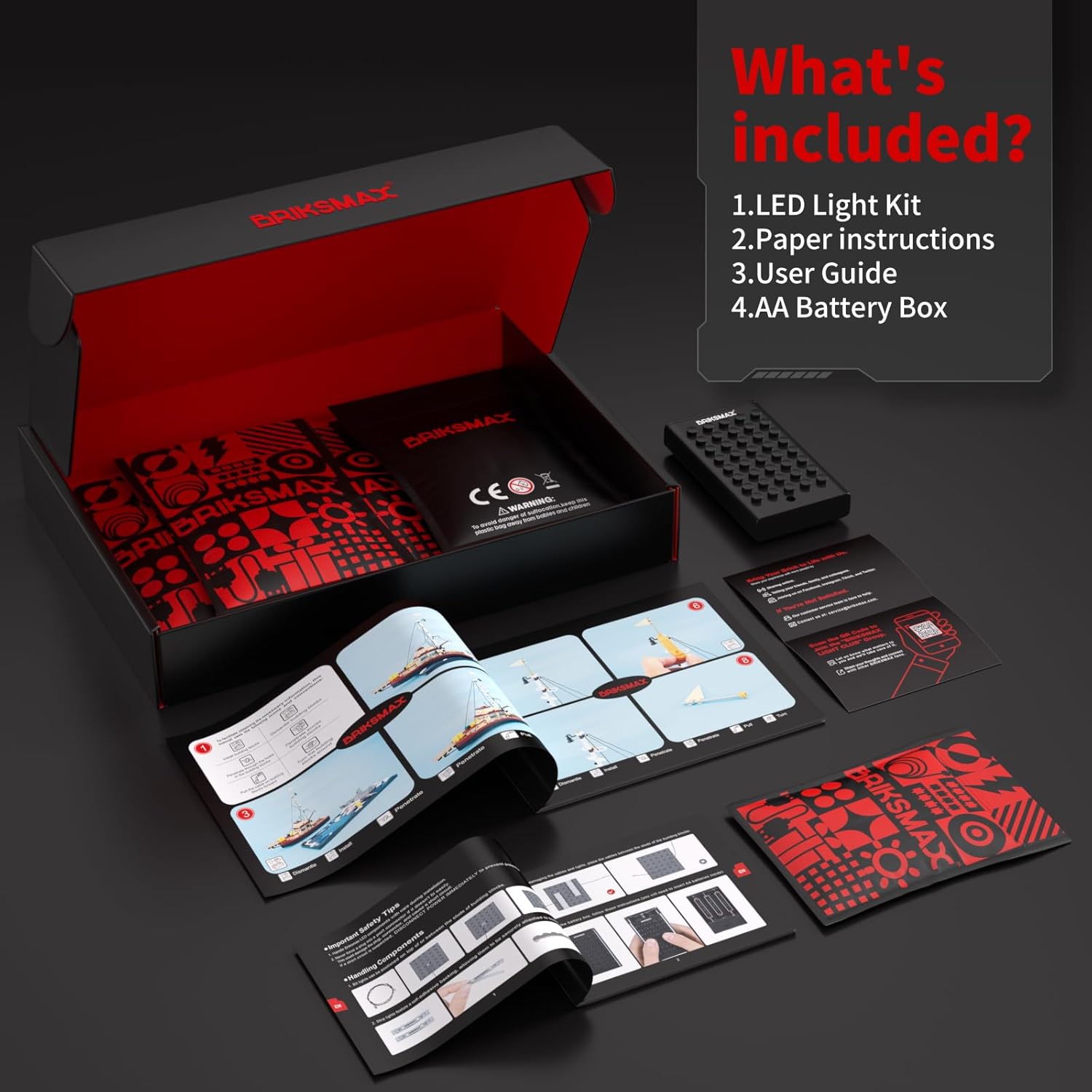
Image 3.1: Included components of the BRIKSMAX 2.0 Light Kit.
4. Setup Instructions
Follow these steps to install the light kit onto your LEGO Ideas 21350 Jaws set. It is recommended to refer to the detailed video instructions for visual guidance.
4.1. Preparation
- Ensure your LEGO Jaws set is fully assembled according to its original instructions.
- Carefully unpack all BRIKSMAX light kit components.
4.2. Wire Management and Component Placement
The BRIKSMAX 2.0 kit features newly designed wire organizer parts to help conceal wires and prevent breakage, ensuring a neat and secure fit.

Image 4.1: Example of wire organization using specialized parts.
Lights and expansion boards are designed with a brick shell to reduce exposed components, improving both safety and aesthetics. Follow the included paper instructions for specific placement of each light and expansion board.

Image 4.2: Comparison of BRIKSMAX component design for enhanced security and ease of installation.
4.3. Connecting Power
Connect the light kit to the provided AA Battery Box or a compatible USB power source using the USB cable. Ensure the power source matches the kit's requirements.
4.4. Visual Installation Guide
For a comprehensive visual guide on the installation process, please watch the official BRIKSMAX installation video:
Video 4.1: Official BRIKSMAX 2.0 Light Kit installation and demonstration for LEGO Ideas 21350 Jaws.
5. Operating Instructions
Once installed, your BRIKSMAX light kit will bring your LEGO Jaws set to life with dynamic lighting effects.
5.1. Powering On/Off
Use the switch on the battery box or the remote control (if included with your specific kit) to turn the lights on or off.
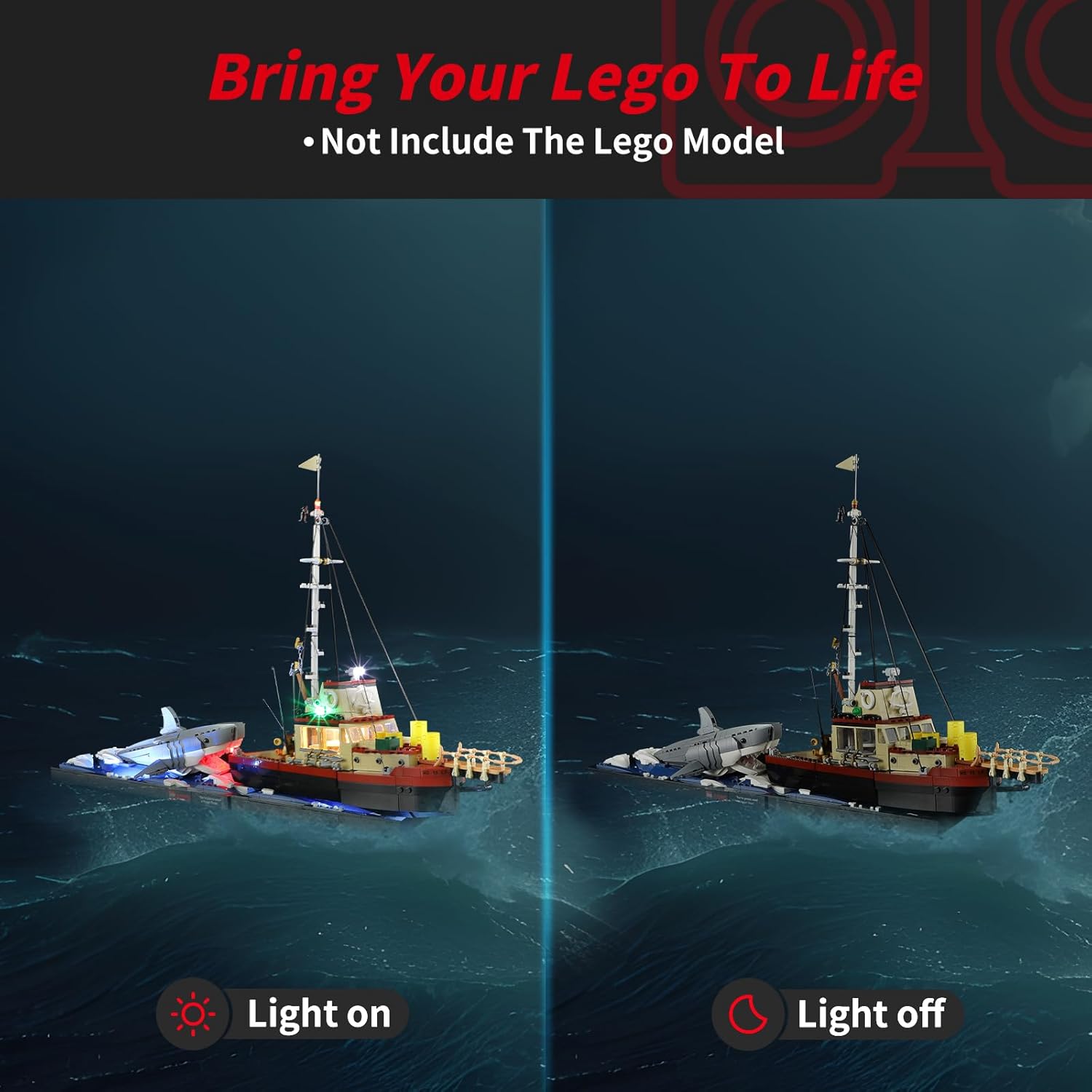
Image 5.1: The LEGO Jaws set with lights on (left) and lights off (right).
5.2. Remote Control Functions
If your kit includes a remote control, it allows for various lighting adjustments, including brightness and effect modes. Refer to the remote control's specific instructions for full functionality.
Video 5.1: Demonstration of remote control functionality for BRIKSMAX Light Kit for LEGO Jaws.
5.3. Flexible DIY Options
The independent accessories allow for flexible installation. You can disassemble and reconfigure light points to create unique display effects for your LEGO set.
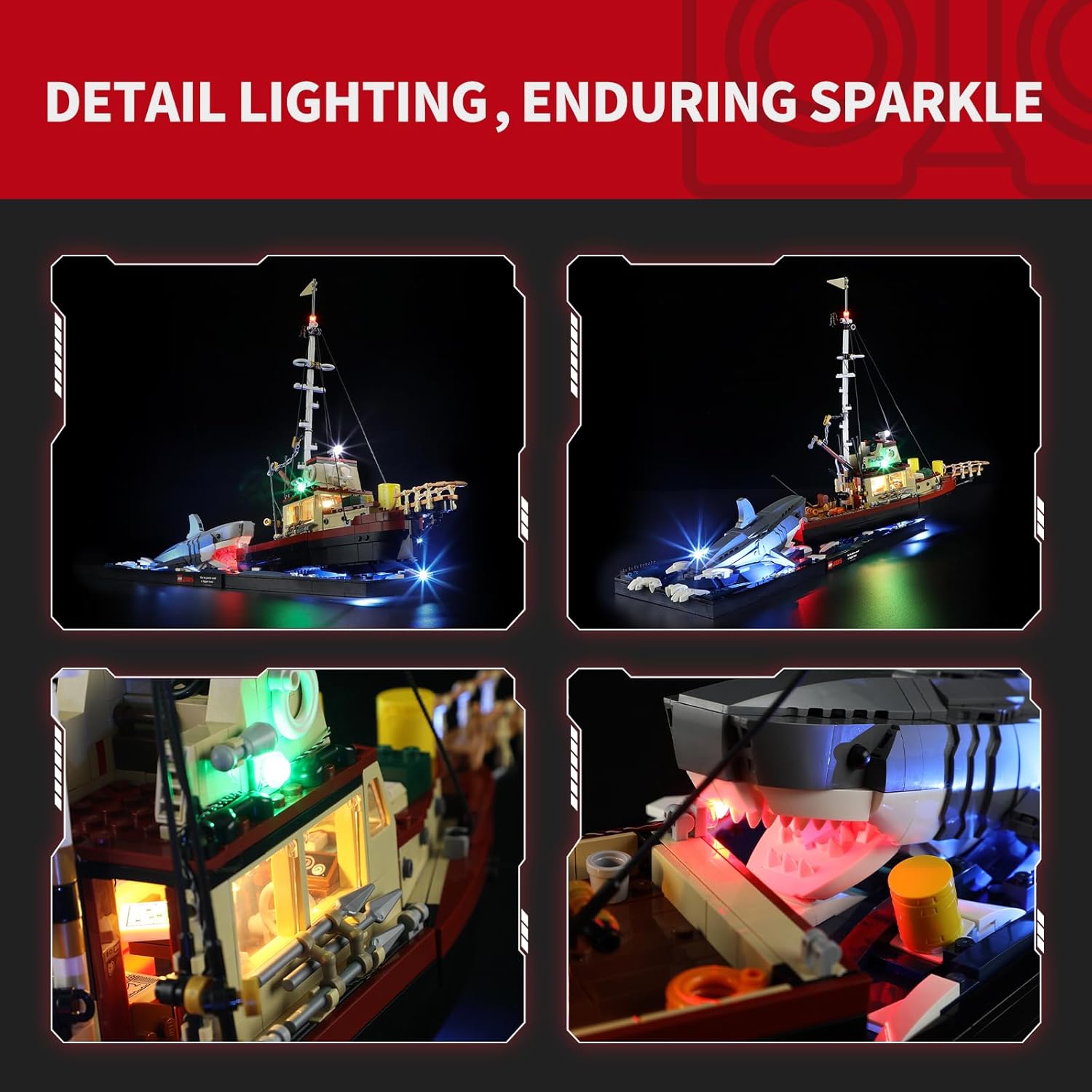
Image 5.2: Detailed lighting effects on the LEGO Jaws set.
6. Maintenance
- Keep the light kit clean and free from dust. Use a soft, dry cloth for cleaning.
- Avoid pulling or bending wires excessively to prevent damage.
- If using a battery box, replace batteries when lights dim to ensure optimal performance.
7. Troubleshooting
If you encounter any issues with your BRIKSMAX light kit, please refer to the following common solutions:
| Problem | Possible Cause | Solution |
|---|---|---|
| Lights not turning on | No power, loose connection, dead batteries | Check battery box/USB connection. Ensure batteries are fresh and correctly inserted. Verify all connections are secure. |
| Some lights are dim or flickering | Low battery power, loose wire, damaged LED | Replace batteries. Check wire connections to the affected lights. If an LED is damaged, contact support for replacement. |
| Wires are visible or not fitting well | Incorrect routing, insufficient use of organizers | Refer to the installation video and paper instructions for proper wire routing. Utilize all provided wire organizers to conceal wires effectively. |
8. Specifications
- Brand: BRIKSMAX
- Model: 21350 (Compatible with LEGO Ideas 21350 Jaws)
- Style: Advanced Lighting
- Material: Plastic
- Light Source Type: Light Emitting Diode (LED)
- Power Source: Battery Powered (AA batteries, not included)
- Number of Light Sources: 3 (as per product specifications, actual count may vary by kit design)
- Bulb Features: Color changing, lighting effects
- Product Dimensions: 6.5 x 4.72 x 1.57 inches
- Item Weight: 8.8 ounces
- Recommended Age: 8 years and up
9. Warranty and Support
BRIKSMAX LED lighting kits are manufactured from safe and reliable materials. We are committed to providing excellent customer service.
- Damaged or Missing Parts: If you receive any damaged or missing parts, please contact us directly for a replacement.
- Support: For further assistance or inquiries, please visit the official BRIKSMAX store or contact our customer support team.


