1. Introduction
This manual provides essential information for the safe and efficient operation, maintenance, and troubleshooting of your VEVOR 12-inch Rechargeable Floor Fan, Model FS30. Please read this manual thoroughly before using the product and retain it for future reference.
2. Safety Instructions
To reduce the risk of fire, electric shock, or injury, observe the following safety precautions:
- Always unplug the fan before cleaning or performing any maintenance.
- Do not operate the fan with a damaged cord or plug. If the cord or plug is damaged, contact customer service for replacement.
- Keep fingers and other objects away from the fan blades and openings during operation.
- Do not immerse the fan in water or other liquids.
- This fan is designed for indoor use. Do not use outdoors or in wet locations.
- Ensure the fan is placed on a stable, level surface to prevent tipping.
- Do not use the fan near curtains, drapes, or other objects that could be drawn into the fan.
- Keep the fan away from heat sources, open flames, and flammable materials.
- This appliance is not intended for use by persons (including children) with reduced physical, sensory, or mental capabilities, or lack of experience and knowledge, unless they have been given supervision or instruction concerning use of the appliance by a person responsible for their safety.
- Children should be supervised to ensure that they do not play with the appliance.
3. Product Components
The VEVOR 12-inch Rechargeable Floor Fan (Model FS30) includes the following components:
- 1 x Fan Unit
- 1 x Charging Adapter
- 1 x Instruction Manual (this document)
- 2 x Plastic Knobs (for assembly/adjustment)

Image: Overview of the VEVOR 12-inch Rechargeable Floor Fan and its included accessories: the fan unit, charging adapter, and two plastic knobs.
4. Specifications
| Feature | Specification |
|---|---|
| Model Name | FS30 |
| Blade Diameter | 12 inches / 30.48 cm |
| Battery Capacity | 15600mAh |
| Fan Operating Voltage | 12V |
| Full Charge Time | 2.5 hours |
| Maximum Airflow | 1035 Cubic Feet Per Minute (CFM) |
| Wind Speed | 5.1 m/s (16.73 ft/s) |
| Main Material | Iron |
| Product Weight | 5.95 lbs / 2.7 kg |
| Product Dimensions (D x W x H) | 16.34"D x 8.07"W x 14.37"H (415mm x 205mm x 365mm) |
| Motor Type | Brushless Copper Motor |
| Control Method | Touch / Stepless Speed Knob |
| Special Feature | 360 Degree Manual Rotation |

Image: Detailed specifications and dimensional drawing of the VEVOR 12-inch Rechargeable Floor Fan, Model FS30, including battery capacity, charge time, airflow, and physical measurements.
5. Setup and Assembly
The VEVOR FS30 fan requires minimal assembly. Follow these steps:
- Unpack: Carefully remove all components from the packaging. Retain packaging for future storage or transport.
- Inspect: Check all parts for any signs of damage. If any parts are damaged or missing, do not proceed with assembly and contact customer support.
- Attach Knobs (if detached): If the side adjustment knobs are not pre-attached, align the fan head with the stand and secure it using the provided plastic knobs. Ensure they are tightened sufficiently to hold the fan head in position but allow for manual adjustment.
- Initial Charge: Before first use, fully charge the fan's internal battery. Connect the charging adapter to the charging port on the back of the fan and plug it into a standard electrical outlet. The battery indicator lights will show charging progress. A full charge takes approximately 2.5 hours.

Image: Side view of the VEVOR 12-inch Rechargeable Floor Fan, highlighting the control panel and charging port on the rear of the fan unit.
6. Operation
6.1 Powering On/Off and Speed Control
- Power On: Locate the control knob on the back of the fan. Rotate the knob clockwise from the "OFF" position to turn the fan on.
- Adjust Speed: Continue rotating the knob clockwise to increase the fan speed. The fan features stepless speed regulation, allowing for precise control over airflow. Rotate counter-clockwise to decrease speed.
- Power Off: Rotate the knob counter-clockwise until it clicks into the "OFF" position.
6.2 Battery Indicator
The control panel includes LED lights that indicate the remaining battery percentage (20%, 40%, 60%, 80%, 100%). These lights illuminate when the fan is in operation or when the charging adapter is connected.
6.3 USB Charging Port
A USB port is located on the back of the fan, allowing you to charge small electronic devices (e.g., smartphones) using the fan's internal battery. Simply connect your device's USB charging cable to this port.
6.4 Angle Adjustment
The fan head can be manually rotated 360 degrees. Loosen the plastic knobs on the sides of the fan stand, adjust the fan head to the desired angle, and then tighten the knobs to secure it in place.

Image: Close-up of the VEVOR 12-inch Rechargeable Floor Fan's control panel, showing the stepless speed knob and LED battery indicator lights.
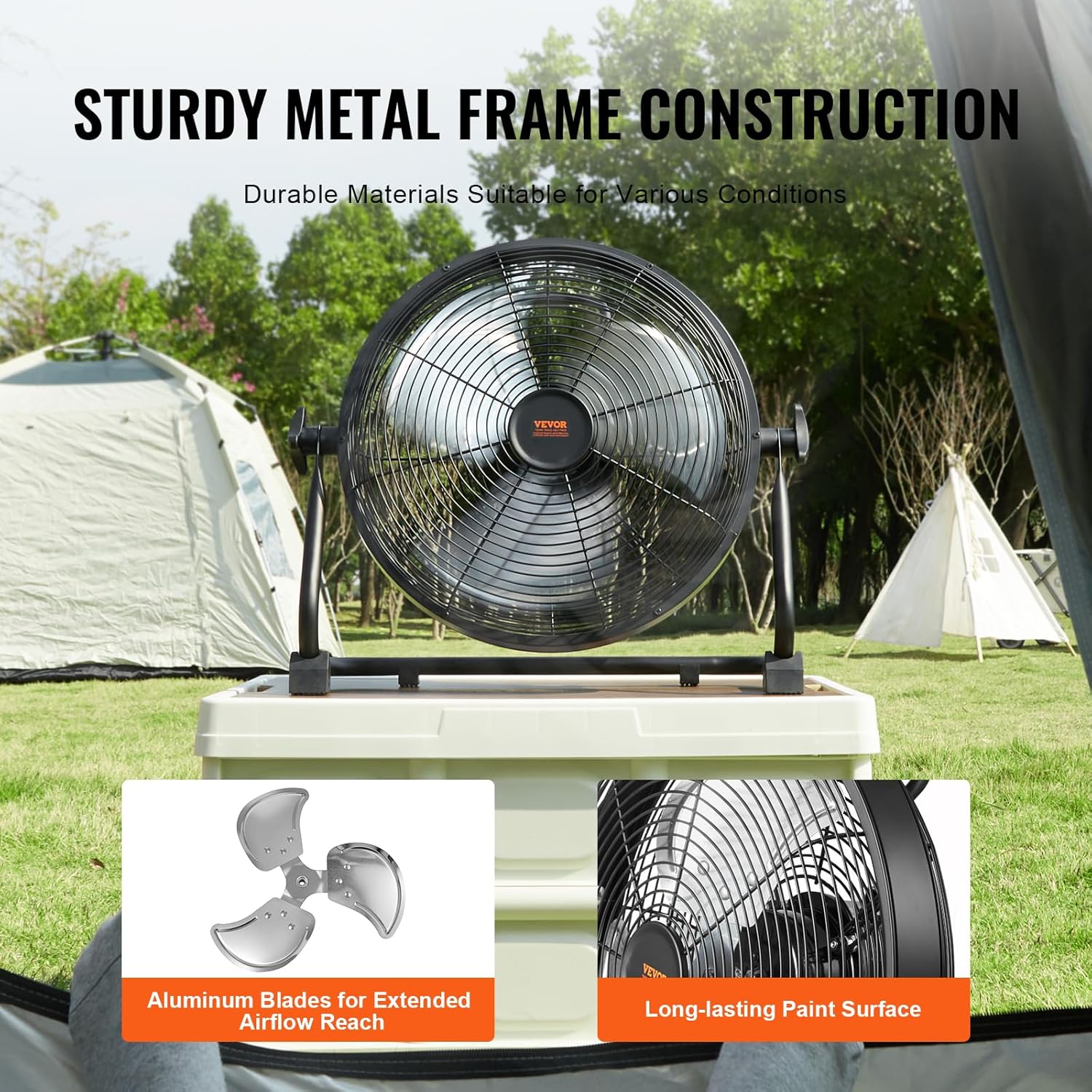
Image: The VEVOR 12-inch Rechargeable Floor Fan demonstrating its 360-degree manual pivoting head for versatile airflow direction.
7. Charging the Battery
The fan is equipped with a 15600mAh rechargeable battery. To charge:
- Ensure the fan is turned off.
- Connect the provided charging adapter to the charging port on the back of the fan.
- Plug the adapter into a suitable power outlet (100-240V AC, 50/60Hz).
- The LED battery indicators will light up to show the charging status. All five lights will be solid when fully charged.
- A full charge takes approximately 2.5 hours.
- Once fully charged, disconnect the adapter from the fan and the power outlet.
Note: The fan can operate while charging, but charging time may be extended. Battery life varies with speed setting; approximately 24 hours at the lowest speed.

Image: Illustration showing the estimated battery life of the VEVOR 12-inch Rechargeable Floor Fan: up to 24 hours at the lowest speed and approximately 5 hours at the highest speed.
8. Maintenance and Cleaning
Regular maintenance ensures optimal performance and longevity of your fan.
- Cleaning:
- Always unplug the fan before cleaning.
- Use a soft, damp cloth to wipe the exterior surfaces of the fan. Do not use abrasive cleaners or solvents.
- To clean the fan blades, the front grille may need to be removed. Refer to the assembly instructions for safe removal and reattachment. Use a soft brush or vacuum cleaner to remove dust from the blades and grille.
- Ensure all parts are completely dry before plugging the fan back in or operating it.
- Storage:
- When not in use for extended periods, store the fan in a cool, dry place.
- It is recommended to store the fan in its original packaging to protect it from dust and damage.
- Charge the battery fully before storing and recharge every 3-6 months to maintain battery health.

Image: Close-up of the VEVOR 12-inch Rechargeable Floor Fan's durable metal frame and aluminum blades, emphasizing its robust construction for various environments.
9. Troubleshooting
If you encounter issues with your VEVOR FS30 fan, refer to the following table for common problems and solutions.
| Problem | Possible Cause | Solution |
|---|---|---|
| Fan does not turn on. | Battery is depleted. Power knob is in "OFF" position. Charging adapter not properly connected (if charging). | Charge the battery fully. Rotate the power knob clockwise to turn on. Ensure charging adapter is securely connected and plugged into a live outlet. |
| Fan runs slowly or with reduced airflow. | Battery is low. Fan speed setting is too low. Grille or blades are obstructed/dirty. | Recharge the battery. Rotate the speed knob clockwise to increase speed. Clean the fan grille and blades as per maintenance instructions. |
| Fan makes unusual noise. | Obstruction in fan blades. Loose components. | Turn off and unplug the fan. Carefully check for and remove any obstructions. Ensure all assembly knobs are tightened. |
| USB charging port not working. | Fan battery is too low. Device cable is faulty. | Ensure the fan battery has sufficient charge. Try a different USB cable or device to confirm functionality. |
If the problem persists after attempting these solutions, please contact VEVOR customer support.
10. Warranty and Support
For warranty information, technical support, or service inquiries, please refer to the contact details provided on the VEVOR official website or your purchase documentation. Keep your purchase receipt as proof of purchase for warranty claims.
VEVOR Official Website: www.vevor.com


